
جدول المحتويات
- What You Need to Calculate Before Printing
- How to Determine Booklet Page Count
- Page Count Rules by Binding Method
- How to Calculate Booklet Spine Width
- How to Calculate Booklet Print Area
- Worked Booklet Printing Calculation
- Booklet File Planning Checklist
- Common Booklet Calculation Mistakes
Accurate booklet planning starts with three calculations: the total page count, the finished spine width, and the artwork area required for bleed and safe margins. This guide explains the formulas, binding assumptions, and file setup details B2B buyers should confirm before requesting a booklet printing quotation.
What You Need to Calculate Before Printing
To plan a booklet accurately, calculate three things before artwork is final: the total page count, the physical thickness created by the paper and binding, and the artwork area required for trim, bleed, and safe margins. The correct method depends on whether the booklet is saddle stitched, perfect bound, or produced with another binding method.
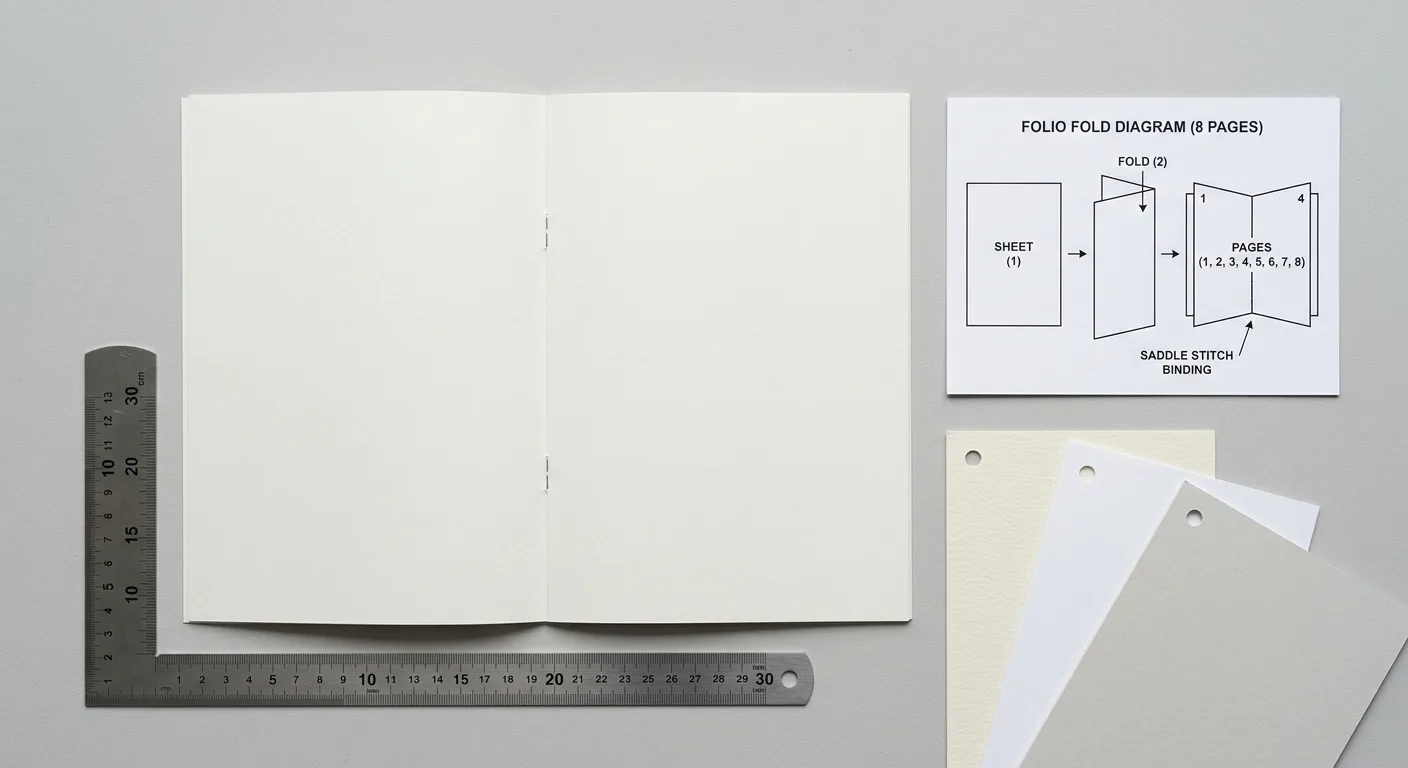
For a typical saddle-stitched booklet, the total page count is usually a multiple of four because each folded sheet creates four pages. A saddle-stitched booklet normally has no designed spine panel. For a perfect-bound booklet, the page count is generally more flexible, but the spine width must be calculated from the paper thickness and total pages.
These calculations are estimates until the printer confirms the actual paper caliper, production method, trimming tolerance, folding arrangement, and cover construction. For a useful overview of finished formats, see our دليل أحجام القص في طباعة الكتب.
How to Determine Booklet Page Count
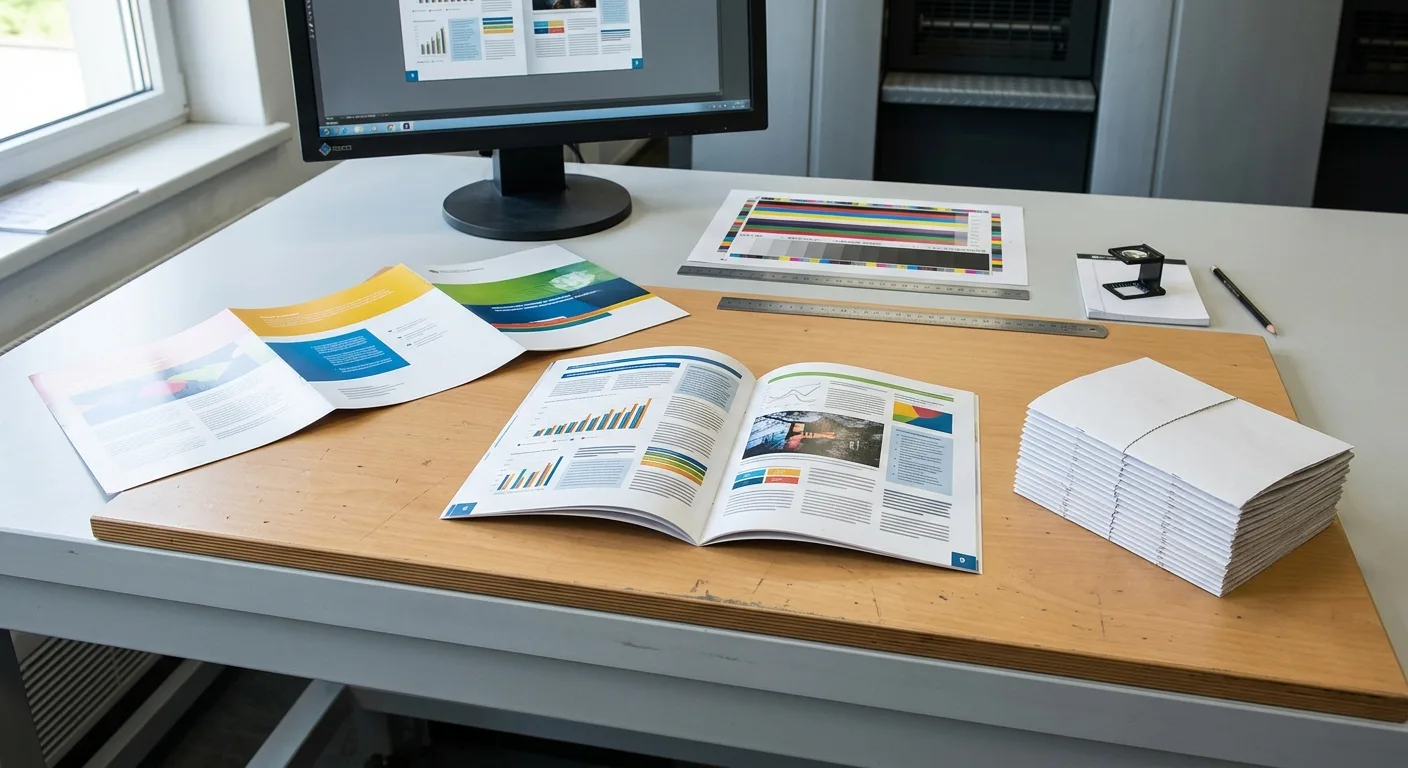
The booklet page count is the number of finished reading pages in the complete booklet. Before calculating it, decide whether your specification counts the cover as part of the total. Printing suppliers often describe a saddle-stitched product as an 8-page, 12-page, or 16-page booklet with the cover included, while some quote interior pages separately and then add a four-page cover. Confirm the convention on the quotation.
Count the reading sequence first
Start with the content rather than the paper layout. Count the title page, contents page, product information, advertising pages, blank pages, and any other pages that the reader will receive. Do not count the front and back of a single sheet as one page: each printed side is one page.
If a document contains 14 content pages and will use a separate four-page cover, the project has 14 interior pages plus a four-page cover. If the cover is included in the stated total, the supplier may describe the same construction differently. The important point is to identify both numbers in the specification.
Allow for blank pages when necessary
A final page may need to remain blank to fit the printer’s folding and imposition plan. For example, an 18-page interior may be adjusted to 20 pages for a saddle-stitched format. Use blank pages intentionally for notes, ordering information, copyright details, or advertisements rather than leaving the change until prepress.
If you are preparing the PDF yourself, also review our print-ready book file checklist for guidance on page dimensions, bleed, colour, images, fonts, and proofing.
Page Count Rules by Binding Method
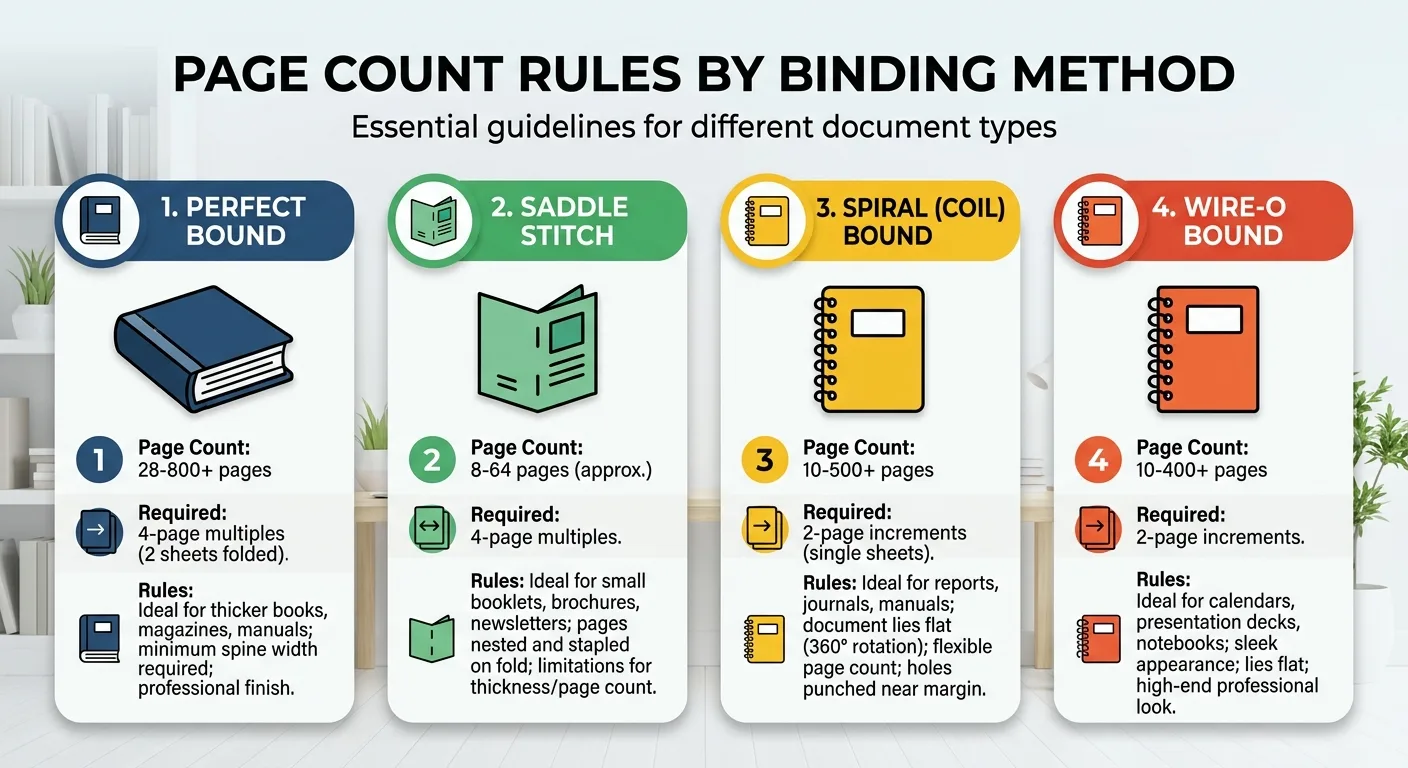
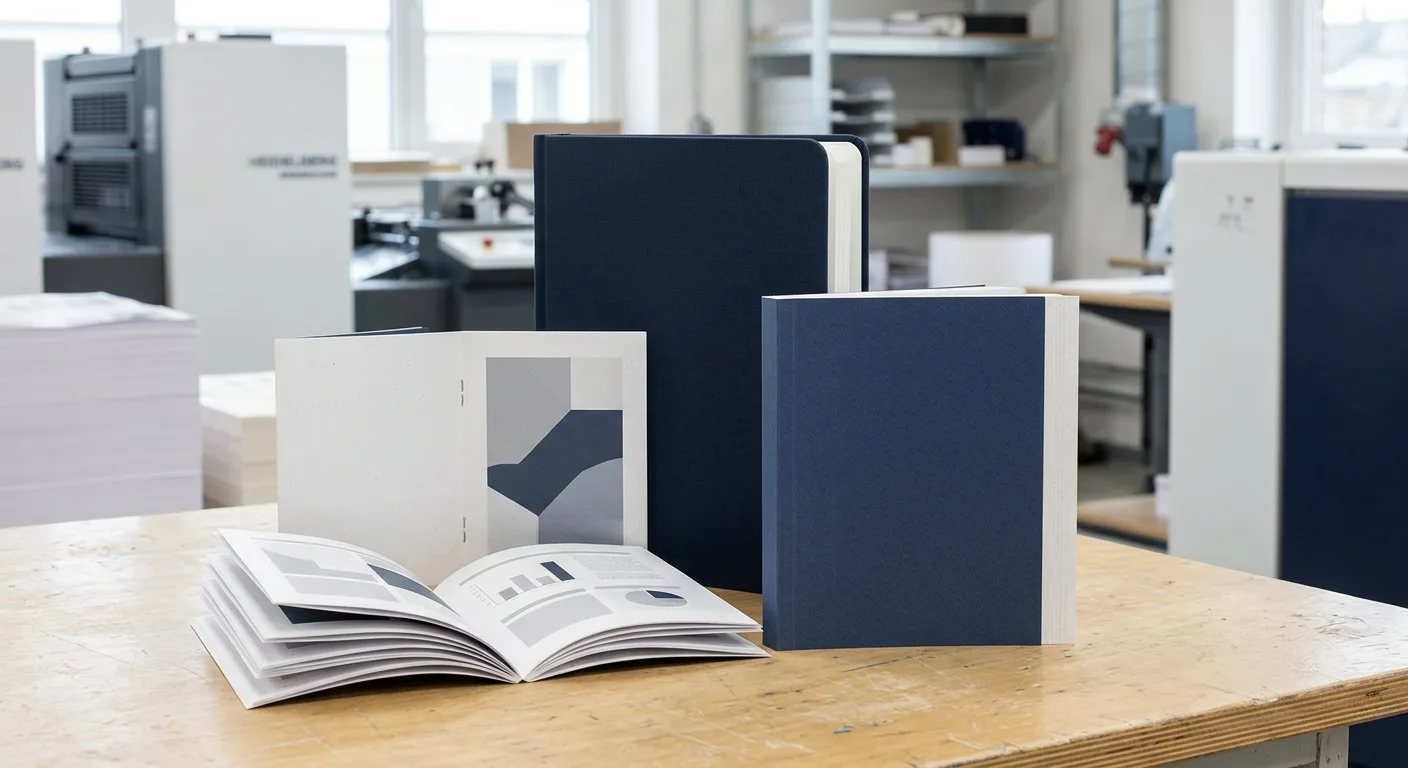
Binding determines how pages are gathered, folded, or glued, so it directly affects booklet page planning.
Saddle-stitched booklets
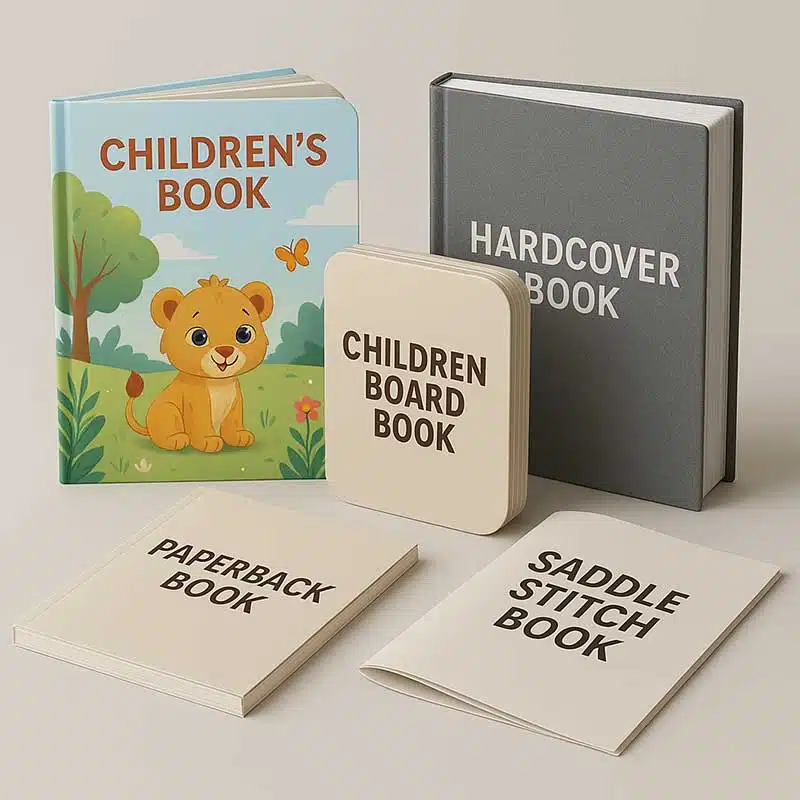
Saddle stitching uses folded sections secured with staples through the fold. Each folded sheet contributes four pages, so the finished total is normally divisible by four: 8, 12, 16, 20, and so on. The cover is often made from one folded sheet and contributes four cover pages. A saddle-stitched product normally has a fold rather than a printable spine width.
When the booklet becomes thick, the inner pages can push outward slightly during folding. This is called creep or push-out. The printer may compensate during imposition, but the effect should be considered when placing page numbers, borders, or artwork close to the trim edge.
Perfect-bound booklets
Perfect binding gathers individual sheets or folded sections and attaches them to a glued spine. It does not use the same strict four-page rule as saddle stitching, although the production plan may still require page counts that suit the chosen press sheet or signature format. A perfect-bound booklet usually needs a separate cover file with a back cover, spine, and front cover.
For projects where the booklet will be opened frequently or handled in a retail or institutional setting, confirm whether a different binding is more appropriate. Our guide to case binding versus perfect binding explains the practical construction differences.
How to Calculate Booklet Spine Width
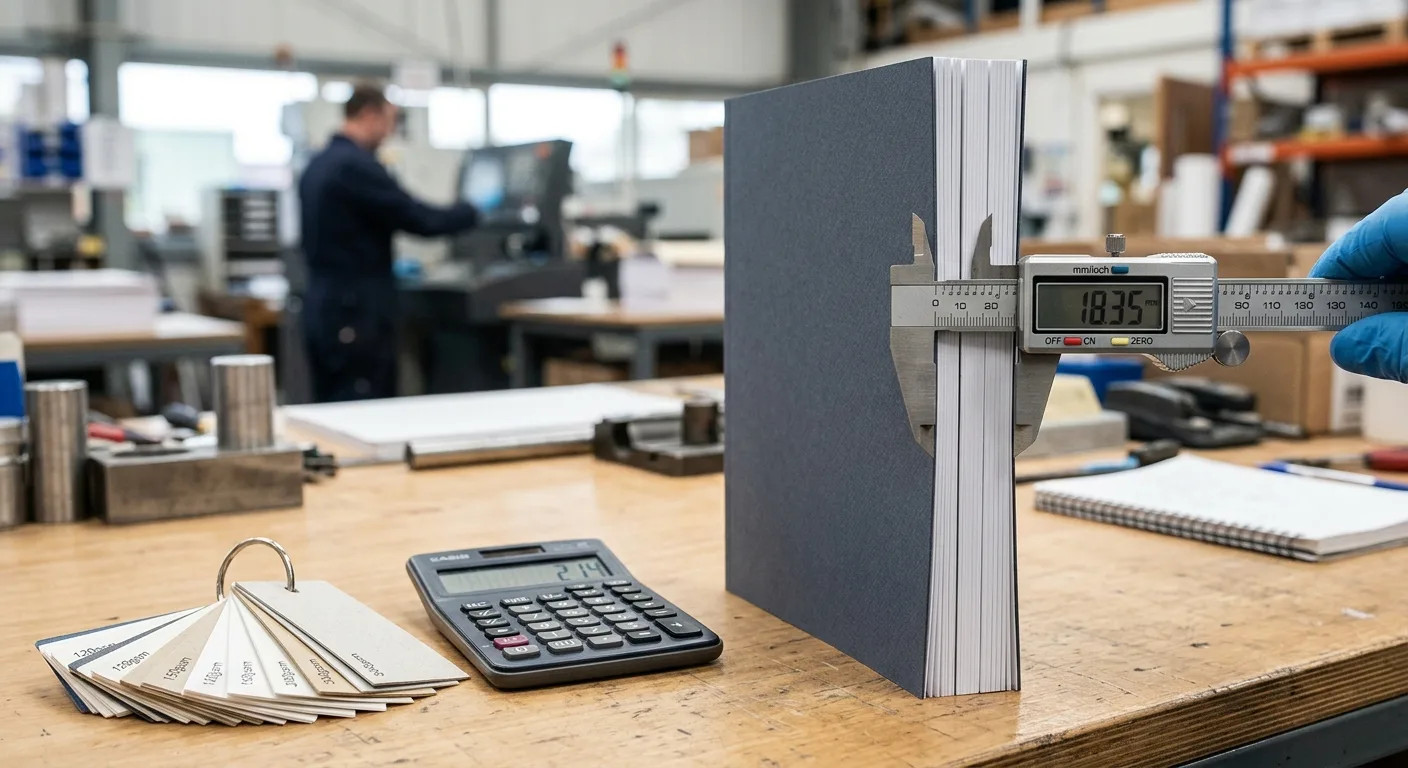
For a perfect-bound booklet, the basic booklet spine width formula is:
Spine width = total pages ÷ 2 × paper caliper
Paper caliper is the thickness of one sheet, usually expressed in millimetres or inches. If the paper specification is given as pages per inch, use this alternative:
Spine width = total pages ÷ pages per inch
These formulas estimate the thickness of the paper block. The final cover spread may also be affected by the cover stock, adhesive, hinge construction, laminate, and the printer’s binding process. That is why a spine value calculated from GSM alone should not be treated as final. GSM measures paper weight, while caliper or bulk describes thickness. For a deeper explanation, read our guide to paper bulk and GSM for spine-width calculation.
Example using paper caliper
Suppose a perfect-bound booklet has 96 pages and the selected text paper has a caliper of 0.09 mm per sheet:
96 ÷ 2 × 0.09 mm = 4.32 mm
The estimated paper-block spine is 4.32 mm. The printer may adjust this value after checking the actual paper sample and binding method. If the page count changes, recalculate the spine before changing the cover artwork.
Does a saddle-stitched booklet need a spine?
Usually, no. Saddle stitching creates a folded centre, not a separate glued spine panel. A very thick saddle-stitched booklet may show a visible fold, but it should not be prepared like a perfect-bound cover unless the printer specifically requests a fold or wrap layout.
How to Calculate Booklet Print Area
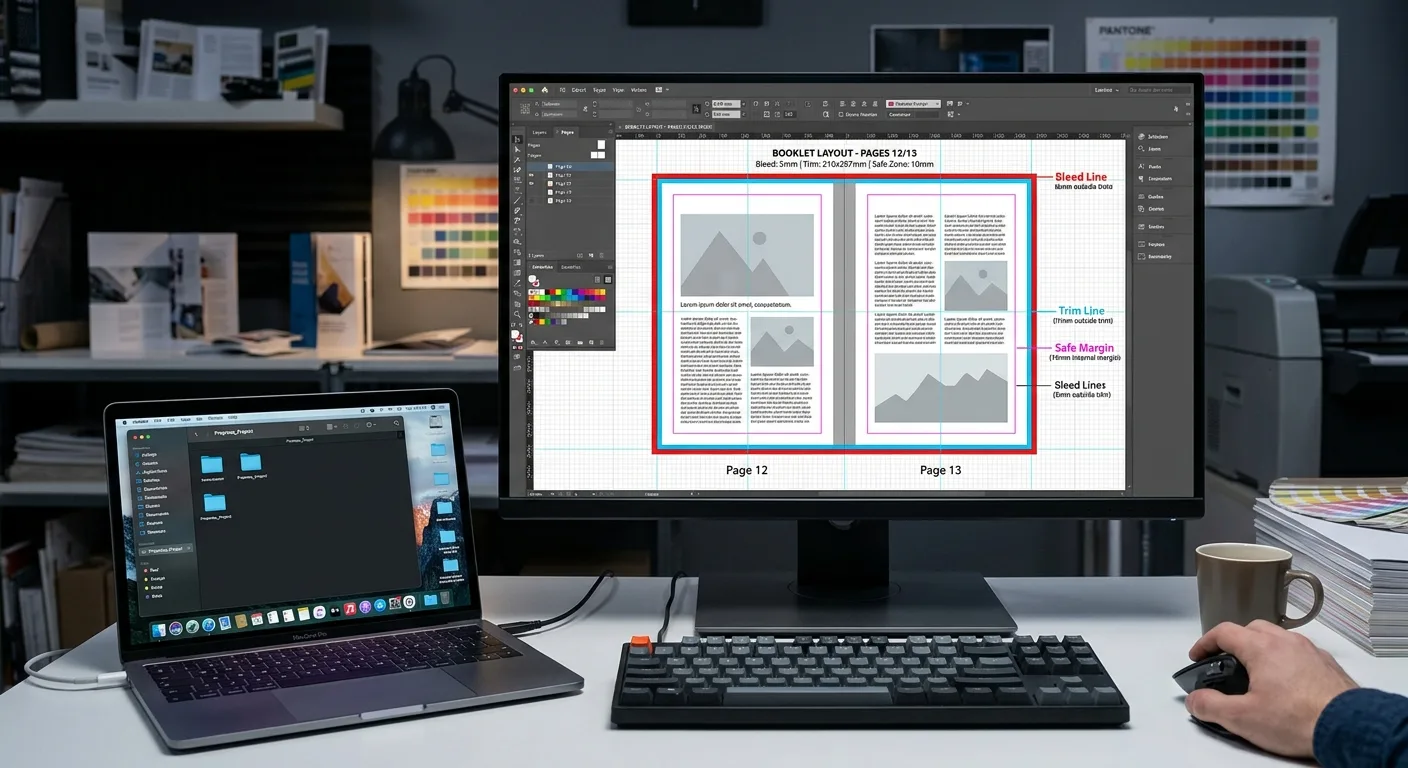
Print area can mean either the physical artwork canvas or the area where important text and graphics may safely be placed. Treat both separately.
Single-page artwork size
If the finished trim size is W × H and the required bleed is B on each side, set up each single page at:
Artwork width = W + 2B
Artwork height = H + 2B
For example, a 210 × 148 mm landscape page with 3 mm bleed on every edge requires a 216 × 154 mm page canvas. The trim line remains 210 × 148 mm. Background colours and images that touch the edge should extend through the bleed.
Two-page spread artwork
For a spread made from two pages, the approximate canvas is:
Spread width = 2W + 2B
Spread height = H + 2B
This assumes the bleed is applied to the outside edges of the spread. Follow the printer’s template if it specifies a different gutter or inner-bleed arrangement. Do not place critical text across the fold or trim area.
Perfect-bound cover artwork
A perfect-bound cover spread contains the back cover, spine, and front cover. Its approximate dimensions are:
Cover width = W + spine width + W + 2B
Cover height = H + 2B
The cover file should also include a safe zone inside the trim and away from the spine fold or hinge. The exact cover template should be based on the printer-confirmed spine measurement, not only an online estimate.
Worked Booklet Printing Calculation
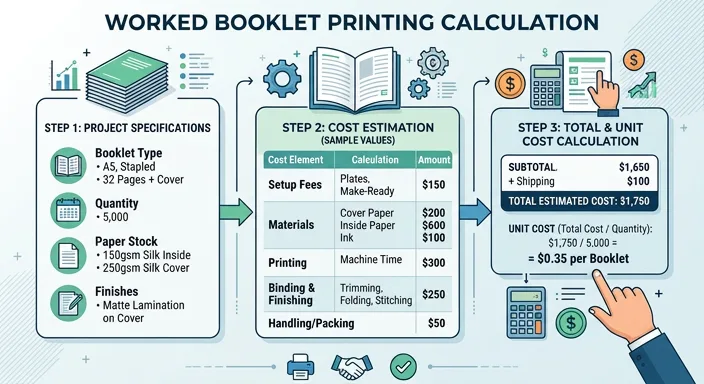
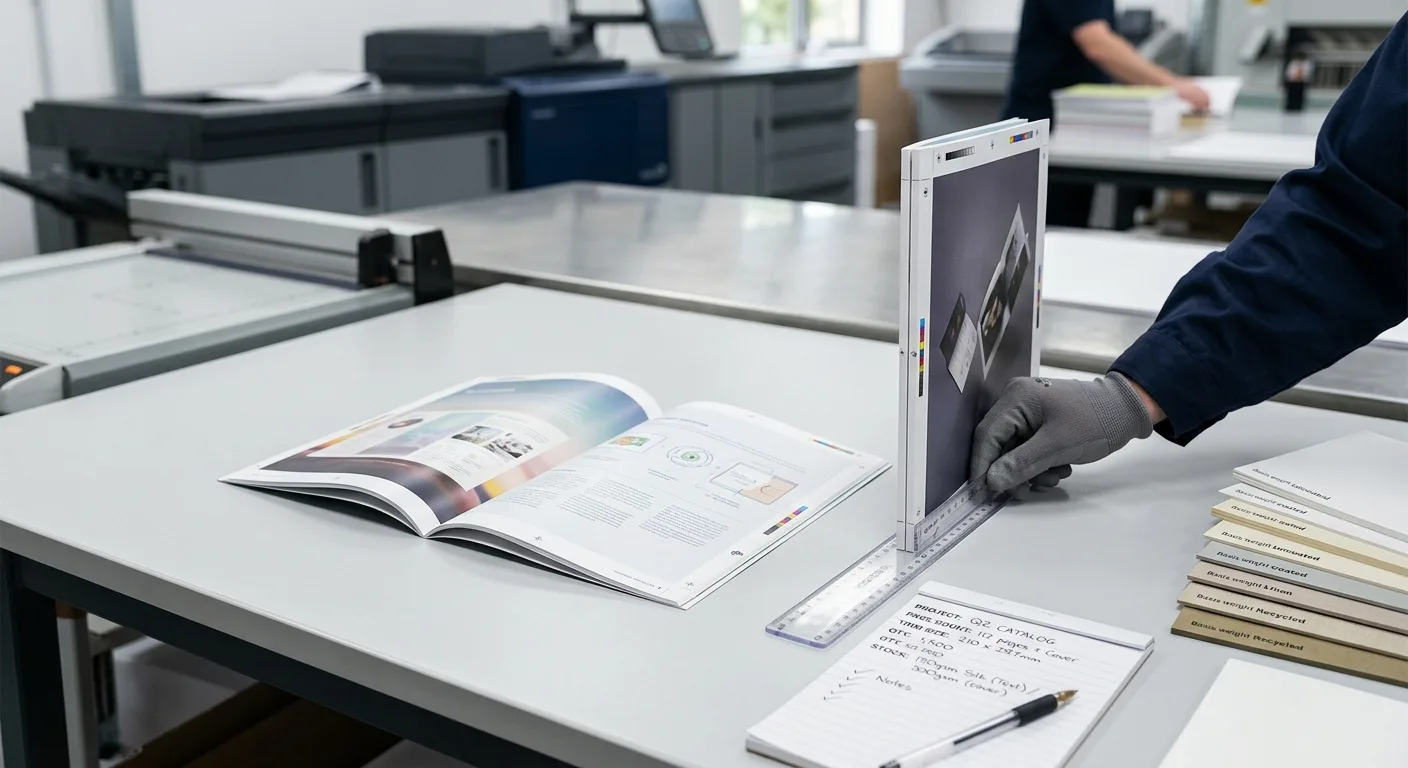
Consider a 32-page perfect-bound booklet with a finished trim size of 170 × 240 mm. The text stock has an estimated caliper of 0.10 mm per sheet, and the printer requests 3 mm bleed.
- عدد الصفحات: The book block contains 32 pages. Confirm whether the cover is quoted separately or included in the supplier’s total.
- Spine estimate: 32 ÷ 2 × 0.10 mm = 1.60 mm for the paper block.
- Single-page file size: 170 + 6 = 176 mm wide by 240 + 6 = 246 mm high.
- Cover spread size: 170 + 1.60 + 170 + 6 = 347.60 mm wide by 246 mm high, before any printer-specific cover adjustments.
This calculation is suitable for early planning, but it is not a substitute for a production template. If the cover uses a different stock, if the page count changes, or if the printer measures the finished block after binding, the confirmed spine may differ.
Booklet File Planning Checklist
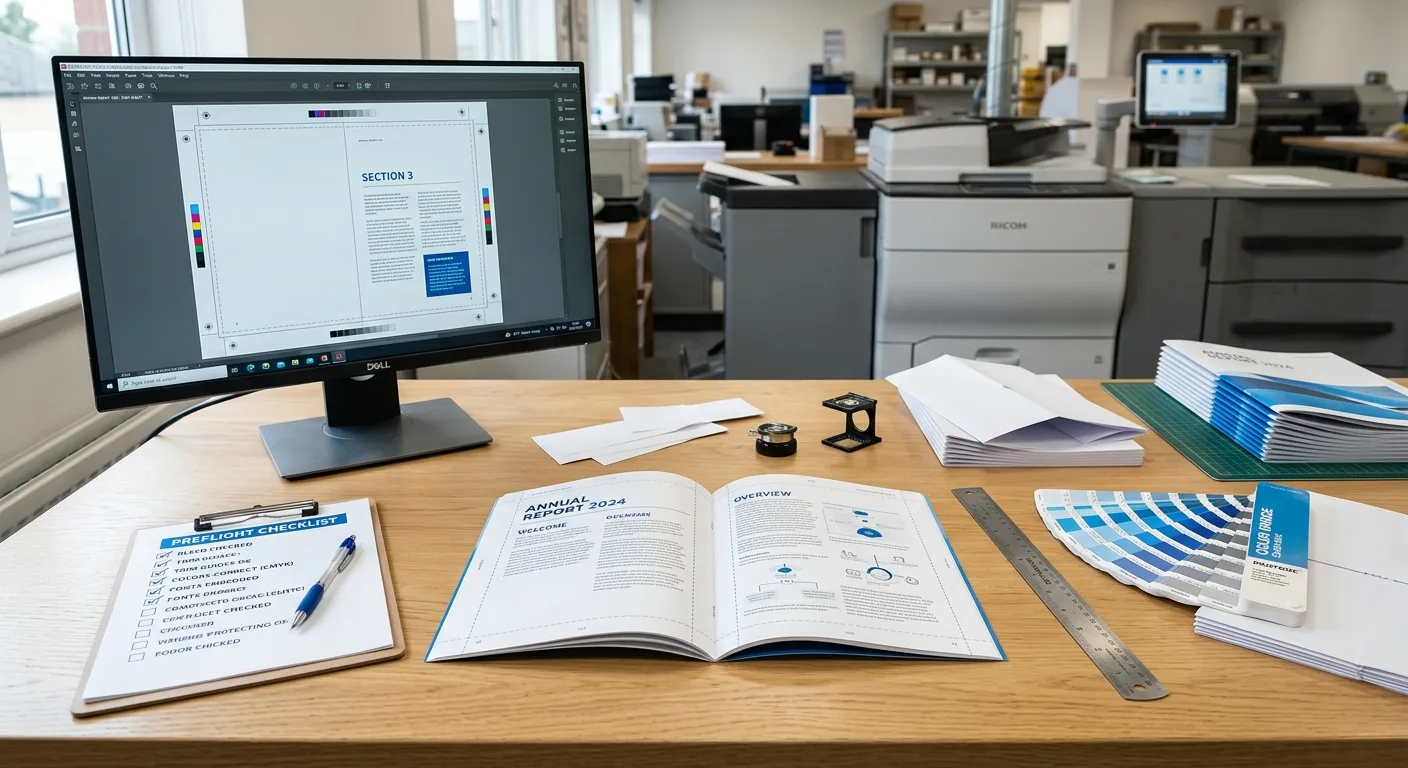
Before sending files for quotation or prepress review, prepare the following information:
- التجليد: State saddle stitching, perfect binding, or another construction. Do not assume the printer will infer it from the artwork.
- عدد الصفحات: Give the interior page count and clarify whether the cover is included in the quoted total.
- Finished size: Specify the trim width and height, including whether the format is portrait, landscape, or square.
- Paper details: Provide the preferred paper type, finish, GSM, and, where available, caliper or bulk.
- Bleed and safe area: Use the printer’s requested bleed and keep important text, logos, barcodes, and page numbers inside the safe margin.
- تصميم الغلاف: For perfect binding, request a cover template after the spine calculation has been checked.
- File order: Ask whether the supplier wants single pages or imposed printer spreads. Unless instructed otherwise, single-page PDF files are usually easier for prepress to check.
- التدقيق: Confirm whether a digital proof or physical proof is appropriate before mass production.
- Finishing and destination: List lamination, varnish, foil, die cutting, packaging requirements, and the destination country because these affect production planning and delivery arrangements.
Use the same specifications in the design file, quotation request, purchase order, and approval proof. Small differences between documents can lead to an incorrect page count or cover template.
Common Booklet Calculation Mistakes
Most booklet specification problems come from a mismatch between the design file and the manufacturing plan. Watch for these errors:
- Counting sheets instead of pages: One sheet printed on both sides creates two pages, while one folded sheet in a saddle-stitched booklet creates four pages.
- Mixing cover and interior counts: State both figures so the supplier can identify the intended structure.
- Adding a spine to a saddle-stitched cover: Saddle stitching normally uses a centre fold rather than a separate spine panel.
- Calculating spine width from GSM alone: Two papers with the same GSM can have different thicknesses. Request caliper or bulk information.
- Forgetting bleed: Artwork that ends exactly at the trim line may show a white edge after cutting.
- Putting text too close to the trim: Cutting and folding have production tolerances, so essential content needs a safe margin.
- Changing the paper after designing the cover: A change in paper thickness changes the estimated perfect-binding spine.
- Imposing pages too early: Printer imposition depends on the press, binding method, sheet size, and finishing plan. Get production instructions before creating printer spreads.
For a final file review, compare the PDF page count, trim size, bleed, cover dimensions, and binding specification against the approved quotation. If any one of these changes, request confirmation before production.