
جدول المحتويات
- What catalog content planning should deliver
- Check 1: Define the brief and content owners
- Check 2: Build one reliable product data source
- Check 3: Organize SKUs around the buying process
- Check 4: Standardize product images
- Check 5: Verify prices, claims and market details
- Check 6: Test pagination against print specifications
- Check 7: Make navigation and ordering complete
- Check 8: Control versions and approve the handoff
- Key takeaways before layout begins
Prepare your B2B catalog before design begins with eight practical checks covering source data, SKU structure, photography, pricing, navigation, page allocation and approval ownership.
What catalog content planning should deliver
Catalog content planning is the process of checking and organizing product information before page design begins. For a wholesale or B2B catalog, it should establish which products appear, how buyers find them, which information they need to order, and who approves every detail.
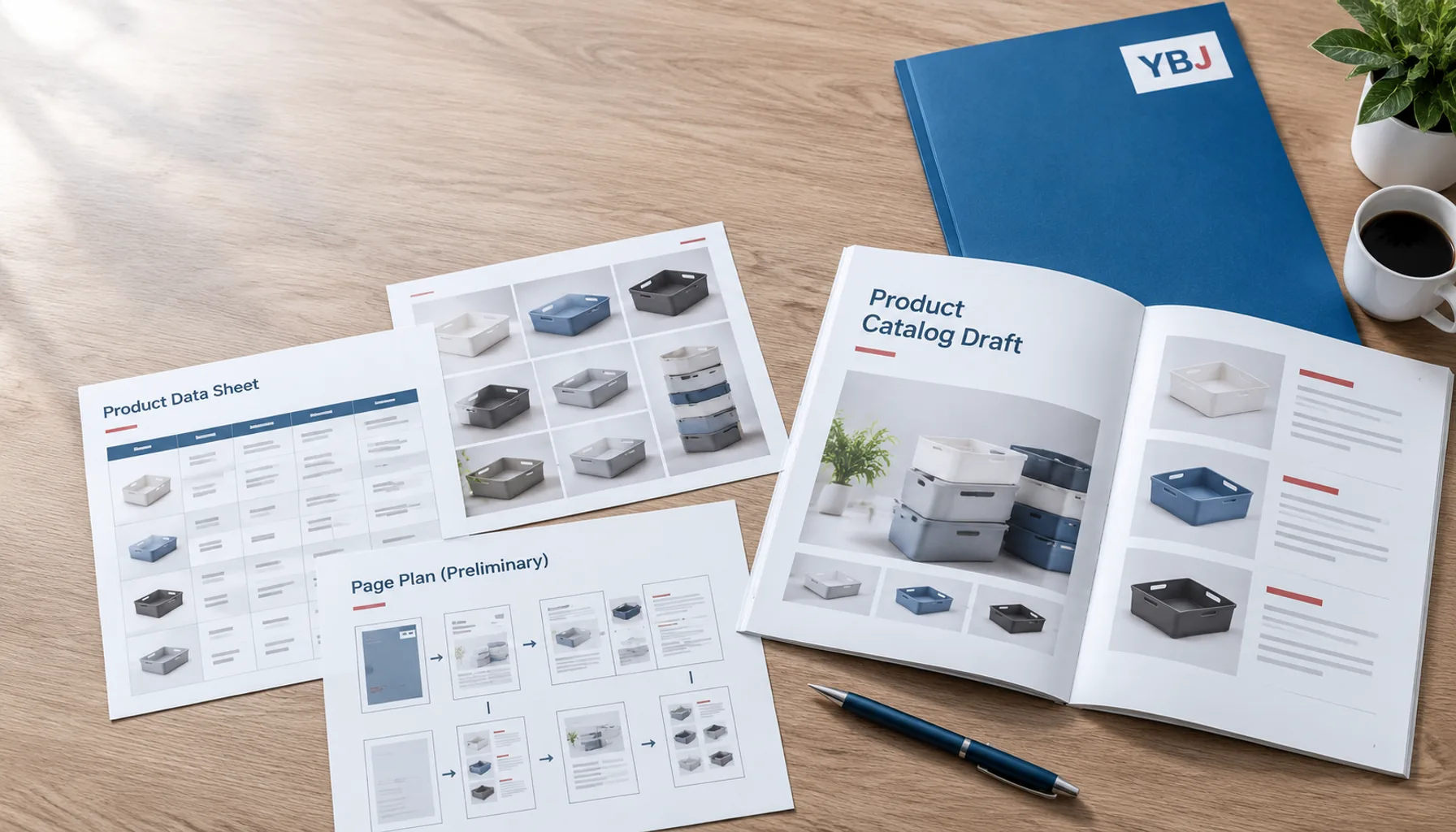
The practical output is an approved content package: a product data master, an image register, a category structure, a preliminary page plan and a revision log. These give the designer a dependable starting point and help the printer assess the proposed format.
A printed product catalog commits information to a physical edition. Missing dimensions, outdated prices or incorrect SKU references can remain in circulation after a website has been corrected. Complete the following eight checks before layout to reduce avoidable corrections and protect the usefulness of the finished catalog.
This workflow assumes a multi-product B2B catalog. Market-specific editions, translated content, technical drawings and separate price lists may require additional records and approvals.
Check 1: Set the catalog content planning brief
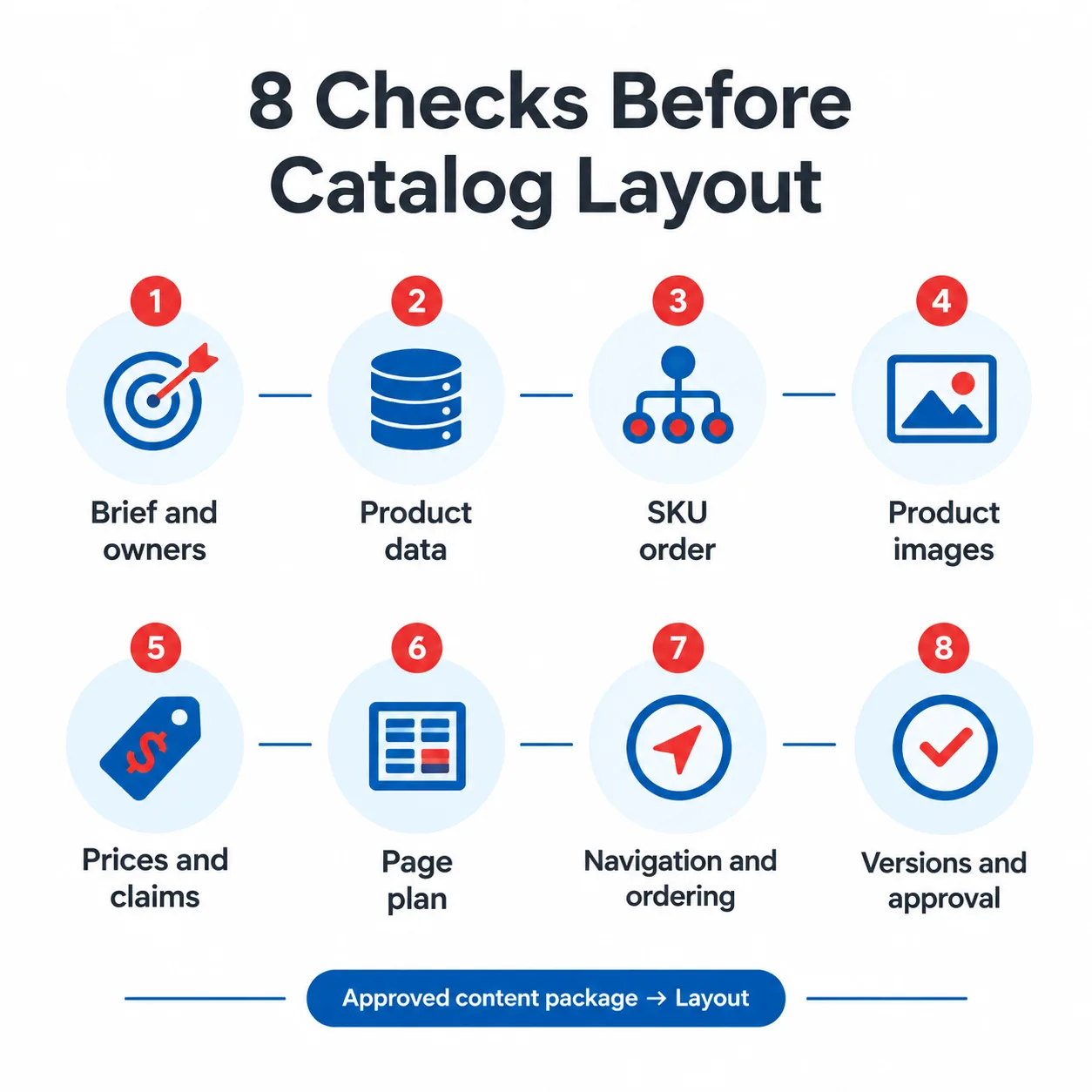
Define the buyer, purpose and approval owners before collecting copy. A distributor comparing complete ranges needs different information from a retailer selecting a seasonal assortment or a purchasing team checking replacement parts.
Write a short brief covering the intended market, language, distribution method, expected period of use and ordering route. State whether the catalog will carry prices, direct readers to a separate price list, or support quotation requests.
- Sales: confirms assortment, commercial terms and buyer priorities.
- Product or technical staff: verify specifications, compatibility and claims.
- Marketing: owns descriptions, category names and image standards.
- Project owner: consolidates changes and authorizes each content release.
Give each responsibility a named person and a deadline. Where several regional teams contribute, assign one person to resolve conflicting edits. Treat a translation as a separate approved edition with its own reviewer.
Set the proposed content freeze early, allowing time afterward for layout, corrections, proof review, production and transport. Exact lead time depends on the printing specification, file readiness, proof requirements and delivery destination; a content deadline alone does not establish a delivery date.
Check 2: Build one reliable product data source
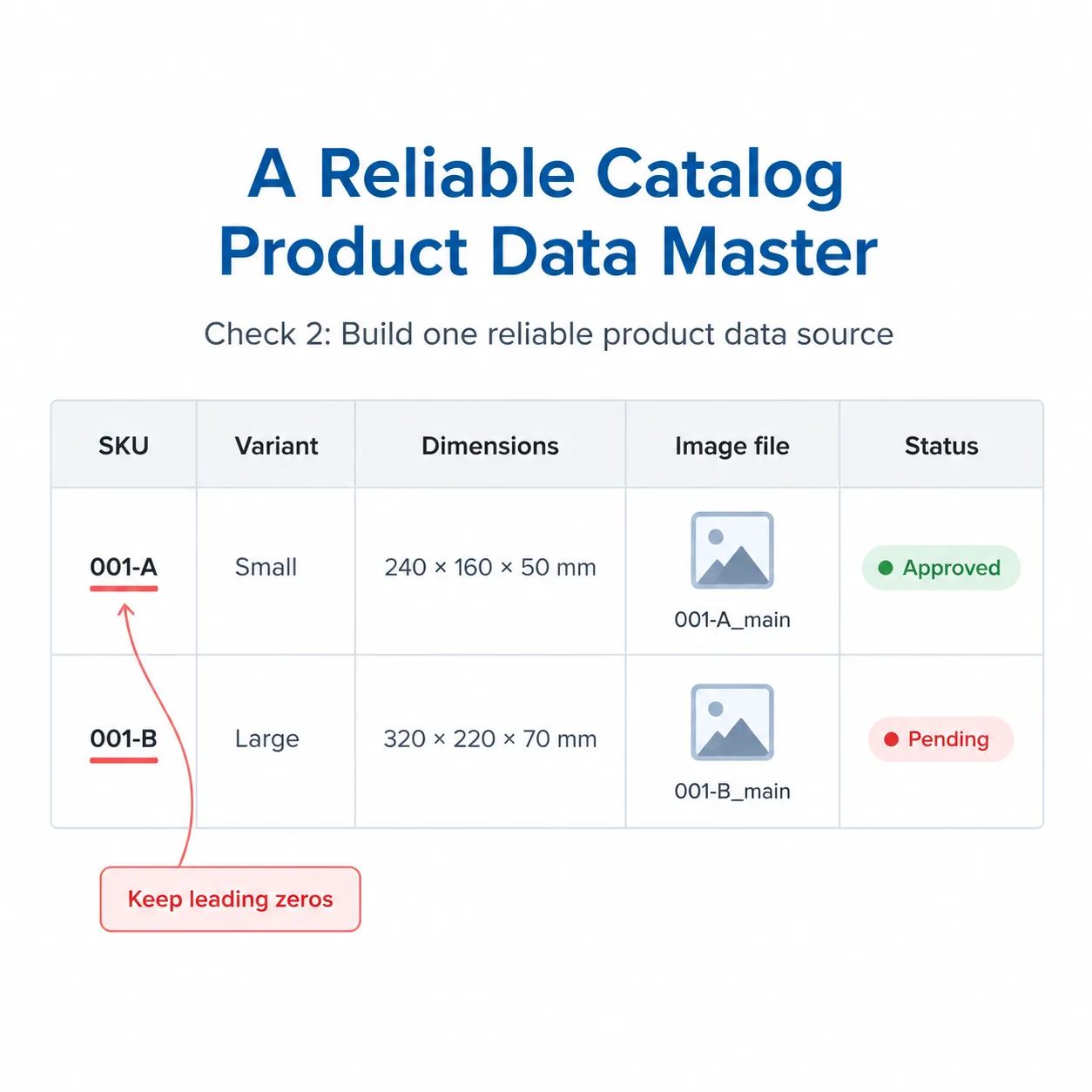
Use one approved spreadsheet or product information system as the source for every catalog entry. Collecting descriptions from old PDFs, emails and website pages without reconciliation makes inconsistencies difficult to detect.
Define whether each record represents an individual sellable SKU or a product family. Keep sellable variants separately identifiable even when several appear within one catalog panel. Store SKUs as text so leading zeros remain intact.
Agree on required fields, measurement units and missing-data rules. A blank field should mean pending confirmation; use a defined value such as “not applicable” when the field genuinely does not apply.
| SKU | Product and variant | Dimensions | المواد | Order pack | Image file | Approval |
|---|---|---|---|---|---|---|
| 001-A | Storage tray, small | 240 × 160 × 50 mm; L × W × H | Polypropylene | 12 units | 001-A_main_v03.tif | Approved |
| 001-B | Storage tray, large | 320 × 220 × 70 mm; L × W × H | Polypropylene | 8 units | 001-B_main_v02.tif | Specification pending |
Add fields for category, description, minimum order quantity, market availability, price-list reference and technical-document links where relevant. Distinguish order-pack quantity from minimum order quantity.
Before handoff, check for duplicate identifiers, missing mandatory fields, discontinued products and conflicting specifications. Give technical facts a source and an owner. An attractive description cannot compensate for an uncertain dimension or ordering code.
Check 3: Organize SKUs around the buying process
Choose a product sequence that matches how customers search and compare. Catalog SKU organization should help buyers reach a suitable product and identify its exact variant without moving repeatedly between unrelated sections.
Use one primary structure, then add indexes or cross-references for other search routes. Avoid copying the same product into several categories unless you can maintain every occurrence consistently.
| Structure | الأكثر ملاءمة لـ | Buyer benefit | Planning risk |
|---|---|---|---|
| Product category | Broad wholesale assortments | Familiar browsing and range comparison | Products spanning categories need cross-references |
| Application or industry | Solution-based buying | Groups products around a customer task | Repeated products can develop conflicting details |
| Product family and variant | Ranges with shared specifications | Makes size, material or model differences clear | Dense variant tables may become difficult to read |
| SKU sequence | Known-item ordering and spare parts | Fast lookup when the code is known | Limited help for buyers exploring the range |
Test the structure with three tasks: finding an unfamiliar product, comparing two variants, and locating a known SKU. Ask a sales colleague to complete them using the proposed category list.
Reserve space for both the category contents and a SKU index where the range warrants one. Record intentional repeat appearances in the data master so later changes reach every affected page.
Check 4: Standardize product images
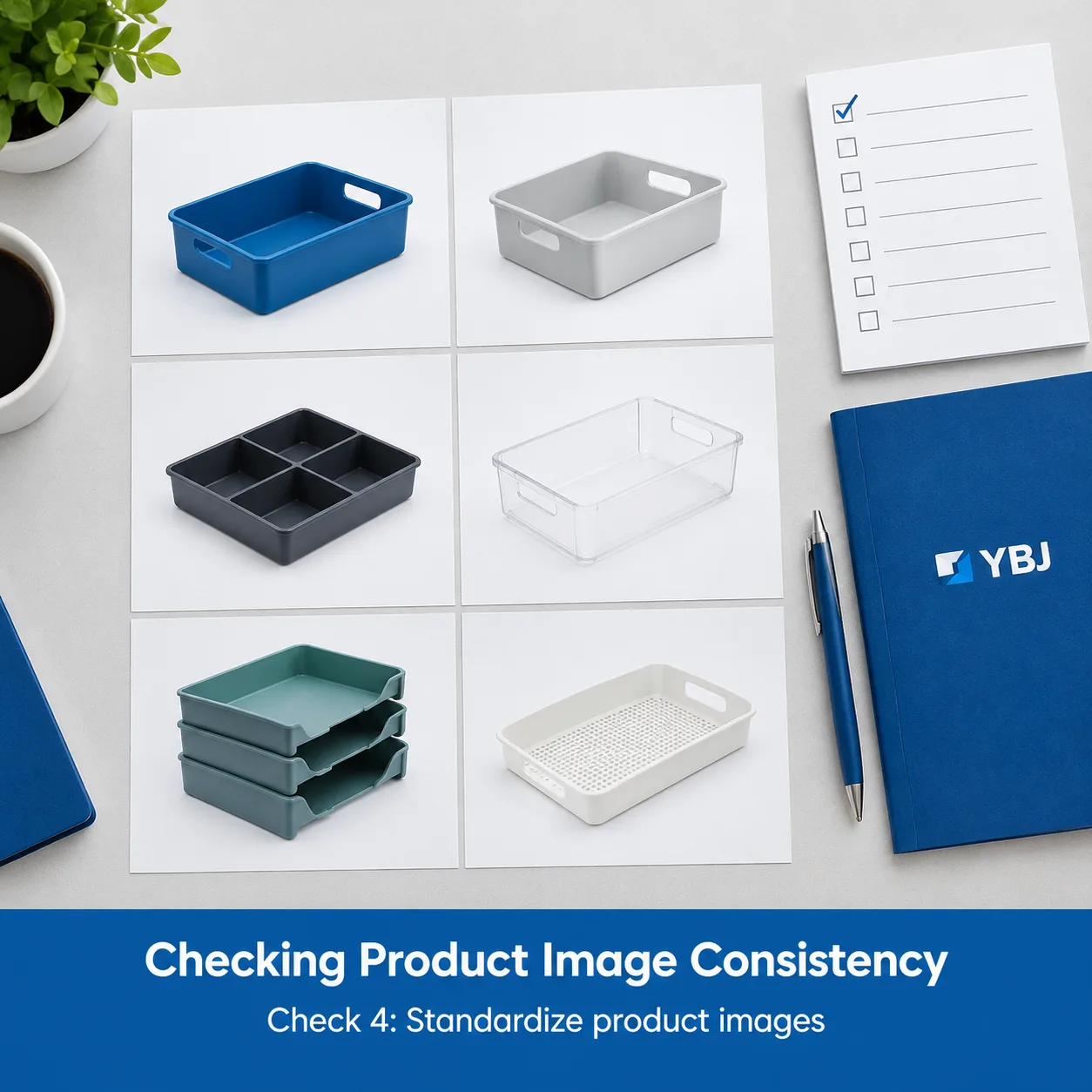
Set a photography and file standard before the designer places images. Product image consistency depends on accurate identity, comparable presentation and adequate detail at the intended printed size.
Create an image register linking each approved file to its SKU or family. Record the view, revision, usage rights and any restriction, such as “family image only” or “accessories shown are sold separately.”
- Use consistent backgrounds, lighting and viewing angles within each category.
- Keep crops and visual scale comparable, and state when images are not to scale.
- Confirm that color, included parts and packaging match the listed variant.
- Check effective resolution at placement size; around 300 ppi is a common target for continuous-tone photographs, subject to printer guidance.
- Agree on color conversion and the required output profile with prepress.
Pixel dimensions and placement size determine effective resolution. Changing an image’s resolution label without adding real detail does not improve it, and enlarging a small website image may expose softness.
Check representative images against the proposed paper and proofing method. Paper surface, ink reproduction and finishing affect appearance, so a screen preview alone is insufficient for judging printed color. Keep technical drawings and fine linework in suitable vector formats where possible.
Check 5: Verify prices, claims and market details
Approve commercial information separately from descriptive copy. Prices and order conditions need a clear basis so buyers understand what the figures cover.
If prices appear, state the currency, pricing unit, applicable market, validity period and treatment of taxes and freight. Distinguish a price per item from a price per pack. Explain quantity tiers only when the commercial team has confirmed them.
For frequently changing prices, consider a separate dated price list or a maintained online destination. Keep the SKU references identical across all documents. A catalog without printed prices still needs a clear route to obtain current commercial terms.
Verify performance, material, compatibility and compliance claims against approved documentation. Assign a technical or compliance reviewer where needed; do not copy a certification logo or an old claim simply because it appeared in a previous edition.
Check regional differences in units, spelling, product availability and contact details. Identify any conversion as approximate where appropriate, and keep the authoritative specification clear. For translated editions, review numbers, decimal separators and technical terminology as carefully as the prose.
The release record should show which market and commercial conditions were approved, helping prevent one region’s terms from appearing in another edition.
Check 6: Test pagination against print specifications
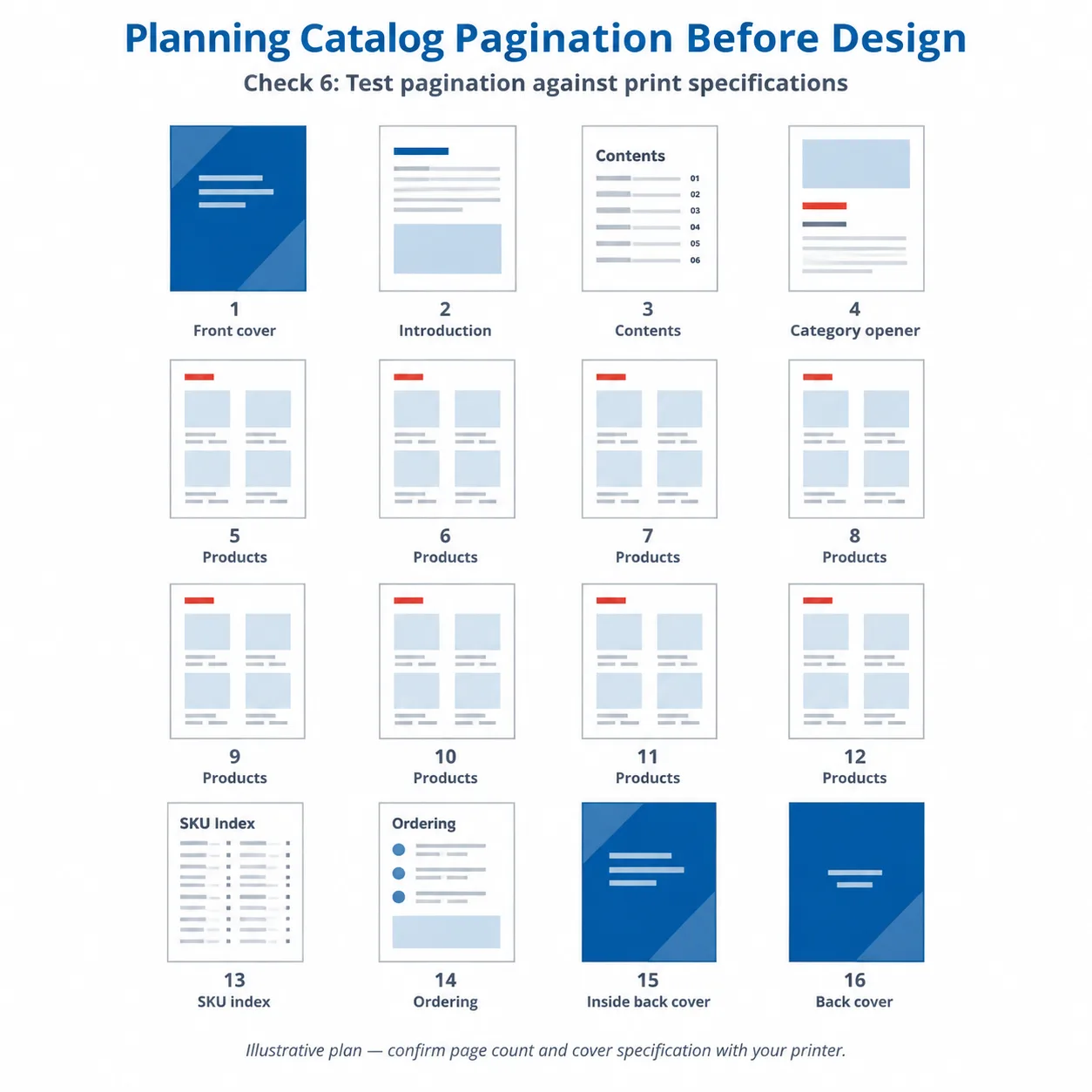
Build a preliminary flatplan before committing to a page count. Catalog pagination must accommodate the content, readable type sizes and the chosen production method.
- List the cover, introduction, contents, category openers, product sections, index and ordering information.
- Group products by the approved structure and estimate space using representative entries.
- Test both a simple product page and the most complex specification table.
- Allow room for captions, units, translations and essential notes.
- Review the resulting page count with the printer before fixing the layout.
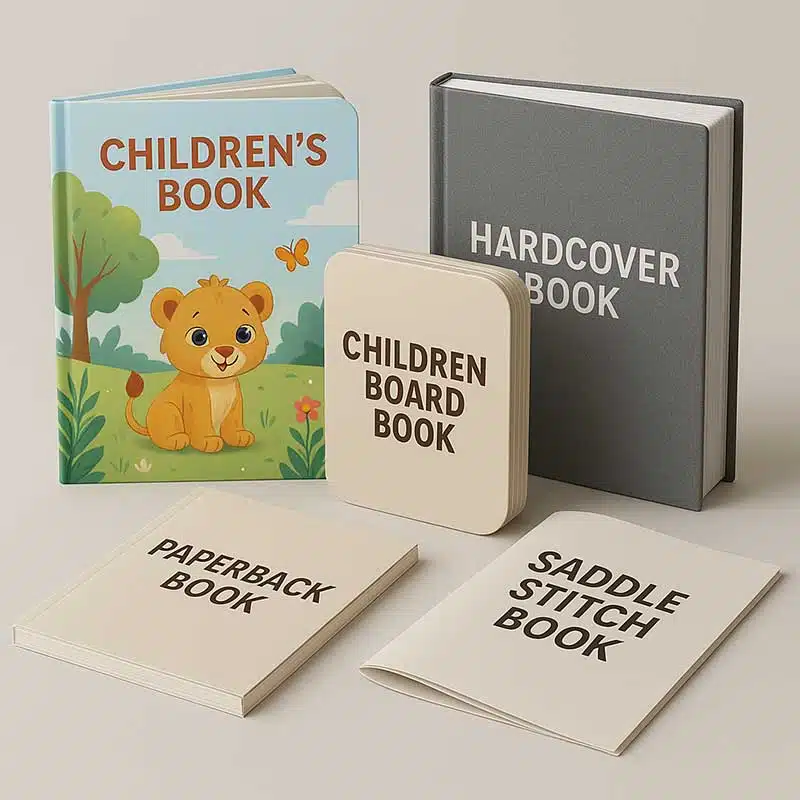
Count pages rather than sheets, and clarify whether the quotation lists the cover separately. Conventional saddle-stitched booklets generally use total page counts in multiples of four. Other binding methods can have different economical section arrangements; confirm them for the actual job.
Use the guide to choosing booklet binding by page count and use when comparing formats. Binding also affects gutter space and how comfortably buyers can consult dense tables.
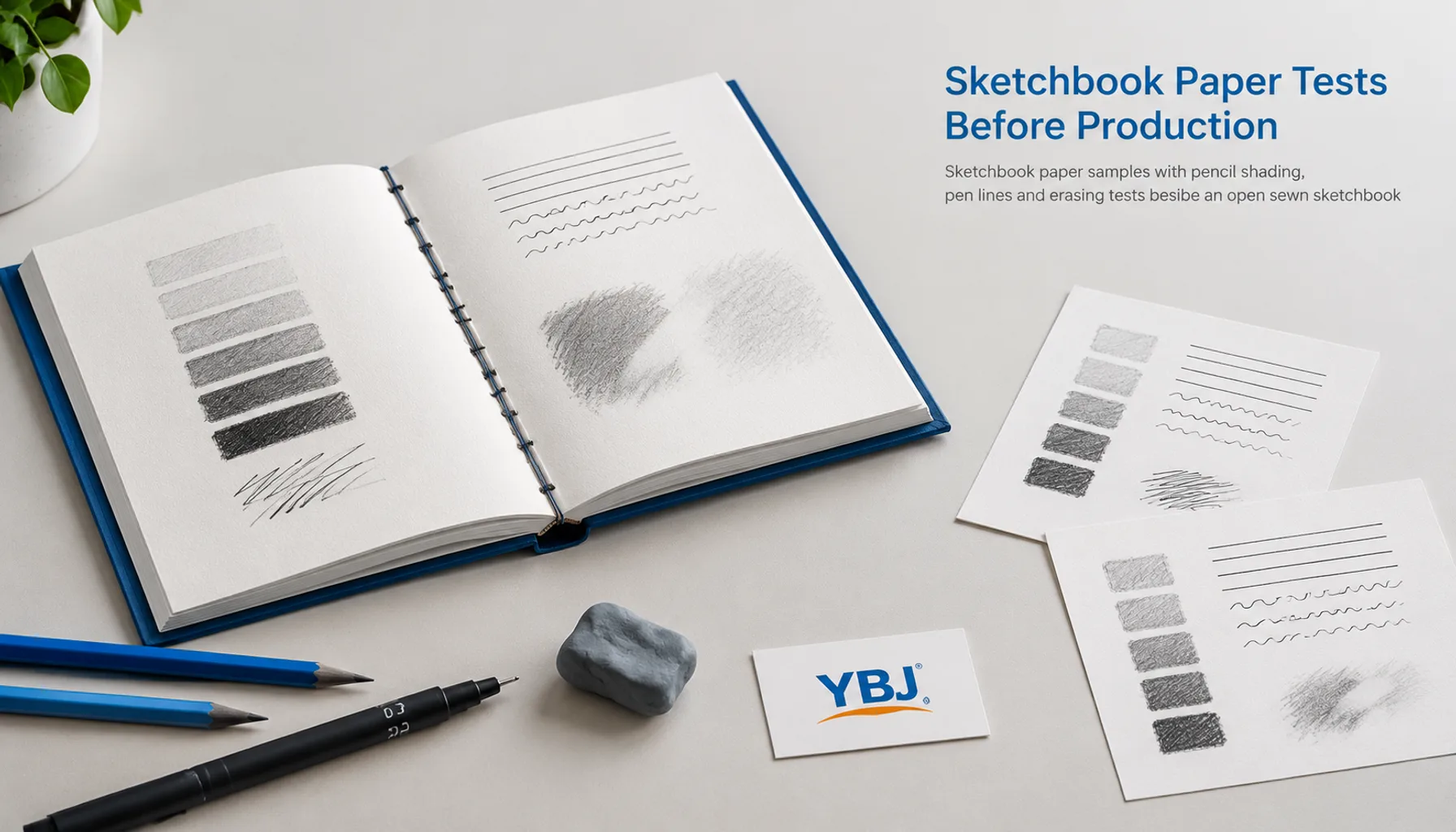
المراجعة booklet paper weight, finish and cover stock alongside the page plan. Paper bulk influences thickness and binding suitability. Price estimates remain provisional until trim size, page count, quantity, stock, binding, finishing and destination are defined.
Check 7: Make navigation and ordering complete
Check that buyers can move from finding a product to making an accurate inquiry. Navigation and ordering instructions are part of the content package, so they need approval before the layout is finalized.
Use consistent category names in the contents, section headings and index. Include searchable SKU references, explain symbols and abbreviations, and ensure captions identify the correct item or variant.
Prepare cross-references now, but populate final page numbers after pagination stabilizes. A specification change that moves a section can also affect the contents, index and “see page” references.
- State which details buyers should provide when ordering or requesting a quotation.
- Explain pack quantities, minimum orders and variant-selection rules where applicable.
- Verify sales email addresses, phone numbers and relevant regional contacts.
- Test every QR code and URL using the intended destination.
- Include a readable alternative to a QR code, such as a short web address.
Choose web destinations that your team can maintain throughout the catalog’s expected life. Before release, ask someone outside the project to identify a product, choose a variant and explain how to order it. Their uncertainty often reveals a missing instruction that the internal team has overlooked.
Check 8: Control versions and approve the handoff
Release one identified content package to the designer, then record subsequent changes. Catalog version control should connect every correction to its source record and the affected layout pages.
Use filenames containing the edition, market and revision, such as “Catalog_UK_EN_Content_v04.xlsx.” Separate working files from approved releases. Keep a revision log recording the SKU, changed field, reason, owner, date and approval status.
At the content freeze, verify that the product master, image register, copy, category order and preliminary flatplan belong to the same release. Resolve pending items or document a deliberate exclusion. A designer should not have to decide which contradictory specification is correct.
After layout begins, update the source data as well as the page file. For late changes, check consequences for pagination, indexes, prices and linked images. Withdraw superseded exports from the active production folder.
Content approval and print approval serve different purposes. Use the print-ready file preparation checklist for technical requirements, then follow the proof review checklist before production for the final review. Record the exact approved PDF revision and agreed print specification before authorizing production.
Key takeaways before layout begins
Your catalog is ready for layout when the designer can work from approved information without interpreting unresolved product or commercial decisions.
- Data: one verified source with unique SKUs and complete mandatory fields.
- Assets: approved images matched to the correct products and variants.
- Structure: a buyer-friendly sequence and a realistic preliminary page plan.
- Commercial content: confirmed prices, claims, market details and ordering instructions.
- Control: named reviewers, a release identifier and a process for later changes.
Good planning gives buyers clearer information and makes the transition to design, proofing and printing more predictable. Complete these eight checks, then refine the layout and production specification together.
الأسئلة الشائعة
What should be ready before catalog layout starts?
Prepare an approved product data master, image register, category sequence, preliminary flatplan and ownership list. Confirm required specifications, commercial information and ordering instructions. Resolve missing fields or document which products will be excluded before releasing the content package.
Should every SKU have its own catalog entry?
Each sellable SKU needs an identifiable record, but it does not always need a separate visual panel. Related variants can share a product-family entry when a clear table connects every code to its size, material, color or other ordering difference.
How do you estimate catalog page count before design?
Create a flatplan covering front matter, categories, product entries, indexes and ordering information. Test representative content at the proposed trim size, including the densest table. Confirm binding-related page requirements with the printer; SKU count alone cannot establish a reliable page count.
Can website product images be used in a printed catalog?
Sometimes, if the original files have sufficient pixel dimensions for the intended printed size and match the correct variants. Compressed website thumbnails may be unsuitable. Review effective resolution, crops, rights and color preparation with the designer or printer before placement.
How should changes be handled after the content freeze?
Log each change with its owner, affected SKU, reason and approval. Update both the source data and layout, then check related tables, indexes and page references. Issue a new identified release and obtain renewed approval for the affected content and final production PDF.
هل أنت مستعد للتخطيط لمشروع الطباعة المخصص الخاص بك؟
Tell YBJ Printing about your catalog project: product type, trim size, estimated page count, quantity, paper or binding preferences, finish requirements, file status and destination country. Include any market or language editions you are planning. Our team can discuss practical options and prepare a factory-direct quotation based on your specifications.