
Índice
- What Is Sound Book File Setup?
- Start With the Sound Book Production Plan
- Prepare Print-Ready Artwork Files
- Prepare Audio Files and Button Mapping
- Coordinate Artwork With the Sound Module
- Proofing Before Mass Production
- Sound Book File Setup Checklist
- Common File Setup Errors to Avoid
- Conclusión
A practical guide to sound book printing file setup, including artwork specifications, audio preparation, button mapping, module placement and pre-production proofing.
What Is Sound Book File Setup?
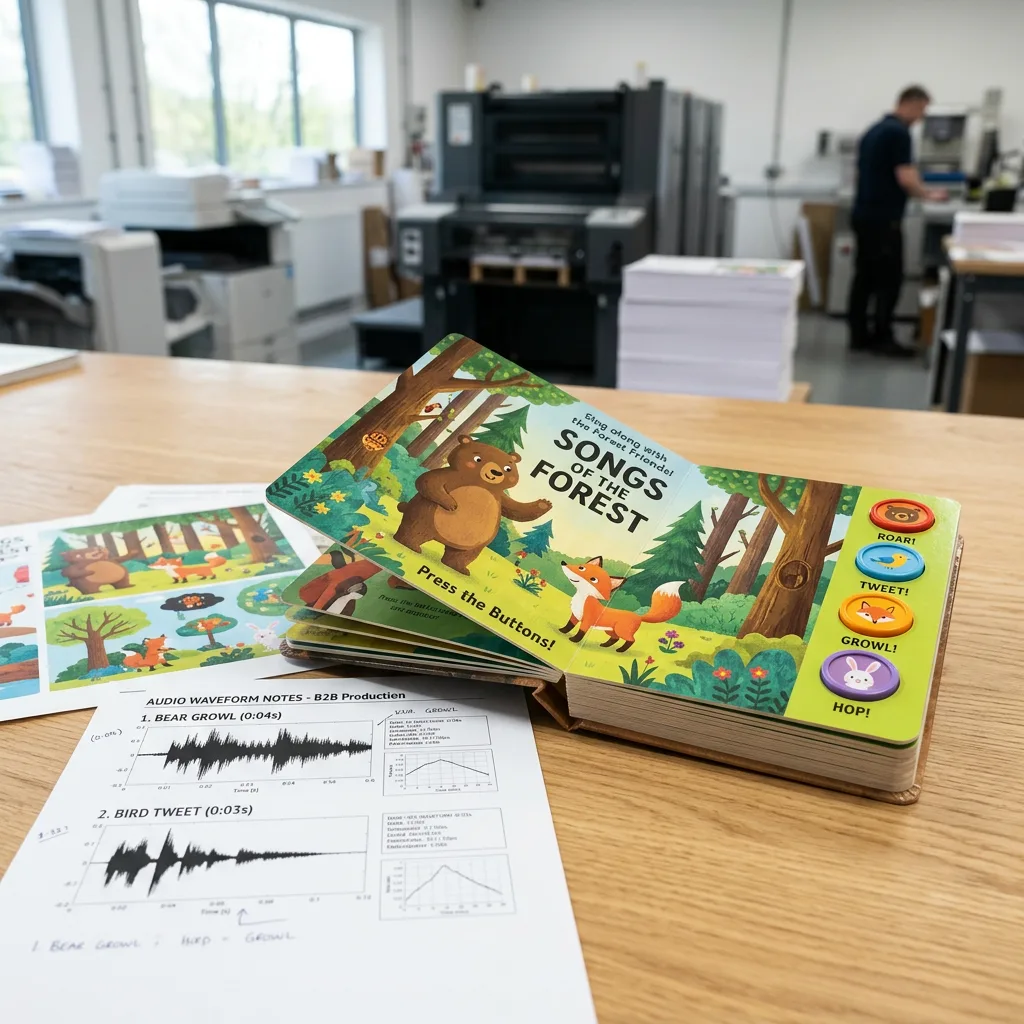
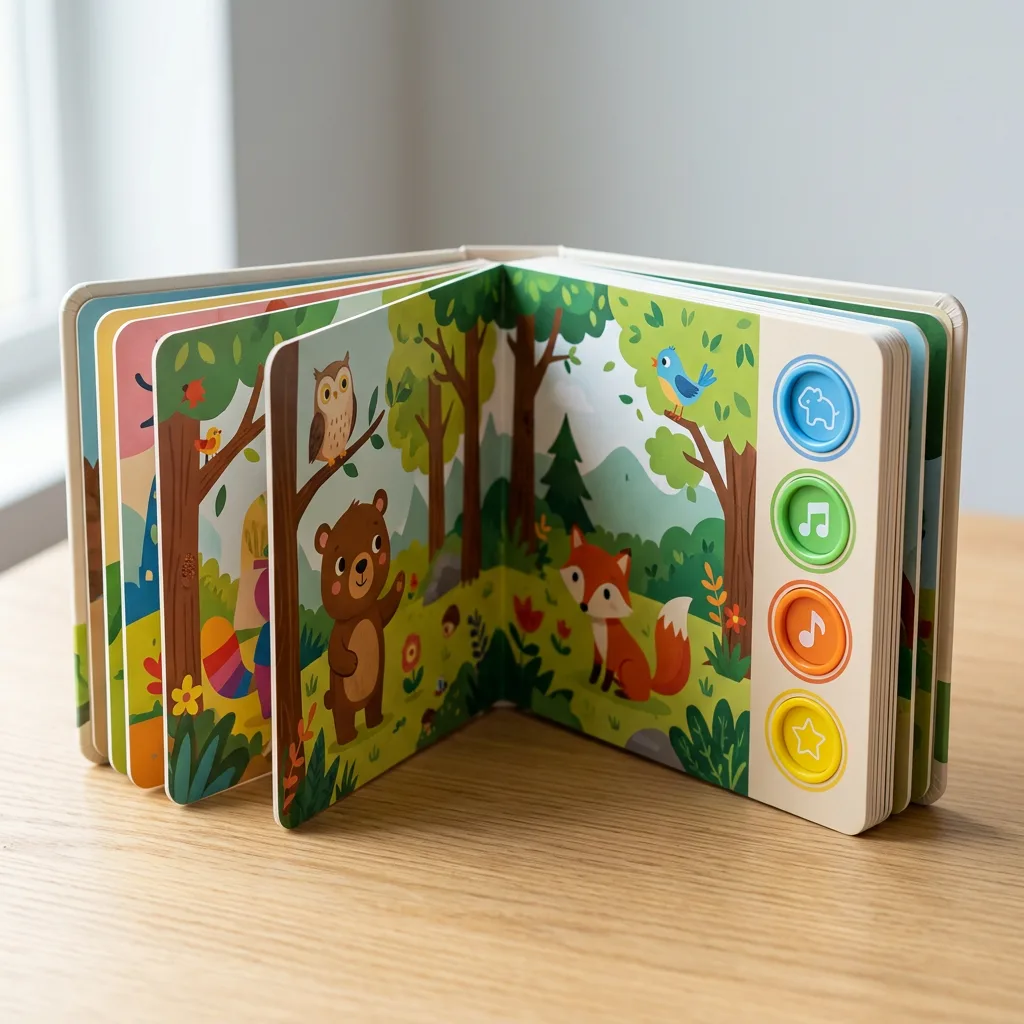
Sound book printing file setup is the process of preparing and checking the printed artwork, audio tracks, button instructions and sound-module information before a children’s sound book enters production. Unlike a standard board book, a sound book must align visual pages with electronic components. The artwork tells the child where to press, while the audio file and module programming determine what the book plays.
A complete production package normally includes print-ready page artwork, cover and component-area artwork, clearly named audio files, an audio-to-button map, and approved proofing instructions. Preparing these items together reduces avoidable revisions and helps the printer confirm that the printed book structure works with the selected electronics.
The exact requirements can vary by trim size, page count, number of buttons, sound-module type, board thickness, binding structure and destination-market requirements. Confirm these production details before final export rather than treating audio as a separate item added after artwork approval.
Start With the Sound Book Production Plan
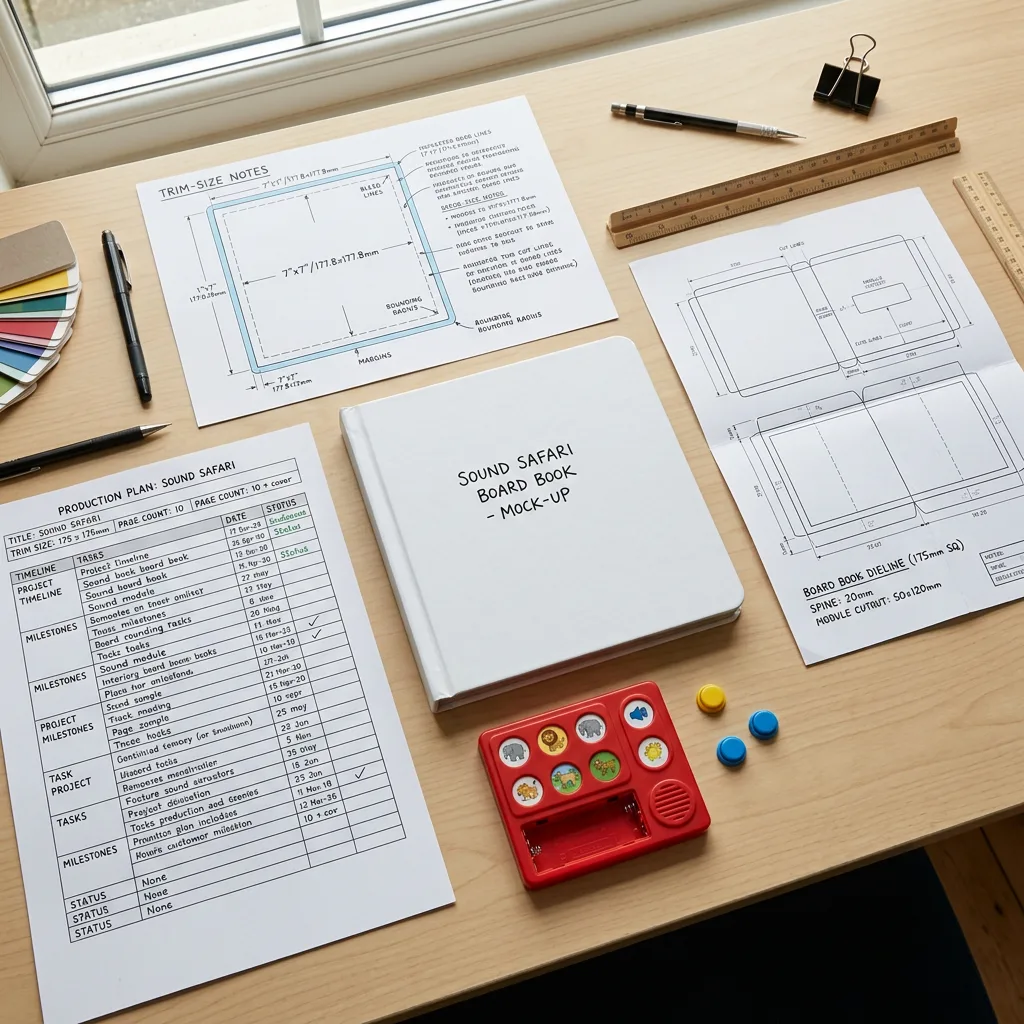
Before your designer builds final layouts, define the physical and electronic specification of the book. This prevents a common problem: artwork is completed for a standard board book, but the chosen sound module needs a larger panel, different button positions or a specific battery-compartment location.
Decide the intended age group, finished trim size, orientation, total page count, board construction, number of sounds, button style and expected audio duration. Also identify whether the sound panel will sit on the front cover, inside cover or on a dedicated spread. The answer affects both the reading experience and the available printable area.
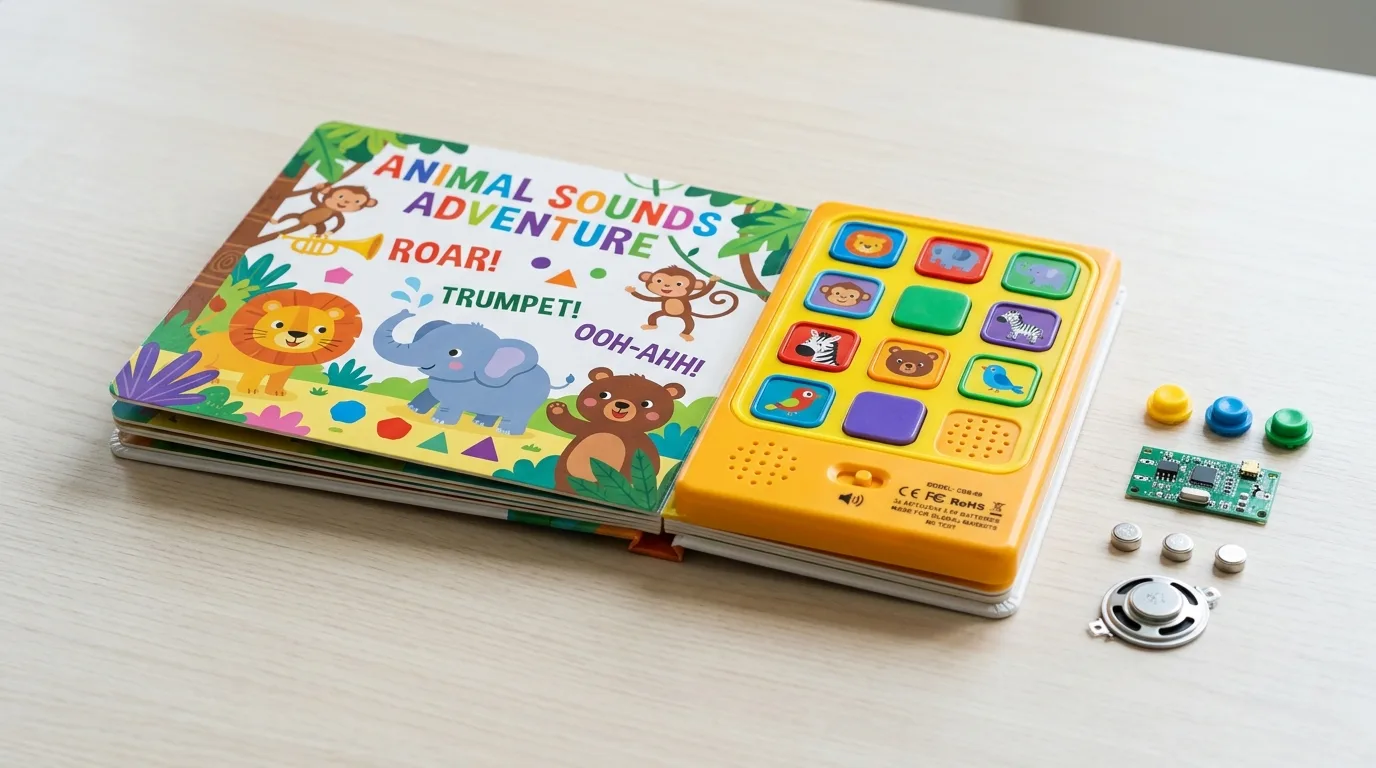
For an overview of parts that influence the layout, review sound book components, buttons, modules and batteries. Early coordination is especially important when a project uses shaped buttons, multiple sound areas or a custom protective structure.
At this stage, provide the printer with a basic specification sheet and ask for the correct dieline or layout guidance. Do not scale a dieline from another supplier or earlier project without confirmation, since module dimensions and production tolerances may differ.
Prepare Print-Ready Artwork Files
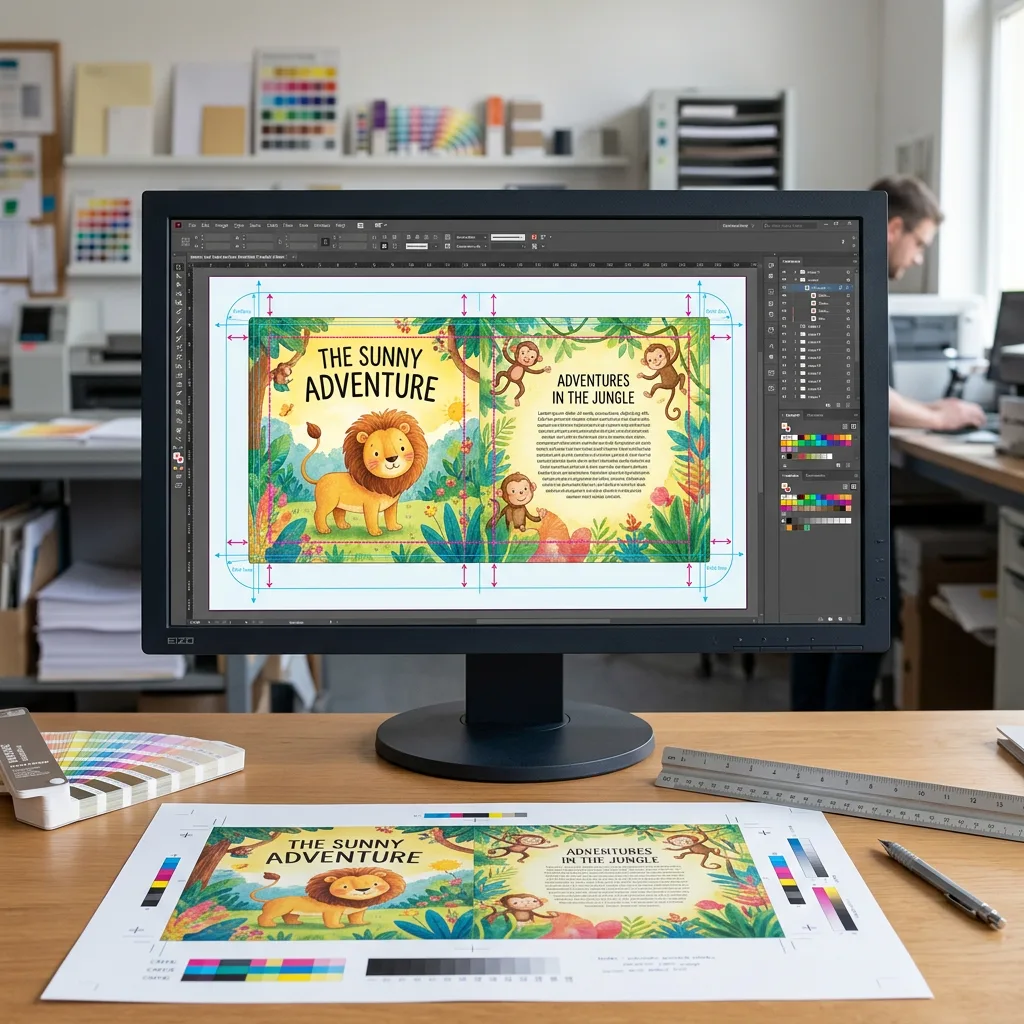
Sound book artwork should be supplied as print-ready files only after the book format and component layout are confirmed. In most cases, a press-quality PDF is the preferred final artwork format, with fonts embedded or outlined and linked images included at suitable resolution. Keep an editable source package available in case production adjustments are needed.
Set up pages to the approved dieline
Use the printer-approved dieline for every cover, board page, sound panel and packaging component. Keep cut lines, crease lines, safe areas and technical notes on clearly labelled non-printing layers where requested. Do not place essential text, faces, small details or button labels too close to trim, fold, edge-wrap or component openings.
Use suitable colour and image settings
Build final print artwork in CMYK unless the production instructions specify another workflow. Convert or manage RGB images before final export to avoid unplanned colour shifts. Use high-resolution images appropriate for the final printed size, and inspect small type, fine outlines and pale colours at 100% viewing size. If brand colours are critical, identify them clearly and discuss colour expectations during proofing.
Design button labels for young users
Each button icon or illustration should communicate the intended sound quickly. Use a clear visual connection between the image, label and related audio. Avoid very small symbols, low-contrast labels and crowded button areas. Where the book includes several sounds, maintain a consistent icon style and reading order throughout the product.
Printed board books also need careful consideration of paperboard, lamination and construction. The guide to integrating sound modules in children’s books explains why structural planning should be considered alongside page design.
Prepare Audio Files and Button Mapping
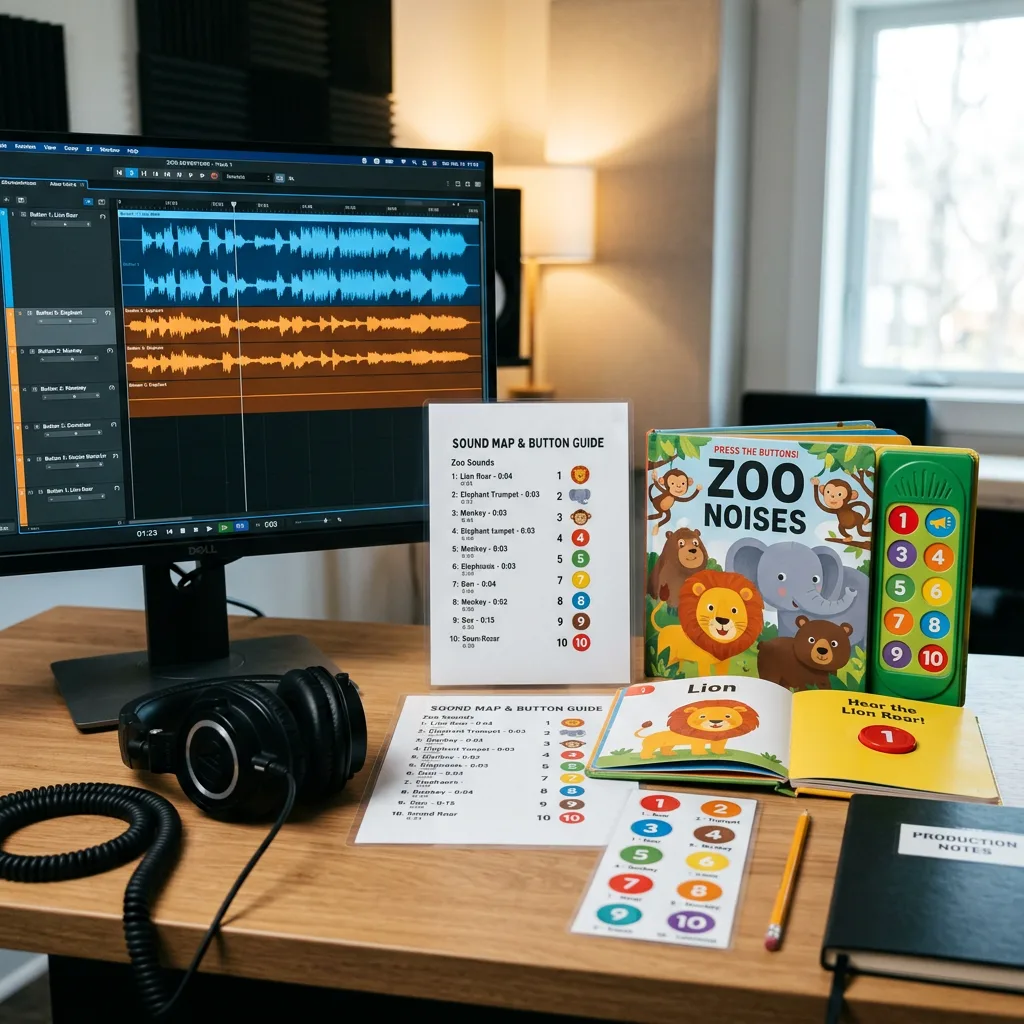
Audio preparation should begin while the book is being written and illustrated, not after the print artwork has been finalised. Every sound needs a clear purpose: for example, a word pronunciation, animal noise, song excerpt, instruction, story narration or interactive response. The available memory on the selected module, the number of buttons and the required battery performance can affect how much audio the book can use.
Name audio files in a logical sequence
Use a simple naming convention that connects each audio track to its button and page. For example: 01_cover_welcome, 02_page02_lion y 03_page04_song. Avoid vague names such as “final audio new” or “track 1 revised.” Include a version date where several approved revisions may circulate.
Provide an audio-button map
Send a separate spreadsheet or PDF that lists each button number, button artwork reference, page location, file name, sound description and intended playback order. This document is the bridge between your design, audio and production teams. It also makes functional proofing substantially easier.
State whether a button should play one track, repeat a track, play a sequence, or stop other audio. If a track contains narration and music, note whether the playback must start at a precise point. Where audio is recorded in more than one language, provide an unambiguous language and version code for every file.
For detailed content planning, see how to plan audio for a custom children’s sound book. It is useful to settle script length, voice style, rights clearance and track order before mastering files for production.
Ask the production team for the preferred audio format and any practical limits for the selected module before delivery. Audio format, sample rate, bit rate, file size and maximum playback time are module-specific; assumptions can create unnecessary conversion work or quality loss.
Coordinate Artwork With the Sound Module
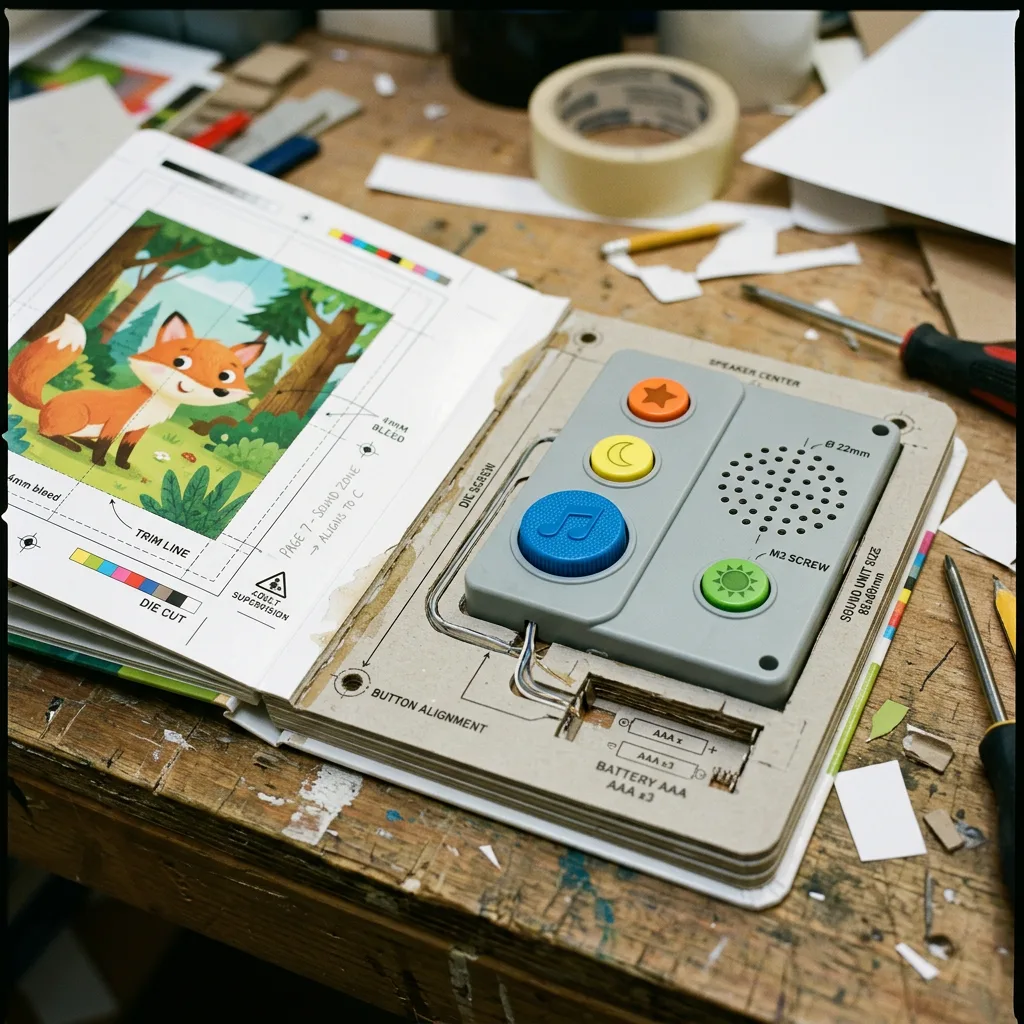
The printed design and sound module must be reviewed as one system. A button may be technically functional but still difficult for a child to find if the icon is too small, the label is unclear or the control panel is visually crowded. Similarly, a strong illustration can become impractical if it conflicts with a required speaker opening, battery compartment, screw position or panel edge.
Mark all module-related features on the working layout: button positions, speaker areas, battery access, any openings, and no-critical-art zones. Keep these technical marks separate from final printable artwork unless they are intended to appear in the finished product. Confirm which component details are visible and which will be covered by the production structure.
Consider how the user holds the book. Buttons near a board edge may be pressed accidentally while pages are turned. A panel placed on an inside cover may need enough clearance from the binding. Long or repeated audio may change how long a child stays on each spread. These practical details are best reviewed in a mock-up or functional pre-production sample.
Where a sound book includes packaging, make sure the packaging artwork does not make unsupported technical claims. Battery information, age grading, warning language, barcode placement and country-specific labelling should be confirmed by the brand owner or importer for the intended market.
Proofing Before Mass Production
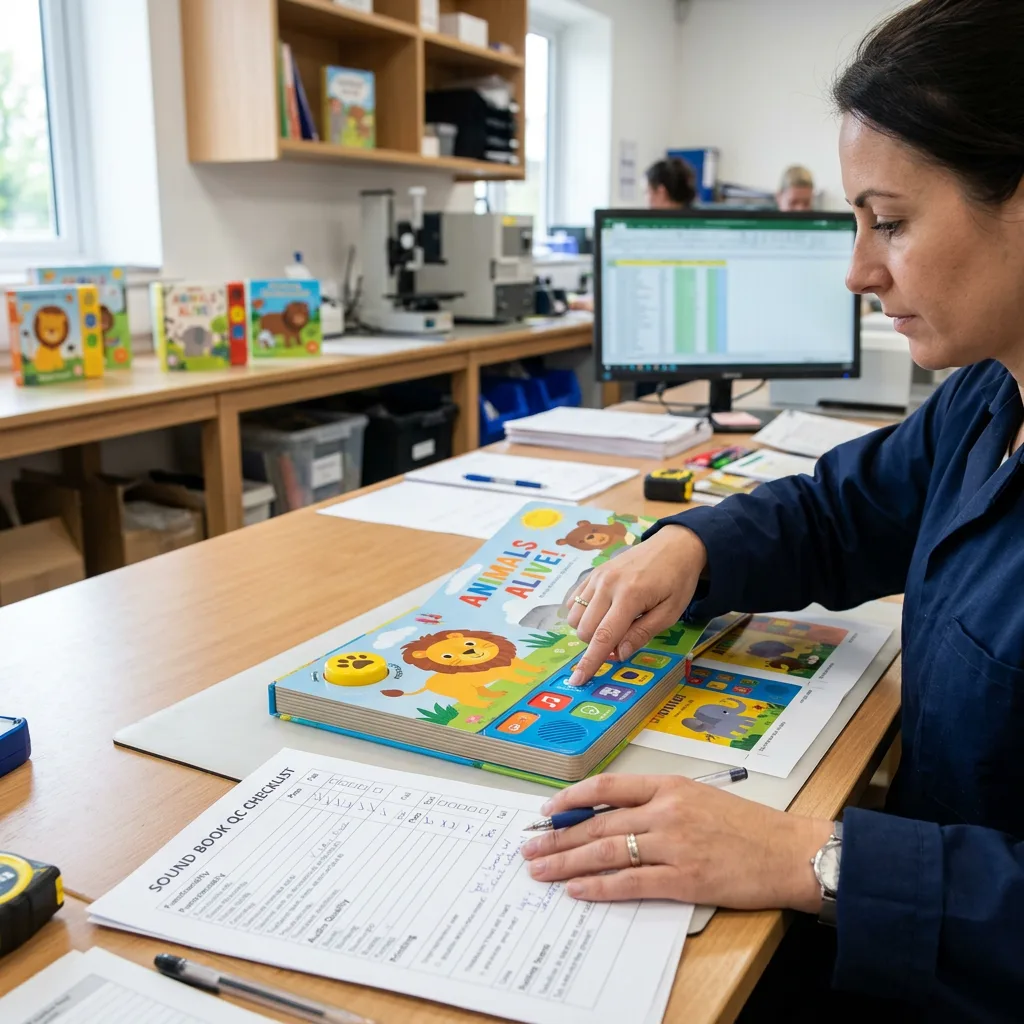
Sound book proofing should cover both print appearance and function. A digital artwork proof is useful for checking copy, page order, layout, colour intent and dieline placement. However, it cannot fully confirm the tactile feel of board pages, the module fit, the button response, speaker volume or the relationship between a printed button and its programmed sound.
Review the digital proof carefully
Check spelling, punctuation, language versions, page numbers, image placement, bleed, safe margins, barcodes and legal copy. Compare every button icon and label against the audio-button map. Confirm that each intended sound appears on the correct page and that track names match the latest approved files.
Test a physical functional sample where applicable
A physical sample is the best opportunity to assess construction and interaction before bulk production. Press every button multiple times. Check sound order, volume, clarity, pauses, pronunciation and language. Review whether the child-facing icons are understandable and whether the module, speaker and battery area are positioned as intended.
Record all changes in one consolidated approval document. Avoid scattered feedback through several email threads, as different versions of audio or artwork can be mixed accidentally. Once the artwork, audio set and sample are approved, freeze the version numbers and identify the final files clearly.
Lead time and cost are affected by sample requirements, revisions, component selection, quantity, print finishes, assembly complexity and delivery destination. Early proofing is usually more efficient than correcting artwork or programmed audio after materials have been prepared.
Sound Book File Setup Checklist
Use this checklist before sending files for production:
- Confirmed finished size, orientation, page count and board-book structure.
- Approved sound-module configuration, button quantity and panel location.
- Printer-approved dielines used for covers, pages, panel and packaging.
- Print-ready artwork exported with bleed, safe areas and correct page order.
- Fonts embedded or outlined, with editable source files retained.
- Images checked for suitable resolution at final size.
- CMYK colour workflow reviewed and critical colours identified.
- Button icons, labels and page references checked for child-friendly clarity.
- Audio files named consistently and supplied in the requested format.
- Audio-button map completed, including playback order and language version.
- All copy, licensing, warnings, barcode information and market labels reviewed by the responsible brand owner.
- Digital proof and, where required, functional sample reviewed and approved.
This checklist is a practical starting point, not a substitute for the final production instructions for your particular module and book format.
Common File Setup Errors to Avoid
The most expensive file problems are often coordination issues rather than major design mistakes. Avoid finalising the printed pages before choosing the module. Avoid changing button labels without updating the audio map. Avoid sending audio files with unclear version names. And avoid approving a visual proof without checking the function of the programmed book when a functional sample is part of the agreed workflow.
Other frequent issues include placing essential artwork too close to a trim or component zone, omitting bleed, mixing RGB and CMYK assets without review, using a low-resolution image, and providing a page sequence that does not match the binding plan. These mistakes can usually be prevented with a structured preflight check.
For publishers developing an interactive range, it is useful to keep a master project folder with separate subfolders for final artwork, editable artwork, approved audio, superseded audio, specifications, proof approvals and packaging files. Clear file control helps when the same title is reprinted, translated or updated later.
Conclusión
A successful children’s sound book depends on more than attractive illustrations and recorded audio. The print files, sound tracks, button map, module layout and proof approvals need to match before production begins. By confirming the physical specification early and maintaining clear version control, buyers can make the process easier to review and more reliable to manufacture.
Guangzhou YBJ Printing Co., Ltd supports custom book, paper product and packaging projects for global buyers. A clear production brief allows the team to review practical requirements and prepare a quotation based on the actual project scope.
Discuss Your Custom Sound Book Project
Request a quotation for your custom sound book when your concept is ready. To receive an accurate review, please share the product type, finished trim size, page count, quantity, preferred paperboard or binding, finish, sound-button requirement, current file status, and destination country. If audio or artwork is still in development, include the planned number of sounds and expected module location.