
Table des matières
- What Audio Planning Means for a Custom Sound Book
- Define the Intended Listening Experience
- Prepare the Script and Sound Map
- Set Recording and File Specifications
- Coordinate Audio with the Sound Module
- Design the Printed Pages Around the Audio
- Test the Complete Prototype Before Production
- Quotation Checklist for Audio Sound Books
Planning audio early helps publishers and brand owners create a sound book that is engaging, easy for children to use and practical to manufacture. This guide covers audio content, recording specifications, trigger mapping, hardware coordination, testing and the information needed for an accurate production quotation.
What Audio Planning Means for a Custom Sound Book
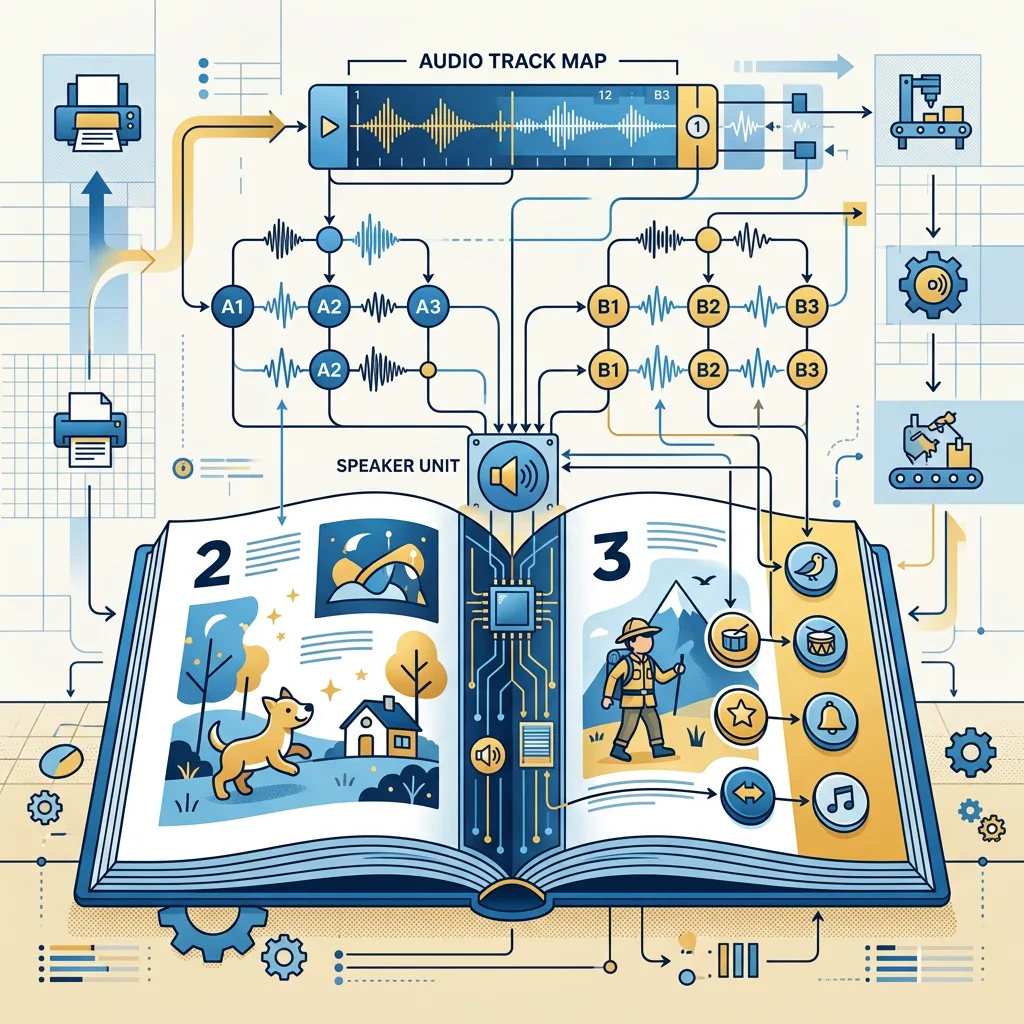
Audio planning is the process of deciding what a child will hear, when each sound will play, how the sound files will be prepared and how the printed buttons or touch points will connect to the sound module. For audio for custom children’s sound books, these decisions should be made before final artwork and mass production.
A sound book is a coordinated product rather than an ordinary book with an added recording. The page count, board thickness, button position, speaker location, battery compartment and audio memory can all affect the finished design. Early planning reduces the risk of repeated recordings, artwork changes or a prototype that does not behave as expected.
The most reliable workflow is to confirm the product concept, map the audio to the pages, agree on technical specifications, test a physical sample and only then approve production files.
Define the Intended Listening Experience

Start by defining the learning or entertainment purpose of the book. A narrated story, an early-learning vocabulary book, a musical activity book and a branded promotional book will need different audio structures. The intended age range also affects vocabulary, speaking speed, repetition and the amount of information on each page.
Choose the audio roles
- Narration: A voice reads the story or explains the page.
- Sound effects: Animals, vehicles, household sounds or environmental effects support the illustrations.
- Music: Short songs or musical cues create mood, but should not overpower speech.
- Interactive prompts: Instructions tell the child which button to press or what to find on the page.
Decide whether each action should play one short sound, a complete sentence, a page sequence or a combination of voice and effects. For young children, simple one-action feedback is often easier to understand than a long track with several unrelated events.
Also decide whether the book should work with the speaker close to the child, in a shared reading setting or in a noisier retail or classroom environment. This affects the voice recording, mix level and speaker expectations. The final listening experience depends on the whole product, including the printed page, button labels and physical handling.
Prepare the Script and Sound Map
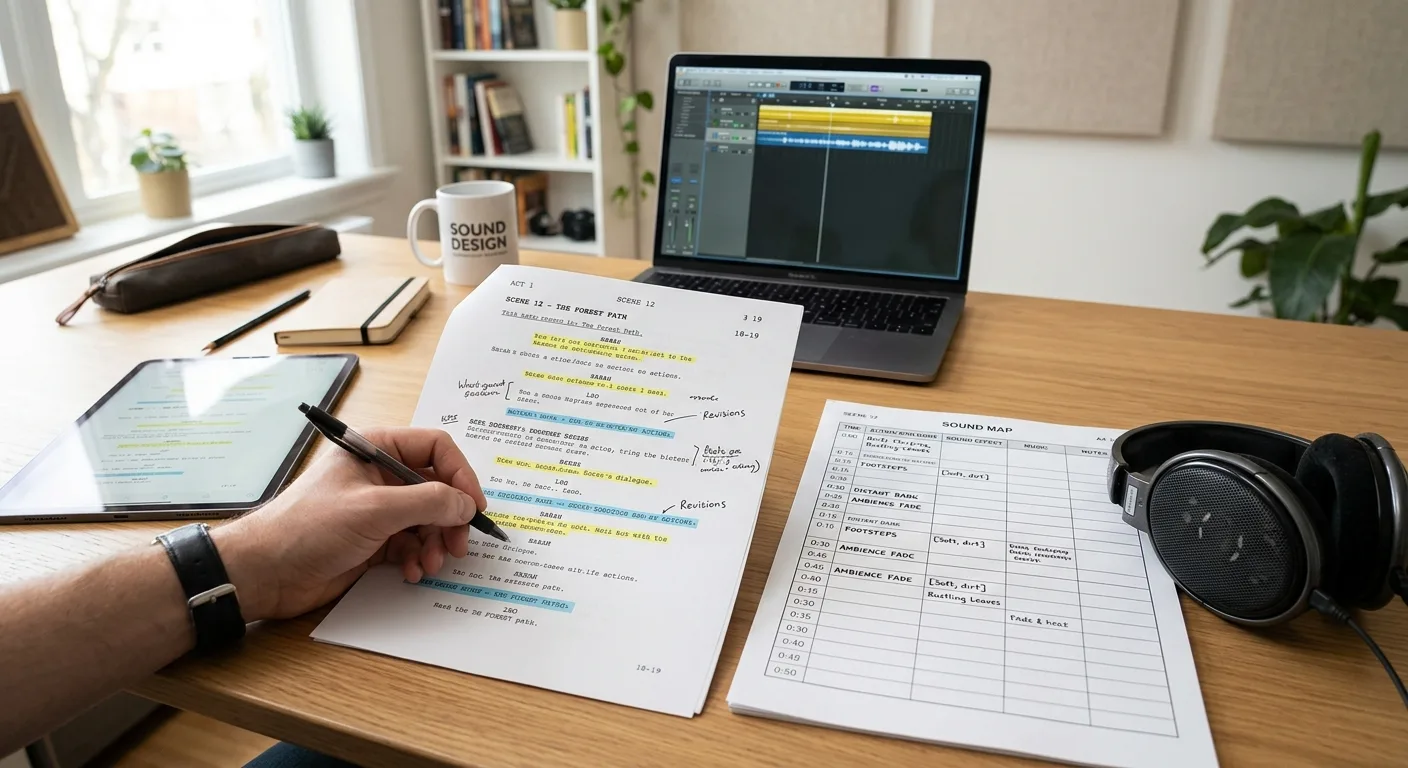
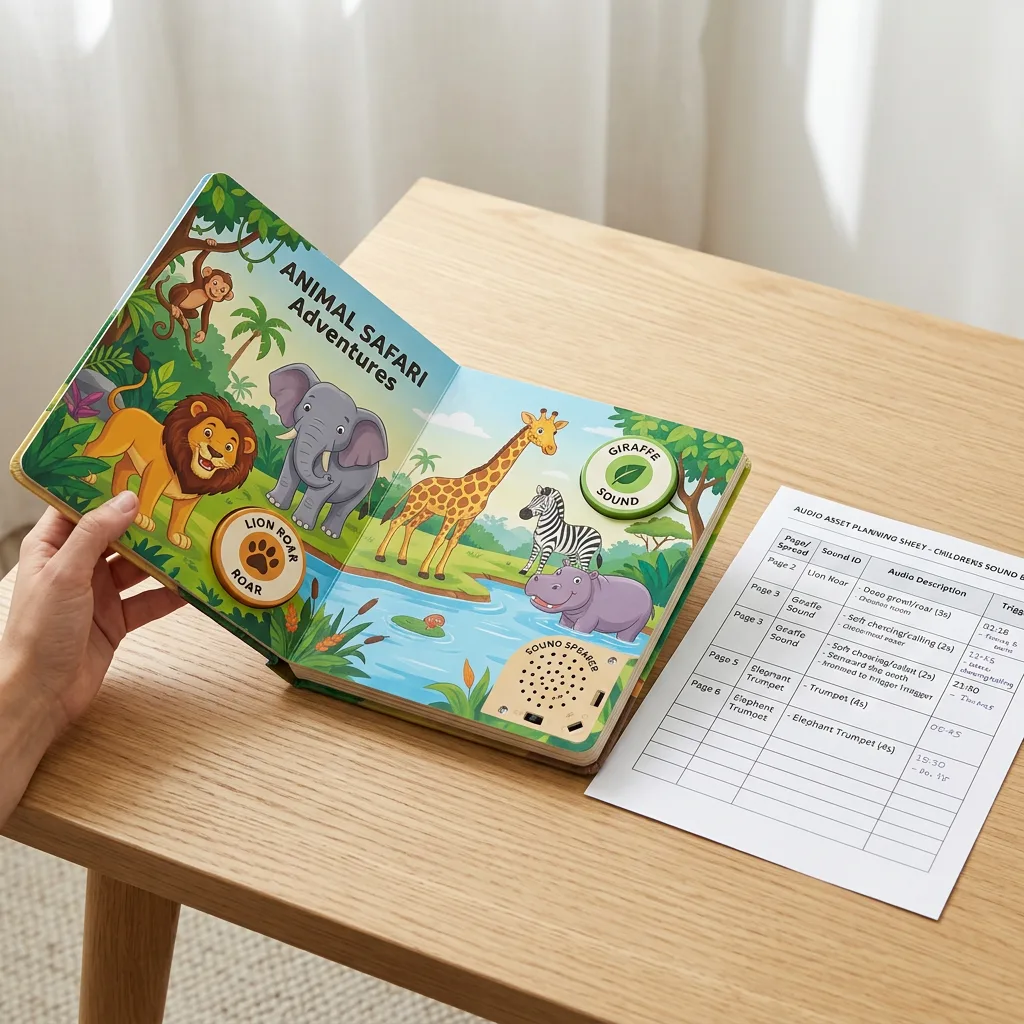
Prepare the script before recording and assign every audio event a clear identifier. A sound map can be a spreadsheet with columns for page number, printed action, track ID, spoken text, sound effect, estimated duration, language and approval status.
For example, a page might contain three buttons: P03-A for the cow sound, P03-B for the animal name and P03-C for a short question. The same identifiers should appear in the script, audio folder, artwork notes and production checklist. Consistent naming prevents a correct recording from being assigned to the wrong printed button.
Keep the content production-ready
- Write pronunciation notes for names, regional terms and unfamiliar words.
- Mark pauses, emphasis and repeated phrases in the script.
- Separate voice, music and effects when the intended mix is not yet final.
- Set a maximum duration for each track based on the planned module memory.
- Record alternate pronunciations or language versions as separate, clearly named files.
Read the complete script aloud before recording. This reveals awkward sentences, difficult page turns and prompts that do not match the illustrations. If the book is translated, review the translated script for child-friendly wording rather than translating word for word.
Set Recording and File Specifications
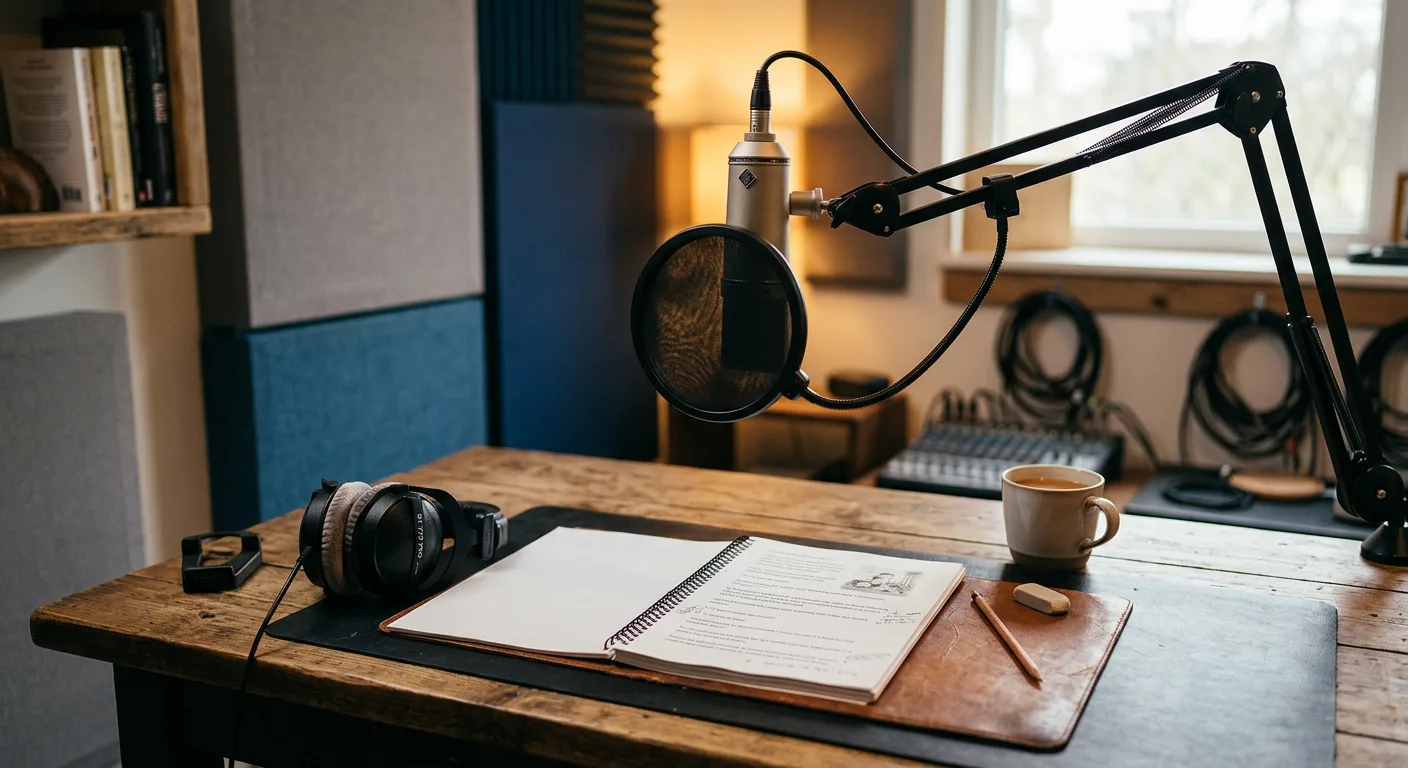
Agree on the recording approach before a voice actor or studio begins work. A clean, dry recording gives the production team more flexibility than a heavily processed file. Use a consistent speaker, microphone position, room and speaking style across all tracks. The voice should be clear at the expected speaker volume, with enough pauses for a young listener to follow the content.
Common delivery specifications may include WAV files, 44.1 kHz sampling and 16-bit PCM audio, but the correct requirements depend on the selected sound module. Some modules accept compressed formats or require a particular naming convention, storage limit or mono channel configuration. Treat these values as a starting point and confirm them with the module supplier or manufacturing team before recording the full library.
Check the technical details
- Audio format, sample rate, bit depth and channel configuration.
- Track duration, silence at the beginning and end, and total memory use.
- Consistent volume between narration, effects and music.
- File names and track order matched to the sound map.
- Final language, pronunciation and approval status for every file.
Do not solve every audio problem by increasing volume. Clipping, harsh compression or excessive low frequencies may make a small book speaker sound worse. Listen to test files through a speaker similar to the planned module, not only through studio headphones. Final mastering may need to balance clarity, loudness and the limitations of the chosen hardware.
Coordinate Audio with the Sound Module
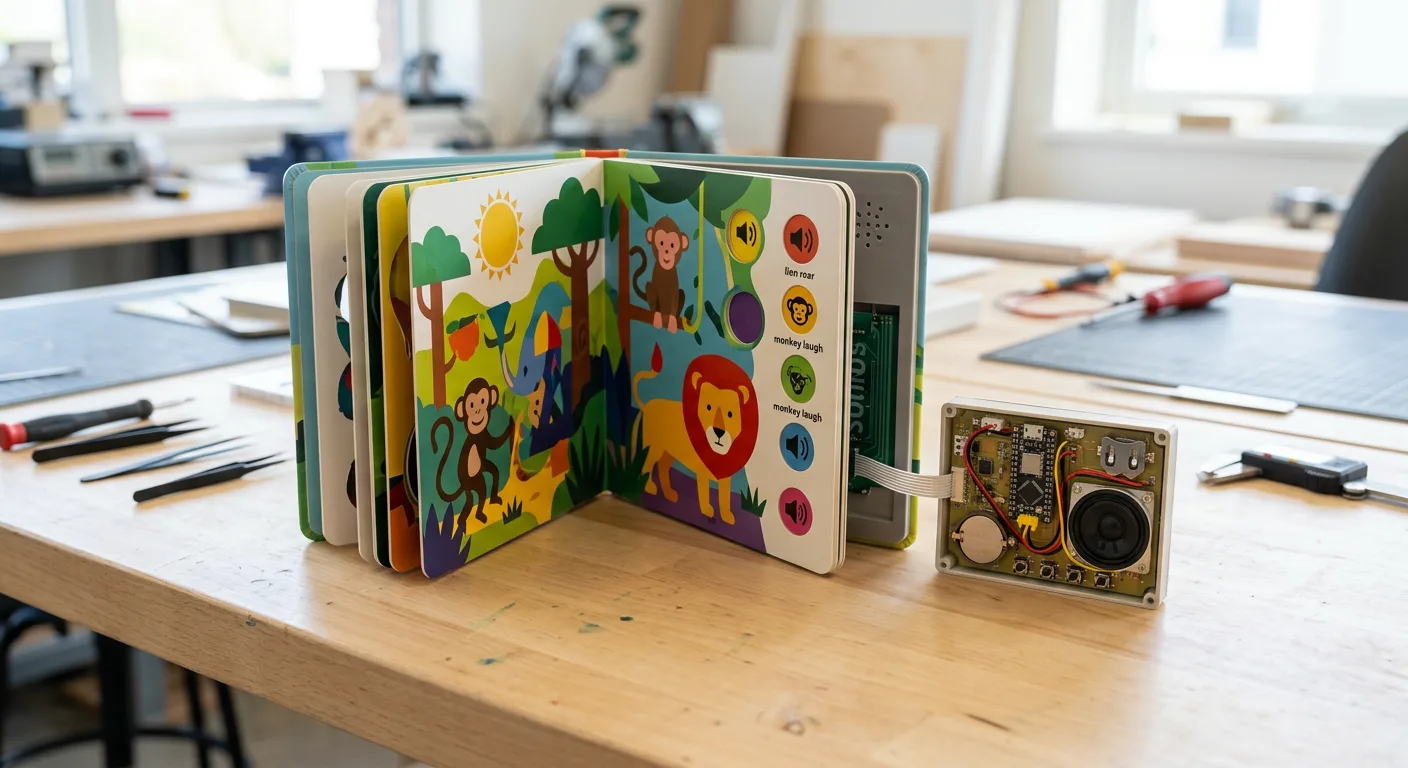
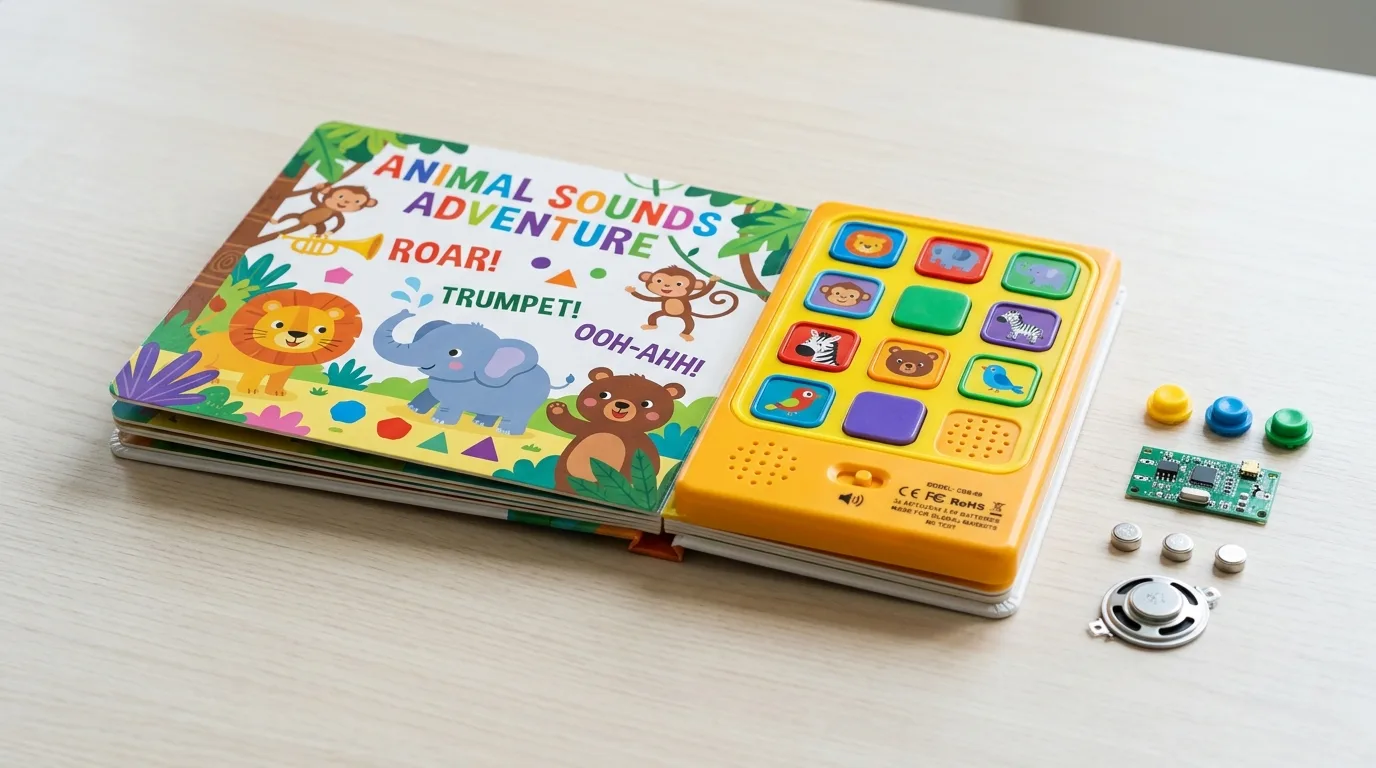
The sound module determines how the audio behaves inside the finished book. Before approving the page design, confirm the number of triggers, trigger type, available memory, speaker position, battery arrangement, on-off control and expected activation method. A pressure button, touch contact or other mechanism may require different printed and structural details.
Map the physical trigger to the correct track in a version-controlled document. Include a simple test instruction for every trigger, such as “press the red star on page 4 and confirm track P04-B.” This makes prototype review faster for the publisher, factory and quality team.
Consider how children will use the product repeatedly. Buttons need to be easy to identify and press, while the electronics need suitable protection within the book structure. The final design should also provide practical access for battery installation or replacement where applicable. Battery type, shipping requirements and regulatory responsibilities should be confirmed separately with the relevant manufacturing and logistics teams.
A useful production gate is a functional prototype with the actual page sequence, sound locations and approximate speaker placement. A digital audio approval cannot confirm whether a child can find the trigger, whether the sound is intelligible in the assembled book or whether a page turn accidentally activates another control.
Design the Printed Pages Around the Audio
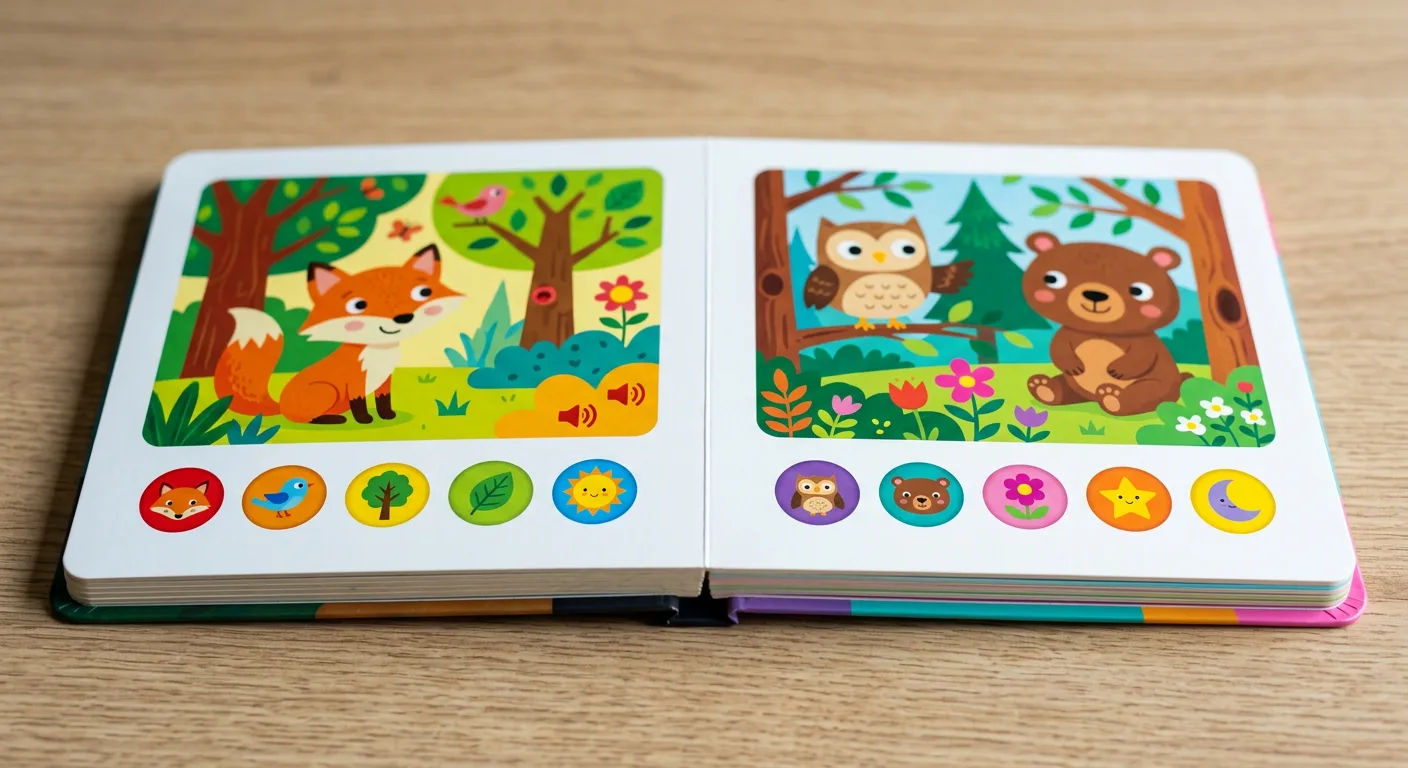
Printed artwork should show the child what can be pressed, touched or listened to without making the page visually confusing. Use a repeatable icon system, clear colour contrast and consistent placement for interactive controls. The icon should communicate the action, while the illustration and text provide context for the sound.
Allow enough clearance around buttons and other components for assembly tolerances. Keep important text, faces and small details away from areas that may be affected by a cut-out, raised part or concealed electronic component. The speaker opening and battery area may also influence the back cover or endpaper design.
Material selection matters because the printed pages must withstand repeated handling. Board thickness, coating, lamination and binding should be considered together with the button design. For broader guidance on durable children’s formats, review the available advice on paper and binding options for custom children’s activity books. The best choice depends on the required flexibility, weight, appearance, intended age group and production specification.
Before final artwork, prepare a marked-up proof showing trim size, bleed, safe areas, page order, trigger locations, component zones and speaker openings. This proof should be reviewed by both the design and engineering sides of the project.
Test the Complete Prototype Before Production
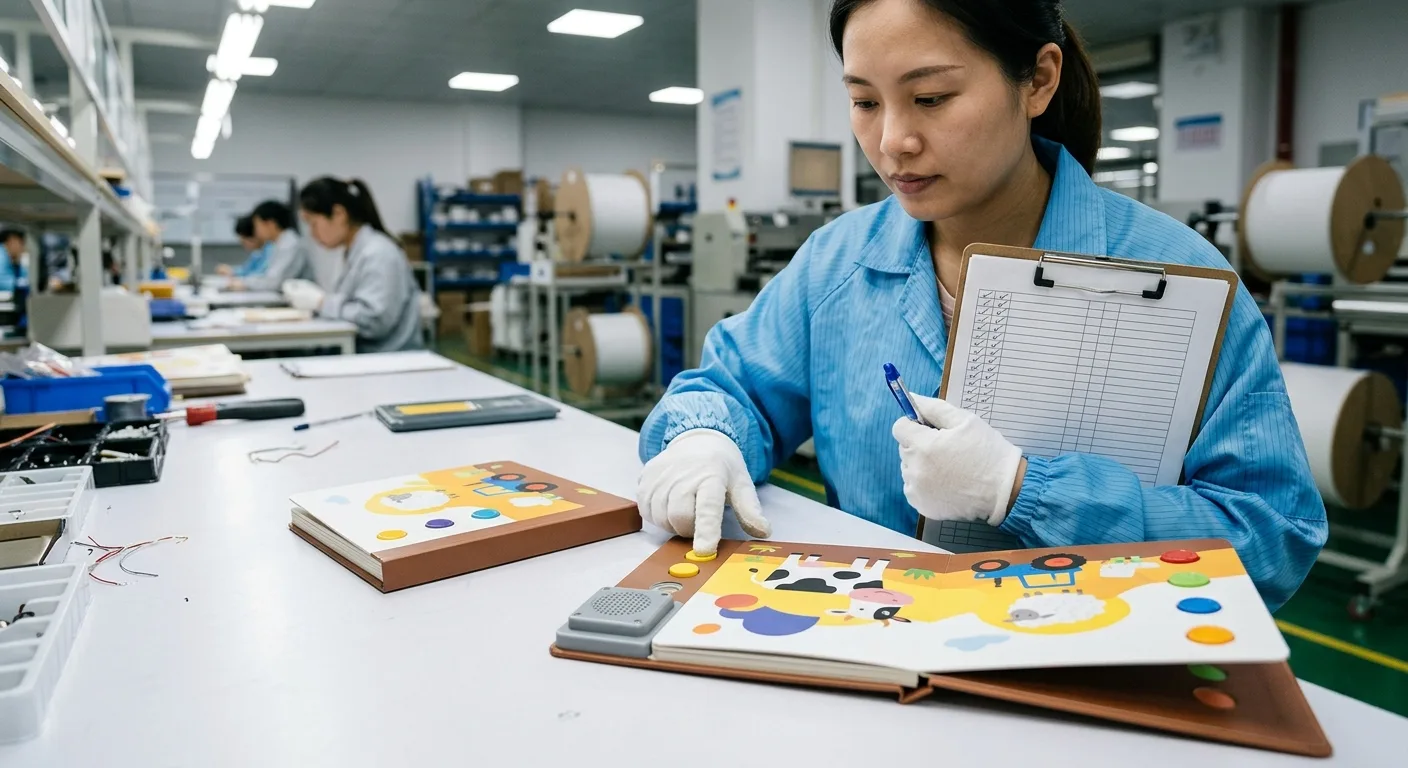
Prototype testing should cover audio, printing, structure and everyday use. Review the book in a quiet room and in a typical shared reading environment. Test every trigger in page order, then test them in a random order to identify mapping errors. Listen for missing tracks, incorrect tracks, inconsistent volume, distortion, long delays and accidental activation.
Use a practical buyer checklist
- Does every printed button activate the intended audio?
- Can the target child identify and press the control easily?
- Are words, names and translated phrases pronounced correctly?
- Is the speech clear through the assembled speaker?
- Are music and effects balanced with narration?
- Does the book remain usable after repeated opening, closing and pressing?
- Are page order, trim, binding, component placement and battery access correct?
- Have all approved audio files and artwork versions been recorded in the change log?
Ask reviewers to test without a verbal explanation. If they need instructions that are not present in the book, the visual cues may need improvement. Keep the approved prototype and final audio map as reference samples for production inspection.
Quotation Checklist for Audio Sound Books
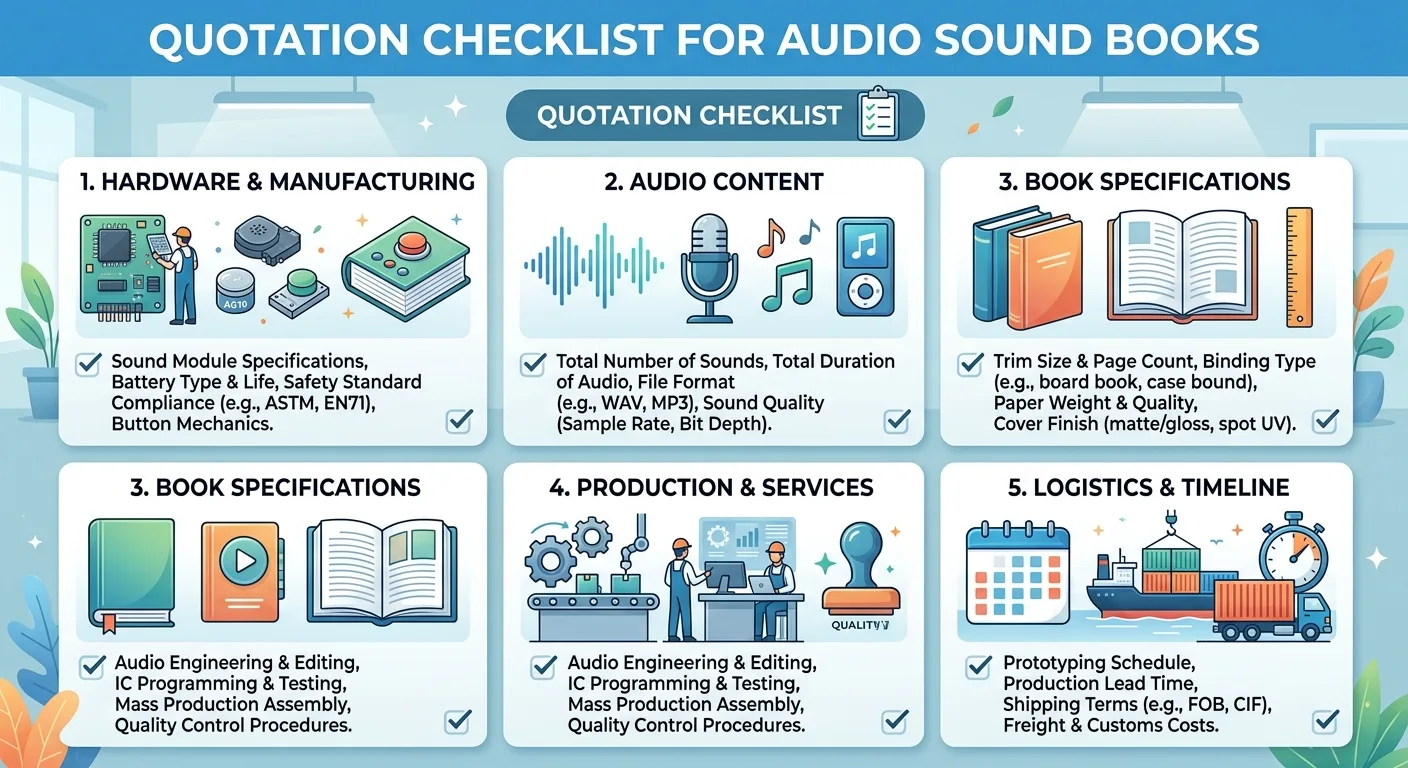
Audio affects both the creative scope and the manufacturing specification, so provide complete project information when requesting a quotation. The production team may need to assess the printed book, sound module, assembly process and testing requirements together.
Information to prepare
- Product type and intended age range.
- Trim size, page count, page sequence and quantity.
- Board or paper preference, binding style and protective finish.
- Number and location of sound triggers.
- Audio content type, total track count, estimated duration and languages.
- Whether audio will be supplied by the buyer, recorded by an external studio or coordinated as part of the project.
- Preferred file format and the status of the script, recordings and print-ready artwork.
- Packaging requirements and destination country.
Price and lead time depend on assumptions such as quantity, materials, number of audio tracks, module selection, prototype revisions, testing scope and shipping destination. State these assumptions clearly so different quotations can be compared fairly. A lower unit price may not represent the same specification if it excludes recording, prototype work, batteries, packaging or inspection.
For paper-based products with related component or card elements, guidance on selecting paper for custom cards and board products can also help when evaluating thickness, durability and finish. If environmental material choices are important, review the considerations in this guide to eco-friendly paper for book printing, then confirm the available option for the complete sound book specification.
Discuss Your Custom Sound Book Project
When you are ready to review your project, request a quotation with the product type, trim size, page count, quantity, paper or binding preference, finish, file status and destination country. Include the planned track count, audio duration, language versions and sound-module requirements so the specification and assumptions can be evaluated together.