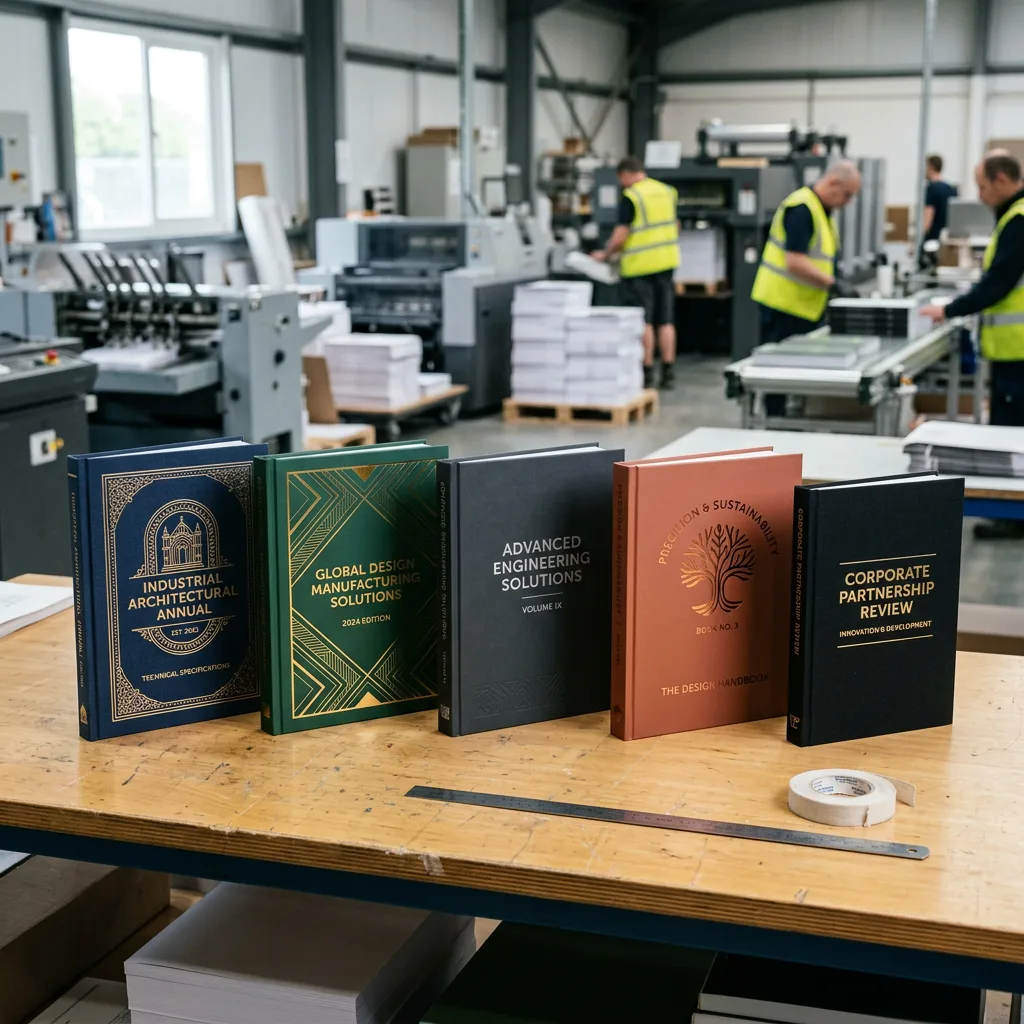


In the B2B sector, the physical product catalog remains a critical sales enablement tool. While digital assets are necessary for reach, a high-quality printed catalog serves a different purpose: it establishes authority, ensures brand retention, and provides a tactile resource for procurement teams and engineers. For industrial manufacturers and wholesale distributors, the quality of your catalog directly reflects the quality of your products.
This guide addresses the technical and strategic considerations for custom catalog printing. From selecting the right paper stock to understanding the economics of wholesale production, we cover the details required to produce marketing materials that drive sales and maintain brand consistency.
The Strategic Role of Print in B2B Marketing
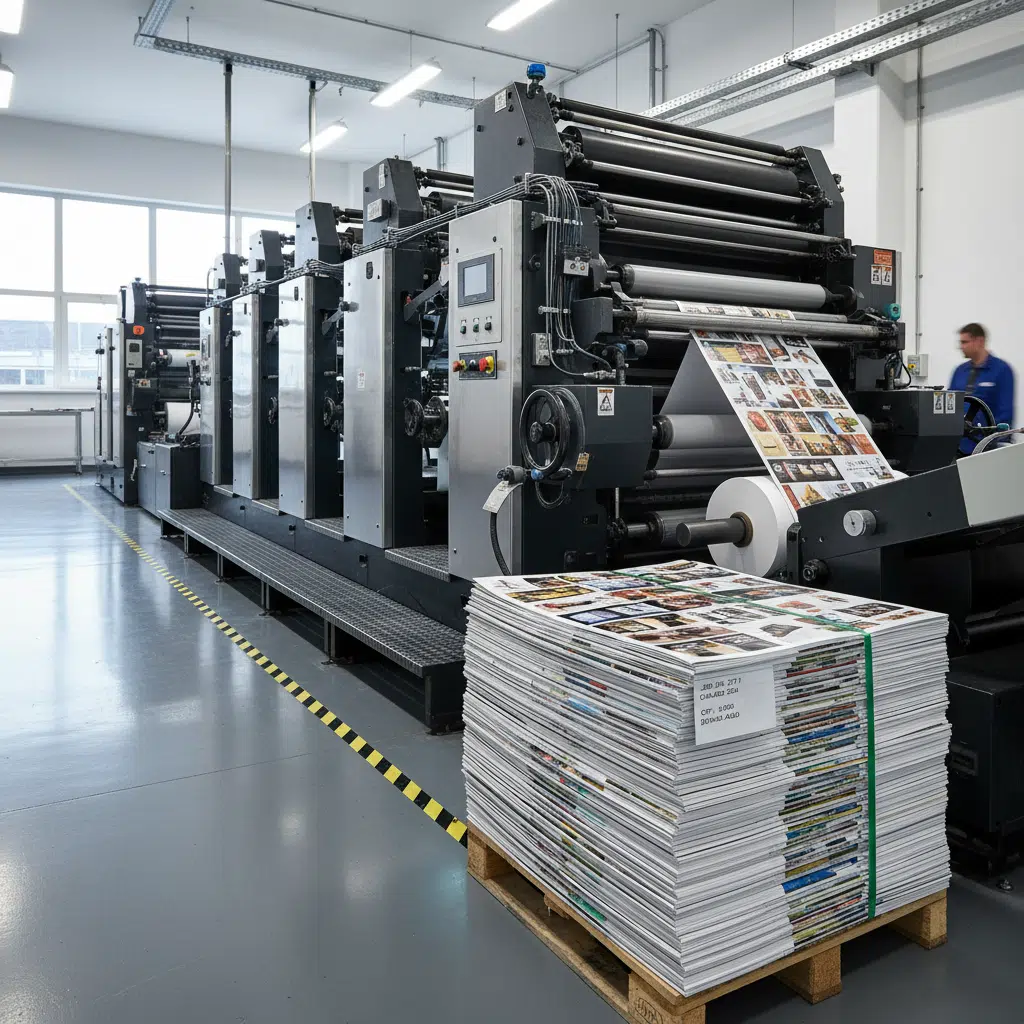
Despite the prevalence of digital marketing, printed catalogs offer distinct advantages in a B2B context. They are often kept on desks in purchasing departments, used during trade show discussions, and referenced during offline meetings. A well-constructed catalog acts as a silent salesperson, available even when internet access is spotty or screens are off.
However, to be effective, the print quality must match the brand’s positioning. Flimsy paper or poor color reproduction can damage a company’s reputation. Professional custom printing ensures that every element—from the binding durability to the ink density—conveys reliability.
Selecting the Right Paper Stock
Paper choice is one of the most significant factors in both the cost and the perception of your catalog. In professional printing, paper is typically categorized by weight (GSM or grams per square meter) and finish.
Cover Stock vs. Text Stock
- Cover Stock: The outer shell of your catalog needs to be durable. A standard recommendation for B2B catalogs is 200gsm to 300gsm (approx. 80lb to 110lb cover). This weight prevents curling and withstands frequent handling.
- Text (Inner) Stock: The interior pages should be lighter to keep the catalog manageable and reduce shipping weights. Typical ranges are 105gsm to 157gsm (approx. 70lb to 100lb text).
Coated vs. Uncoated
- Gloss Coated: Ideal for catalogs featuring high-resolution product photography, such as automotive parts, electronics, or fashion. The coating sits on top of the paper, keeping ink distinct and vibrant.
- Matte Coated: Offers a sophisticated, non-glare finish. This is often preferred for catalogs with significant text, technical data sheets, or architectural products, as it improves readability under bright office lights.
- Uncoated: Provides a natural, tactile feel. While less common for image-heavy catalogs, it is excellent for brands emphasizing sustainability or organic materials. Note that ink absorbs into uncoated paper, resulting in softer, less sharp images.
Binding Options for Durability and Aesthetics
The binding method dictates the page count limits, durability, and “openability” of your catalog. Choosing the wrong binding can result in pages falling out or a catalog that refuses to stay open.
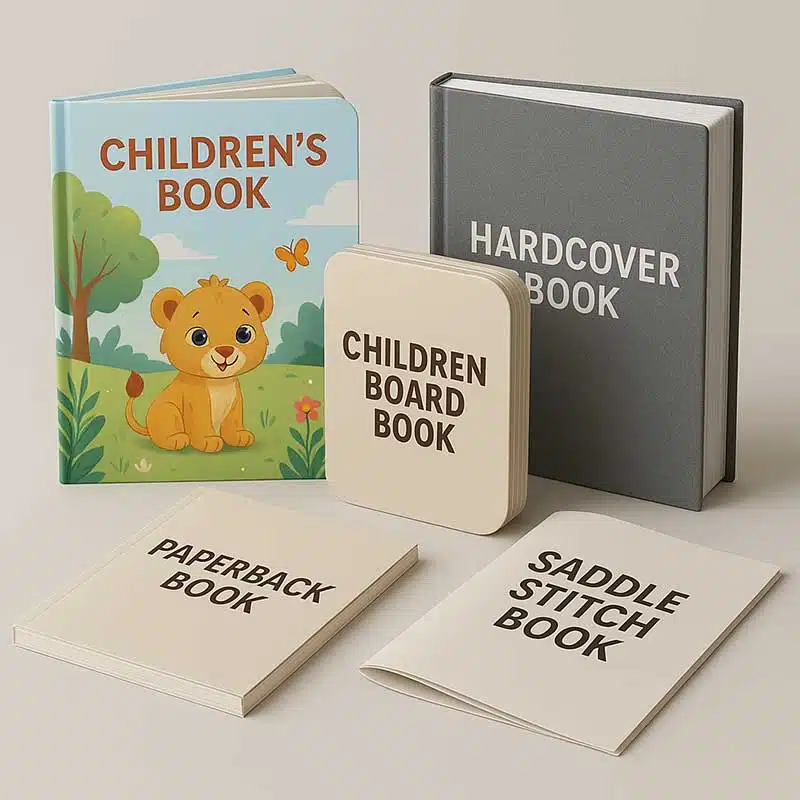
Saddle Stitching
Sheets are folded and stapled through the spine. This is cost-effective and allows the catalog to lay flat.
- Best for: Lower page counts (8 to 64 pages).
- Use case: Seasonal lookbooks, quarterly product updates, or event brochures.
Perfect Binding
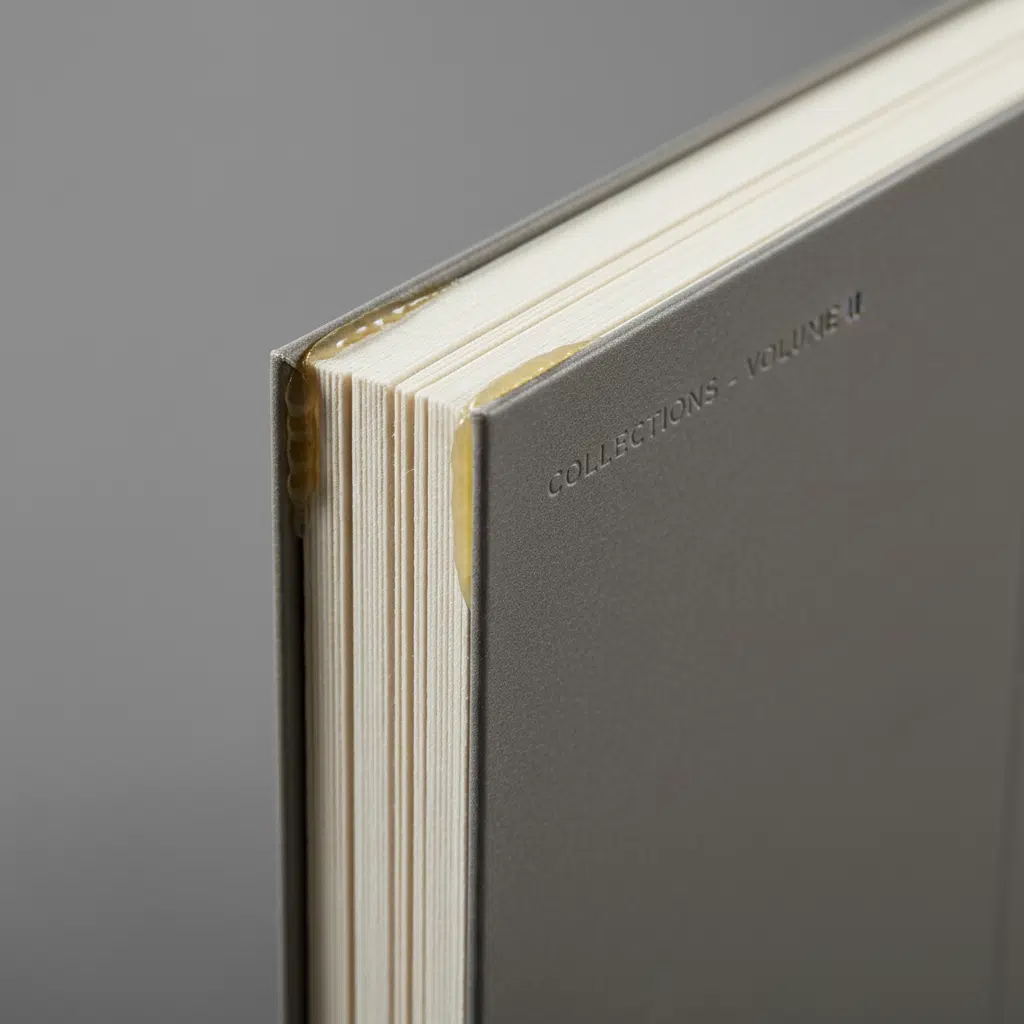
Pages are glued to a square spine using a strong, flexible thermal adhesive. This creates a professional, book-like appearance and allows for printing on the spine itself (useful for shelf visibility).
- Best for: Higher page counts (40+ pages).
- Use case: Comprehensive annual product catalogs, technical manuals, and corporate profiles.
Wire-O / Spiral Binding
A metal or plastic coil is threaded through punched holes. This is the only binding that allows pages to rotate 360 degrees.
- Best for: Manuals and reference guides that must lay completely flat for hands-free use.
- Use case: Engineering specification guides, training manuals, and heavy-duty industrial price lists.
Finishes: Enhancing Brand Perception
Post-press finishes add a layer of protection and visual appeal. For B2B marketing, these finishes distinguish a premium supplier from a generic competitor.
- Lamination (Gloss/Matte/Soft-Touch): Applied to the cover to prevent scuffing and cracking at the edges. Soft-touch lamination creates a velvety texture that immediately signals luxury.
- Spot UV: A high-gloss varnish applied only to specific areas (like a logo or product image) on top of a matte background. This creates high contrast and visual depth.
- Foil Stamping: Uses heat to apply metallic foil (gold, silver, etc.) to the paper. It is highly effective for logos and titles on the front cover.
- Die-Cutting: Cutting shapes out of the paper, such as a window on the cover to reveal the page beneath, or custom tabs for easy navigation between sections.
Buying Guide: MOQ and Manufacturing Considerations
When sourcing wholesale printing services, understanding the manufacturing process helps in optimizing costs and timelines.
Offset vs. Digital Printing
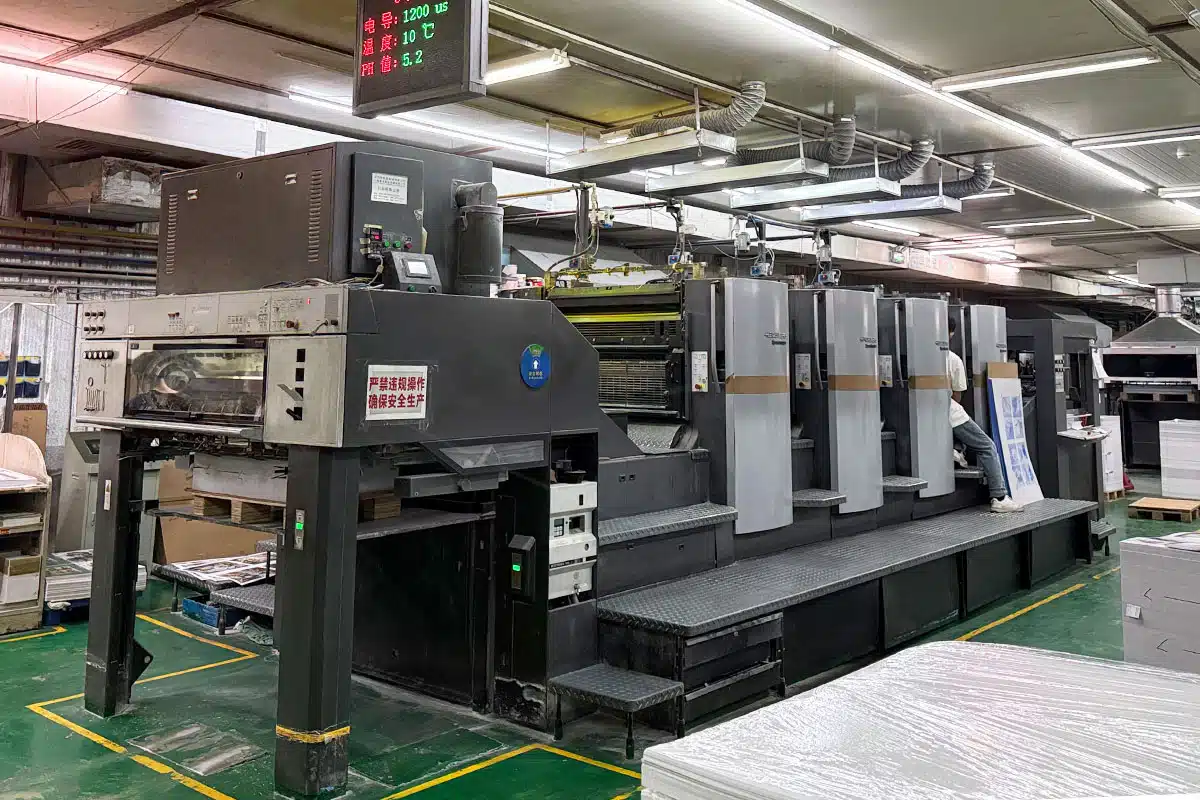
Most bulk catalog orders are produced using offset lithography. This process involves creating physical plates for each color separation.
- High Setup, Low Unit Cost: Offset printing has high initial setup costs (plates, make-ready). However, once the press is running, the cost per unit drops significantly.
- MOQ (Minimum Order Quantity): To make offset printing economical, a typical MOQ is 500 to 1,000 copies. For smaller runs (e.g., 50 copies for a specific meeting), digital printing is more appropriate, though the unit cost will be higher.
Color Consistency
Brand consistency is paramount. If your corporate blue looks purple in the catalog, it degrades trust. Professional printers use CMYK process printing for full-color images. For specific brand colors, request Pantone (PMS) spot colors to ensure exact matching across all marketing materials.
Artwork and File Preparation
To avoid production delays, ensure your design team adheres to print-ready standards:
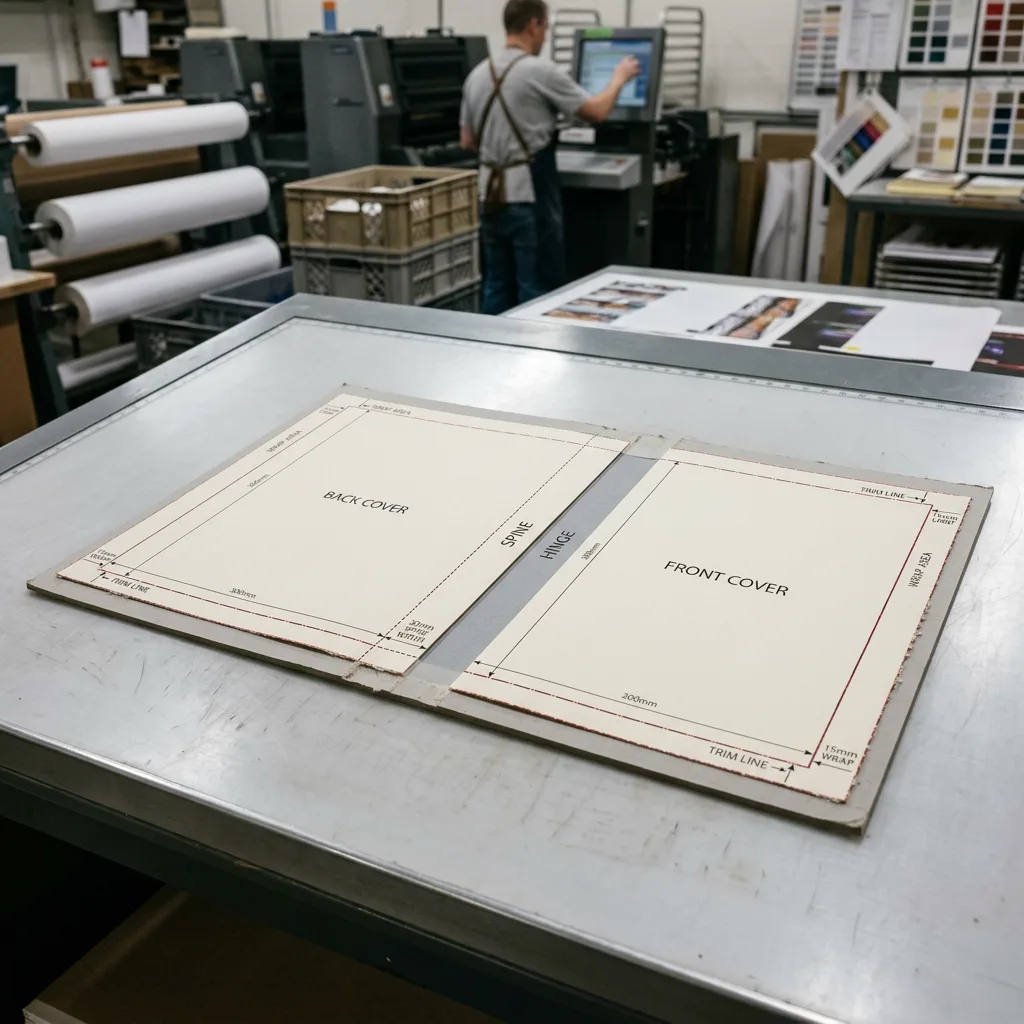
- Bleed: Extend artwork 3mm (0.125 inches) beyond the trim line.
- Resolution: Images must be 300 DPI at actual size.
- Color Mode: Convert all RGB images to CMYK before submission.
- Safe Zone: Keep critical text at least 5mm from the edge to avoid trimming errors.
Frequently Asked Questions (FAQs)
What is the standard turnaround time for bulk catalog printing?
Production time typically ranges from 7 to 15 business days after proof approval, depending on the complexity of the binding and finishing. Shipping times vary based on destination and logistics method (air vs. sea freight).
Can I see a proof before the full run is printed?
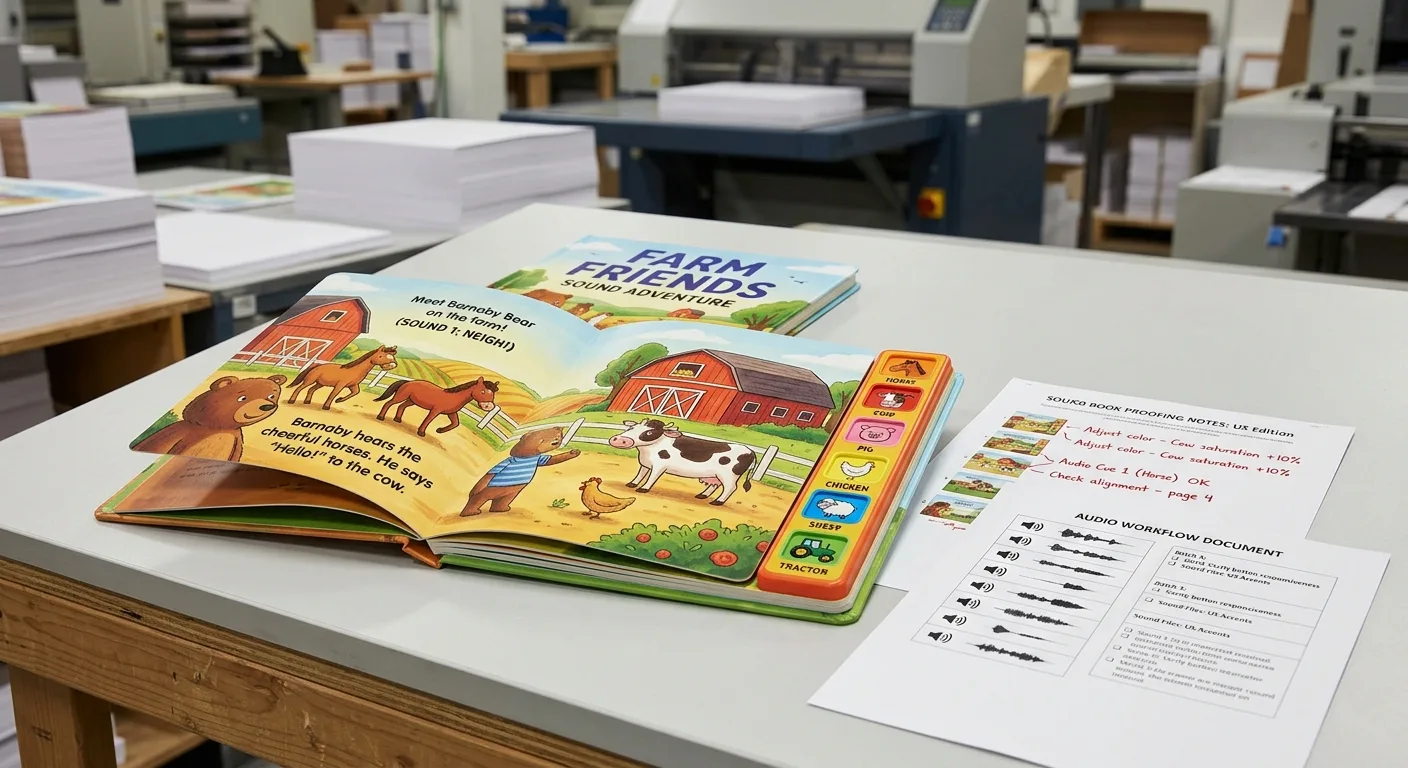
Yes. A “soft proof” (PDF) is standard for checking layout and text. For color-critical projects, it is highly recommended to request a “hard proof” (physical sample) to verify color accuracy and paper feel before mass production begins.
How do I choose between saddle stitch and perfect binding?
The decision is mostly driven by page count. If your catalog is under 60 pages, saddle stitch is cost-effective and functional. If it is over 60 pages, perfect binding is necessary to accommodate the thickness and provide a professional spine.
Does paper weight affect shipping costs?
Yes, significantly. Using a slightly lighter text stock (e.g., 105gsm instead of 128gsm) can reduce the overall weight of a bulk shipment, saving on logistics costs without compromising quality significantly.
What is the most durable option for industrial catalogs?
For catalogs used in workshops or factories, we recommend a heavy cover with gloss lamination (to wipe off grease/dust) and a sturdy wire-o or perfect binding. Synthetic paper options are also available for waterproof requirements.
Request a Quote for Custom Catalogs
A well-executed catalog is an investment in your sales infrastructure. Whether you need a high-volume run of product directories or a limited run of premium brand books, choosing the right specifications is the first step.
Ready to start your project? Contact us today to discuss paper options, request a sample kit, or get a competitive quote for your catalog printing needs.