

Índice
- What book reprint color matching means
- Why colors can change between print runs
- Publisher’s checklist before a reprint
- Choose a useful reference and proofing method
- Compare color reference options
- Control files, paper and production variables
- Set approval criteria and document decisions
- Conclusión
A later print run can look different even when the artwork has not changed. Use this checklist to control reference samples, production files, paper, proofing and approval criteria before reprinting a book.
What book reprint color matching means
Book reprint color matching is the process of comparing a new production run with an agreed reference and managing the print, paper, file and viewing conditions that affect how the colors appear. It does not always mean that every copy will be visually identical: print processes and materials have normal variation. The goal is to define what should match, use a suitable reference, and approve the new run against clear criteria.
For publishers, that means planning the comparison before production starts. A retained copy from the previous edition can help, but it is most useful when its paper, condition, printing process and storage history are understood. A signed physical proof or approved color target can provide a more controlled benchmark for the next repeat print run.
- Use a specific, identified physical reference rather than relying on a screen image.
- Confirm that the new run will use the same paper, ink approach, files and finishing where practical.
- Agree which pages and color areas matter most, and how approval will be made.
- Record any approved changes so they do not become unexpected differences in a later order.
The result depends on the reference quality, paper and finish, printing method, color separations, press conditions and viewing light. Discuss these assumptions with the printer before comparing samples.
Why colors can change between print runs
A reprint can look different even if the publisher has not intentionally changed the design. A previous printed copy is the result of a particular combination of file version, paper, press setup, ink behavior, finishing y viewing conditions. If one or more of those inputs changes, the appearance may change too.
Common causes of visible variation
- Paper stock: A different paper shade, coating, surface or absorbency can affect how colors appear. A paper substitution should be treated as a production change, not just a purchasing detail.
- Acabado: Gloss or matte coatings and laminations can change perceived contrast and saturation. Compare samples with the same finish whenever possible.
- Artwork and color settings: A revised export, changed profile, different image conversion or altered color values may create differences. Keep the approved production files identifiable and unchanged unless a revision is intentional.
- Printing process and conditions: Offset and digital processes have different production characteristics. Even within a process, setup and press conditions can affect the result.
- Viewing conditions: Warm room light, daylight and mixed lighting can make the same printed color appear different. A comparison made under inconsistent light is less reliable.
For image-heavy books, small shifts can be particularly noticeable in skin tones, skies, neutral backgrounds, brand colors and large solid areas. Make a shortlist of priority pages instead of assuming every page has equal color risk. For file setup, see YBJ’s pre-press checklist for offset printing y print-ready PDF export and preflight workflow.
Publisher’s checklist before a reprint
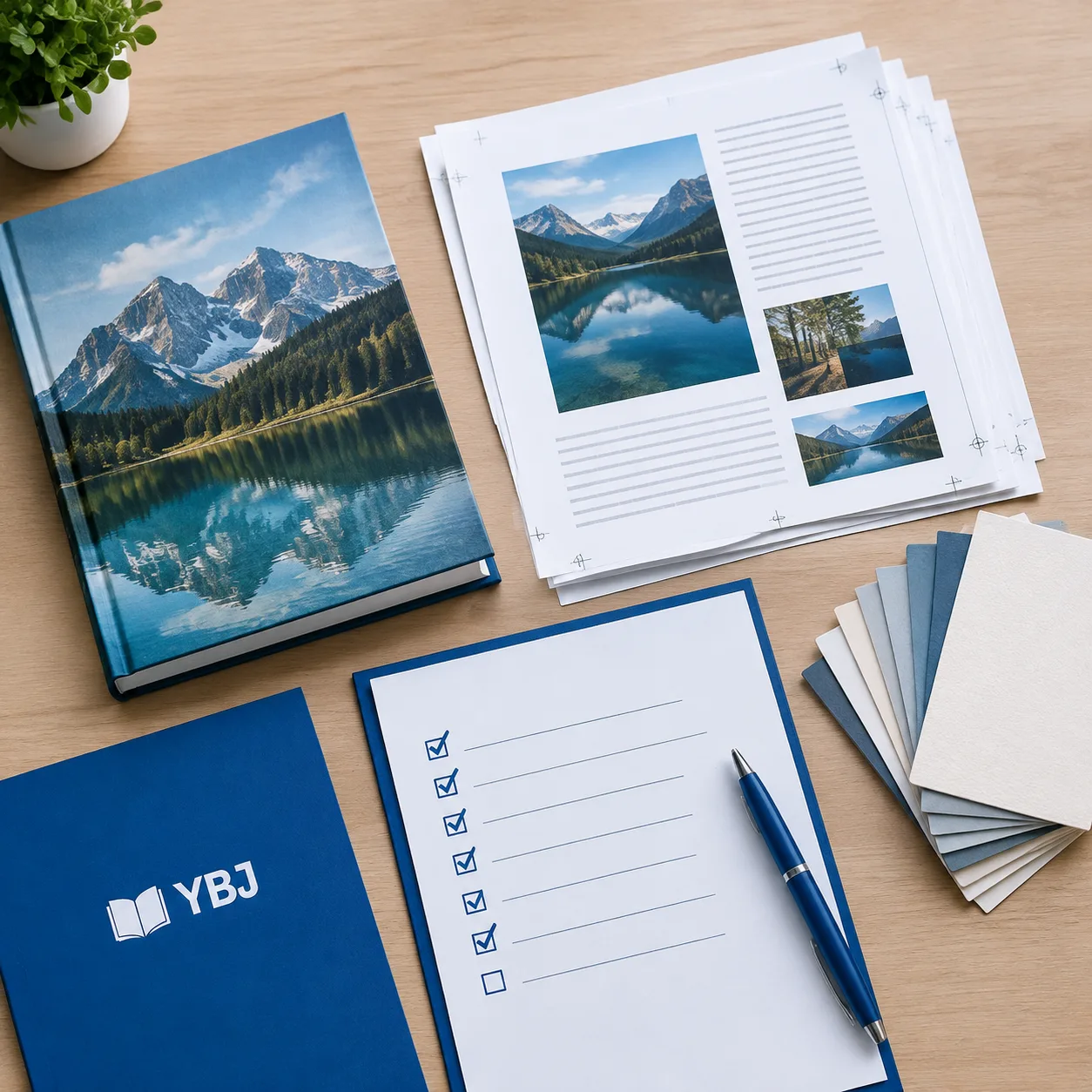
Before requesting or approving a reprint, assemble the production information below. A concise brief helps the printer identify what must remain consistent and what may need to change.
- Identify the edition and previous run. Note the title, edition or version, print date if known, quantity, printer and printing process. If there have been multiple versions, identify the exact run that is the visual target.
- Select the reference. Choose a clean, representative copy or an approved proof. Mark the pages and image areas that are most important. Avoid using a faded, damaged or unusually stored copy as the only benchmark.
- Confirm the file version. Send the approved production files and identify their date or revision. State whether the files are unchanged or include corrections. Keep a separate record of any revised pages.
- Confirm the specification. List finished size, page count, paper type and weight, paper shade, printing process, binding and cover finish. If a material is unavailable or being substituted, request a sample or proof before approving production.
- Agree on proofing. Ask what proof type is available and what it can demonstrate. Confirm whether the proof uses the intended paper and finish, or whether those will be represented separately.
- Set color priorities and decision-makers. Name the pages and colors that need close review, who has final approval, and how comments will be collected. Keep feedback consolidated to reduce conflicting instructions.
- Record approval. Save the approved proof or signed sample, approval date, specification and any known limitations. These records become the starting point for the next order.
For useful color judgment, compare samples side by side under consistent, neutral viewing light and allow the samples to adapt to the room. Do not use a phone or desktop display as the sole color reference: screens emit light and are affected by brightness, calibration and display settings.
Choose a useful reference and proofing method
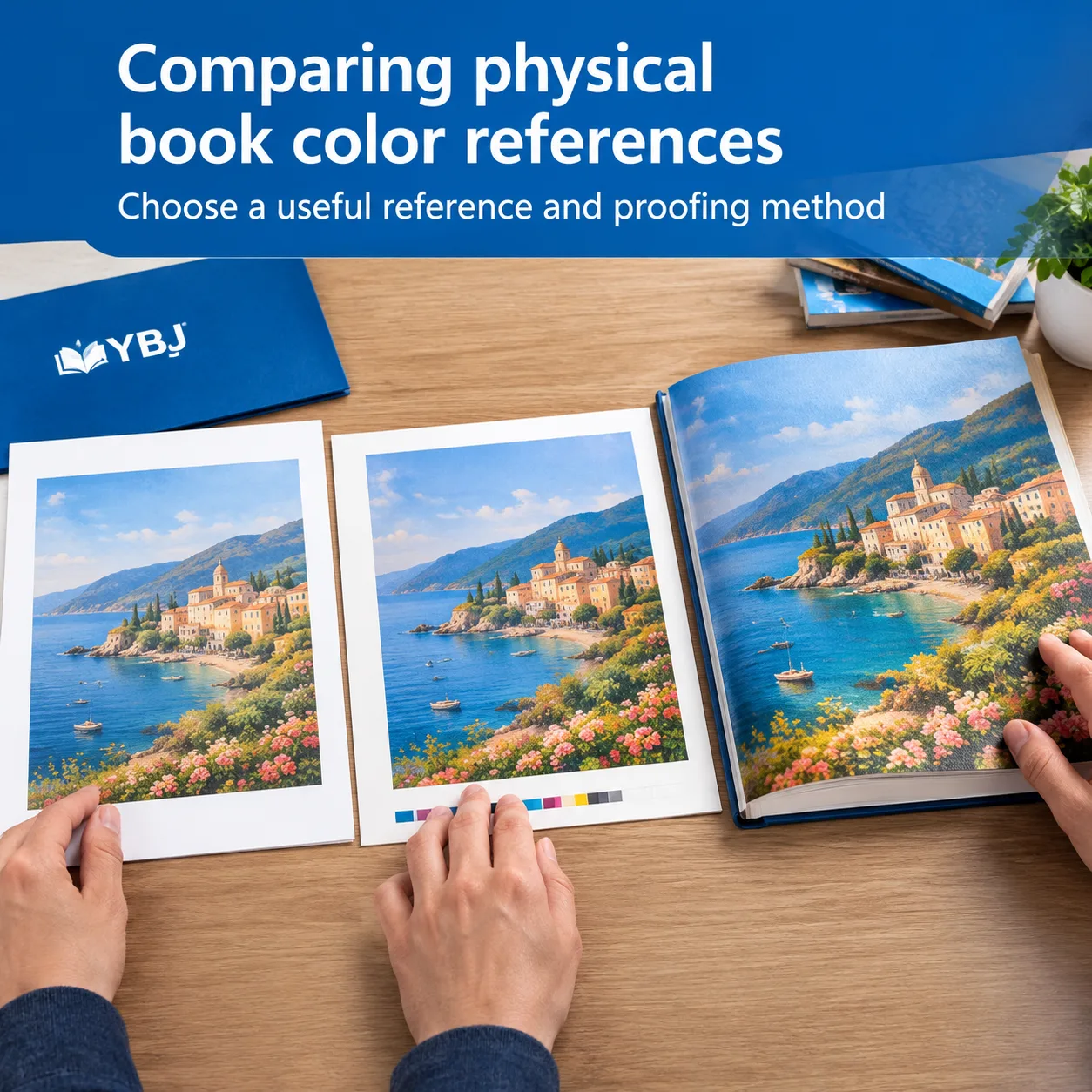
The best reference is the one that most clearly represents the appearance the publisher wants to reproduce. A retained production copy is a practical starting point, especially when no approved proof from the previous order remains. However, copies can age: light exposure, handling, storage and paper yellowing may change their appearance. Tell the printer when and how the sample was stored, and do not assume that a scanned image captures its color accurately.
Where a suitable reference sample is available, send it physically and label it with the edition, page numbers and any priority details. A digital scan or photograph can help locate a reference image, but compression, lighting and display settings can distort color. For a new proof, confirm whether it is a contract color proof, a press proof, a machine proof or another proof type. These options do not provide identical levels of control, and terminology can vary by supplier.
A proof is useful only when the publisher knows what it is intended to confirm. It may show page layout, image placement and a general color direction, while not perfectly representing the production paper, final coating or full press run. Ask the printer to state the proof’s limitations. For a photo-led title, consider evaluating representative spreads on the intended stock before authorizing the complete run. See the related guide to photo book paper and color proofing for further planning considerations.
When applicable, an agreed color-management workflow can use recognized measurement and viewing practices. The International Color Consortium provides background on color management at ICC.org. A standard reference is helpful, but the production team still needs the specific book files, stock and finish to make a practical comparison.
Compare color reference options
Use the comparison below to choose a reference method that fits the book and the risk of a visible mismatch. A combined approach is often more useful than relying on a single sample.
| Reference option | Useful for | Limitations to consider | Buyer action |
|---|---|---|---|
| Retained copy from prior run | Showing the actual finished book and overall visual impression | May have aged, faded or been produced on stock that is no longer available | Label the copy, identify priority pages and disclose storage history |
| Approved physical proof | Recording a reviewed target before a production run | May not use the final paper, finish or production conditions | Ask what the proof represents and retain the approved sample |
| Press or production sample | Reviewing output made under production conditions | Availability, timing and representativeness depend on the job and supplier workflow | Agree how many pages or copies will be reviewed and who approves them |
| Digital PDF or screen image | Checking layout, content, image placement and file corrections | Cannot independently establish the appearance of ink on the chosen paper | Use alongside a physical reference rather than as the only color approval |
For color-critical work, explain whether the priority is close visual continuity, exact reproduction of a particular printed sample, or consistency across all copies in the new run. These are related but different approval goals. Ask the printer to explain available print color tolerances for the selected process and materials; do not assume a universal numeric tolerance applies to every book or proof.
Control files, paper and production variables

Once a reference has been chosen, reduce avoidable variation by controlling the inputs that can be controlled. Begin with file identity. Supply the approved production files in the agreed format, confirm whether color images are supplied as RGB or converted to CMYK according to the printer’s instructions, and state which color profile or conversion workflow applies. Do not make a last-minute conversion based on assumptions; the correct setup depends on the print process and production workflow.
Keep a revision log for corrected text, replaced images, retouched colors or changed page layouts. If artwork changes after a proof, identify the affected pages and request a new review where color appearance may have changed. A useful practical method is to maintain an archive containing the approved files, specification, proof comments, reference photos for identification, and final approval record. A photograph should not replace a physical color reference, but it can help document which sample was approved.
Paper is equally important. Specify the stock by a clear description or previously approved sample, rather than relying only on a general label such as “coated” or “uncoated.” Ask whether the new order will use the same paper shade, surface and weight. If a paper substitution is necessary, request information about the proposed alternative and review how its shade and finish may affect color. A changed stock may require a new proof or an adjusted expectation.
Also confirm binding and finishing details where they influence the viewed result. Lamination or coating can alter the way a cover looks, while trimming and binding determine how spreads and images meet the gutter and edges. The appearance of a finished book should be reviewed as a book, not only as loose proof pages, when these features matter. For further production planning, see YBJ’s guide to hardcover case materials and cover options.
Set approval criteria and document decisions
Approval works best when reviewers know what to inspect and what counts as an acceptable result. Before production, agree on the physical reference, pages to review, viewing conditions, proof type, decision-maker and process for communicating corrections. If color measurement is part of the agreed workflow, clarify which targets, measurement conditions and tolerances apply with the printer. If the review is visual, specify that too and avoid describing it as a numerical guarantee.
A practical approval record should include
- The book title, edition and reprint order reference.
- The approved file names or revision identifiers.
- Paper, printing process, binding and finish specifications.
- The physical reference or proof identifier and the pages reviewed.
- Any accepted differences, such as a changed paper shade or finish.
- The approver’s name, date and written confirmation.
Review the proof for both color and production context: image crop, trim, page sequence, overprint or transparency concerns, and the visual effect of coatings. A proof approval confirms only what was actually reviewed under the stated assumptions. If the paper, file, process or finish changes afterwards, ask whether approval should be repeated.
On receipt of the new run, inspect a representative selection of copies in consistent light. Check the priority pages and compare them with the retained reference or approved proof. If a concern appears, record the affected pages, describe the difference and share clear photographs as supporting information; then discuss the physical copies with the printer. This creates a more useful production review than a general comment that the book “looks different.”
Publishers ordering several titles or editions can use the same record structure while keeping each title’s color targets separate. Never assume that one title’s approved settings or reference automatically apply to another book, even if the paper and print process appear similar.
Conclusión
Reliable book reprint color matching starts with a clear target and a controlled production brief. Identify the right reference, preserve approved production files, confirm paper and finishing, select a proof suited to the decision, and document what the publisher accepts. Because paper, process, proof type and viewing conditions affect the result, confirm these assumptions with the printer before approving the next run.
A repeatable checklist makes future orders easier to compare and helps both publisher and printer act on specific, shared expectations rather than memory alone.
PREGUNTAS FRECUENTES
Can a printer make a reprint look exactly like the previous edition?
A close visual match may be possible, but exact identity should not be assumed. Results depend on the reference, paper, files, printing process, finishing and viewing conditions. Agree on the target and practical approval criteria before production.
Should I send a physical copy from the previous print run?
Yes, when you have a clean and representative copy, it can help show the finished appearance. Identify the edition and priority pages, and tell the printer about storage or aging. A physical copy is usually more informative than a screen image, but it may not be a perfect benchmark if it has faded or the stock has changed.
What if the original paper is no longer available?
Ask the printer to propose a suitable alternative and explain differences in shade, surface and finish. Request a sample or proof on the proposed stock when color appearance is important, and record the approved substitution.
Are approved production files enough to guarantee color consistency?
No. Approved files help control artwork, but paper, print process, press conditions, finishing and viewing light also affect appearance. Keep the files as part of a broader reprint record that includes the reference, specification and proof approval.
What are acceptable print color tolerances for a book reprint?
There is no single tolerance suitable for every book, process and material. Ask the printer what can be measured or visually assessed for your specific job, and agree on the reference, conditions and approval method before ordering.
Ready to Plan Your Custom Printing Project?
Tell YBJ Printing about your product type, trim size, page count, quantity, paper or binding preference, finish requirements and delivery destination. For a reprint, also share the previous edition’s reference sample, approved production files, any paper substitutions under consideration and your proofing priorities. Let us know whether your files are ready or still in progress. Our team can discuss practical options and prepare a factory-direct quotation.