
Índice
- What ISBN Barcode Placement Means
- ISBN, Bookland EAN, and the Human-Readable Number
- Where to Put an ISBN Barcode on a Book Cover
- Technical Requirements for Book Barcode Printing
- ISBN Cover Design Requirements by Cover Format
- A Practical US Book Cover Prepress Workflow
- Common Mistakes and a Final Barcode Checklist
- Prepare Your Barcode-Ready Cover for Production
En la mayoría de los libros impresos que se venden a través de canales minoristas o de distribución de EE. UU., coloca el código de barras ISBN en la zona inferior derecha de la contraportada. El código de barras debe ser un símbolo Bookland EAN-13 generado correctamente, impreso en un tamaño adecuado, con zonas de seguridad bien definidas, un contraste marcado y suficiente distancia respecto al corte, los pliegues, el lomo y los efectos de acabado. Esta guía explica los requisitos prácticos de diseño de la cubierta con ISBN y las comprobaciones de preimpresión que las editoriales deben realizar antes de la producción.
What ISBN Barcode Placement Means
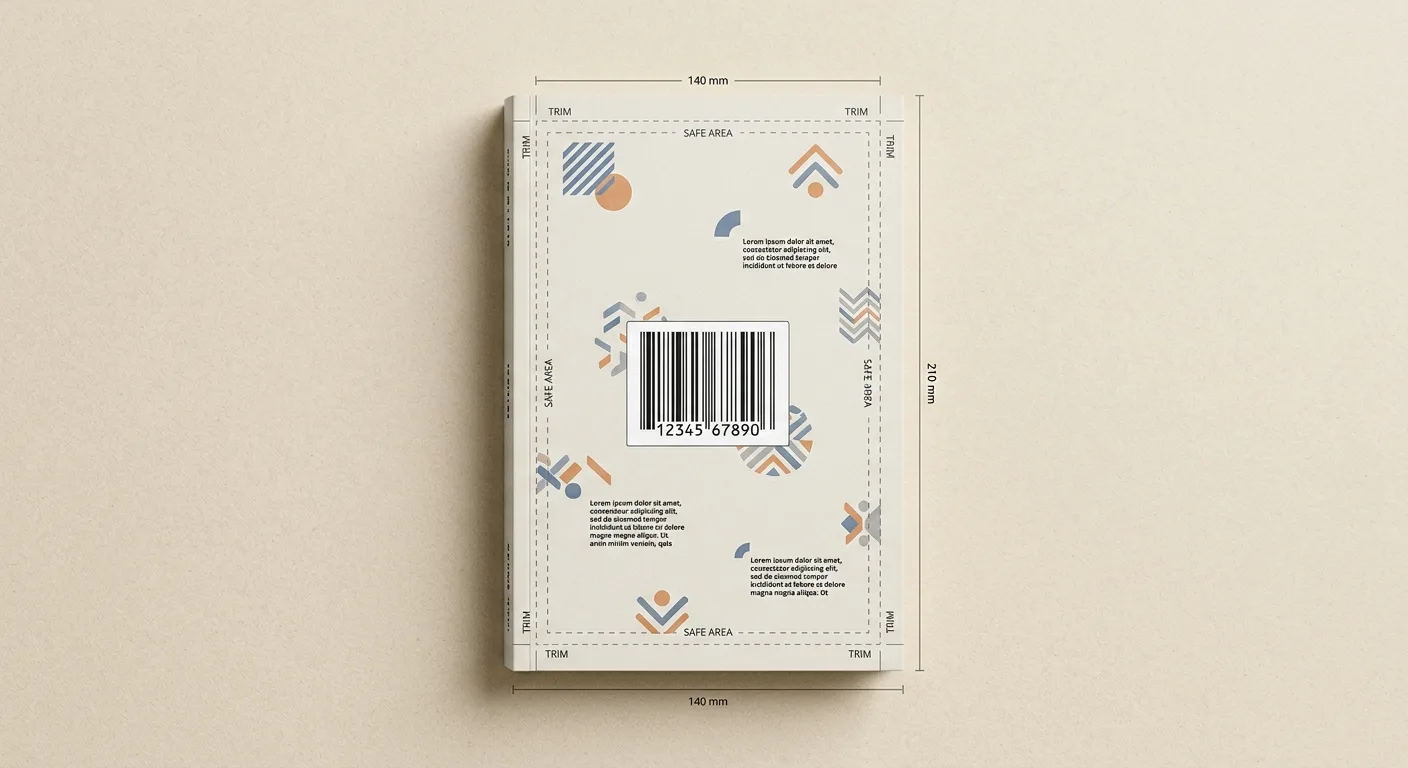
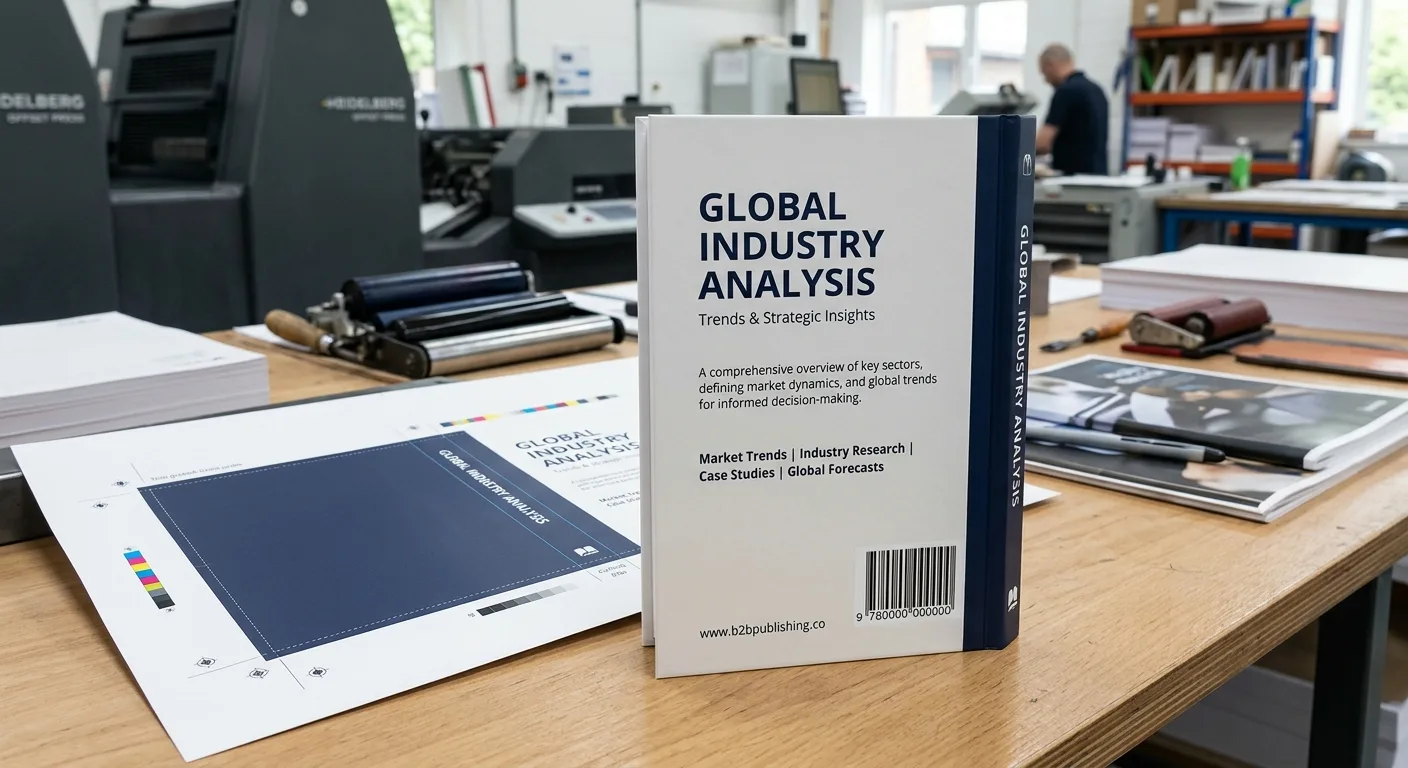
For a book intended for US retail or distribution, the usual ISBN barcode placement is the lower-right area of the back cover. This location is familiar to booksellers, distributors, warehouses, and checkout systems, while keeping the barcode away from the spine and the main front-cover artwork.
The barcode must be generated from the correct ISBN and supplied as a usable print file. Placement alone does not make a book scannable. Size, quiet zones, contrast, orientation, surface finish, and distance from trim all affect whether a scanner can read the symbol reliably.
There is not one universal visual layout for every publisher or retailer. A distributor may provide its own cover specifications, and a printer may recommend a particular barcode size or safe area. Treat the lower-right back cover as the standard starting point, then confirm the requirements of the sales channels receiving the book.
The ISBN itself should also appear as readable text, normally on the copyright page and often near the barcode on the back cover. The barcode is a machine-readable representation; it does not replace the ISBN in the book’s bibliographic information.
ISBN, Bookland EAN, and the Human-Readable Number
An ISBN identifies a specific book edition and format. In the US, publishers normally obtain ISBNs through the authorised national ISBN agency, Bowker. A hardcover, paperback, revised edition, or other distinct format may require its own ISBN according to the publisher’s cataloguing and distribution arrangements.
For retail scanning, the ISBN-13 is commonly encoded as a Bookland EAN-13 barcode. The barcode usually begins with the Bookland prefix 978 o 979, followed by the ISBN data and its check digit. Do not manually type numbers into a generic barcode generator unless you understand how the ISBN is being converted. A barcode file created from the wrong number can look correct but connect to the wrong product or fail validation.
Some book barcodes include an optional five-digit add-on. This may be used for price or other publisher-defined information, depending on the distribution system. Do not add a price extension simply because another book has one. Confirm whether your distributor, retailer, or barcode provider requires it.
Keep the human-readable ISBN visible in the cover design. It is commonly placed above or below the barcode, or printed as a separate line close to it. The ISBN should also be listed in the copyright or publication information. If the book has separate ISBNs for different formats, check that the barcode on each cover matches the edition being printed.
Where to Put an ISBN Barcode on a Book Cover
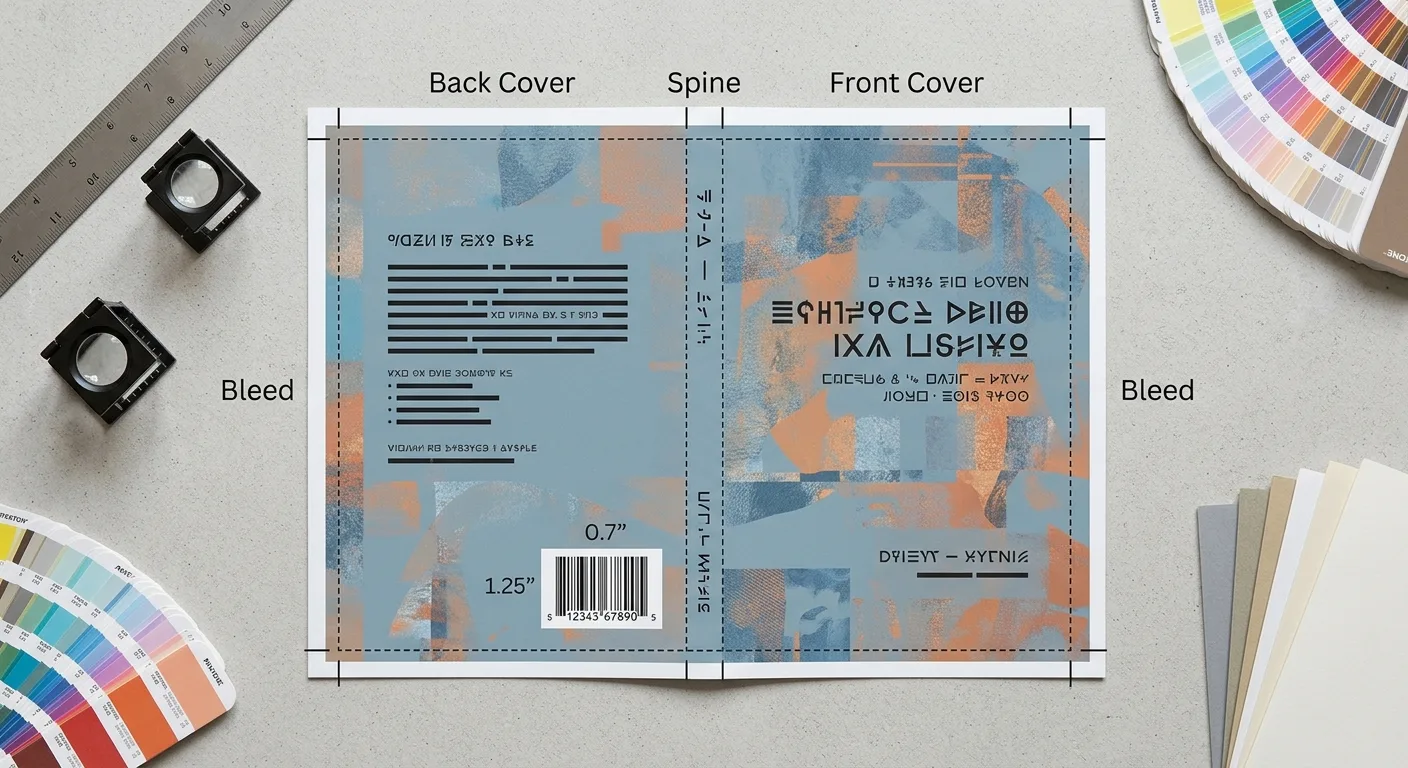
Place the barcode on the back cover, normally toward the lower-right corner when the book is viewed upright from the back. This is the most recognisable position for books sold through conventional retail channels. Leave enough space around it for the barcode’s quiet zones, the readable ISBN text, and the printer’s required safe margin.
Keep the symbol clear of the following areas:
- the trim edge and cover bleed;
- the spine fold or hinge area;
- rounded corners, flaps, die cuts, perforations, or other structural features;
- heavy artwork, photographs, patterns, or text that reduce contrast;
- foil, raised varnish, textured coating, or other effects that may interfere with scanning.
The barcode is normally printed in a horizontal layout with the bars running vertically. Avoid rotating or placing it across a fold unless the receiving retail system has specifically approved that arrangement. If the back cover is very narrow, heavily illustrated, or unusually shaped, ask the printer or distributor for an approved alternative before finalising the design.
Do not place the barcode on the spine as the primary retail barcode. The spine is too narrow for many book formats and may be hidden on a shelf. Do not place it on the front cover merely to preserve a back-cover design. A front-cover barcode can be visually distracting and may not match the expected retail workflow.
For books with a dust jacket, the barcode normally belongs on the jacket’s back panel because that is the retail-facing cover. If the case underneath also carries a barcode, confirm with the publisher or distributor whether a duplicate could cause inventory confusion.
Technical Requirements for Book Barcode Printing
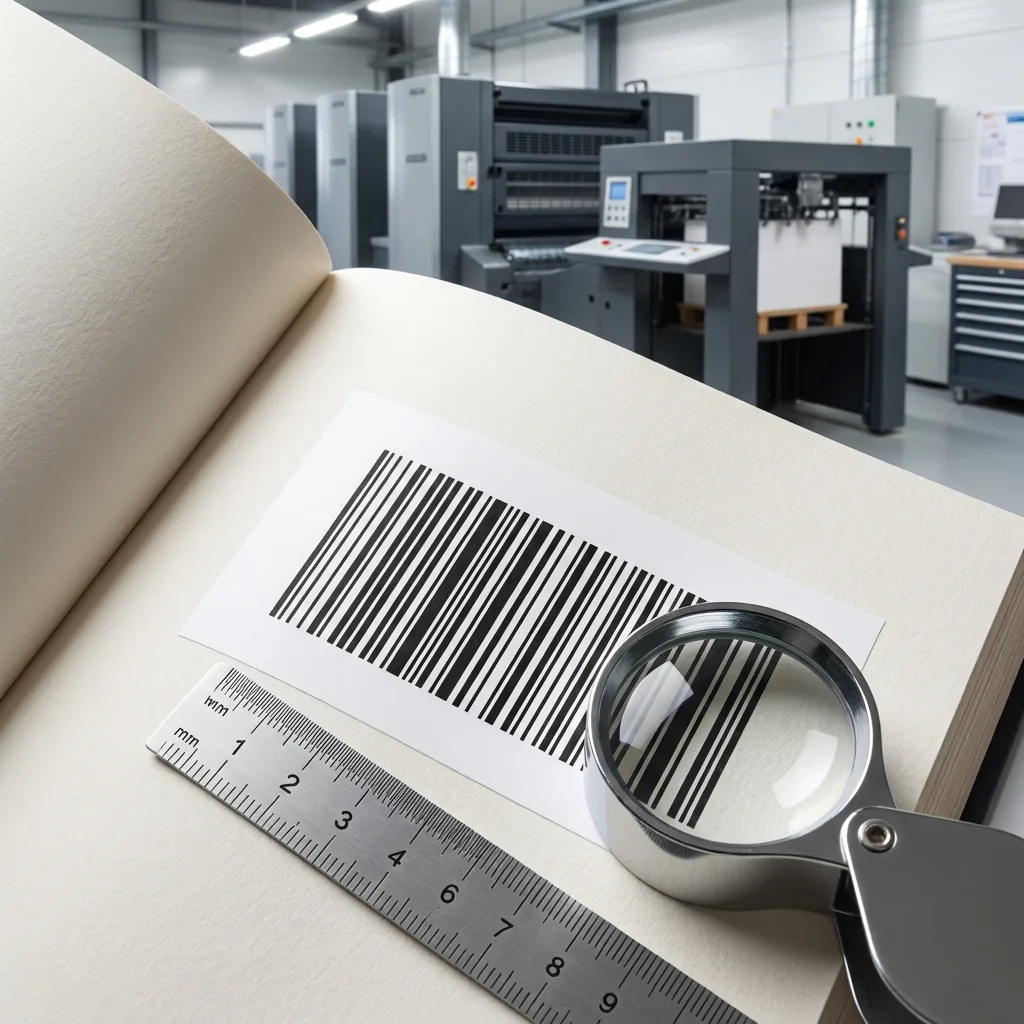
Good book barcode printing depends on preparing the symbol as a production element rather than as ordinary cover artwork. Use these practical requirements as a starting checklist:
- Use the correct symbol: For a standard ISBN retail barcode, request a Bookland EAN-13 file and confirm whether a five-digit add-on is needed.
- Use a vector file where possible: PDF, EPS, or SVG artwork generally preserves clean bar edges. If a raster file is unavoidable, it should be prepared at the final size with sufficient resolution rather than enlarged from a small screenshot.
- Choose strong contrast: Black bars on a clean white or very light background are the safest option. Avoid coloured bars, dark artwork behind the symbol, gradients, and transparent effects.
- Protect the quiet zones: The blank space at both sides of the barcode is part of the scannable design. Do not crop it, place text in it, or allow artwork to intrude into it.
- Do not distort the symbol: Stretching it horizontally or compressing it vertically changes the bar proportions. Scale it proportionally and follow the barcode provider’s recommended magnification range.
- Consider the finish: High gloss, foil, spot UV, embossing, and textured stock can create glare or uneven surfaces. Keep special effects away from the bars unless the printer has tested and approved the treatment.
- Use the correct colour build: A solid black barcode is usually preferable to registration black or a complex rich-black mix. Confirm the final colour specification with your printer.
Exact barcode dimensions depend on the symbol type, optional add-on, magnification, cover size, and receiving system. For that reason, do not rely on a copied barcode from another book or assume that the smallest possible symbol is acceptable. Supply the final cover size and distribution requirements to the printer before locking the artwork. Bleed, safe areas, and spread setup should also be checked together; el file setup guide for bleed and safe areas explains the same prepress principles in a board-book context.
ISBN Cover Design Requirements by Cover Format
The best barcode location can change slightly according to the physical cover format, although the back-cover lower-right area remains the normal reference point.
Paperback and perfect-bound books
On a paperback, place the barcode on the back-cover panel rather than near the spine. A separate cover file or full cover spread should show the trim line, bleed, spine, and safe areas clearly. Check that the barcode does not move into the spine when the printer applies the final cover template.
Hardcover books
For a printed case, the barcode may be placed on the back of the case if that surface is the retail-facing package. For a hardcover with a dust jacket, the barcode is usually placed on the back panel of the jacket. If the jacket has flaps, do not assume a flap is an acceptable substitute for the back panel; confirm the sales-channel specification.
Board books and specialty formats
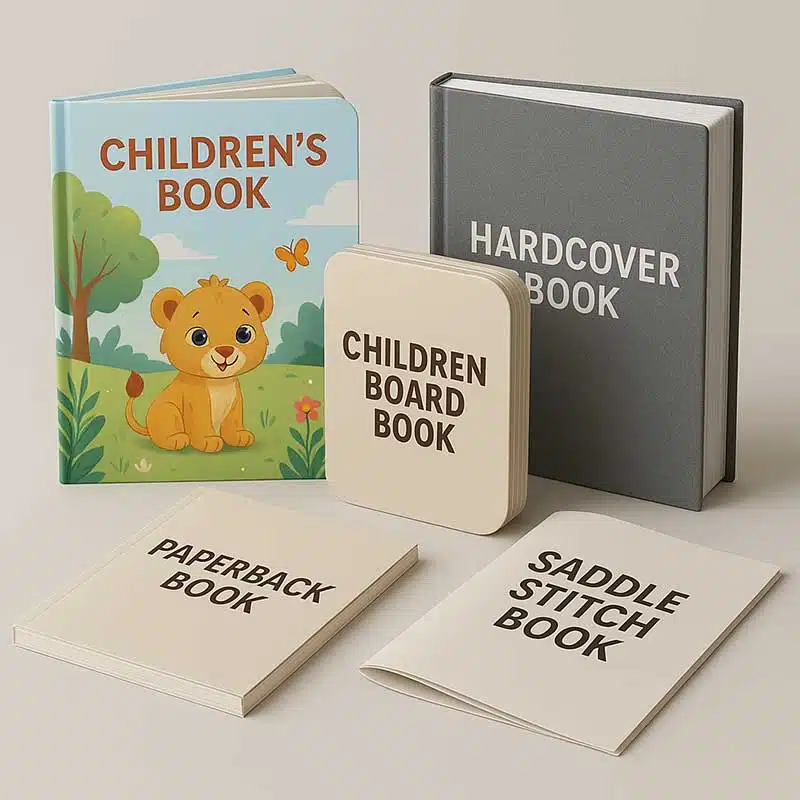
Board books, shaped books, and books with interactive or die-cut elements may have less uninterrupted space. Plan a clean barcode panel early, before artwork and structural features are approved. The symbol should remain flat, readable, and away from cut lines, folds, buttons, windows, and coatings that could affect scanning.
In every format, the printer needs the finished trim size, complete cover spread, spine width where applicable, and the final barcode asset. The cover format affects the available space and production risk, so barcode placement should be checked on the actual dieline rather than a front-and-back concept image.
A Practical US Book Cover Prepress Workflow
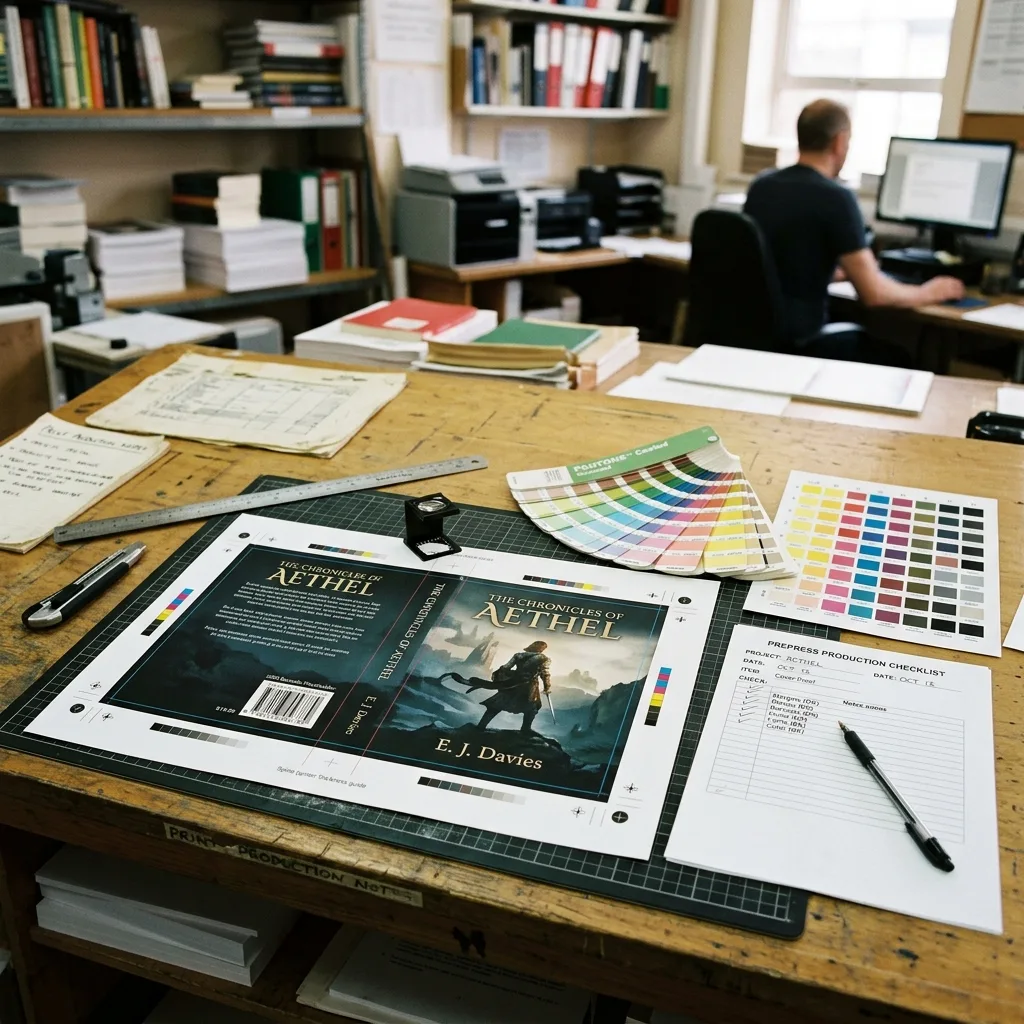
Barcode errors are easier and less expensive to correct before the cover enters production. A practical workflow for a US book project is:
- Confirm the edition: Record the exact title, format, publisher information, and ISBN that belong to the print run. Do not reuse a barcode from another format or edition.
- Obtain or generate the barcode: Use a trusted ISBN or barcode provider and request the required Bookland EAN-13 format. Confirm any optional add-on before placing it in the design.
- Build the cover template: Add trim, bleed, spine, hinge, and safe-area guides. The spine width depends on the page count, paper, and binding method, so it should be supplied or approved by the printer.
- Place the barcode: Position it on the back cover with clear quiet zones and a light, uncluttered background. Keep the bars proportional and do not convert them into a decorative graphic.
- Check the complete spread: Review the barcode at 100% scale and inspect its relationship to trim, folds, spine, artwork, and finishing areas.
- Proof and validate: Ask the printer to check the final PDF and, where appropriate, scan a proof or production sample. A phone app can identify obvious problems, but it is not a substitute for professional prepress or retail validation.
Before approving mass production, review the cover proof alongside the interior copyright page and your metadata record. YBJ Printing’s Lista de comprobación para la prueba de impresión de un libro can help you organise this final review. If the printer makes any change to the cover template, recheck the barcode position rather than assuming it has stayed in the same location.
Common Mistakes and a Final Barcode Checklist
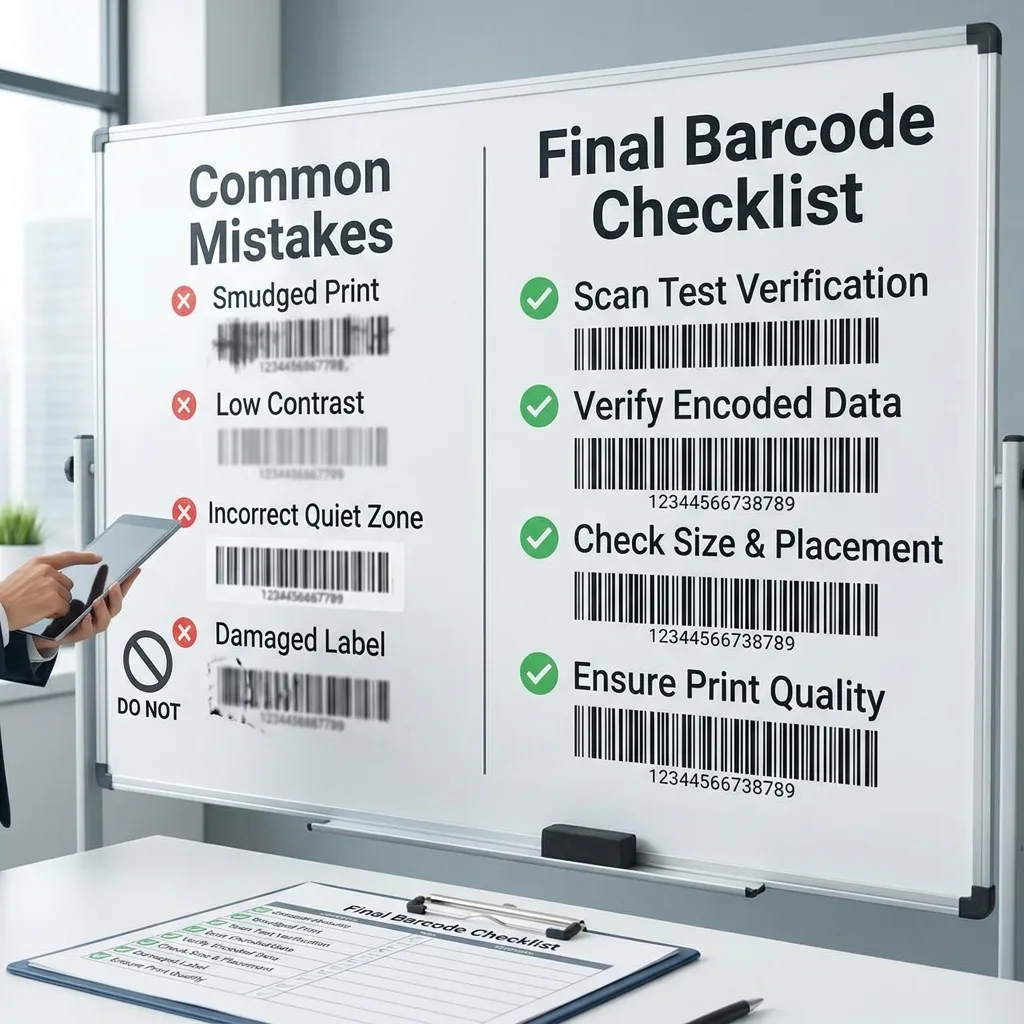
The most common ISBN barcode problems are simple file or layout errors rather than complicated printing defects. Check for these issues before sending the cover to production:
- Wrong ISBN: The barcode does not match the edition, format, or metadata supplied to the distributor.
- Wrong barcode type: A UPC-A or an ordinary retail barcode is supplied instead of the Bookland EAN-13 format expected for the book.
- Insufficient contrast: The bars sit over a photograph, coloured background, gradient, or transparent panel.
- Damaged quiet zones: Text, rules, artwork, or a crop mark touches the blank space beside the barcode.
- Distortion: The barcode has been stretched, skewed, rasterised poorly, or compressed during export.
- Unsafe placement: The symbol is too close to trim, the spine, a flap fold, a die cut, or a rounded corner.
- Finishing interference: Gloss, foil, spot UV, embossing, or lamination creates glare or unevenness across the bars.
- Missing readable ISBN: The symbol is present, but the ISBN is not visible as text on the cover or publication information.
A final cover review should confirm the ISBN number, barcode type, barcode orientation, quiet zones, background colour, final size, trim and bleed, finishing treatment, and the position of the barcode on the complete cover spread. It is also useful to archive the approved barcode asset and proof with the project files.
For production planning, make sure artwork approval, material selection, printing, finishing, inspection, and packing are considered as one process. The overview of the book production process from artwork approval to delivery offers a related example of how prepress decisions connect with later manufacturing stages.
Prepare Your Barcode-Ready Cover for Production
The safest approach is to confirm the ISBN, barcode format, cover template, placement, and finishing plan before final artwork approval. Placement assumptions can affect the back-cover layout, especially on narrow books, hardcovers with jackets, and specialty formats.
When requesting a quotation or production review from a printing manufacturer, provide the product type, trim size, page count, quantity, paper or binding preference, cover finish, file status, and destination country. If you already have the barcode, include the source file and identify the matching ISBN. This information helps the printer review the cover accurately and identify any production questions early.
Discuss Your ISBN-Ready Book Cover
YBJ Printing can review your cover specifications and discuss a suitable production approach for your book project. For an accurate quotation, please share the product type, trim size, page count, quantity, paper or binding preference, finish, file status, and destination country. If available, also provide the ISBN barcode file and the cover template.