
Table des matières
- What Is Bible Paper?
- Weight, Caliper and Bulk Are Different
- Bible Paper Weight Comparison
- How Opacity Affects Show-Through
- Recommended Paper Direction by Bible Type
- Design and Print Controls That Improve Readability
- How Thin Paper Affects Binding and Production
- Samples and Tests to Request
- Bible Paper Buyer Checklist
- Price, Lead Time and Quality Assumptions
- Conclusion
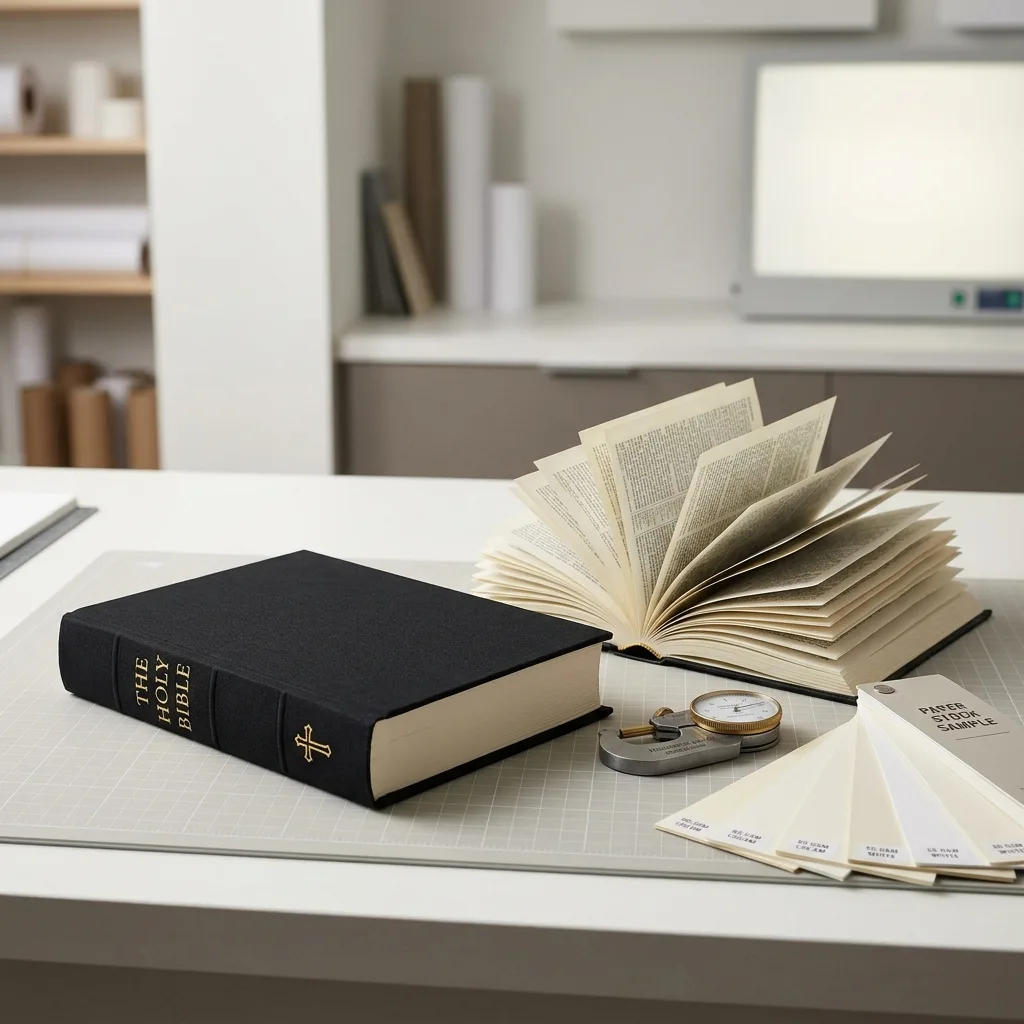
Bible paper is a lightweight, usually uncoated stock designed to keep high-page-count books compact. The right choice balances grammage, caliper, opacity, strength, print density, binding and the acceptable level of page show-through.
What Is Bible Paper?
Bible paper is a lightweight, usually uncoated printing paper engineered to fit a large number of pages into a compact book while retaining sufficient opacity, strength and printability. It is not one universal grade. Different mills and printers may use terms such as lightweight offset paper, India paper or high-opacity thin paper for stocks intended for similar applications.
A suitable paper for Bible printing must balance several properties. Low weight helps control book thickness, but the sheet must still survive printing, folding, gathering, sewing, binding and repeated page turning. It also needs enough opacity to limit distraction from text printed on the reverse side.
Bible paper selection should therefore be based on a physical sample and production data rather than GSM alone. Buyers planning a high-page-count religious text can review the broader requirements in this guide to Bible printing with thin paper and gilded edges.
Weight, Caliper and Bulk Are Different
Grammage, expressed in grams per square metre or GSM, describes the mass of the paper. It does not directly state how thick the sheet will be. Two papers with the same GSM can have different thickness, stiffness and opacity because their fibre composition, fillers and manufacturing processes differ.
Caliper is the measured thickness of one sheet. It is essential for estimating the finished text-block thickness and cover spine width. The printer should calculate the spine from the selected production stock, not from a generic online formula.
Bulk describes thickness relative to paper weight. A high-bulk sheet is thicker for its GSM, while a low-bulk sheet is more compact. For a very long Bible, lower caliper can reduce spine width, but an excessively thin sheet may be harder to turn and may make reverse-side printing more noticeable.
Compare GSM, caliper, opacity, colour, surface and stiffness together. For an overview of conventional stocks used outside this specialist application, see this Guide des types de papier pour l'impression de livres.
Bible Paper Weight Comparison
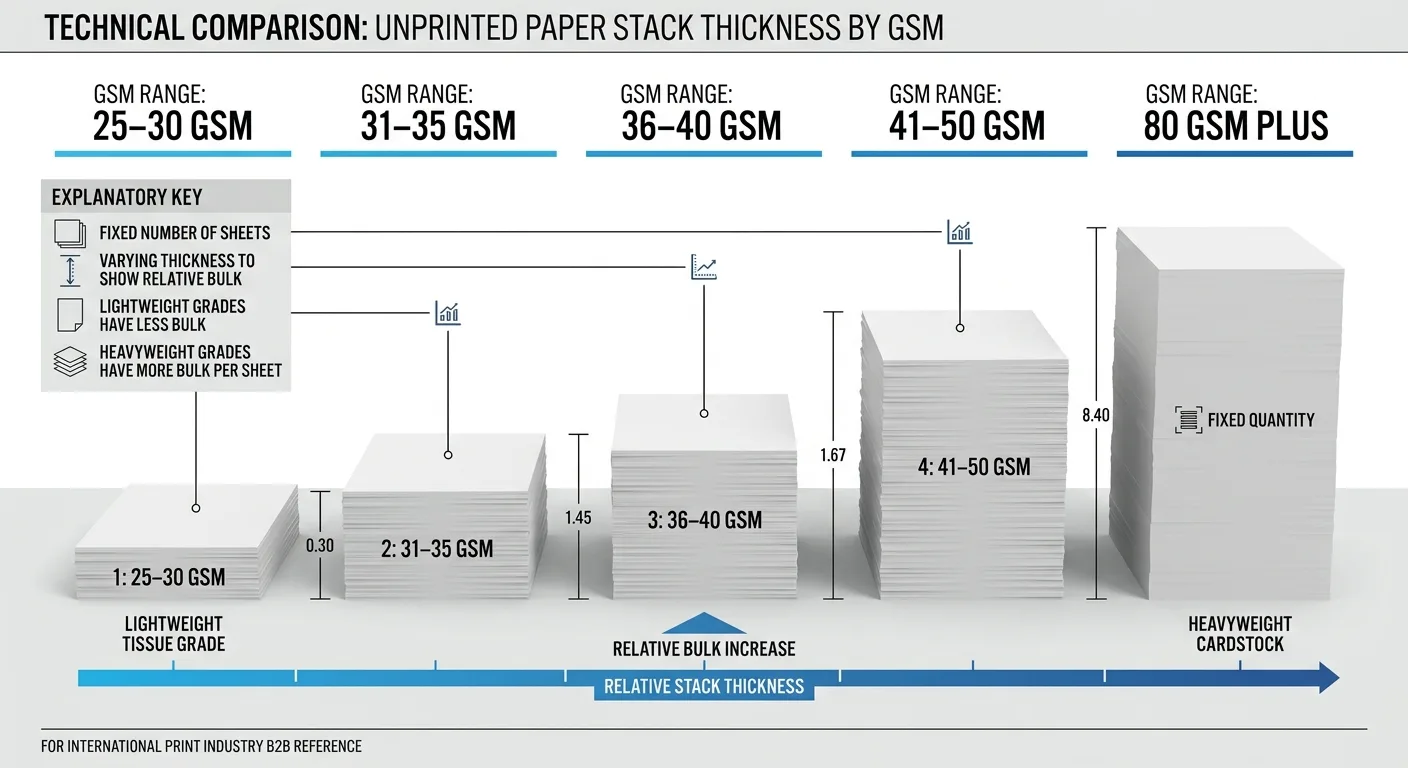
The ranges below are practical starting points, not fixed specifications. Availability and performance vary by paper mill, production equipment, printed content and destination market.
| Indicative paper weight | Typical direction | Avantages | Éléments à vérifier |
|---|---|---|---|
| 25–30 GSM | Very high-page-count compact editions | Produces a relatively thin text block and lighter book | Show-through, handling strength, feeding, folding and availability |
| 31–35 GSM | Compact text Bibles and reference editions | Balances text-block thickness with handling and opacity | Actual caliper, reverse-side visibility and ink density |
| 36–40 GSM | Study, reference or larger-format editions | Usually easier to handle, with potential for better perceived opacity | Increased spine width and shipping weight |
| 41–50 GSM | Large-print editions or projects prioritising readability | More body and easier page turning | A substantially thicker text block at high page counts |
| 80 GSM and above | Illustrated Bible story books rather than compact text Bibles | Better support for colour images and heavier ink coverage | Not suitable when the goal is an extremely compact, high-page-count book |
A small change in GSM can become significant across hundreds of leaves. However, selecting the lightest available paper is not automatically the best solution. The final choice should reflect the format, page count, reader expectations and acceptable show-through.
How Opacity Affects Bible Page Show-Through
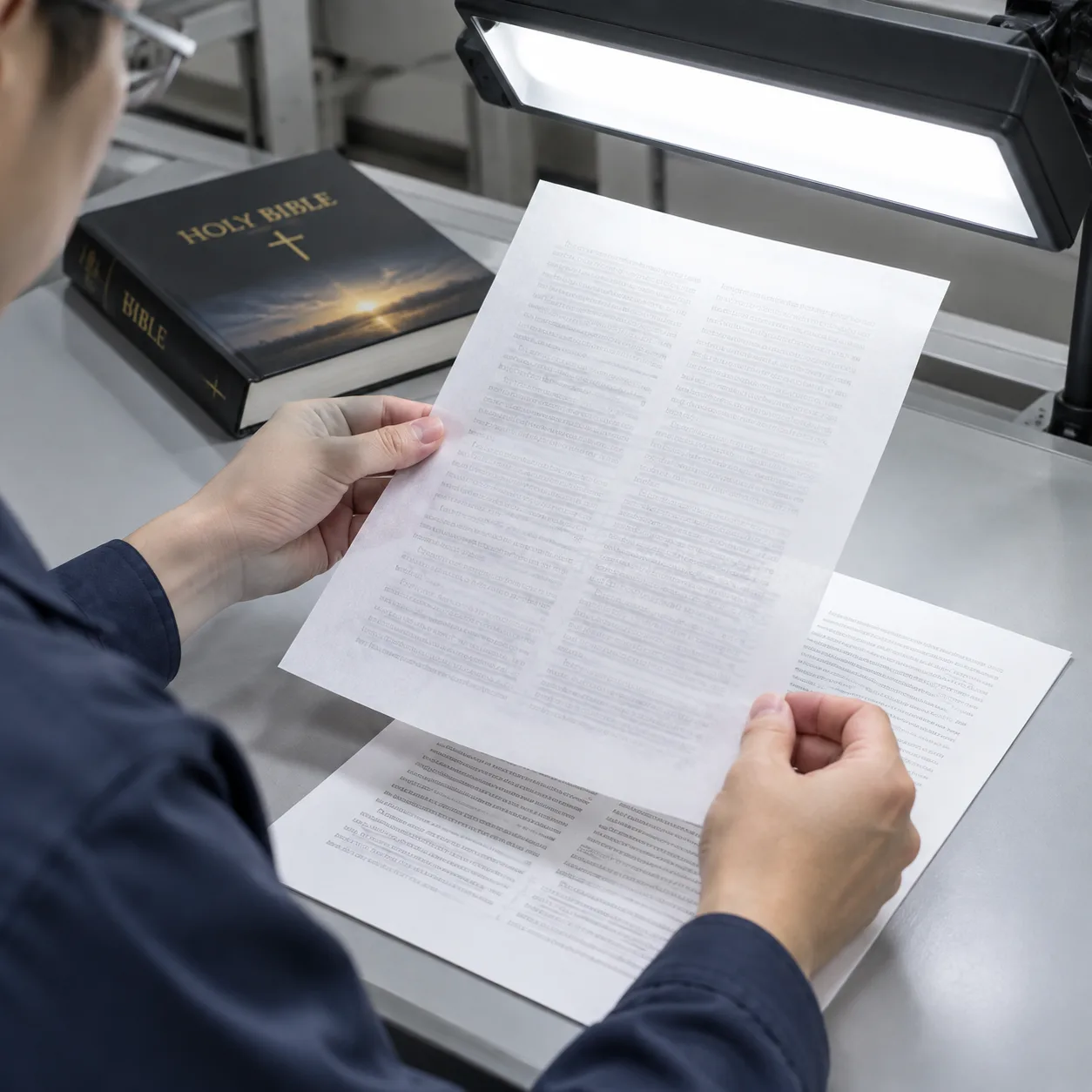
Opacity measures how effectively paper prevents light and printed matter from being visible through the sheet. A higher reported opacity generally means less reverse-side text is visible, but the measurement must be interpreted with the paper’s weight, shade, surface and test method.
Bible page show-through is the visual appearance of printing from the other side of the sheet. It is not the same as ink bleeding through the fibres. Show-through is primarily an optical issue; bleed-through indicates that ink or another liquid has penetrated the paper.
Perceived show-through depends on more than the paper specification. Dense type, bold headings, solid rules, illustrations and dark background areas can all become visible from the opposite side. Bright white paper may create more visual contrast than a natural or cream sheet, although paper colour does not replace actual opacity.
Evaluate opacity using printed pages under normal reading conditions. Hold the page over both blank paper and a printed page, because a white backing can make paper appear more opaque than it does inside the bound book. Check light text pages as well as pages containing headings, maps or other dense elements.
Recommended Paper Direction by Bible Type
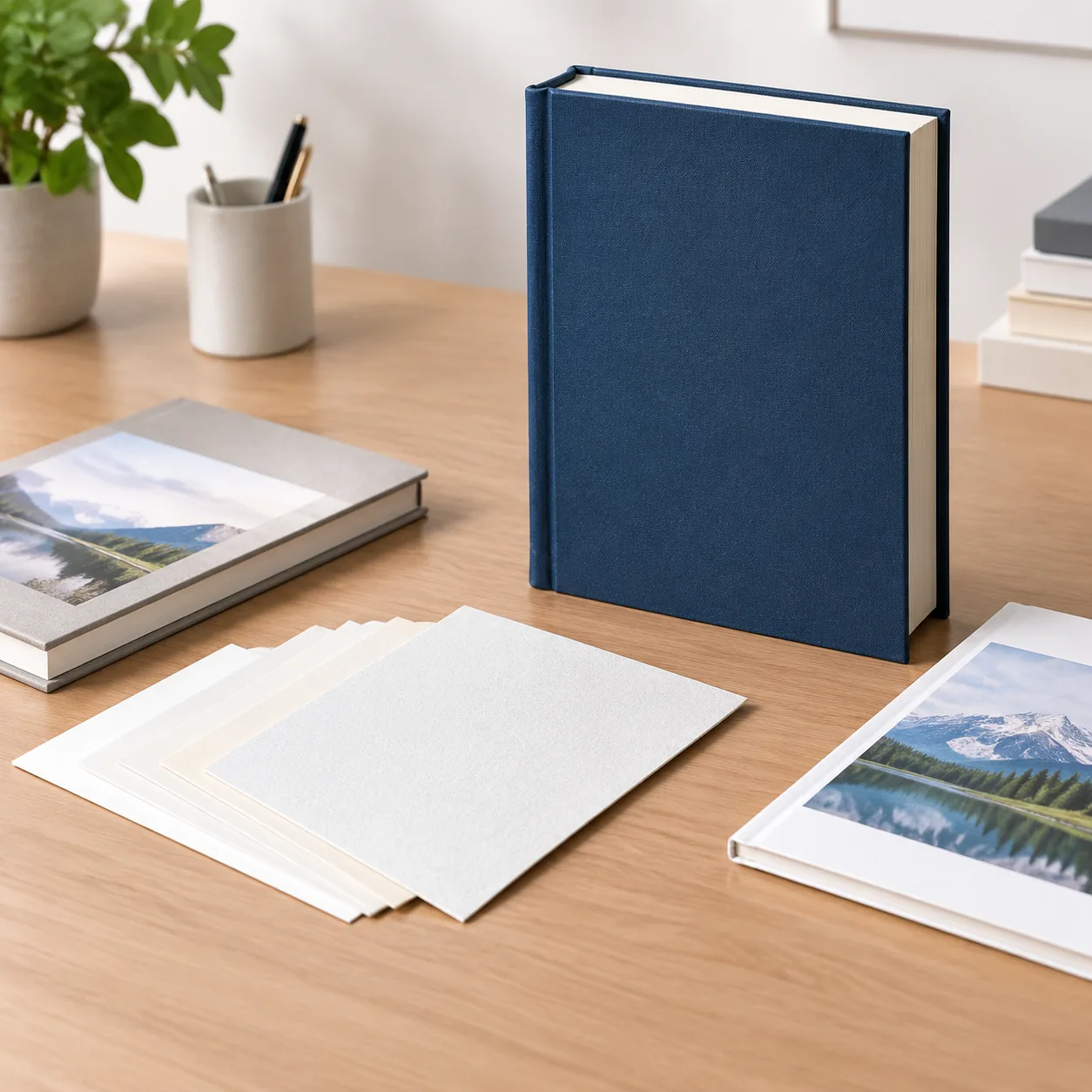
The content and intended user should determine whether specialist thin Bible paper is appropriate. The following recommendations are specification starting points, not descriptions of a standard stock used in every linked product.
| Type de projet | Paper direction to evaluate | Why | Relevant example |
|---|---|---|---|
| Compact text Bible | Approximately 25–35 GSM high-opacity uncoated paper | Controls bulk across a high page count | Hardcover Bible book with dust jacket |
| Study or large-print Bible | Approximately 35–50 GSM uncoated paper, subject to page count | Provides more body and easier page handling | A casebound or flexible-bound reference edition |
| Children’s illustrated Bible | Conventional uncoated or matte-coated book paper, often 80 GSM or heavier | Supports colour reproduction and image coverage | Hardcover children’s Bible story book |
| Multi-volume Bible story collection | Paper selected for illustrations, handling and the thickness of each volume | Dividing content across volumes reduces the need for ultra-thin stock | Bible story book set |
Do not specify thin Bible paper for a heavily illustrated children’s title simply because the subject is biblical. Large colour areas generally need a paper chosen for image reproduction, dimensional stability and suitable ink coverage rather than minimum text-block thickness.
Design and Print Controls That Improve Readability
Paper opacity cannot be considered separately from page design and press settings. Several controls can reduce the visual effect of Bible page show-through:
- Control ink density: Text must be dark and consistent, but unnecessarily heavy ink can make reverse-side printing more prominent.
- Avoid unintended rich black: Small black body text is normally prepared as a single black separation unless the printer provides a different instruction. Multi-colour black can create excessive ink coverage and registration risk.
- Use suitable type: Extremely fine strokes may reproduce inconsistently, while very heavy type increases visible density. Check the chosen font at final size.
- Align text areas where practical: Similar margins and text blocks on facing sides can make show-through less distracting than unrelated dense and open areas.
- Review rules and illustrations: Maps, chapter graphics, solid ornaments and dark headings need particular attention during proofing.
- Keep colour expectations realistic: Thin uncoated stock does not reproduce saturated images like conventional coated art paper.
The prepress team should inspect small text, knockout elements, overprint settings and total ink coverage. Print tests should use the intended stock or the closest approved equivalent.
How Thin Paper Affects Binding and Production
Thin Bible paper requires controlled handling throughout manufacturing. Lightweight sheets can be more sensitive to static, moisture, wrinkling and feeding conditions than conventional book paper. Folding and gathering must maintain page sequence and alignment without damaging the signatures.
Grain direction should normally run parallel to the spine so pages turn naturally and the text block behaves correctly. The imposition and signature plan will depend on page count, trim size, press format, folding scheme and binding method.
Sewn binding is commonly considered for high-page-count books that need flexibility and repeated use, but the complete construction should be evaluated as a system. Paper, sewing pattern, adhesive, endpapers, spine lining, cover boards and casing-in tolerances all affect opening and durability.
Edge treatments such as gilding also require a well-prepared and consistently trimmed text block. They should be included in the initial specification because they add production steps and may influence sampling requirements.
Samples and Tests to Request Before Production
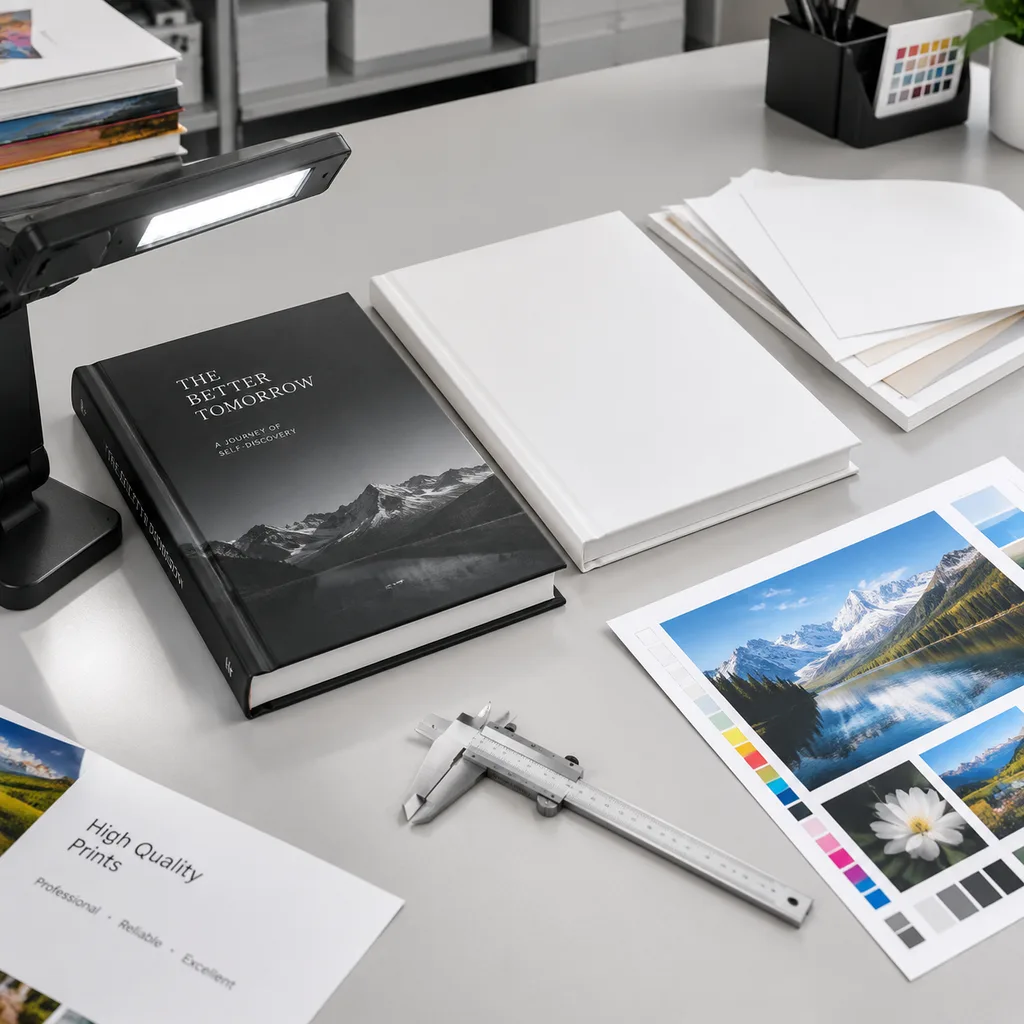
A screen PDF can confirm layout and content, but it cannot demonstrate paper thickness, page feel or show-through. Buyers should request evidence appropriate to the decision being made.
- Loose paper swatches: Compare shade, surface, stiffness and basic transparency.
- Printed sample sheets: Use representative body text, bold headings, footnotes, rules and any maps or illustrations.
- Blank book dummy: Confirm the physical thickness, weight, opening behaviour and handling of the proposed size and page count.
- Content proof: Check pagination, typography, margins, cross-references and image placement.
- Production-level sample when required: Confirm critical material, printing, binding and finishing characteristics before the main run.
A printed sample made on a different stock can show press quality but cannot confirm the final paper’s opacity. Ask which material was used and how closely it matches the proposed production paper. The roles of each approval tool are explained further in this comparison of a book dummy, proof and press sample.
Bible Paper Buyer Checklist
Use this checklist when discussing paper for Bible printing with a manufacturer:
- Confirm the finished trim size, total page count and expected binding style.
- State whether compactness, readability, low shipping weight or image reproduction is the main priority.
- Ask for GSM, caliper, opacity, shade and surface information for the proposed stock.
- Confirm whether the quoted paper is a regular or specially sourced material.
- Provide representative pages with body text, footnotes, bold headings, rules, maps and illustrations.
- Inspect show-through with printed material behind the page, not only against a white background.
- Confirm grain direction, folding plan and compatibility with the binding construction.
- Request a spine calculation based on the actual paper caliper and proposed text-block construction.
- Include any ribbons, thumb indexing, gilded edges, headbands, endpapers or dust jacket in the specification.
- Record the approved paper reference and acceptable substitution process before production.
A clear priority is important. The thinnest possible book, the highest possible opacity and the lowest material cost may not all be achievable in the same specification.
Price, Lead Time and Print Quality Assumptions
Paper recommendations and quotations depend on several assumptions. Price may change with the selected grade, sheet availability, order quantity, paper yield, production waste, printing colours, binding, finishing, proofing and packing requirements. A lighter sheet does not necessarily cost less because specialist thin paper may require particular sourcing and more controlled production.
Lead time depends on material availability, file readiness, sampling requirements, approval speed, production scheduling, finishing and transport. It should be confirmed for the specific project rather than inferred from a previous order.
Print quality assumptions must also be stated. Fine black text on thin uncoated stock is different from full-colour illustration printing. The acceptable level of show-through is subjective, so approval should be based on a representative printed sample whenever it is commercially and technically appropriate.
If an exact paper grade becomes unavailable, do not approve a substitute based only on matching GSM. Compare caliper, opacity, shade, surface, stiffness and printed performance before accepting the change.
Conclusion
The best Bible paper is not simply the lightest stock. It is the paper that keeps the planned page count manageable while providing acceptable opacity, page handling, print clarity and binding performance.
Start with the Bible’s format and content, compare GSM with caliper and opacity, and test representative pages before approving production. Compact text editions may require specialist thin paper, while illustrated or children’s editions usually benefit from a more conventional, heavier book stock.
FAQ
What is the best Bible paper weight?
There is no single best weight. Compact text Bibles may begin by evaluating approximately 25–35 GSM paper, while study or large-print editions may need 35–50 GSM. Page count, trim size, caliper, opacity and handling requirements must be considered together.
Does higher GSM always mean better Bible paper opacity?
No. Higher GSM can contribute to improved opacity, but fibre composition, fillers, shade and manufacturing method also matter. Compare the supplier’s opacity data and printed samples rather than relying on weight alone.
Can Bible page show-through be eliminated completely?
Not always, especially with very thin paper printed on both sides. It can be reduced by choosing a more opaque or heavier stock, controlling ink density, avoiding unnecessarily heavy text and testing dense page elements.
What is the difference between show-through and bleed-through?
Show-through is reverse-side printing visible through the paper because of limited optical opacity. Bleed-through means ink or liquid has penetrated the sheet. They have different causes and should not be treated as the same defect.
Is uncoated or coated paper better for Bible printing?
Compact, text-heavy Bibles generally use lightweight uncoated paper for readability and flexibility. Illustrated Bible story books may use heavier uncoated or matte-coated stock to support colour images. The content should determine the surface.
Can a PDF proof show how transparent Bible paper will be?
No. A PDF can help verify content and layout, but it cannot reproduce physical opacity, thickness or page feel. Use paper swatches, representative printed sheets and, where appropriate, a physical dummy or production-level sample.
Can thin Bible paper print colour maps or illustrations?
It can carry selected colour elements when the stock and printing process are suitable, but dense colour areas may increase show-through and may not reproduce like coated paper. Representative colour pages should be tested before approval.
Discuss Your Bible Paper Specification
If you are planning a custom Bible, religious text or illustrated Bible story book, YBJ Printing can review the relationship between paper, page count, binding and finished thickness. For an accurate quotation, provide the product type, trim size, page count, quantity, paper or binding preference, finish requirements, current file status and destination country.