
Table des matières
- What custom flash card printing involves
- Plan size, stock and finish
- Compare practical card formats
- Prepare artwork and card sequence
- Choose packaging for storage and use
- Use a production checklist
- Make the specification easy to quote
A dependable flash card deck starts with a useful format and a well-checked file. Learn how to choose dimensions, pair two-sided artwork, verify card collation and select packaging for classroom use.
What custom flash card printing involves
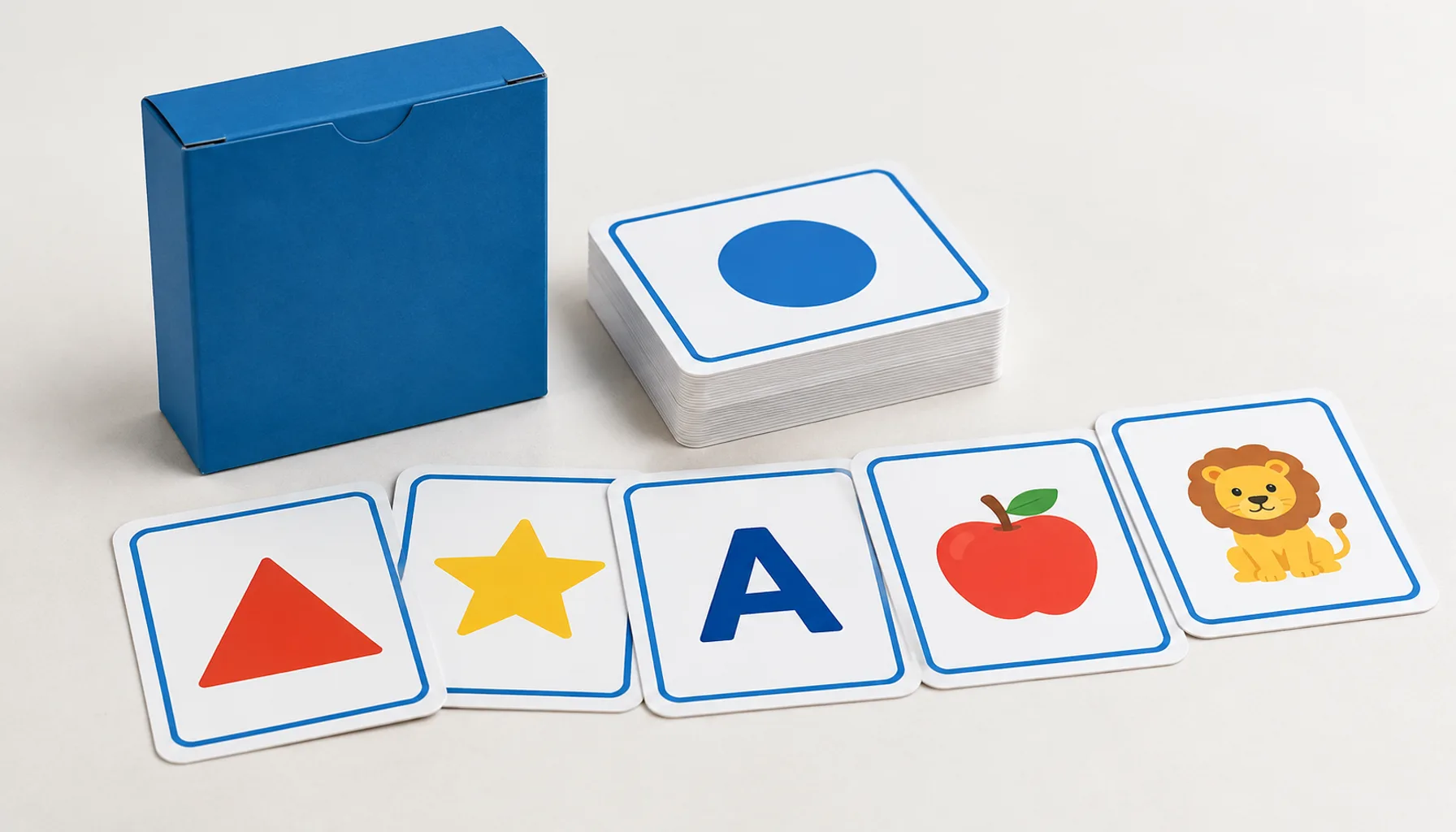
Custom flash card printing turns a planned set of learning prompts and answers into a printed, cut, collated and packed deck. A clear production brief specifies the finished card size, card count, stock, front-to-back pairing, order and packaging—not only the artwork.
For educational flash cards, these choices affect how comfortably users can read, handle, sort and store the cards. A compact vocabulary deck may benefit from a different format than cards featuring diagrams, photographs or multi-step activities. Decide how the deck will be used before finalizing its dimensions or pack.
Definition: Card collation is the process of arranging printed cards into the intended deck order and verifying that each set contains the correct cards. When cards have distinct fronts and backs, collation and artwork pairing must both be checked.
This guide focuses on decisions buyers can make before requesting a quote. Actual cost and production timing depend on final size, number of unique designs, quantity, material, finishing, packaging complexity, proofing and delivery destination. Confirm production details with the printer before approving files.
Plan size, stock and finish
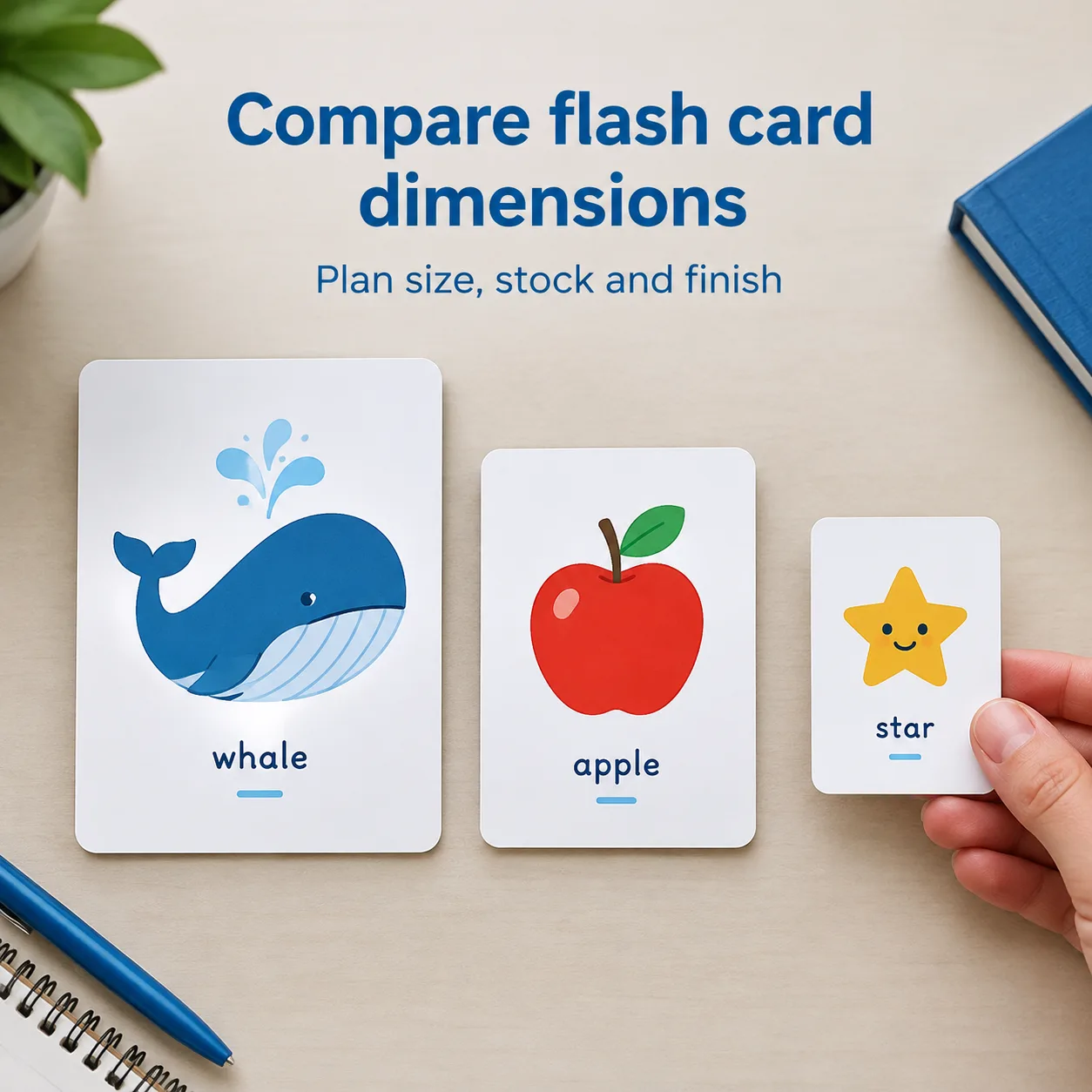
Choose flash card dimensions around the content and the way people will hold and use the deck. There is no single correct size for every learning product. Short text prompts can fit on a smaller card; maps, labelled illustrations, handwriting space or several examples often need more area.
Start with use, not a standard size
Write down the largest expected content element, including the longest heading, answer, diagram or language translation. Test it at the intended finished size. A layout that looks readable when enlarged on a monitor may feel crowded once printed and trimmed. Use a physical-size proof where practical, especially when cards will be handled by young learners or used at a distance.
Consider the user’s grip and storage as well as the design. A larger card can be easier to view in a group, but takes up more space in a box and may be less convenient for a learner to hold. A smaller card can make a deck portable, but may constrain type size and illustrations. If the deck must fit an existing organizer or retail pack, measure the available inside dimensions and leave room for the cards to be removed.
Choose a suitable paper and surface
Ask for paper or card stock recommendations based on the finished size, intended handling and print coverage. Buyers should clarify whether the cards need a smooth or more tactile surface, whether frequent handling is expected, and whether a coating or lamination is being considered. A finish can affect appearance, feel and how easily users can write on the cards. Do not assume a coated surface is suitable for pencil or marker activities; test the intended writing tool on a sample.
Stock thickness and stiffness also influence the feel of a card and the packed deck’s dimensions. Ask the printer to state the proposed material and finished construction in the quotation, and request a sample or proof when the tactile result matters. YBJ Printing’s guide to card stocks and coatings for custom decks offers additional context on material and surface choices.
Compare practical card formats
Compare formats by their intended use rather than treating one dimension as a universal standard. The table below is a planning aid, not a specification or manufacturing guarantee. Final dimensions, corner treatment, stock and packaging should be confirmed with your printer.
| Format direction | Often suits | Avantages à prendre en compte | Trade-offs to check |
|---|---|---|---|
| Compact cards | Single words, short questions, portable review sets | Easy to carry and store; concise layouts can be quick to scan | Less room for large type, detailed illustrations or long translations |
| Mid-size cards | Question-and-answer decks, basic diagrams, classroom activities | Can balance readable content with manageable handling | Check that all content fits at finished size and the deck fits its pack |
| Large cards | Group demonstrations, picture-led learning, maps and labelled visuals | More visible area for images and explanatory content | Bulkier to hold, collate, store and package; packed dimensions can increase |
| Custom-shaped cards | A purposeful learning format requiring a distinctive outline | Shape can support a particular concept or interaction | Requires a confirmed cutting plan, safe artwork margins and packaging fit checks |
When comparing quotations, make sure the specifications match: finished dimensions, quantity per deck, number of unique card faces, stock, finish, packing method and delivery destination. A price comparison is not meaningful if one quote assumes a different card count, material or pack. If you are developing a game-like activity as well as a learning deck, see the guidance on manufacturing custom decks and selecting card materials.
Prepare artwork and card sequence
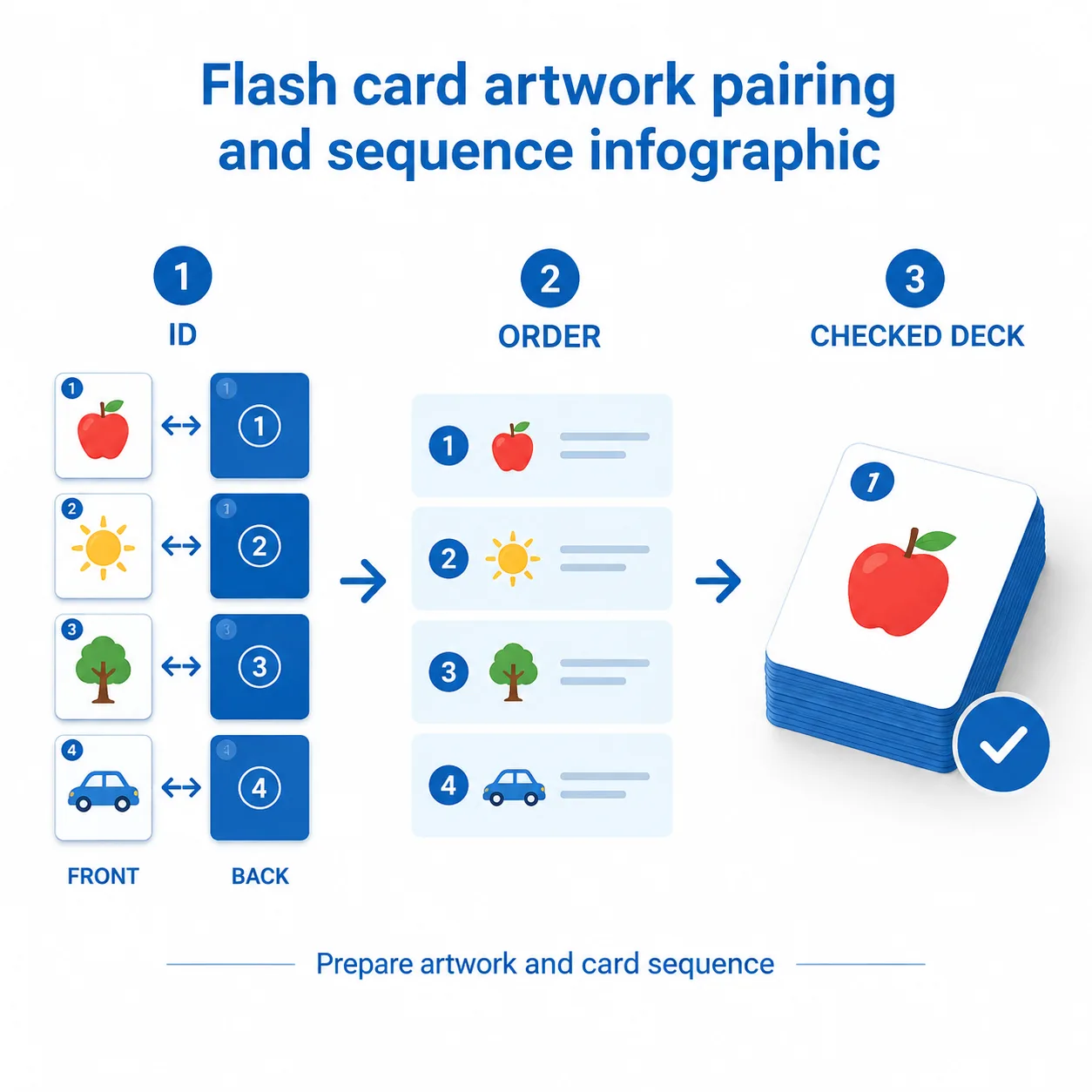
Reliable double-sided card artwork depends on an unambiguous relationship between each front and its reverse. Build a file system that lets a reviewer identify each card, check the intended pairing and confirm the final deck order before production.
Organize the front and back files
Agree with the printer how artwork should be supplied: for example, a multi-page PDF, separate front and back files, or another specified layout. Follow the printer’s template for page size, bleed, trim and safe area. Do not impose cards yourself unless the production team asks you to; imposition and duplex orientation depend on the production method and cutting plan.
Give every card a stable identifier, such as C001, C002 and C003. Use the same identifier in the file name, spreadsheet and proof notes. For a question-and-answer deck, a simple planning list might include card ID, front text or image, back answer, category and intended sequence. If every reverse is identical, state that clearly. If the backs are unique, make the pairing explicit rather than relying on file order alone.
Include bleed where artwork runs to the cut edge, and keep essential text, numbers and symbols inside the safe area specified by the printer. For a card with a different design on each side, check that front and back orientation will read as intended when the card is turned. A printed or digital proof can help reveal reversed, rotated or mismatched sides. Adobe’s overview of printing PDF files is a useful general reference for reviewing PDF output, but the printer’s card template and instructions take precedence.
Verify sequence and counts step by step
- Freeze the content list. Confirm the total card count, categories, IDs and final order. Remove placeholder or duplicate entries.
- Check every pair. Match each front to its back using the card ID, not just the page position. Verify text, images, language and orientation.
- Review the deck sequence. Confirm whether the cards should follow a numbered, teaching, alphabetical, randomized or grouped order. Add dividers or category markers only if they are part of the specification.
- Inspect the imposed proof or sample. Check that cards are cut to the intended size, faces are paired, the order is correct and no essential content is too close to the trim.
- Approve one master list. Ensure the approved list, artwork revision and packing count describe the same deck. Send corrections as a clear, consolidated change list.
Set out-of-sequence cards and missing or duplicated cards are easier to catch before a full run than after the decks have been packed. If your artwork workflow also includes printed book files, YBJ Printing’s PDF export and preflight checklist explains useful file-review habits. Card templates can differ from book templates, so use the applicable card requirements for final setup.
Choose packaging for storage and use
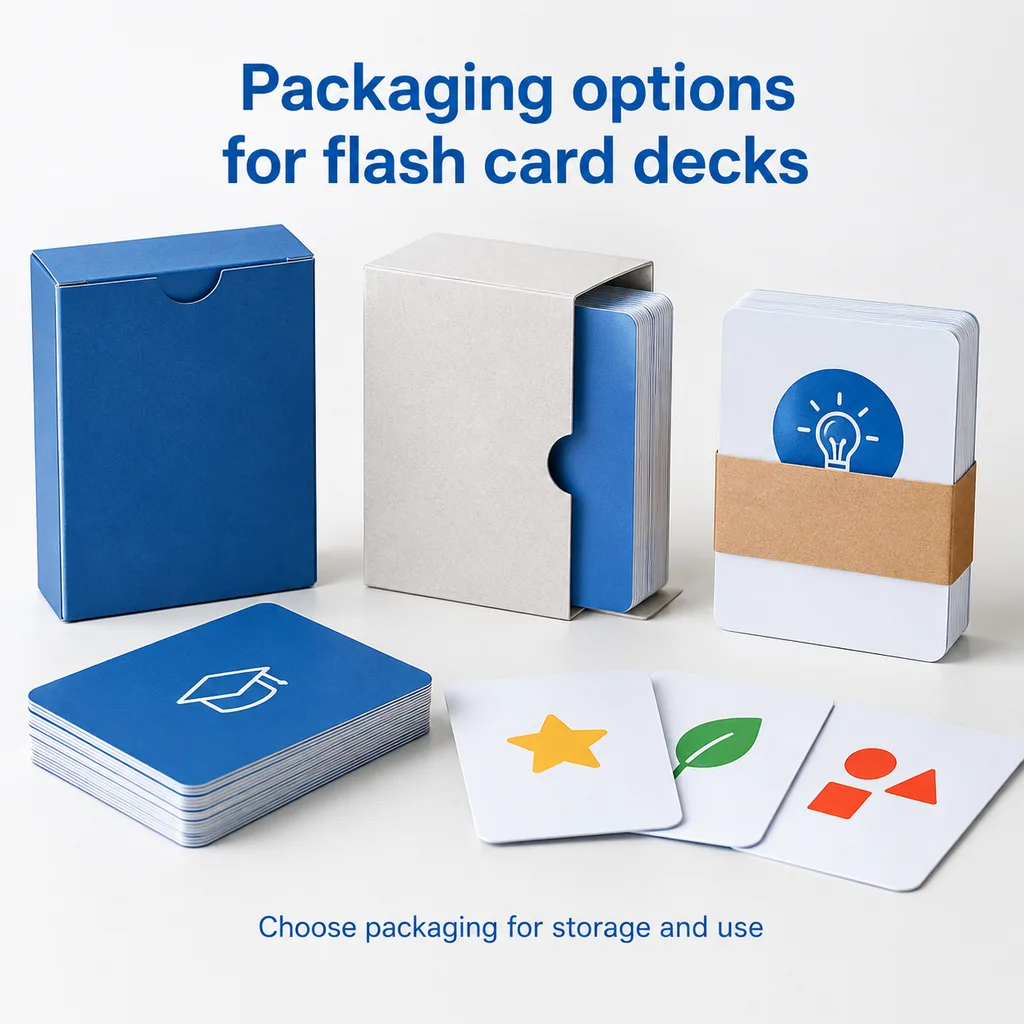
Choose flash card packaging to protect the cards in storage and make the set practical to distribute, open and put away. The right choice depends on deck thickness, how often users handle the cards, whether several sets ship together and whether the pack needs printed identification.
A paperboard tuck box can keep a single deck together and provide space for a title or basic instructions, subject to its dimensions and construction. A sleeve can group cards but may offer less containment when frequently opened. A rigid box may be considered when the pack itself needs additional structure, though it can add material, packed size and cost. A simple band or wrap can bundle cards for secondary packing but may not be suitable for loose storage. These are planning comparisons, not a claim that one packaging type suits every deck.
Before choosing, provide the card size, number of cards per deck, stock, any inserts or instruction sheets, and desired method of opening. The packed deck’s thickness should be confirmed from the proposed material and finishing; do not size a box using card count alone. If the package must fit a shelf, shipping carton or mailer, share those constraints early. Ask for the packaging dimensions and a sample or structural proof where fit is critical.
Also consider how the set will be identified. A printed label or box panel can show the title, age or level information supplied by you, deck count, language and edition. The buyer is responsible for confirming the accuracy and suitability of any product information or compliance wording included in the artwork.
Use a production checklist
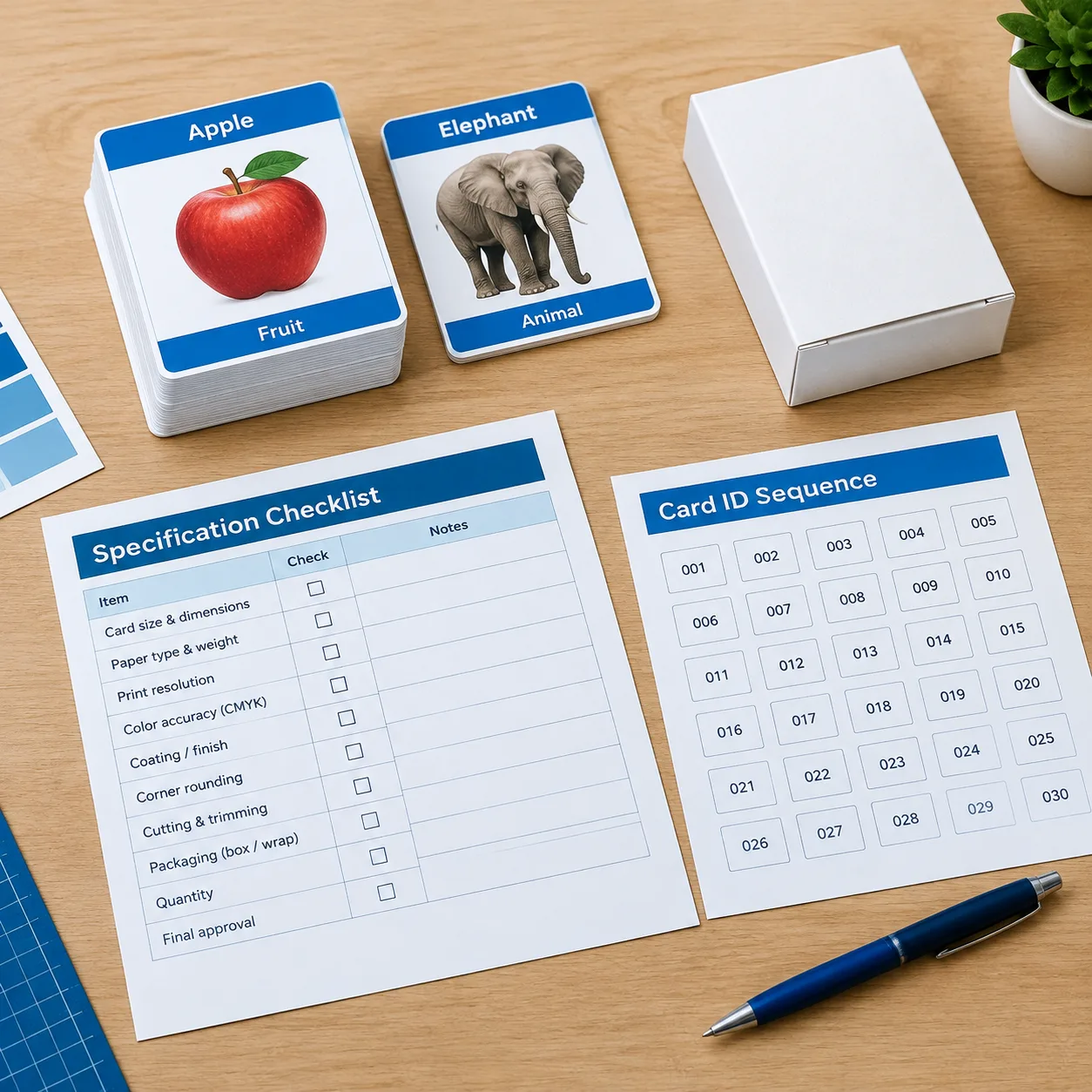
Before asking for a quotation or approving production, use this checklist to make the deck specification easy to understand:
- Cas d'utilisation : Who will use the cards, and will they be handled individually, displayed to a group or stored in a classroom?
- Finished size: State width and height, orientation, shape and any required fit with an existing organizer or pack.
- Deck contents: Give the number of cards per set, number of unique designs, number of sets and any inserts or dividers.
- Artwork pairing: Explain whether backs are identical or unique, and provide consistent IDs and a verified front-to-back list.
- Séquence : Specify the collation order and how sets should be grouped for packing.
- Material and finish: Describe preferences or ask for recommendations. Mention writing needs, handling expectations and appearance priorities.
- Emballage : Name a preferred pack style if known, or describe the storage, retail or distribution purpose and constraints.
- Files and proofing: State whether artwork is complete, which file format is available, and whether you need a proof or sample before the run.
- Livraison : Provide the destination country and, if relevant, delivery address type or shipping requirements.
For a useful estimate, make assumptions visible rather than leaving details implicit. Quantity, size, stock, unique artwork, finish, pack construction and destination can all affect quotation and delivery planning. If you are still deciding between material options, you can discuss the project with the printer before locking artwork. YBJ Printing has produced books and paper products since 1998 and supports buyers with production discussions, proofing and international delivery coordination; the final scope and schedule should be confirmed for each project.
Make the specification easy to quote
A well-planned flash card deck combines readable dimensions, clearly paired artwork, a verified collation sequence and packaging that suits its real use. Confirm the finished size and material, identify every card, review the proof at actual size where possible, and make sure the approved deck count matches the packing instructions. These steps help buyers compare quotations on an equal basis and reduce preventable questions during production.
For custom flash card printing, the best specification is the one that explains the content, handling needs, artwork status and delivery destination clearly enough for the printer to recommend suitable options.
FAQ
What is a good size for educational flash cards?
Choose a size that fits the longest content and intended use. Short prompts may work on compact cards, while diagrams or group demonstrations may need a larger format. Test a sample at finished size and check how it fits the storage pack.
How should I organize double-sided card artwork?
Assign every card a stable ID and use it consistently in the artwork files, proof notes and card list. Explicitly match each front to its reverse and tell the printer whether all backs are identical or unique. Follow the printer’s template for bleed, trim and safe areas.
How can I prevent card collation errors?
Approve a master list with the total card count and intended order, then check every card by ID against its front and back. Review an appropriate proof or sample for pairing, orientation, sequence and missing or duplicate cards before approving production.
Which packaging is best for a flash card deck?
It depends on storage, frequency of use, deck thickness and distribution needs. A tuck box, sleeve, rigid box or band each has different containment and size trade-offs. Confirm the packed dimensions using the chosen card stock and any inserts.
What information should I send for a flash card printing quote?
Provide the product type, finished size, cards per deck, quantity, paper or card stock preference, finish, packaging, file status and delivery destination country. Include whether backs are identical or unique, the required sequence and any proofing needs.
Prêt à planifier votre projet d'impression sur mesure ?
Tell YBJ Printing about your flash card deck’s product type, finished size, card count, quantity, paper or card stock preference, finish, packaging, file status and delivery destination. Include the front-to-back pairing and collation order. Our team can discuss practical options and prepare a factory-direct quotation. Price and delivery planning depend on the confirmed specifications and destination.