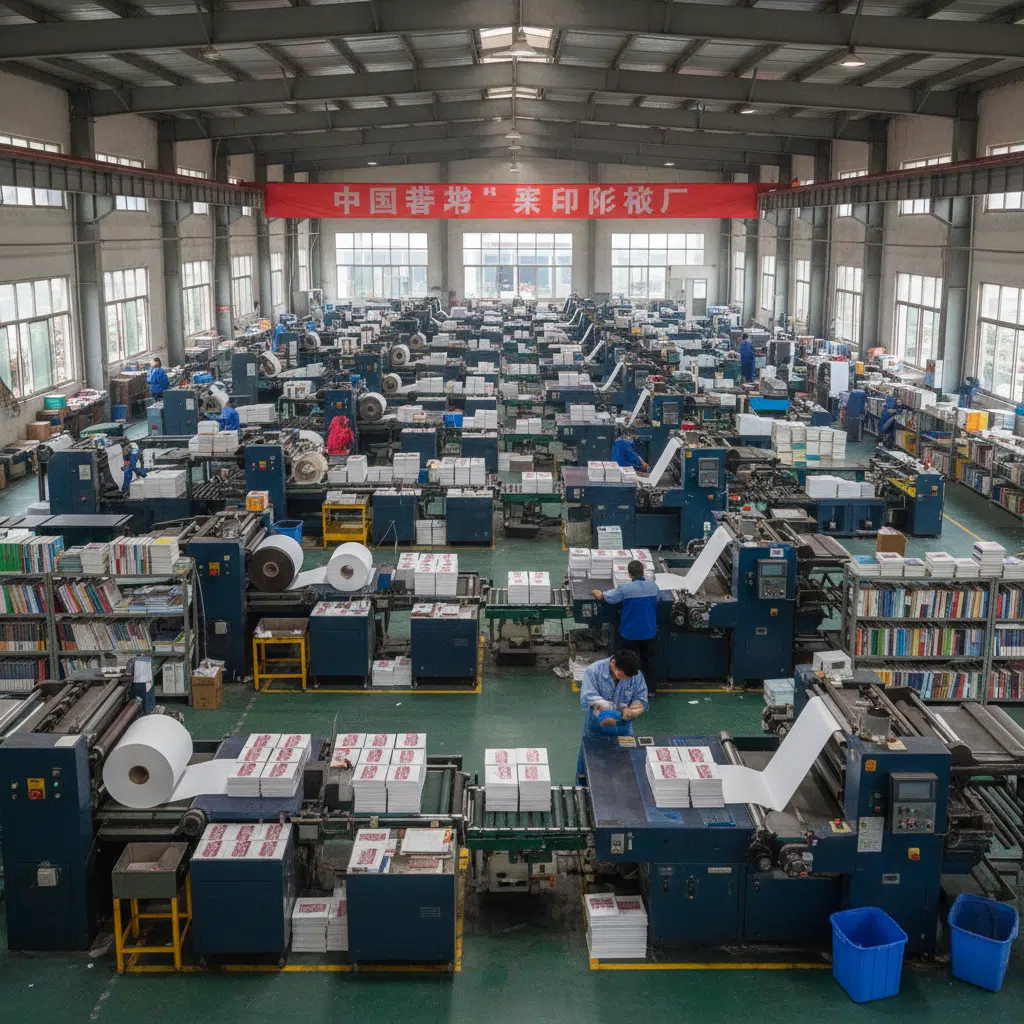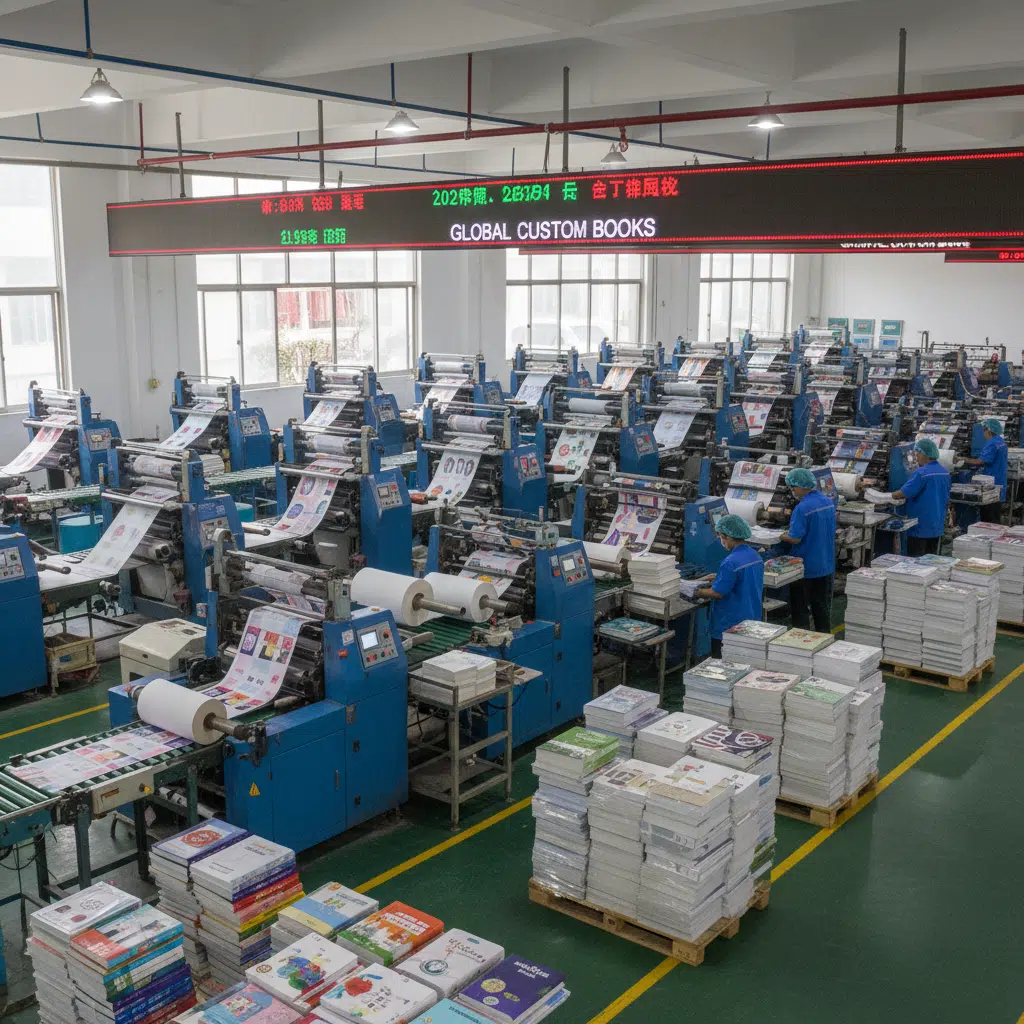

One of the most common technical errors in book production is an incorrect spine width calculation. When a designer assumes that paper weight (GSM) equals paper thickness, the resulting cover art often fails to align properly during binding. This can lead to text shifting onto the front or back cover, or unsightly white lines running down the edge of the spine.
For professional print buyers and publishers, understanding the relationship between GSM (Grams per Square Meter) and Paper Bulk is essential. This guide explains why papers of the same weight can have vastly different thicknesses and provides the technical formulas needed to calculate spine widths accurately for offset printing projects.
The Difference Between GSM and Bulk
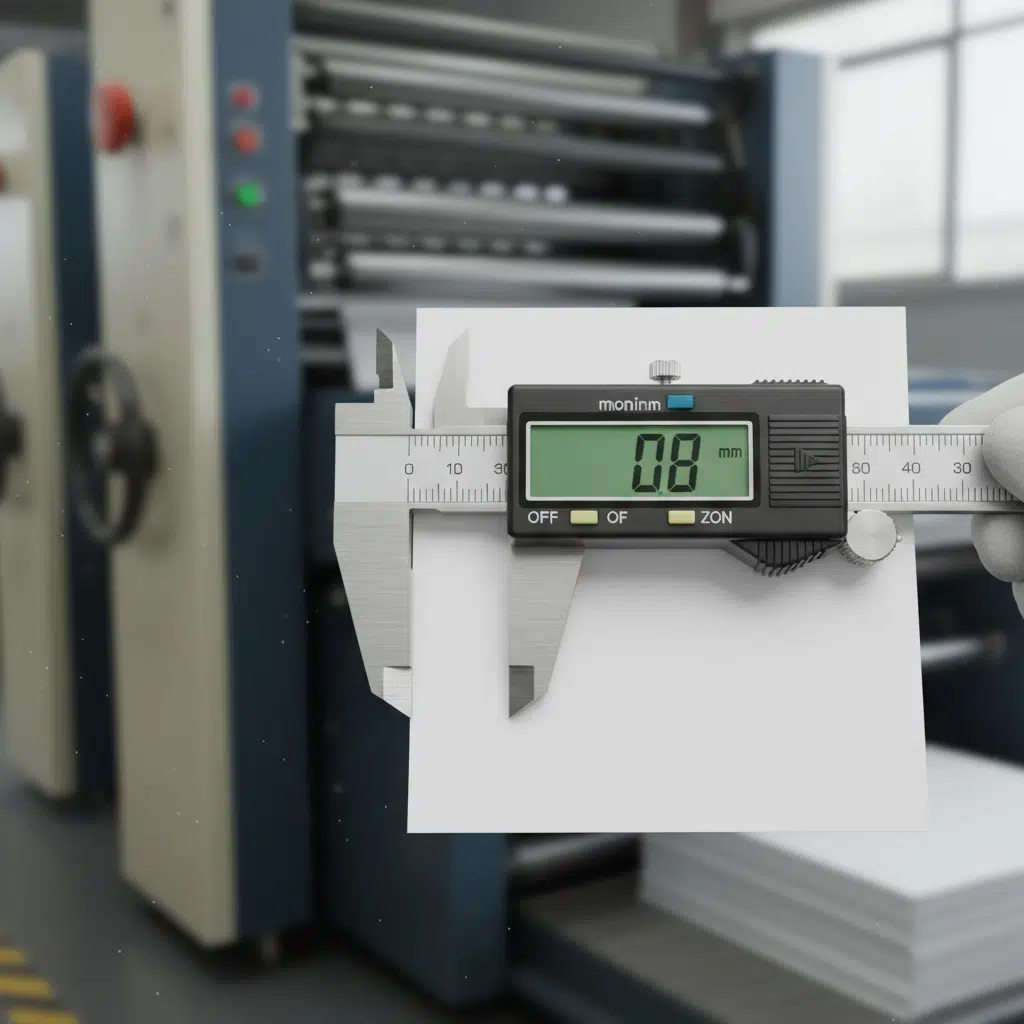
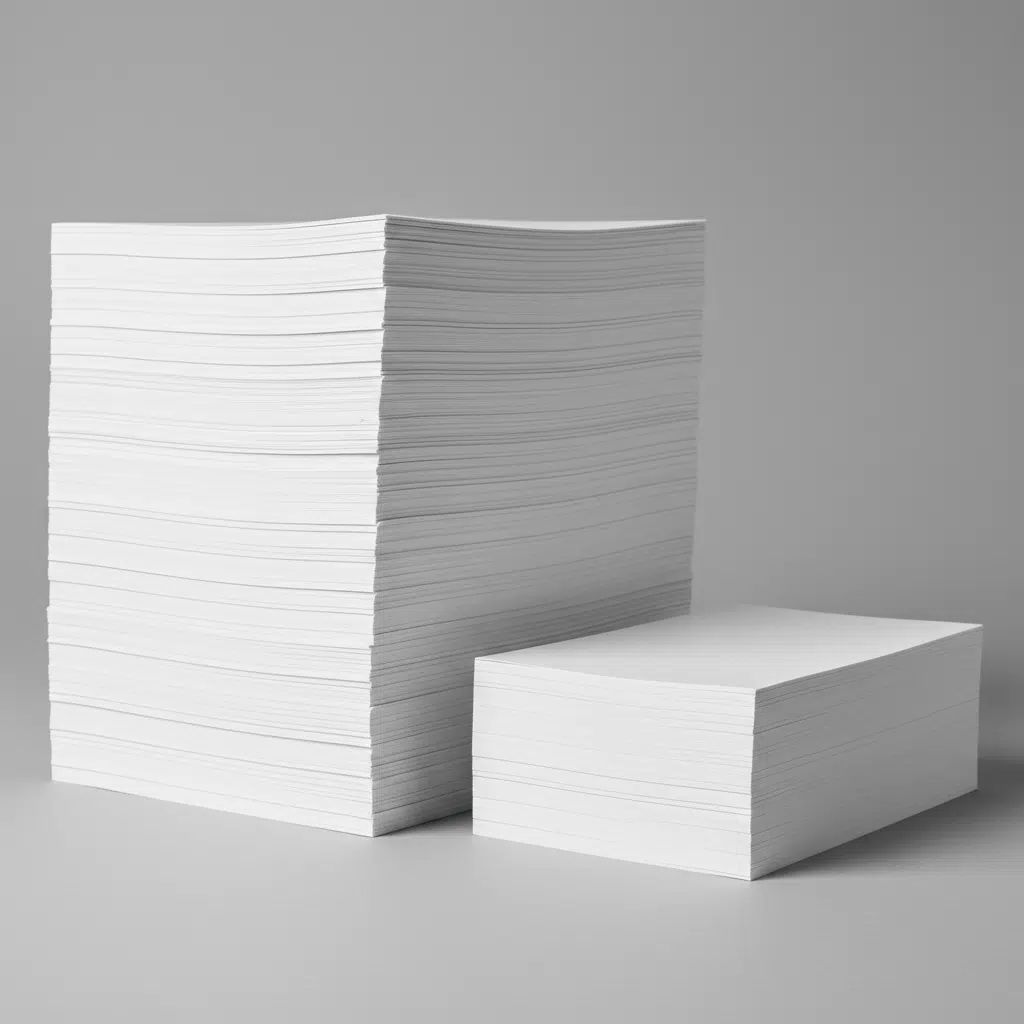
To calculate a spine correctly, you must distinguish between the weight of the paper and its volume.
What is GSM?
GSM stands for Grams per Square Meter. It measures the weight of a sheet of paper cut to one square meter. It is a standard metric for categorization (e.g., 80gsm, 128gsm, 157gsm). However, GSM tells you nothing about how thick the sheet is; it only tells you how heavy it is.
What is Paper Bulk?
Bulk refers to the specific volume of the paper relative to its weight. Technically, it is the thickness (in microns or mm) divided by the grammage. It indicates how “fluffy” or compressed the paper fibers are.
- High Bulk (1.2 – 1.6): The paper feels thick and light. It contains more air between fibers. Common in woodfree uncoated papers and novels where publishers want a substantial feel without adding shipping weight.
- Low Bulk (0.8 – 1.0): The paper is compressed. Common in coated art papers (gloss or matte) where the sheet has been run through calendar rollers to smooth the surface, compressing the fibers and reducing thickness.
The Reality Check: A 100gsm uncoated woodfree paper is often thicker than a 128gsm coated gloss art paper. If you calculate your spine based solely on weight, your book cover will not fit.
Why Coated vs. Uncoated Matters for Spine Width
The manufacturing process dictates the bulk. When requesting a quote or planning a layout, the paper type is the primary variable for spine calculation.
| Paper Type | Typical Bulk Range | Characteristics | Best Application |
|---|---|---|---|
| Coated Gloss/Matte | 0.85 – 1.0 | Compressed, smooth, heavy but thin | Catalogs, Photo Books, Magazines |
| Uncoated Woodfree | 1.1 – 1.3 | Natural texture, standard thickness | Textbooks, Notebooks, Corporate Brochures |
| Book / Novel Paper | 1.4 – 2.0 | Very airy, rough texture, maximum thickness | Paperback Novels, Biographies |
How to Calculate Spine Width: The Formulas
Never estimate spine width. Use the specific caliper (thickness) of the paper stock you intend to use. Most professional printers can provide the exact single-sheet thickness (caliper) for their house stocks.
1. The Metric Formula (Most Accurate)
If you know the single sheet thickness in millimeters (mm):
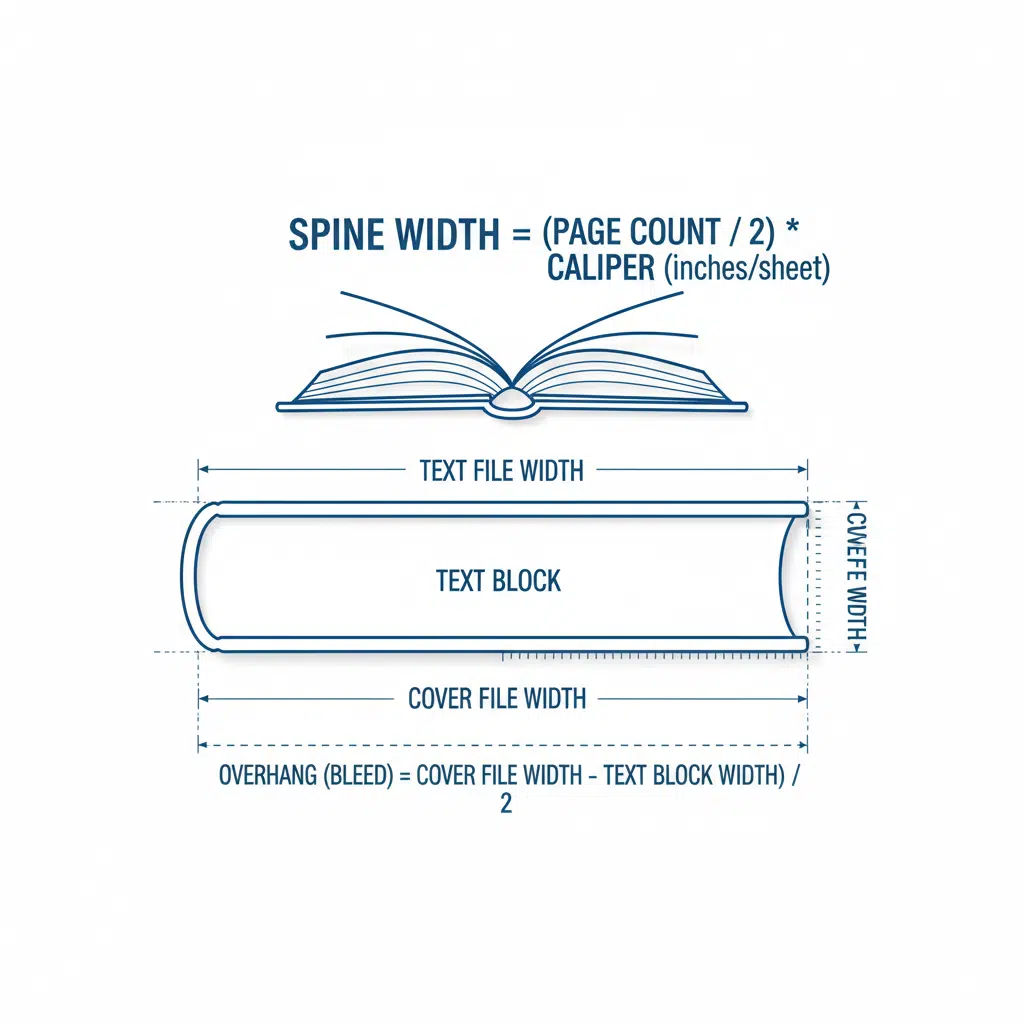
Spine Width = (Page Count ÷ 2) × Sheet Thickness (mm)
Note: We divide page count by 2 because a single sheet of paper holds two pages (front and back).
2. Calculating via Bulk and GSM
If you don’t have the caliper but know the GSM and the Bulk factor:
Sheet Thickness (mm) = (GSM × Bulk) ÷ 1000
Example Scenario:
You are printing a 200-page catalog on 128gsm matte art paper with a bulk of 0.9.
- Find Sheet Thickness: (128 × 0.9) ÷ 1000 = 0.1152 mm
- Calculate Total Spine: (200 pages ÷ 2) × 0.1152 mm = 11.52 mm
3. Adjustments for Binding Type
The calculation above gives you the thickness of the text block only. You must adjust based on the binding method:
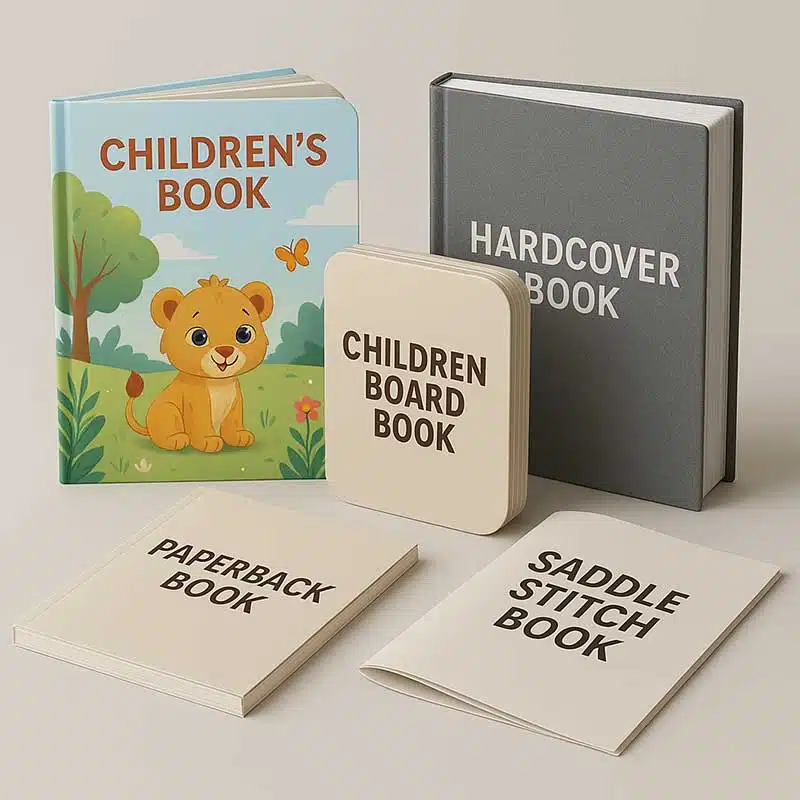
- Perfect Bound (Softcover): The cover wraps around the text block. The glue adds a negligible amount (0.5mm – 1mm max), but standard practice is to use the exact text block calculation. However, designers should add hinge scores on the front and back cover files (usually 5mm-7mm from the spine) to prevent the cover from opening too stiffly.
- Hardcover (Case Bound): This is more complex. The spine of the cover file must accommodate the text block plus the thickness of the greyboard cases and the hinge area. Typically, the spine board inside the cover is the width of the text block, but the printed cover file needs extra width (the “burn”) to wrap around the board. Always request a custom template from your printer for hardcovers.
- Saddle Stitching: Spine calculation is rarely needed for saddle stitching unless the booklet is very thick (over 64 pages), in which case you must account for “creep” (inner pages pushing out further than outer pages).
Production Tolerances and Pitfalls
Even with a perfect formula, real-world manufacturing variables apply. Paper manufacturing generally allows for a tolerance of ±5% in caliper. Furthermore, the binding process involves folding signatures (groups of 8, 16, or 32 pages). Folding introduces microscopic air gaps between sheets, particularly with thicker uncoated papers.
Why You Should Request a Dummy
For high-stakes projects, the safest route is to request an unprinted “dummy” or “mock-up” from your printing partner. This allows you to measure the physical spine of the actual paper batch before finalizing the cover art. If a physical dummy isn’t possible due to timeline constraints, ask the printer to generate the cover template for you. They will adjust the spine width based on their current paper stock data.
Checklist for Designers and Buyers
- Confirm Paper Specs: Do not just say “157gsm.” Specify “157gsm Gloss Art” or “140gsm Woodfree” to determine bulk.
- Don’t Round Down: If your calculation results in 12.4mm, round up to 12.5mm or 13mm. A slightly wider spine is visually forgiving; a spine that is too narrow forces text onto the cover face.
- Bleed is Mandatory: Ensure your spine background design extends well into the front and back cover area (bleed) to account for slight shifting during the binding process.
- Consider the Cover Weight: If you are printing a paperback with a heavy 300gsm or 350gsm cover, the cover stock itself adds thickness to the overall book profile, though it doesn’t change the glue-edge width.
Summary
Calculating spine width is a matter of volume, not just weight. By distinguishing between GSM and Bulk, and understanding the specific caliper of your chosen material, you ensure a professional finish for your books and catalogs. When in doubt, lean on your manufacturing partner’s expertise to provide the exact template.
At YBJ Printing, we provide precise templates for all binding types, ensuring your artwork aligns perfectly with the final manufactured product.
Need help calculating the spine for your next project?