
In the competitive world of B2B manufacturing and marketing, printed collateral—whether it’s packaging, catalogs, or instruction manuals—serves as a tangible representation of your brand. Poor printing quality, such as color variation, blurry text, or smudging, can damage brand perception and lead to costly reprints. For procurement managers and brand owners, understanding the variables that influence the final output is essential for selecting the right partner and ensuring consistent results.
While modern printing technology has advanced significantly, achieving a flawless print run requires strict control over several technical variables. From the mechanical precision of the press to the atmospheric conditions of the workshop, every detail counts. This guide explores the main factors affecting printing quality and provides actionable advice on how to mitigate risks in your supply chain.
1. Equipment Calibration and Maintenance

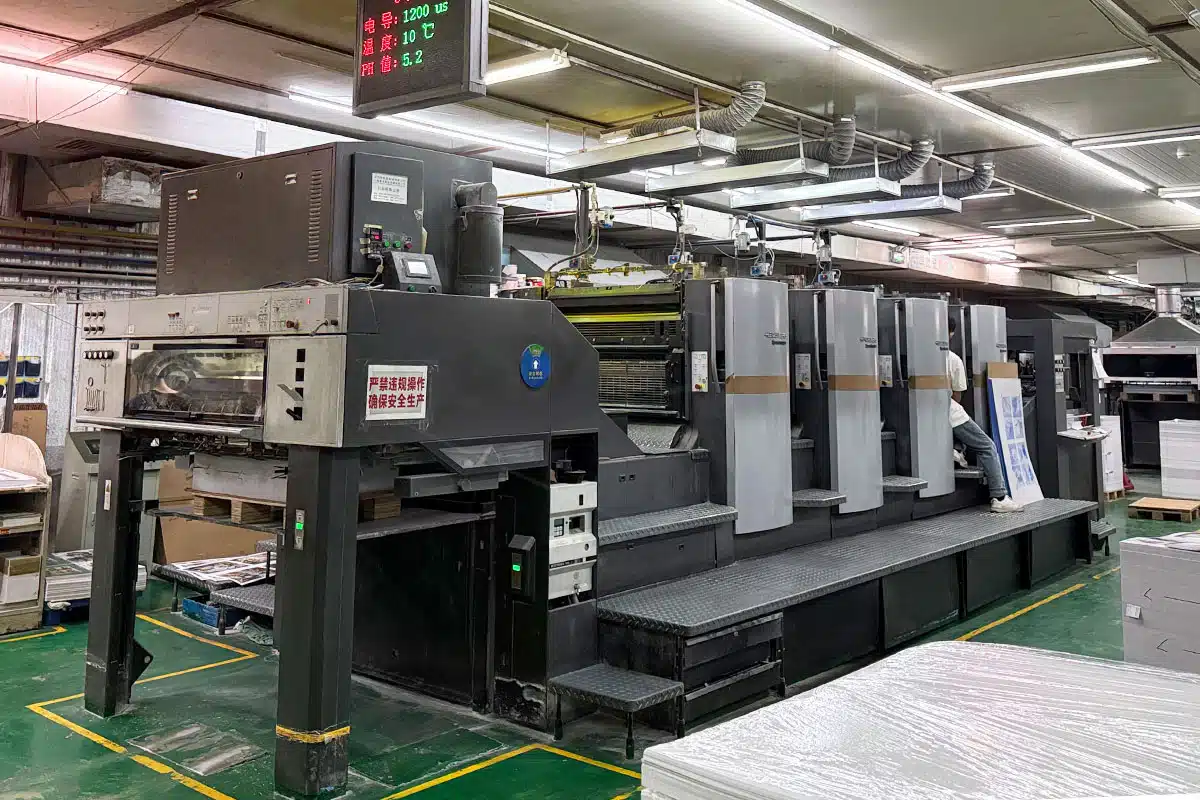
The condition of the printing machinery is arguably the most direct factor influencing output. High-quality offset and digital presses are precision instruments; if they are not maintained rigorously, defects are inevitable.
- Roller and Blanket Condition: In offset printing, rubber blankets transfer the inked image to the paper. If these blankets are worn, indented, or improperly tensioned, the image will lack sharpness. Similarly, ink rollers must be free of dried ink and debris to ensure even distribution.
- Registration Accuracy: Mechanical wear in the gears or grippers can lead to registration errors, where the four process colors (CMYK) do not align perfectly. This results in a “ghosting” effect or blurry images.
- Cleanliness: Dust and paper fibers can accumulate on plates and blankets, causing “hickeys”—small halo-like spots on the printed solid areas. Regular cleaning cycles are mandatory for high-end results.
2. Paper and Substrate Characteristics
The material you choose to print on dictates how the ink sits, dries, and reflects light. Not all paper is created equal, and cost-cutting on substrates often leads to subpar results.
Surface Texture and Coating
Coated papers (gloss, matte, or satin) generally offer better ink holdout, meaning the ink sits on top of the fibers rather than soaking in. This results in sharper dots and more vibrant colors. Uncoated papers are more absorbent, which can cause “dot gain”—where ink spreads slightly, making images look darker or less defined.
Whiteness and Opacity
The brightness of the paper affects the perceived color gamut. A brighter white sheet provides better contrast and color accuracy. Opacity is equally critical for double-sided printing; low opacity causes “show-through,” where text from the reverse side interferes with readability.
3. Pre-Press and Plate Design Integrity
Before a job even hits the press, the quality is largely determined by the pre-press process. As noted in discussions regarding What are the main factors affecting printing quality, the rationality of the plate design is fundamental.
- Resolution and File Preparation: Source files must be high-resolution (typically 300 DPI for print). Low-resolution images will appear pixelated regardless of the press quality.
- Color Space Conversion: Designing in RGB (screen mode) and printing in CMYK (print mode) often results in color shifts. Professional pre-press engineers ensure this conversion happens smoothly, adjusting for the specific color profile of the press.
- Trapping and Bleed: Proper trapping ensures there are no white gaps between adjacent colors if slight misregistration occurs. Adequate bleed ensures images run to the edge of the paper without leaving white hairlines after trimming.
4. Environmental Control: Temperature and Humidity
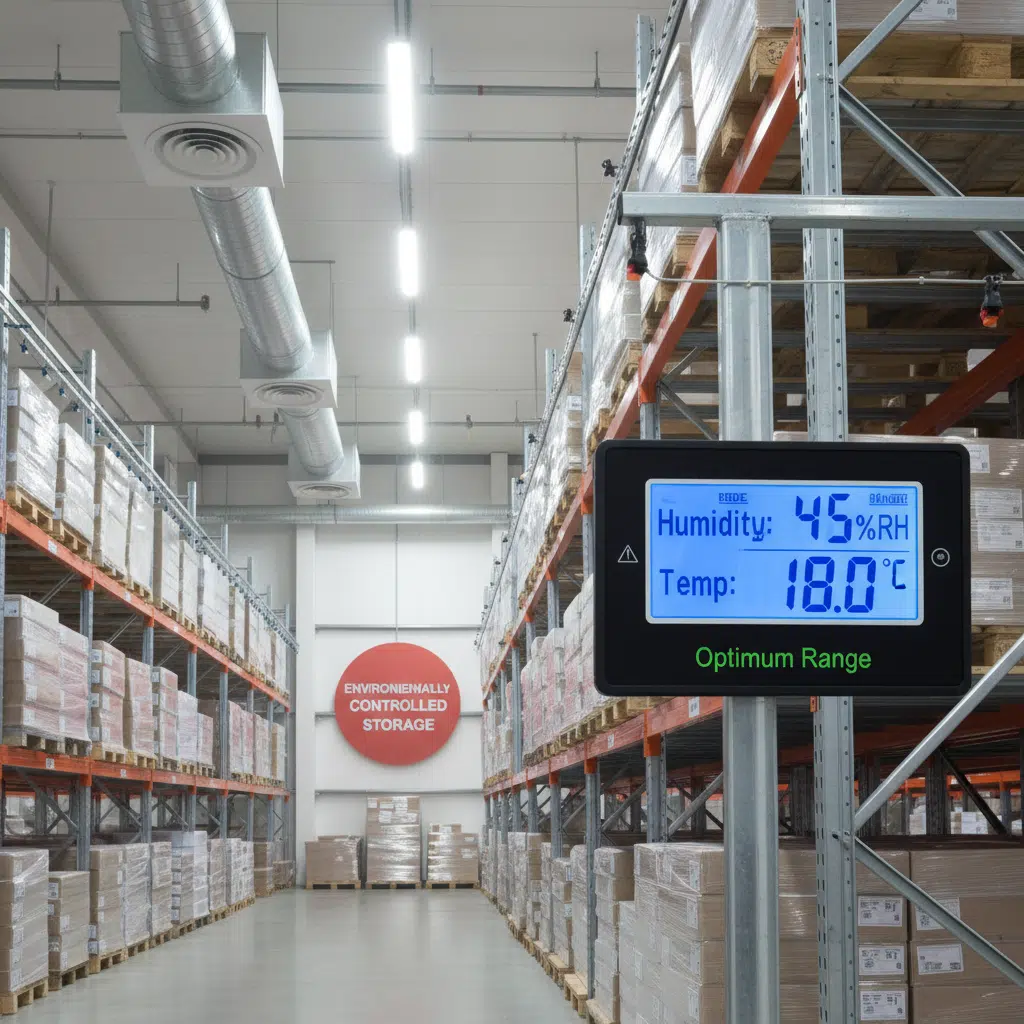
The printing environment is a silent but powerful variable. Paper is hygroscopic, meaning it absorbs and releases moisture from the air. This physical property makes climate control in the printing workshop a necessity, not a luxury.
If the humidity is too high, paper can curl or wave, causing jams and misfeeds. If it is too low, static electricity builds up, causing sheets to stick together. Furthermore, ink viscosity is temperature-dependent. Fluctuations in room temperature can change how ink flows and dries, leading to inconsistent color density throughout a print run. Professional printing facilities maintain strict temperature and humidity ranges to stabilize these variables.
5. Ink Quality and Chemistry
The chemical composition of the ink plays a vital role in the durability and appearance of the final product. Factors include:
- Viscosity and Tack: Ink must have the right “stickiness” to adhere to the rollers and transfer to the paper without picking the paper surface.
- Drying Speed: If ink dries too slowly, it can transfer to the back of the sheet above it in the delivery pile (a defect known as “set-off”). If it dries too quickly on the rollers, it causes picking.
- Eco-Friendly Options: Soy or vegetable-based inks are popular for sustainability but behave differently than petroleum-based inks. Experienced operators know how to adjust press settings to accommodate these differences without sacrificing quality.
6. The Human Element: Operator Expertise
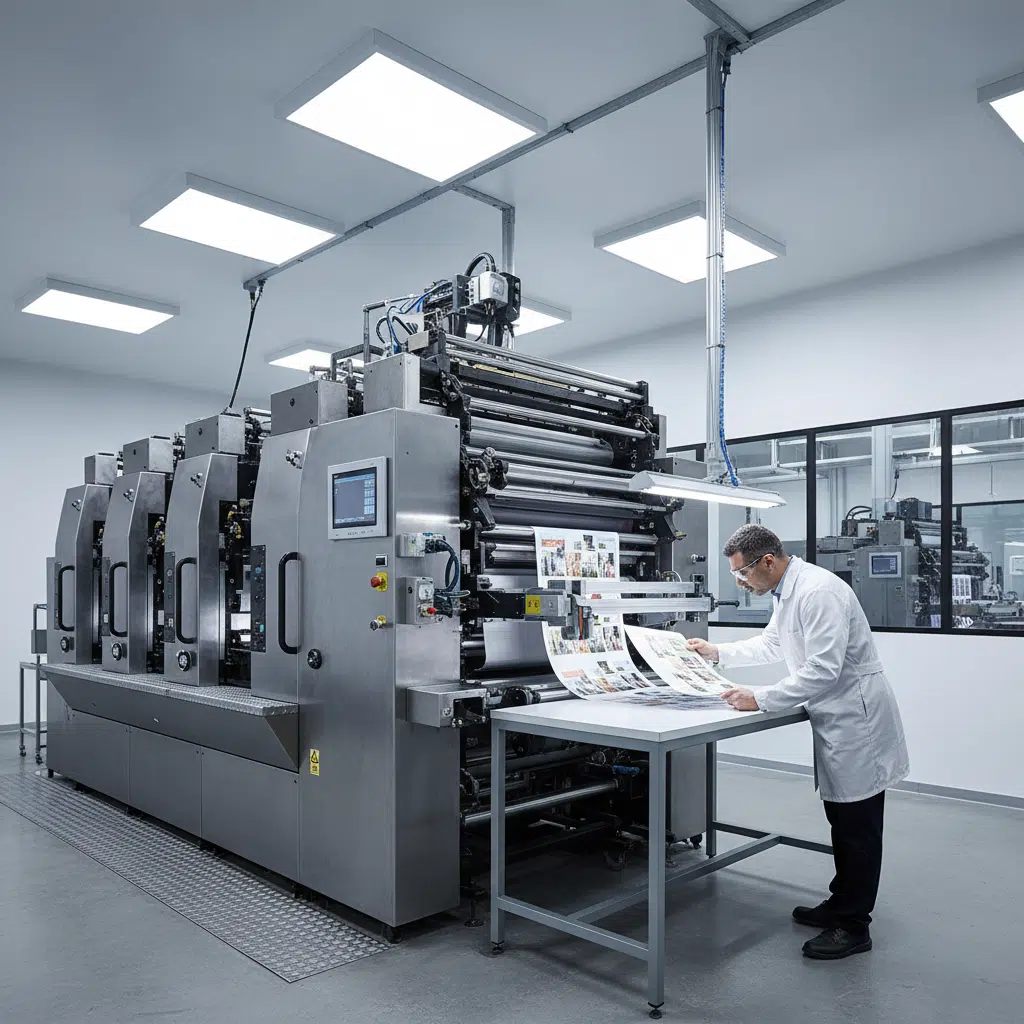
Even with the best equipment and materials, the skill of the press operator is the deciding factor. Experienced printers constantly monitor the “color bar”—a test strip on the edge of the sheet—to verify ink density and dot gain. They make real-time adjustments to water-ink balance and pressure settings. When selecting a printing partner, you are hiring their expertise in troubleshooting as much as their machinery.
How to Ensure Quality: A Buyer’s Checklist
To minimize risks when outsourcing printing, follow these best practices:
- Request Hard Proofs: For critical jobs, ask for a physical proof (contract proof) rather than relying solely on a PDF. This gives you a realistic expectation of color accuracy.
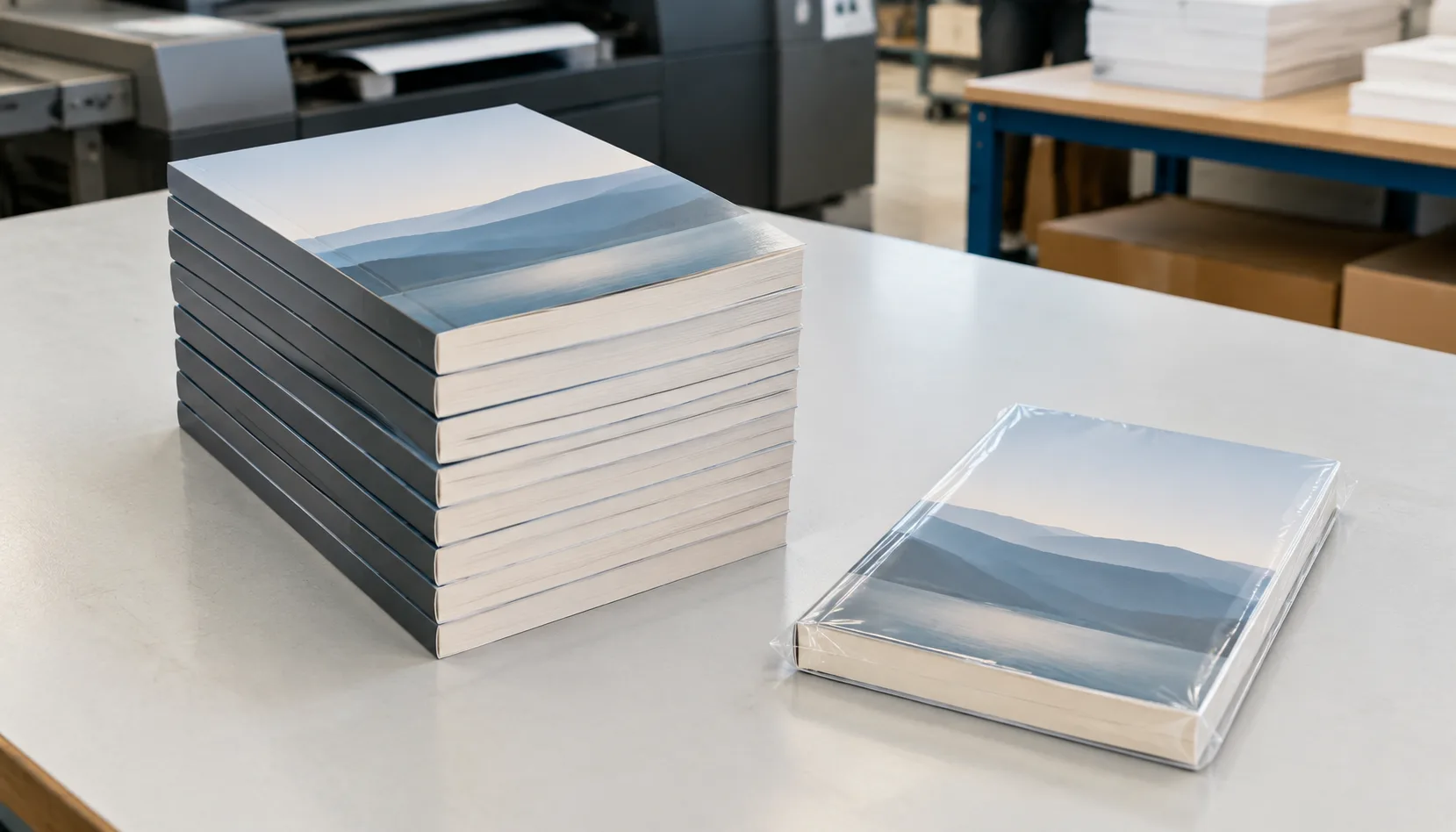
- Specify Paper Clearly: Do not just say “glossy paper.” Specify weight (GSM) and brand if possible, or ask for samples of the stock before production.
- Review File Specs: Ensure your design team follows the printer’s technical guidelines regarding bleed, trim, and safety margins.
- Ask About QC Processes: reputable printers use automated inspection systems and manual checks to catch defects early.
Frequently Asked Questions
Why do printed colors look different from my computer screen?
Screens use RGB (Red, Green, Blue) light to display color, which has a wider gamut than CMYK (Cyan, Magenta, Yellow, Black) ink used in printing. Some bright neon colors on a screen simply cannot be reproduced with standard inks.
What is “dot gain” and how does it affect quality?
Dot gain occurs when wet ink spreads slightly as it hits the paper. This makes images appear darker than intended. Pre-press technicians apply compensation curves to the digital files to counteract this effect.
Does the speed of the printing press affect quality?
Yes. Running a press at maximum speed can sometimes lead to registration issues or misting ink. High-quality jobs often require running the press at a controlled, optimal speed rather than its maximum rated velocity.
How does humidity affect paper?
Paper absorbs moisture, which can cause it to expand or curl. This changes the physical dimensions of the sheet slightly, potentially leading to misalignment of colors (registration errors) during the print run.
Conclusion
High-quality printing is the result of harmonizing equipment, materials, environment, and human skill. By understanding the main factors affecting printing quality, B2B buyers can have more productive conversations with their suppliers and secure better outcomes for their marketing and packaging investments.
If you are looking for a partner who prioritizes precision and consistency, ensure they have robust quality control protocols in place. Contact us today to request a quote or a sample pack to see our quality firsthand.