
Table of Contents
- Why Sound Books Support Early Learning
- Start with a Clear Learning Goal
- Design Audio for Young Children
- Plan the Page and Button Experience
- Choose Durable and Safe Construction
- Prepare Files and Production Details
- Buyer Checklist for Custom Sound Books
- Conclusion
Sound books can support early learning when audio, illustrations, physical interaction and age-appropriate content work together. This guide explains how publishers and educators can plan engaging, durable and manufacturable sound books for young children.
Why Sound Books Support Early Learning
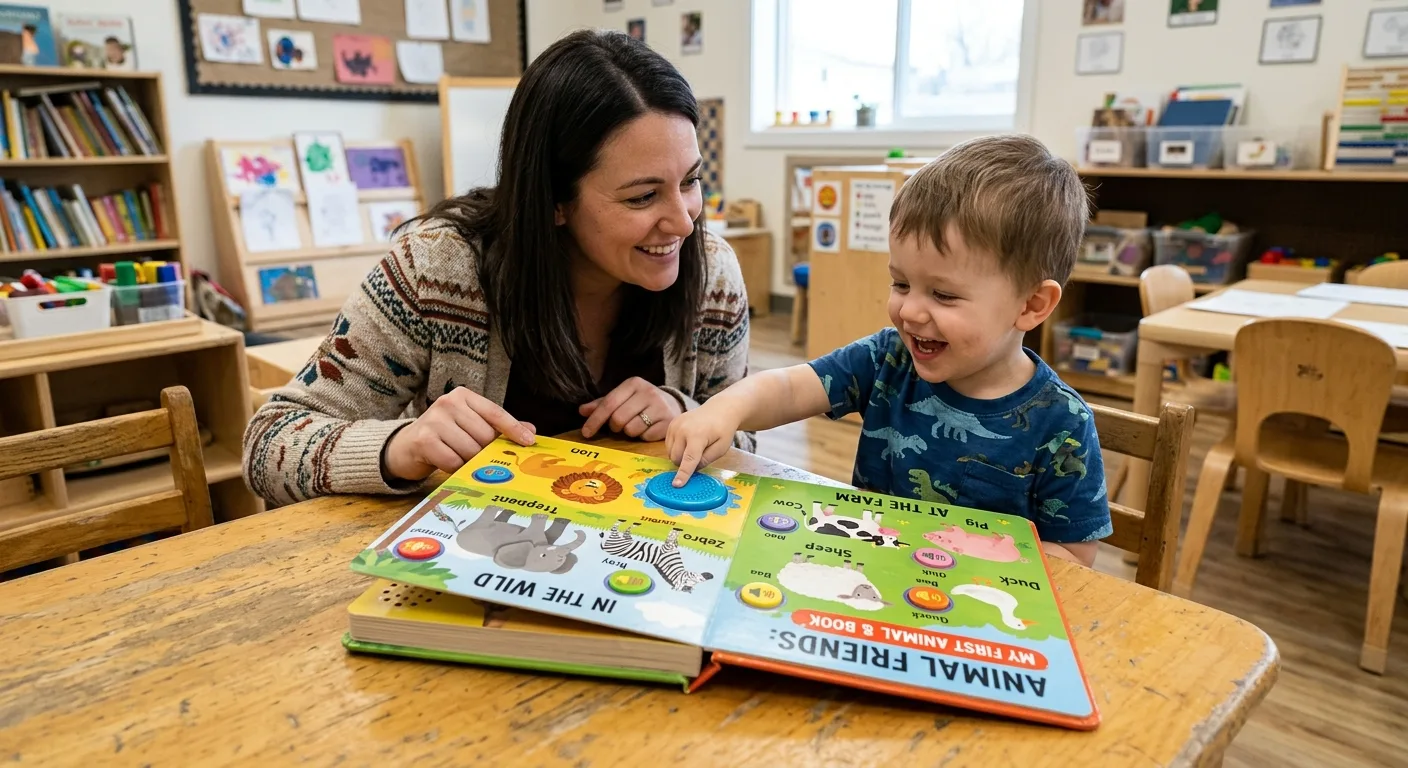
Sound books for early learning combine printed content with recorded speech, music, animal sounds or other audio prompts. When designed carefully, they can help children connect pictures, words, sounds and physical actions in one reading experience.
The most effective books do not add audio simply as a novelty. Each sound should support the page objective. A recorded word can reinforce vocabulary, a phonetic sound can support early literacy, and a short question can encourage a child to look, listen and respond. The printed page remains important because it gives the child visual context and helps parents, teachers or caregivers guide the activity.
These books are especially suitable for shared reading, language exposure, basic concept learning and repetition. They can introduce colours, numbers, animals, vehicles, daily routines, simple songs or first words. However, the appropriate subject, vocabulary, sound length and interaction level depend on the target age group and learning goal.
For an overview of the physical and electronic elements involved, see this guide to custom children’s sound book printing. It can help align the creative concept with manufacturing requirements from the beginning.
Start with a Clear Learning Goal
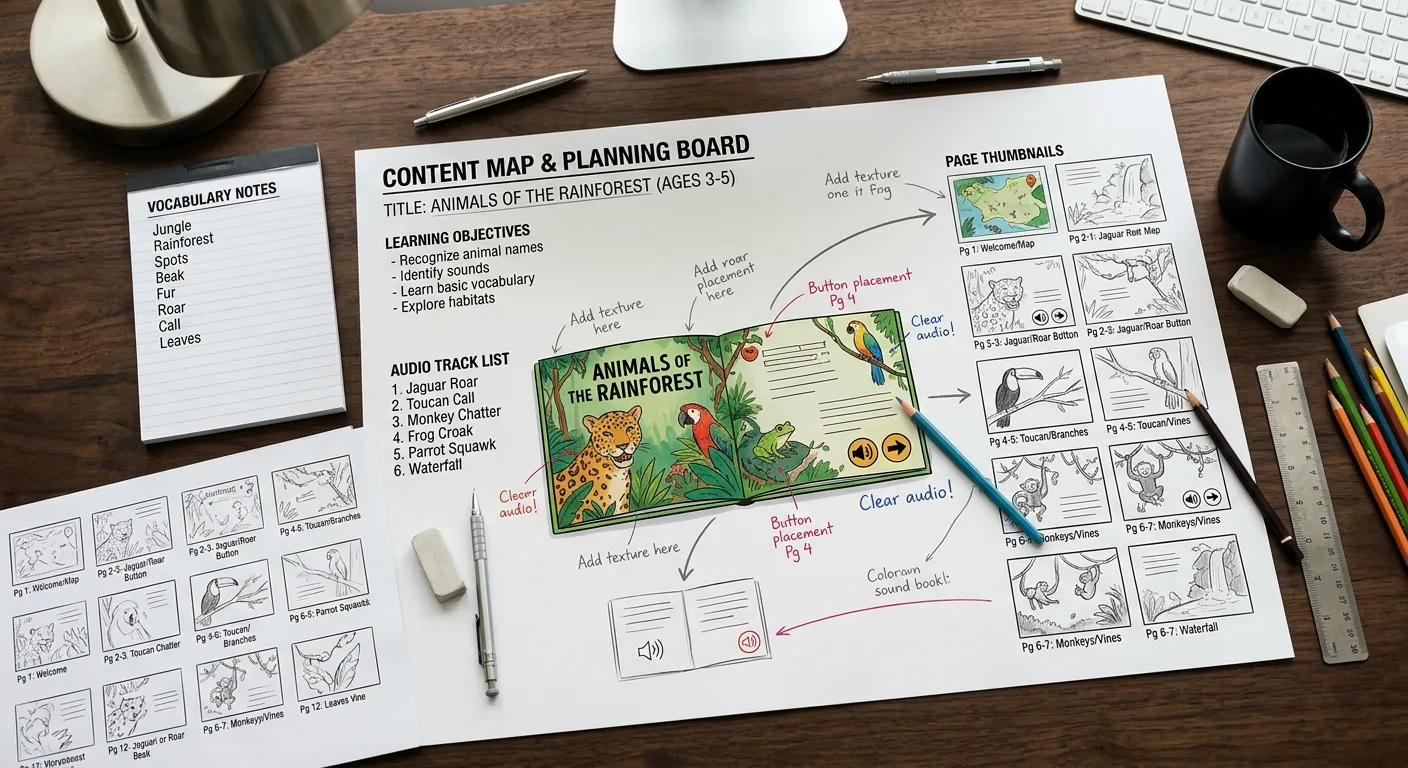
Before selecting buttons, speakers or sound effects, define what the child should learn or practise. A focused objective makes the book easier to write, illustrate, test and produce.
Match the concept to the age group
For babies and toddlers, the objective may be recognition and listening: identifying a familiar animal, hearing a caregiver-style greeting or repeating a simple word. For preschool children, the book may introduce counting, letter sounds, basic questions or short sequences. Older early learners may benefit from simple instructions, vocabulary categories or beginner language learning.
Use short, concrete ideas rather than trying to cover too many lessons in one book. A book about farm animals can focus on names and sounds. A first counting book can use one audio cue per number. A phonics title can present a letter, a word and a clear pronunciation without adding distracting background music.
Plan repetition and progression
Young children often learn through repetition. Repeating a key word across several pages can make the content memorable, while a gradual increase in complexity keeps the experience purposeful. Consider arranging pages from recognition to participation: first the child hears and identifies a sound, then chooses or presses a button, and finally responds to a question or instruction.
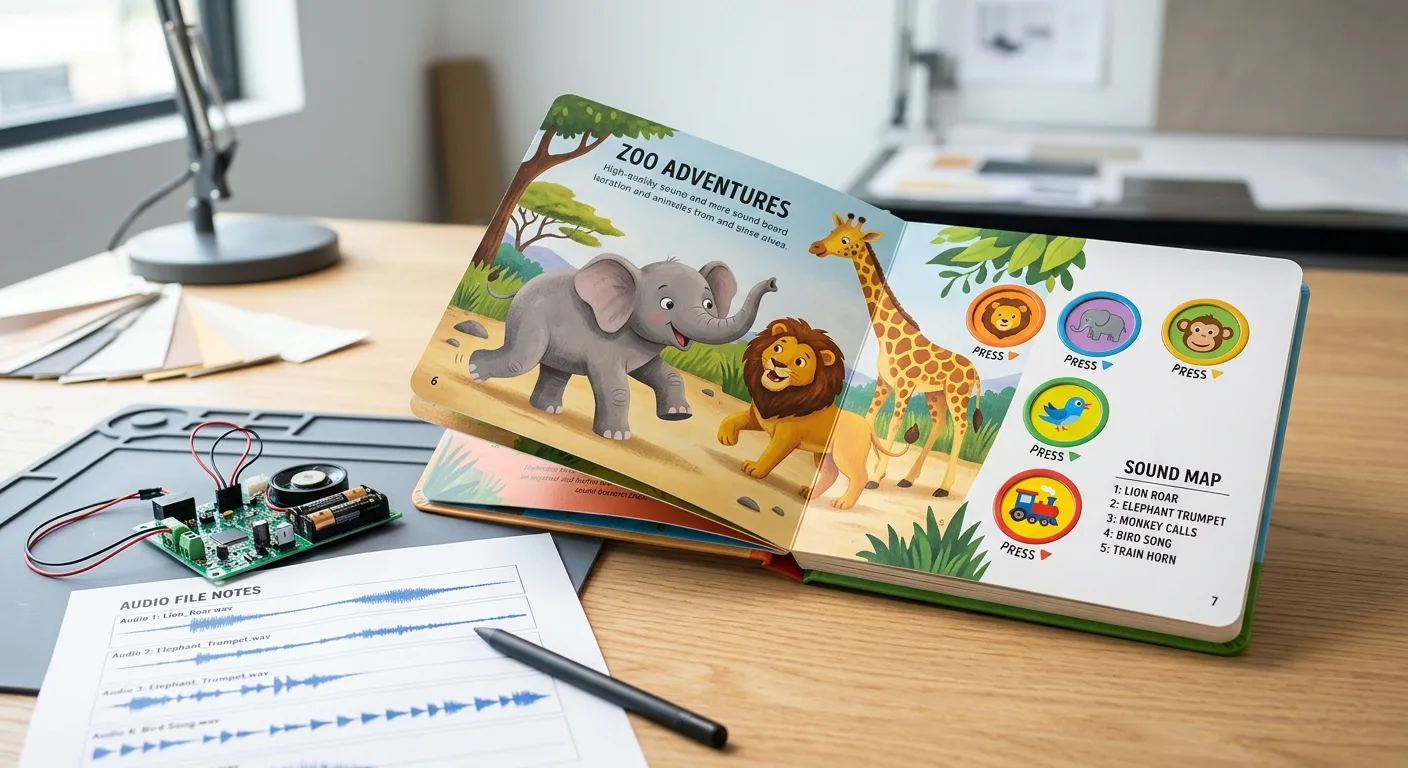
Write a simple content map before artwork begins. List the page number, learning objective, printed text, audio track, button location and any illustration requirement. This document reduces changes later and gives the printer a practical reference for programming and assembly.
Design Audio for Young Children
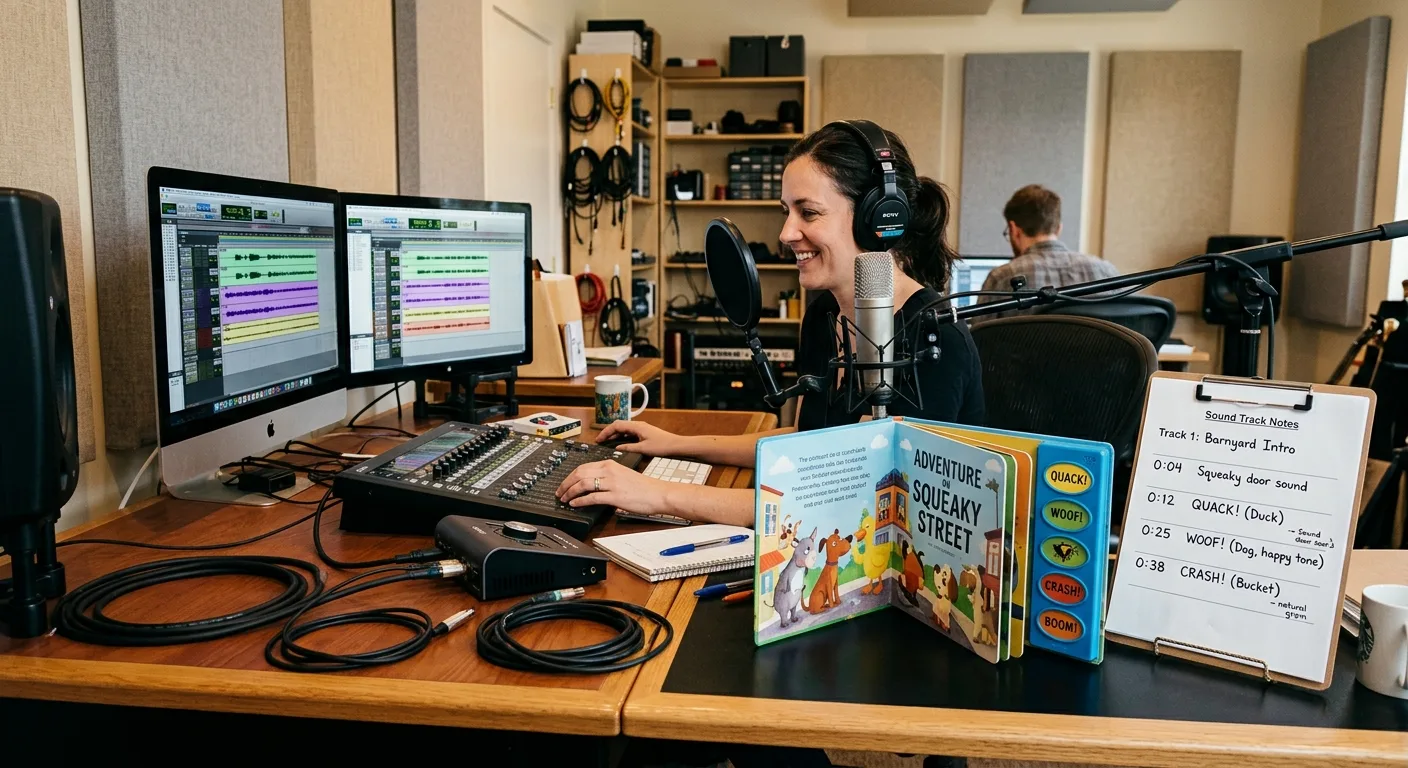
Audio quality affects both educational value and usability. Children need to hear words clearly, while caregivers need controls and volume levels that are practical in a home, classroom or travel setting.
Keep recordings clear and purposeful
Use an appropriate speaking pace and simple pronunciation. Avoid placing several voices, sound effects and music over the same instruction unless the combination has a clear purpose. A short pause before or after a key word can help the child process what was heard.
Record each track according to a defined script. Label files consistently by book, page and button, such as FarmBook_Page03_AnimalCow. Confirm the language, pronunciation, narrator direction and final wording before programming. If the book will be published in multiple languages, plan whether the same artwork will support separate audio versions or whether the page design must accommodate different text lengths.
Use sound to invite participation
Useful interaction may include “Can you find the red ball?”, a prompt to repeat a word, or a question followed by a short pause. The audio should tell the child what to do when an action is expected. Buttons should have a clear relationship to the printed content, and the same interaction pattern should be used consistently where possible.
Audio planning also affects the electronic module, memory capacity, speaker placement and testing process. Review the available options in this practical explanation of sound book buttons, modules and batteries before finalising the creative specification.
Plan the Page and Button Experience
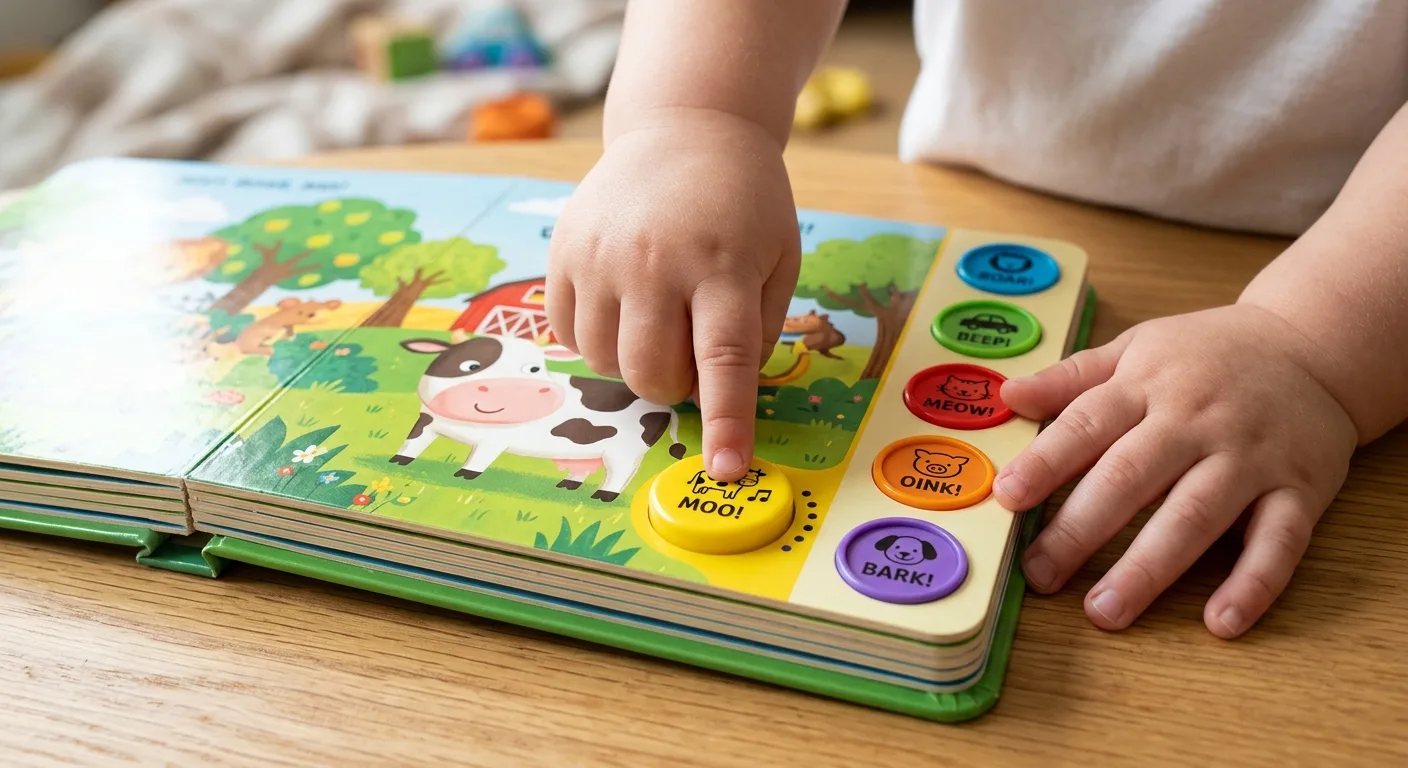
Interaction should feel natural for small hands. A child should be able to understand where to press without covering the main illustration or damaging a delicate page element.
Make the control system visually obvious
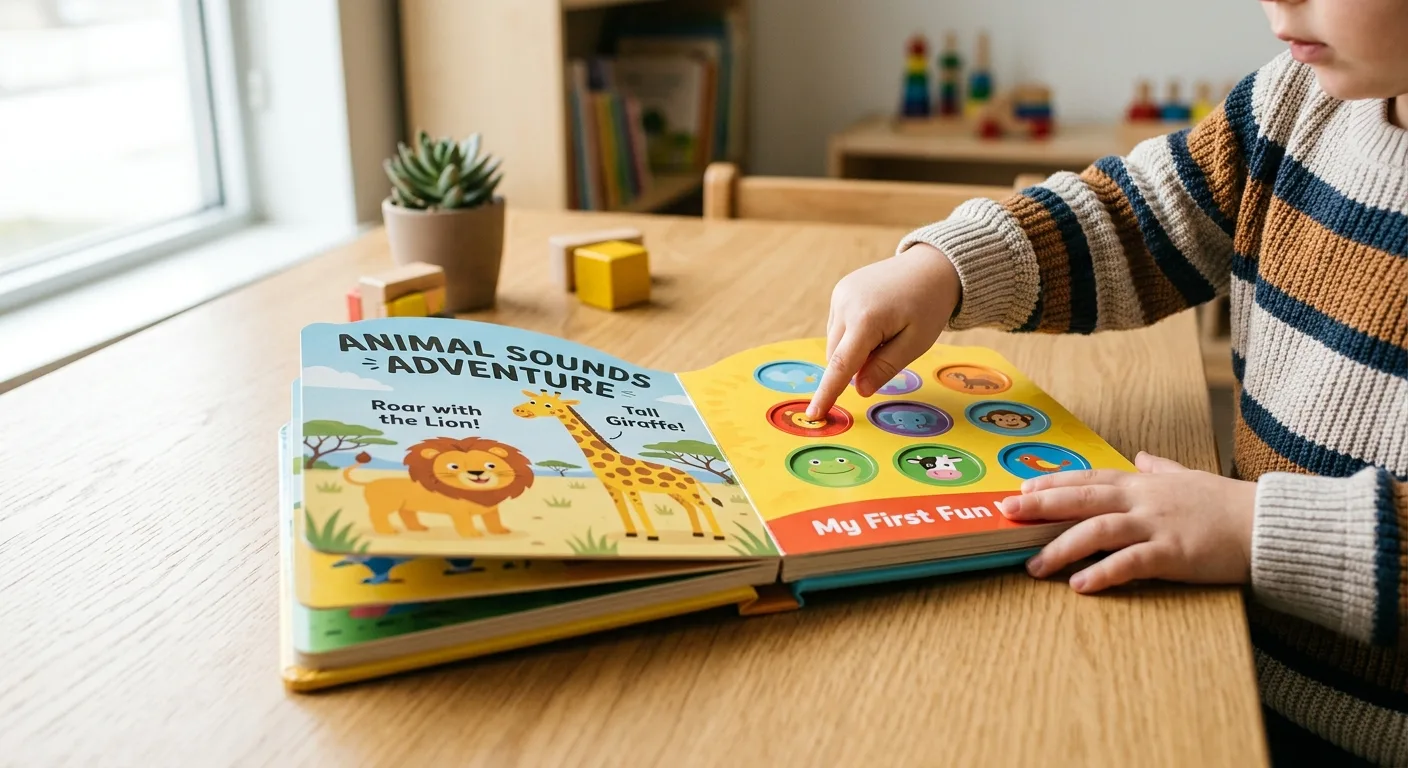
Use consistent button shapes, colours or icons to show which area produces a sound. Place buttons close to the related image or text, but leave enough separation to reduce accidental presses. If several sounds appear on one spread, give each control a distinct visual identity and test whether the layout remains understandable when the book is open flat.
Consider how the book will be held. A button near the gutter may be difficult to reach, while a control too close to the outer edge may be pressed unintentionally during page turning. The cover may need an on/off switch or a battery access design that adults can manage while keeping the child-facing experience simple.
Design for shared reading
Sound books are often used with an adult. Leave enough space for the caregiver to point, ask questions and repeat vocabulary. Text should remain legible at the finished trim size, and illustrations should provide enough visual information without becoming crowded by buttons, labels or instruction icons.
Physical features such as flaps, die-cut openings and tactile areas can add another layer of participation, but they should not interfere with wiring, speaker openings or board construction. Read this guide to interactive board book printing when combining sound with other interactive features.
Choose Durable and Safe Construction
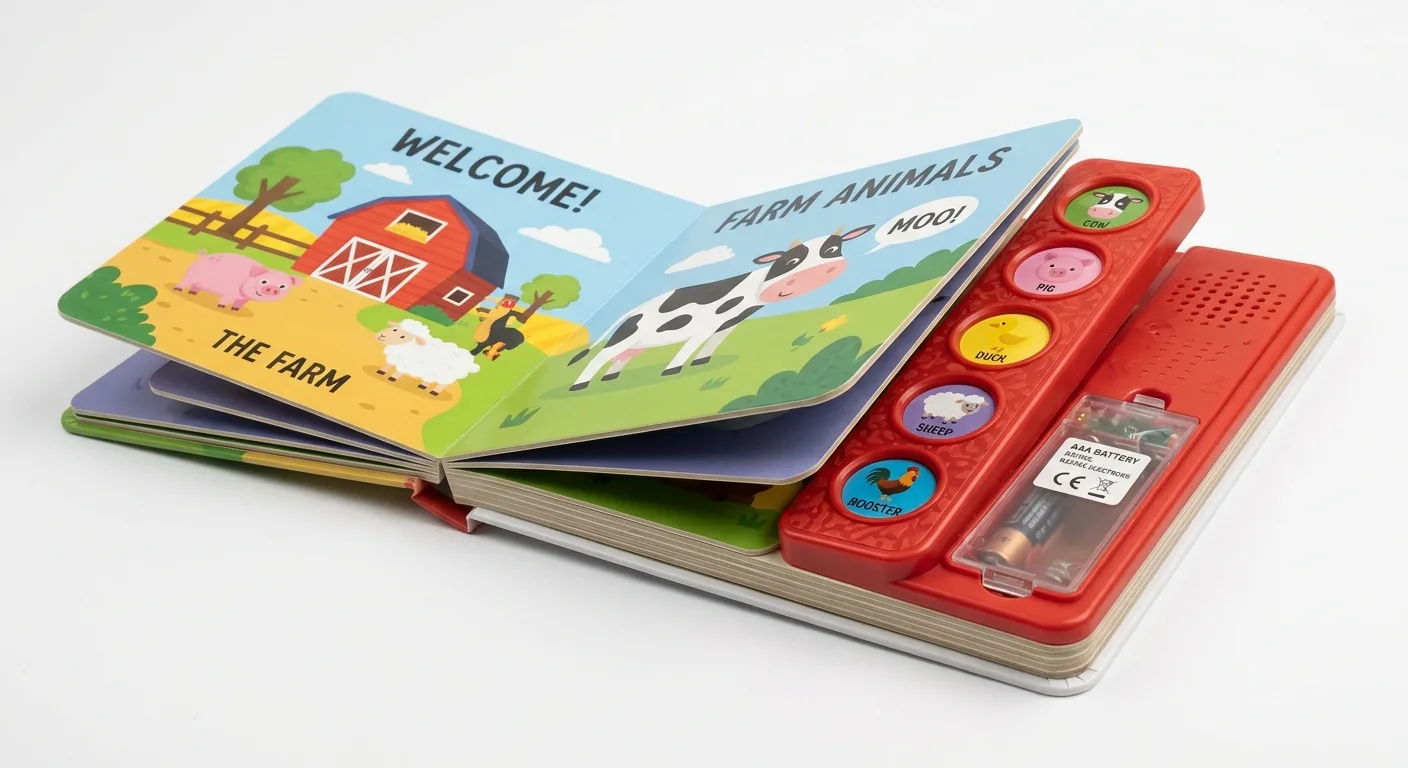
Early learning books need to withstand repeated handling, page turning, pressing and storage. Board book construction is commonly considered for younger readers because rigid pages are easier to grasp and more resistant to everyday wear than standard paper pages.
Construction decisions include board thickness, page shape, corner treatment, binding, protective coating and the way electronic components are enclosed. A sound book may need additional internal space or a reinforced area for the module, speaker and buttons. These details should be reviewed with the manufacturer before the artwork and dieline are locked.
Safety requirements depend on the intended market, age grading, materials, electronic components and product classification. Do not treat a generic “child-safe” statement as a complete specification. Ask your production partner which test documentation, warnings, battery protection and material information may be required for the destination market. Also consider accessible battery compartments, secure component placement and smooth edges.
For a more detailed production checklist, review board book safety and durability features. The final design should balance robustness with weight, shipping profile, opening behaviour and the child’s ability to use the book comfortably.
Prepare Files and Production Details
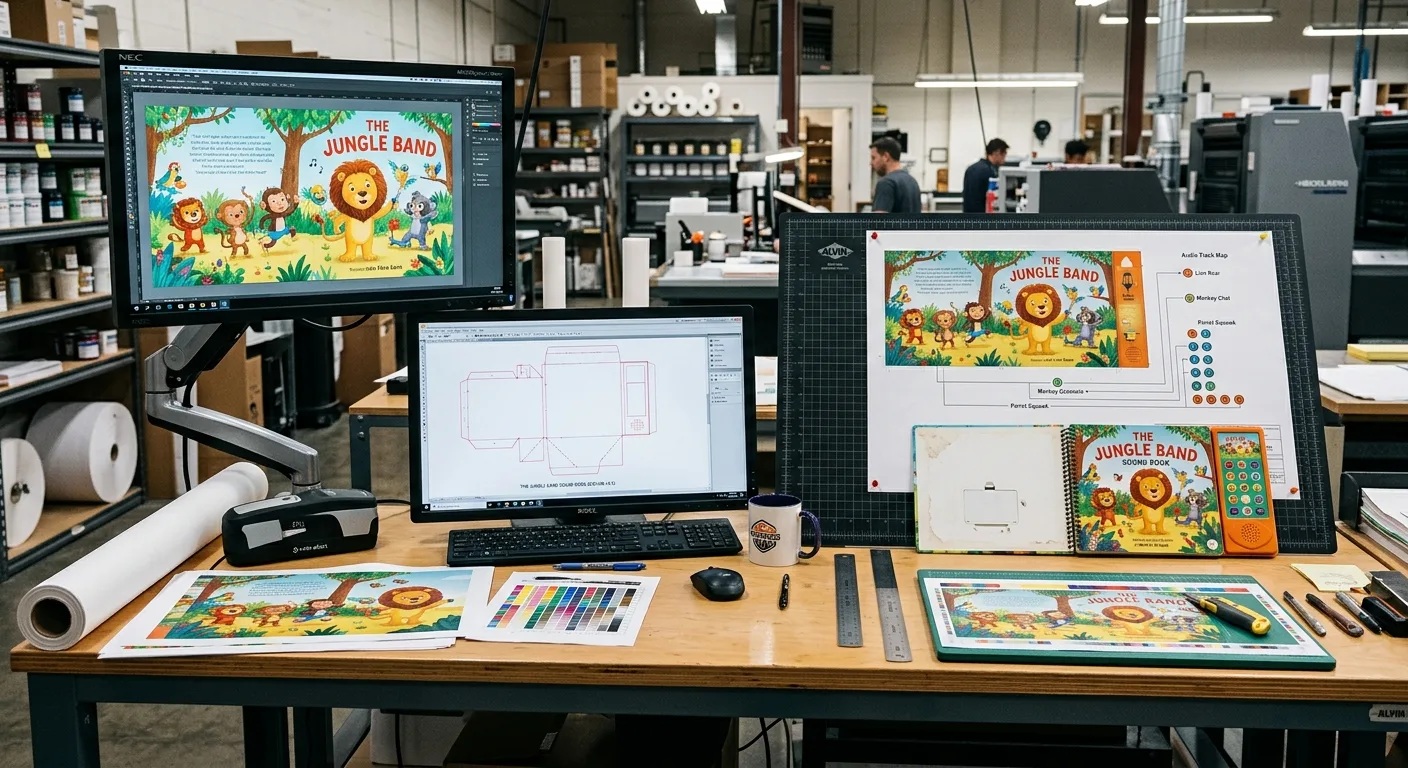
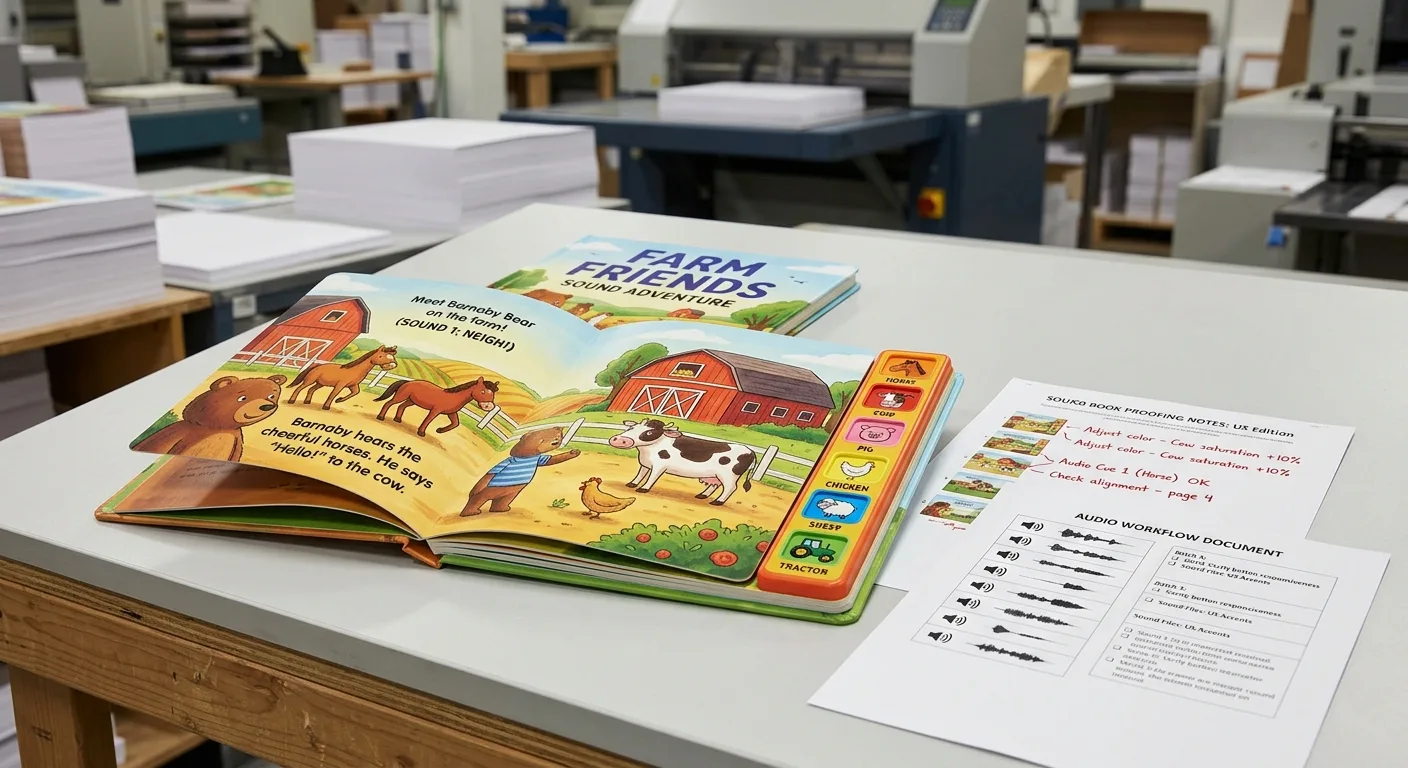
A sound book project usually requires more than a print-ready PDF. The production package may include artwork files, a structural dieline, audio tracks, a button map, programming instructions, packaging artwork and a testing checklist.
Separate creative and technical information
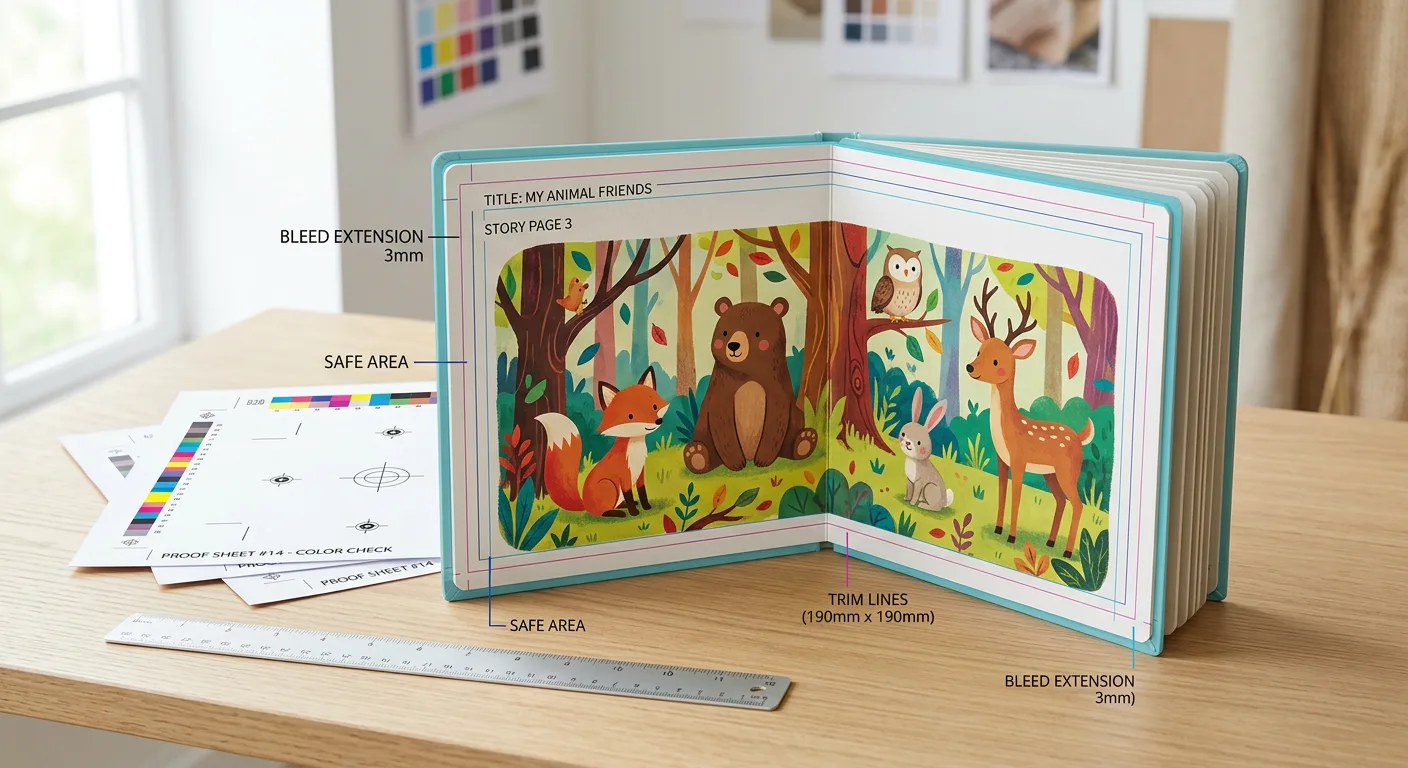
Keep the visual artwork organised by page or spread, with clearly named files and linked assets. Supply a separate document showing trim size, bleed, safe areas, page order, button positions and component locations. Mark any area where the speaker needs an opening or where a structural feature affects the printed design.
Audio files should follow the agreed technical specification. The required format, sampling settings, track length and file size depend on the sound module, so confirm these details before recording or editing the final audio. Do not assume that a track that plays on a computer will automatically work in the production module.
Build in proofing and testing
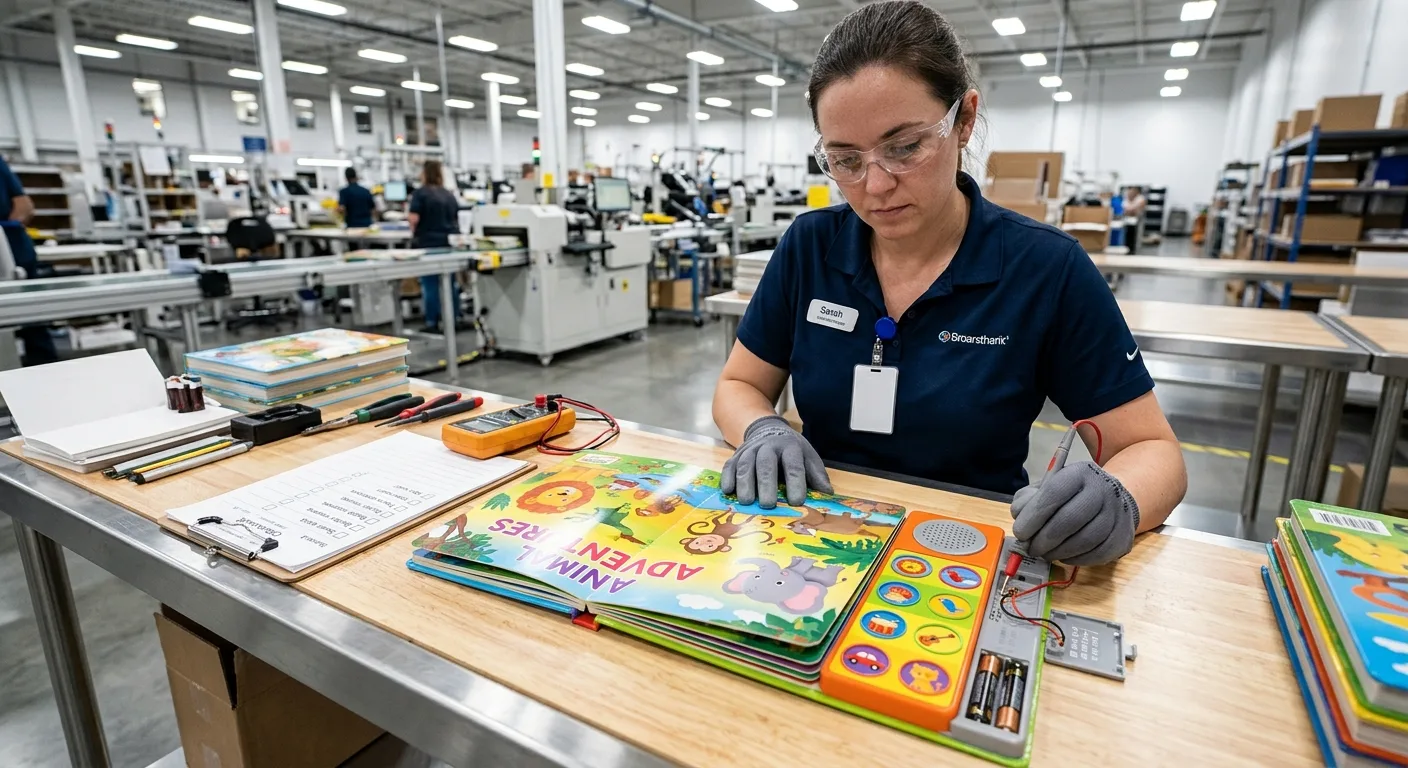
Request a digital or physical proof appropriate to the project. A physical sample is particularly useful for checking button feel, audio clarity, volume, page turning, component placement, colour, trim and overall handling. Test the prototype with the intended age range under adult supervision and record any confusion or repeated pressing.
Price and lead time depend on assumptions such as format, page count, quantity, board construction, audio complexity, component selection, assembly, packaging and destination country. For additional planning guidance, see the main cost factors for children’s sound book printing.
Buyer Checklist for Custom Sound Books
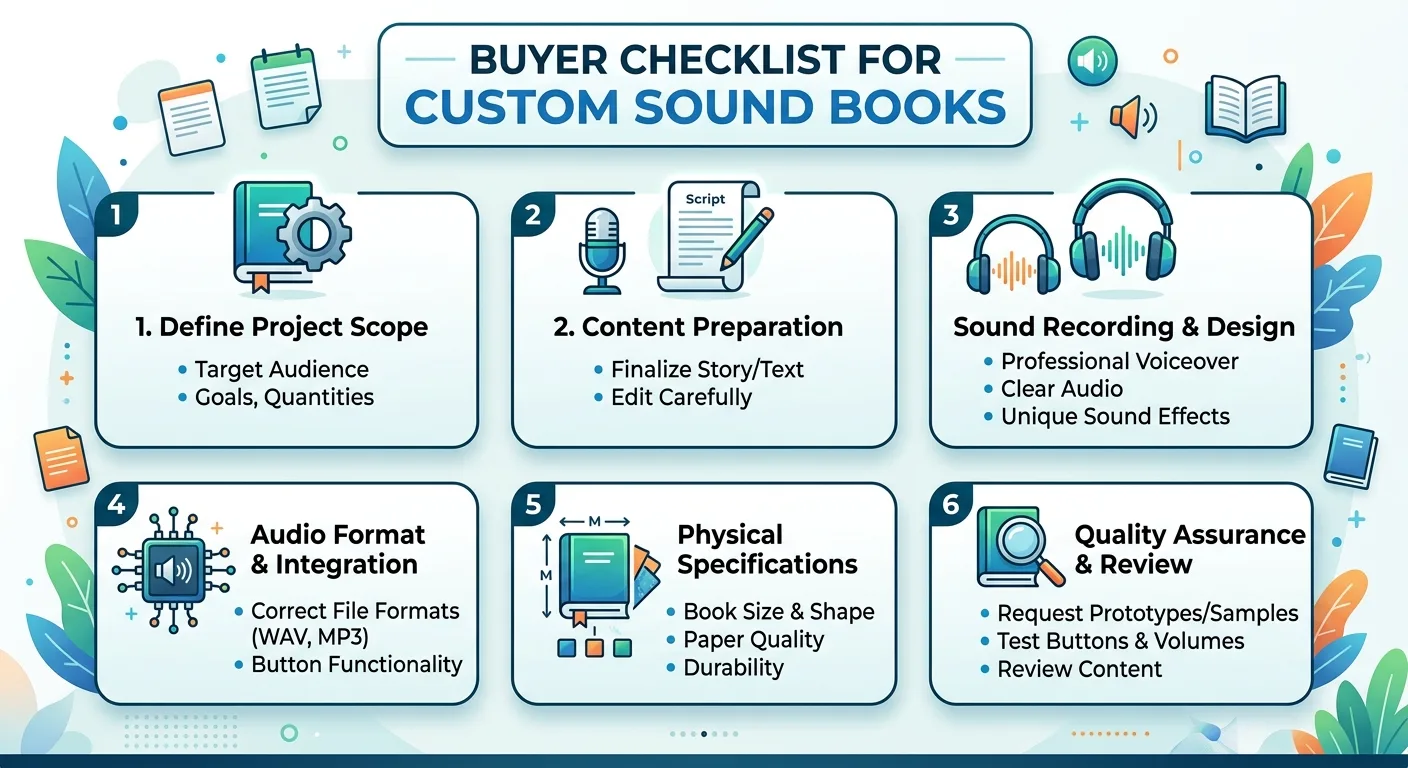
Use the following checklist when developing educational sound books or requesting a manufacturing quotation:
- Audience: Define the target age range, reading ability and intended use.
- Learning objective: State the vocabulary, concepts, language or actions the book should support.
- Format: Confirm trim size, orientation, page count, board construction and corner style.
- Audio plan: List every track, language, narrator, sound effect, music element and interaction prompt.
- Controls: Map each button to the relevant page content and identify the power or volume control.
- Artwork: Prepare print files with bleed, safe areas, page order and component clearances.
- Testing: Plan checks for audio, buttons, batteries, colour, binding, page turning, packaging and handling.
- Commercial details: Confirm quantity, packaging, delivery destination and required approval stages.
The earlier these points are agreed, the easier it is to avoid redesign, audio re-recording or structural changes late in production.
Conclusion

Well-designed sound books for early learning connect a specific educational goal with clear audio, intuitive controls and durable physical construction. Start with the child’s learning experience, then translate it into a page plan, audio script, component map and production specification.
Manufacturing assumptions should be confirmed early because format, page count, quantity, board construction, electronic module, testing, packaging and destination can affect both cost and project timing. A structured brief and a physical prototype help publishers make informed decisions before full production.