
Table of Contents
- What is book spine width?
- The book spine width formula
- Examples for perfect bound and hardcover books
- Factors that can change the final spine
- How to set up a full cover file
- Buyer checklist before approving a cover
- Common spine width mistakes
- Conclusion
A book spine width calculator uses the thickness of the text block, plus any cover board allowance, to determine the width needed for a print-ready full cover file. Learn the formulas, variables and checks that help prevent spine text and cover alignment problems.
What is book spine width?
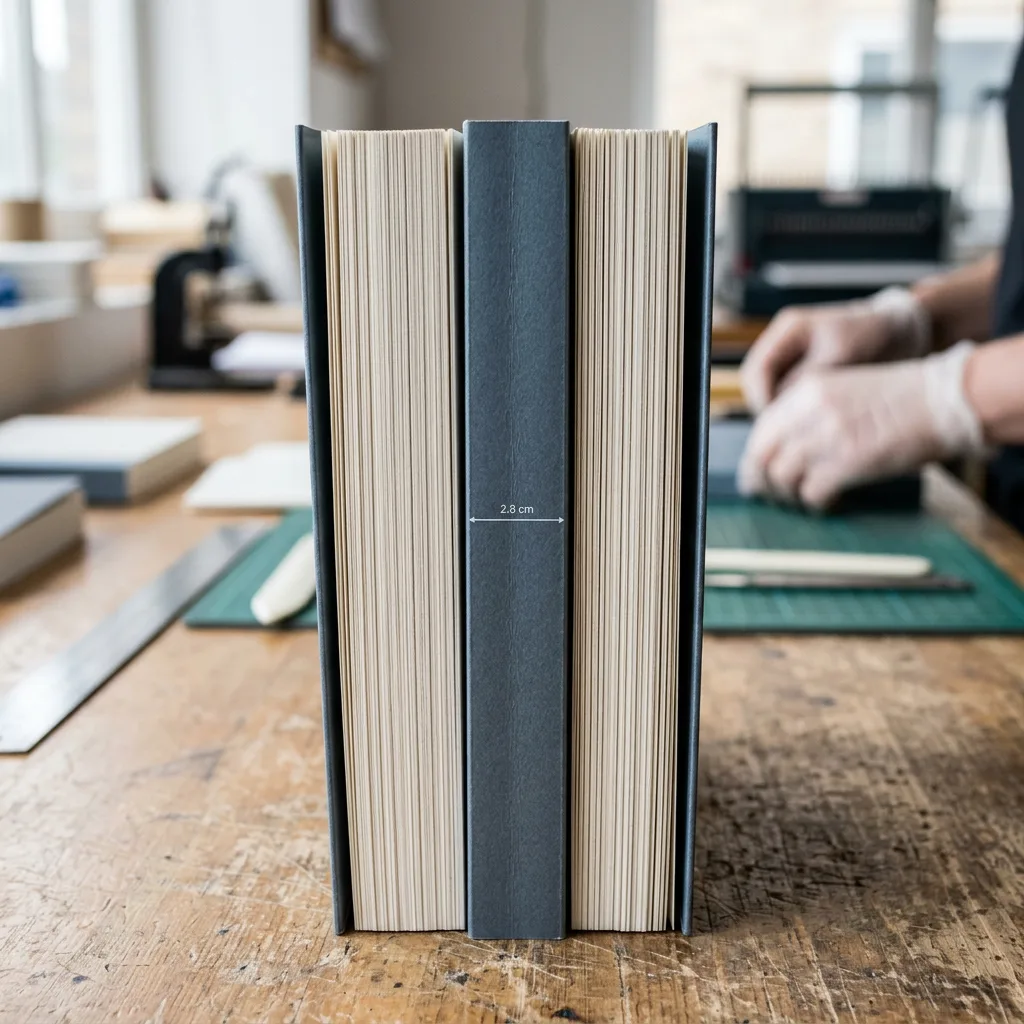
Book spine width is the thickness of a finished book measured across its bound edge. For printing, it is the centre panel in a full cover layout between the back cover and front cover. A book spine width calculator estimates this panel from the text paper thickness, page count and binding construction.
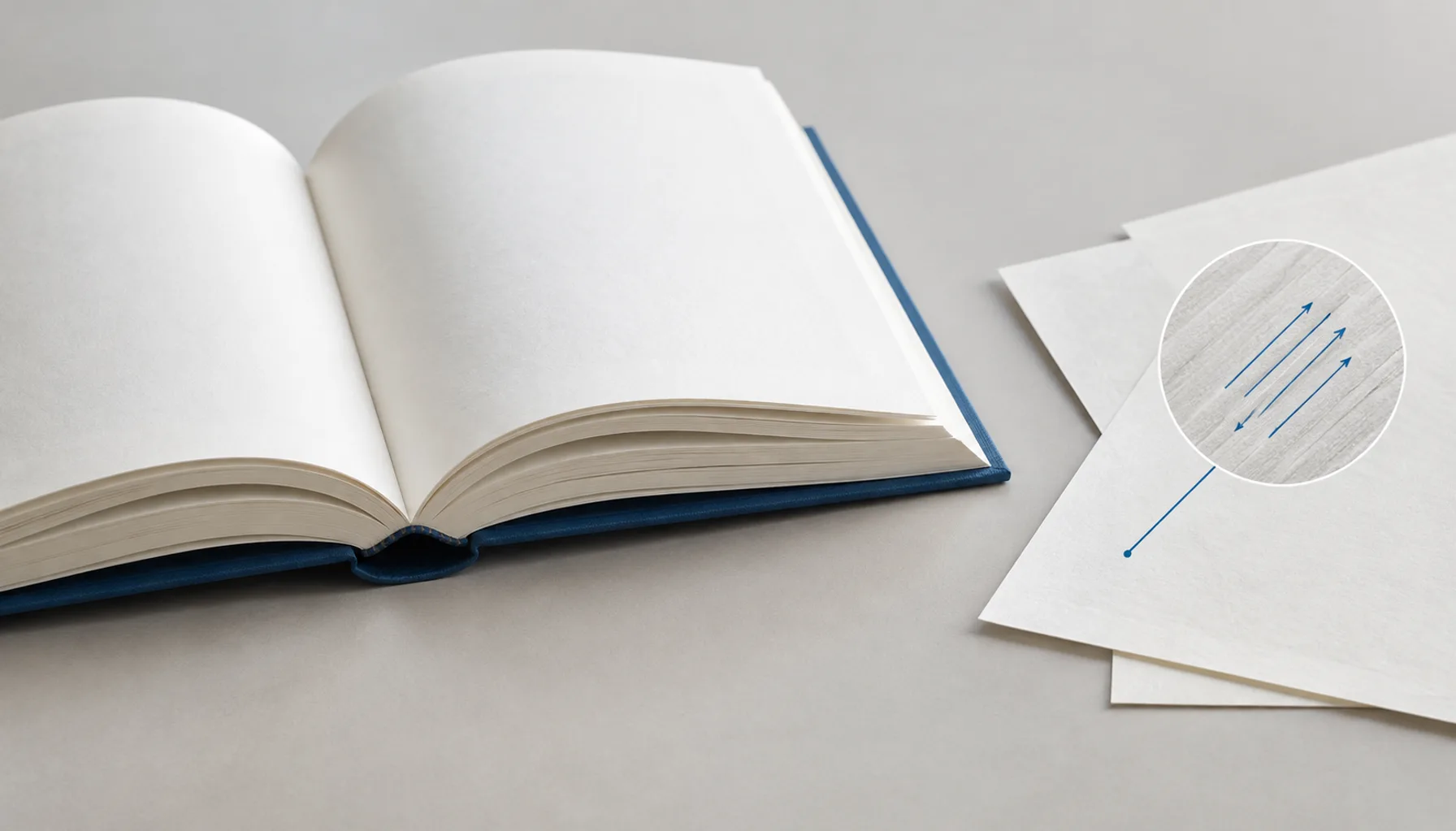
The most reliable calculation comes from the actual paper selected for production. Paper weight alone is not enough: two papers with the same gsm can have different caliper, or thickness. Cover board, endsheets, lamination and binding method can also affect the finished measurement.
Use an estimate while planning cover artwork, but ask the printer to confirm the final spine dimension before releasing a print-ready cover. This is particularly important when the spine carries a title, author name, logo or barcode.
The book spine width formula
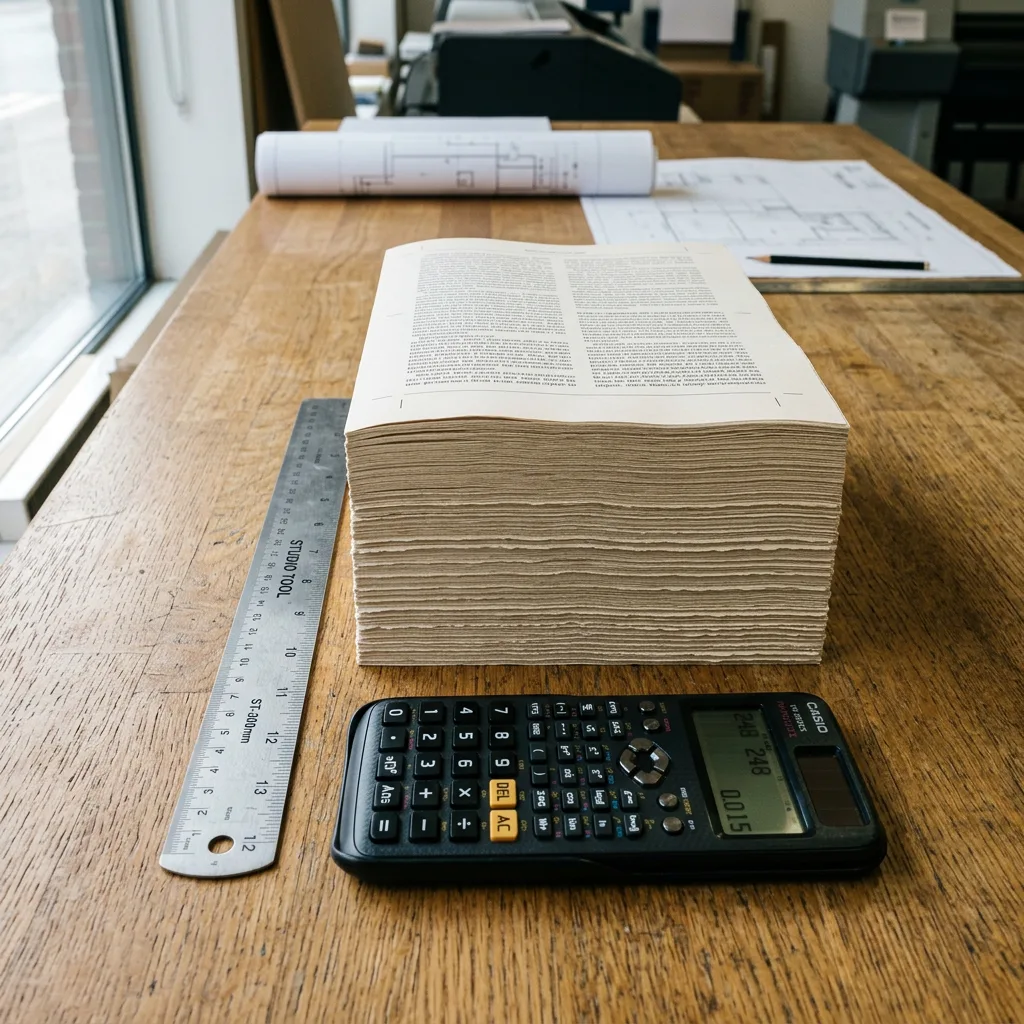
For a standard perfect bound paperback, use this working formula:
Spine width = number of text sheets × paper caliper
Because one sheet has two pages, calculate text sheets as:
Number of text sheets = total page count ÷ 2
Therefore:
Spine width = (page count ÷ 2) × paper caliper
Use the caliper supplied for the chosen stock, normally stated in millimetres per sheet. For example, a 128-page book contains 64 sheets. If the text stock caliper is 0.10 mm per sheet, the estimated text-block spine is 64 × 0.10 = 6.4 mm.
This formula is a planning tool, not a universal production specification. It assumes pages are counted as individual printed pages, the book is perfect bound, and the stated caliper represents the production paper. A printer may allow for manufacturing tolerances and will provide the appropriate final cover template.
Examples for perfect bound and hardcover books

Perfect bound paperback example
Assume a 200-page paperback printed on text paper with a 0.09 mm caliper. The calculation is (200 ÷ 2) × 0.09 = 9.0 mm. The cover designer should use the printer-confirmed 9.0 mm spine only after the text stock and page count are fixed.
Hardcover casebound example
For a casebound book, start with the same text-block calculation, then include the construction allowances specified by the manufacturer. Hardcover covers use boards, endsheets, a hinge area and a wrapped cover sheet. The outer case is not calculated by simply adding two board thicknesses to a paperback spine formula.
For this reason, request a dedicated hardcover template after confirming the final interior pagination, paper and board choice. This is especially relevant for photo-led projects: the paper and binding decisions described in this lay-flat photo and memory book guide can produce a very different spine construction from a standard paperback.
Factors that can change the final spine
A calculation is only as accurate as its inputs. Check these variables before treating a spine width as final:
- Page count: Include every interior page, including blank pages. Page totals should normally follow the imposition requirements of the selected binding method.
- Paper caliper: Caliper is the actual thickness of one sheet. Do not substitute gsm unless the supplier has provided a corresponding caliper.
- Paper type and finish: Uncoated, coated, bulky and specialty papers can have different thicknesses at the same weight.
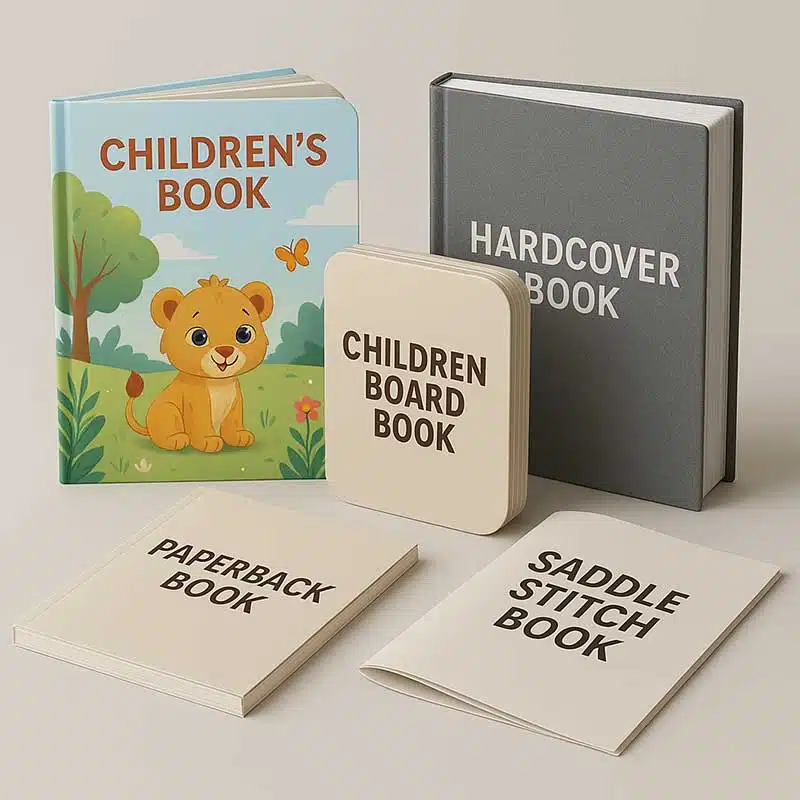
- Binding method: Perfect binding, sewn case binding, lay-flat binding, saddle stitching and board-book construction use different cover layouts.
- Cover construction: Paperback cover stock, lamination, hardcover boards, endsheets and wrap material must be considered according to the manufacturer’s template.
- Compression and tolerance: Folding, gathering, adhesive and pressing can slightly alter the final thickness. Production tolerances are normal.
Very thin books need special care. A narrow spine may not provide enough readable area for type. Conversely, a thick book with a dense spine design may require extra clearance so text does not appear too close to a fold or hinge.
How to set up a full cover file
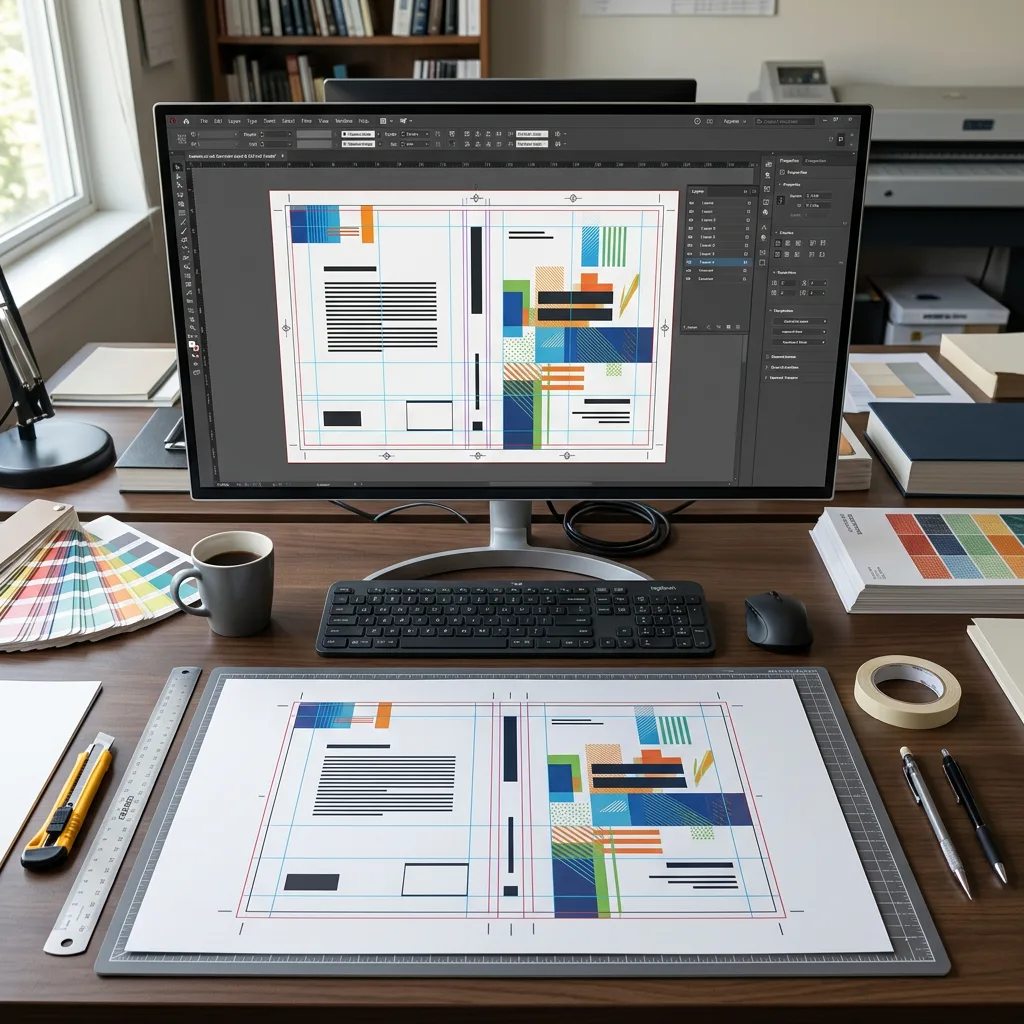
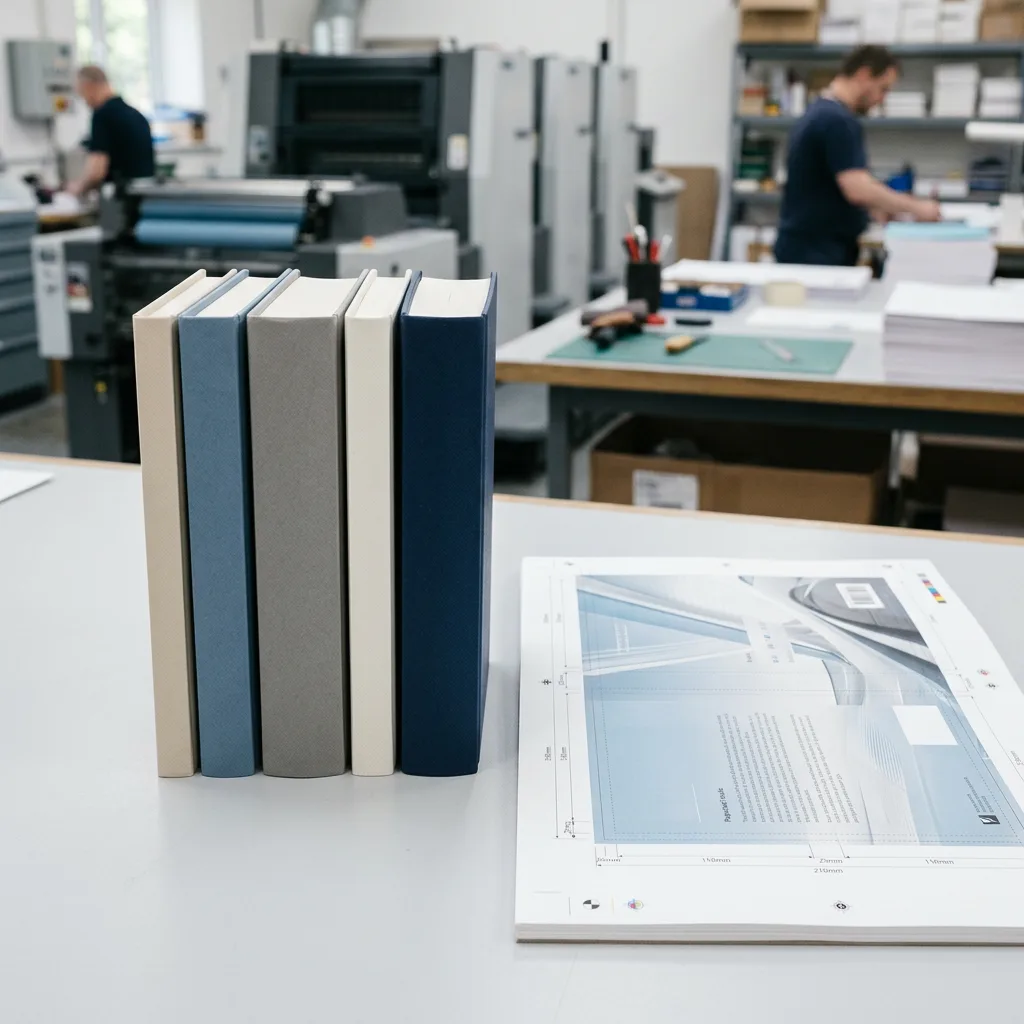
A printed book cover is usually supplied as one flat spread: back cover, spine and front cover. The printer’s dieline or template should show the final trim, spine boundaries, bleed and safe areas.
- Confirm the final trim size, page count, binding style and interior paper.
- Obtain the confirmed cover template or spine dimension from the printer.
- Build the cover at the supplied overall width and height, including bleed.
- Keep important copy, logos and barcode areas inside the indicated safe area.
- Centre spine type between the spine folds, rather than between the outer edges of the full cover.
- Export the file according to the printer’s requested PDF and colour specifications.
Do not manually shift the front or back cover to make a guessed spine fit. A late pagination change changes the spine and can require the whole cover spread to be resized. Where a project includes special components or board construction, file planning should start even earlier. For example, this guide to children’s sound book file setup and proofing covers the additional planning required when printed pages work with physical components.
Buyer checklist before approving a cover
Before approving artwork, confirm the following with your print supplier:
- Final product type: paperback, casebound hardcover, lay-flat, board book or another construction.
- Finished trim size and orientation.
- Total interior page count, including blanks.
- Interior paper name, weight and measured caliper.
- Cover stock or board specification, plus any lamination or special finish.
- Confirmed spine width and full cover template.
- Bleed, safe-area and barcode requirements.
- Whether spine text remains legible at the confirmed width.
- Current status of the interior and cover PDF files.
For educational workbooks, changing the number of ruled, exercise or advertising pages can affect the cover late in the project. Align interior pagination and cover approval together; our bulk exercise book printing guide provides useful planning context for institutional book orders.
Common spine width mistakes
The most frequent mistake is calculating from paper weight alone. A 100 gsm sheet is not always the same thickness across mills, grades and finishes. Use the supplier’s measured caliper.
Another common error is dividing the page count incorrectly. In a conventional book, 128 pages represent 64 physical sheets, so the calculation uses 128 ÷ 2. Also avoid omitting blank pages, title pages, end matter or inserted printed leaves from the total.
Finally, do not reuse a spine size from a previous edition unless every relevant specification is unchanged. A different paper, revised page count, alternate binding or hardcover conversion requires a new calculation and template.
Conclusion
A book spine width calculator is useful for early cover planning, but the final production value must be based on the selected paper and binding construction. Calculate the text block from sheets and caliper, then use a printer-confirmed template for the finished cover.
For an accurate quotation or cover template discussion, provide the product type, trim size, page count, quantity, paper or binding preference, finish, file status and destination country.