
Table of Contents
- Start With the Booklet’s Use Case
- Understand Booklet Paper Weight
- Choose the Right Paper for Inside Pages
- Select a Suitable Booklet Cover Stock
- Glossy or Matte Booklet: Which Finish Is Better?
- Match Paper Choices to Booklet Format
- Check Binding, Cost and Production Effects
- Booklet Paper Specification Checklist
The right booklet paper options depend on how the booklet will be used, handled and printed. This guide explains paper weight, finish, opacity, cover stock and binding considerations so B2B buyers can specify a practical booklet before requesting a quote.
Start With the Booklet’s Use Case

The best booklet paper options depend first on the booklet’s purpose, audience and handling conditions. A short promotional booklet may benefit from bright coated paper and a slightly heavier cover, while a workbook, instruction manual or event programme may need writable, low-glare pages.
Before choosing a paper specification, define how the finished booklet will be used:
- Display and promotion: prioritize image reproduction, colour impact and a polished cover.
- Reading and reference: consider glare, text comfort, opacity and overall page weight.
- Writing or marking: an uncoated surface is often more practical than a highly coated one.
- Frequent handling: select a cover and finish that can tolerate transport, opening and repeated use.
- Mailing or distribution: balance durability with total thickness and shipping weight.
Paper should also suit the binding. Saddle-stitched booklets are folded and stapled through the centre, so very thick pages can affect folding, page creep and the final shape. A paper decision is therefore both a visual choice and a production choice.
Understand Booklet Paper Weight
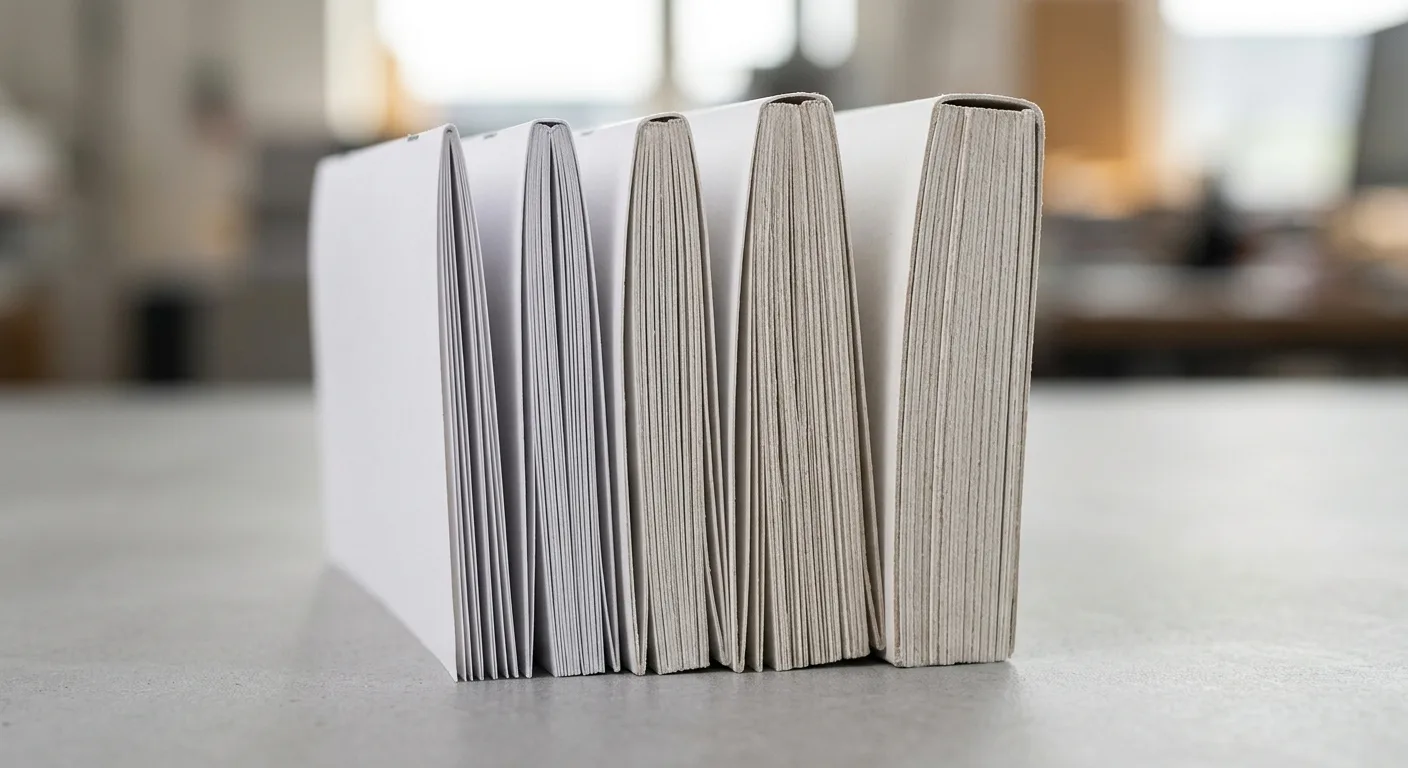
Booklet paper weight describes how substantial the paper feels and, in many markets, is specified in grams per square metre, or GSM. A higher GSM generally indicates a heavier sheet, but perceived thickness also depends on paper density, coating and caliper. Two papers with the same GSM can therefore feel different in the hand.
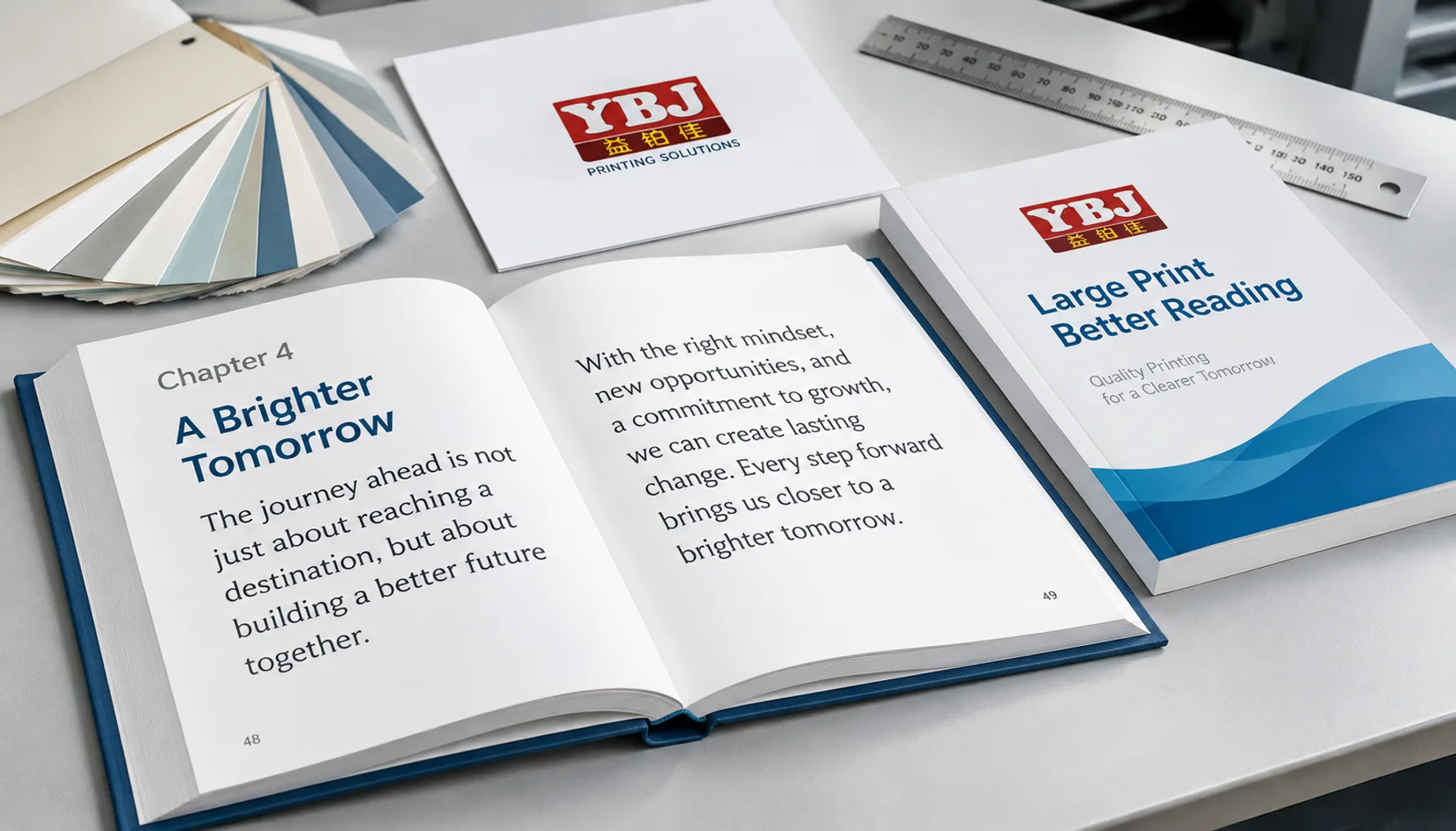
As a starting point, many booklets use inside pages in the approximate range of 90 to 170 GSM. Lighter stocks can help keep a multi-page booklet flexible and economical. Heavier inner pages create a more substantial feel, but they can increase bulk and may not be suitable for every folded format.
Cover stock is commonly heavier than the text pages, often starting around 200 GSM and extending to approximately 350 GSM depending on size, page count, binding and finishing. These are planning ranges rather than fixed rules. Available paper grades, sheet sizes, folding requirements and the printer’s production process can change the practical recommendation.
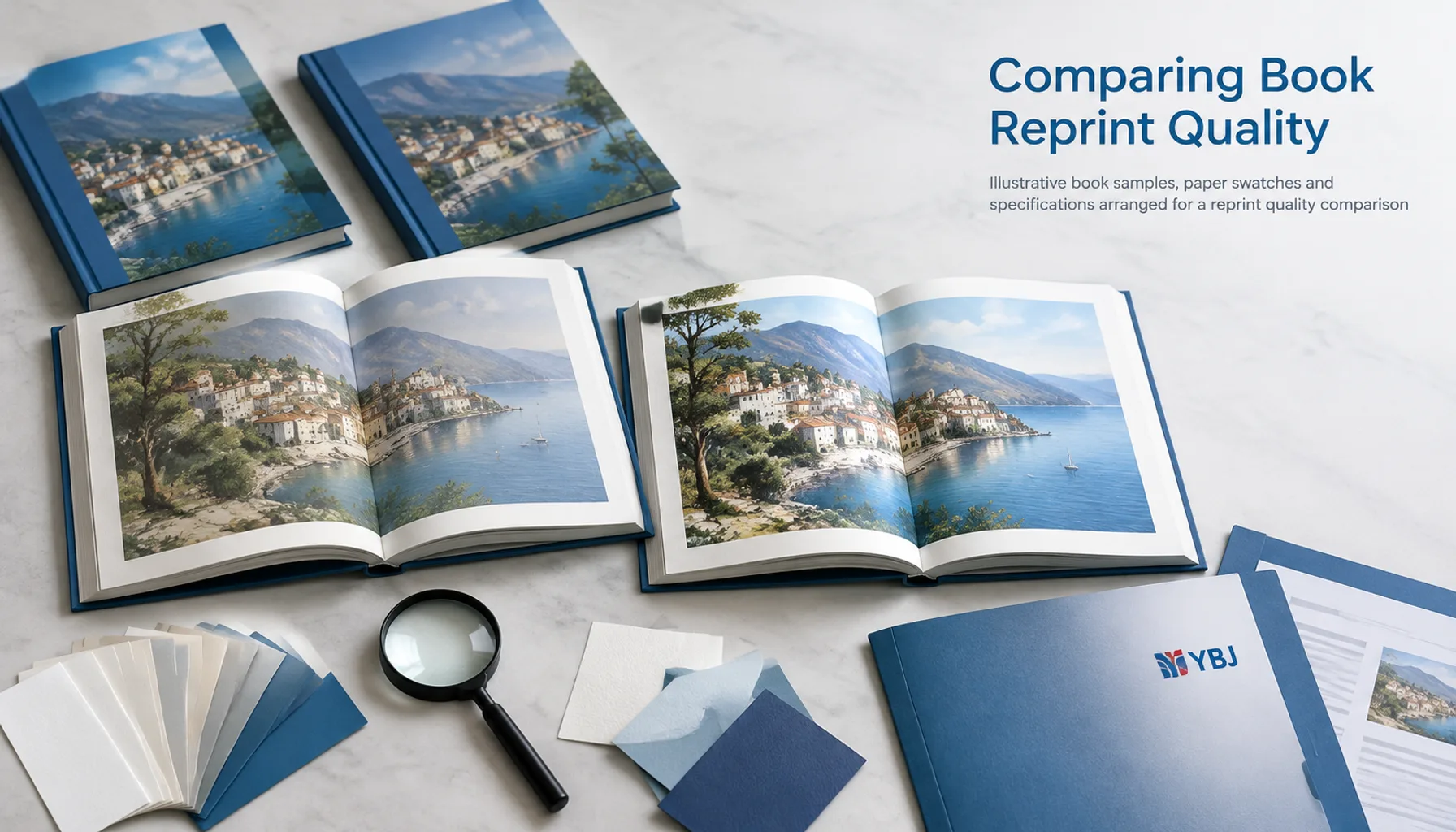
When comparing samples, check more than the number. Review stiffness, opacity, show-through, folding behaviour and how the paper accepts the intended ink coverage. Requesting a physical paper dummy or printed proof is useful when the tactile result matters.
Choose the Right Paper for Inside Pages

Inside pages carry most of the reading, images and information, so their paper should support the content rather than compete with it. The main options are coated paper, uncoated paper and speciality stocks such as coloured or textured grades.
Coated paper for images and colour
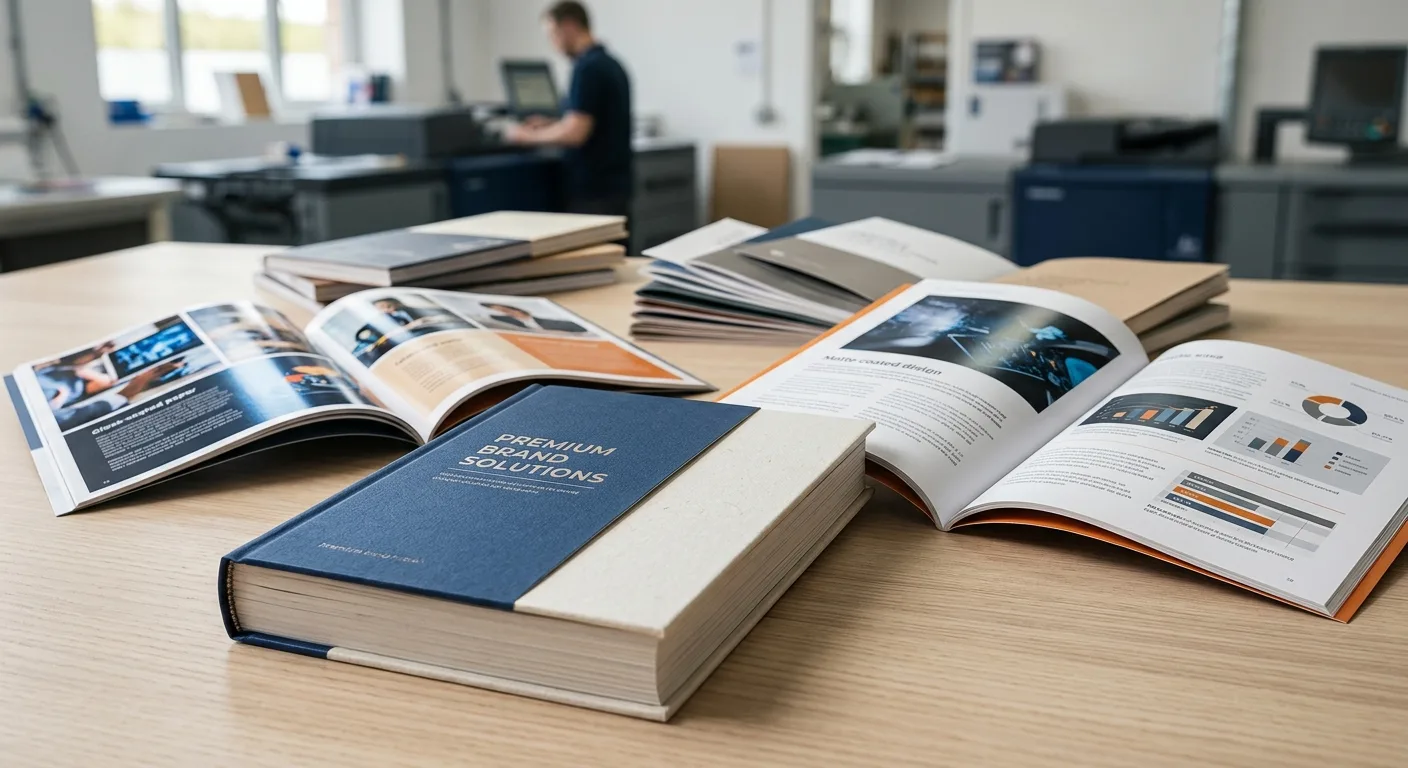
Coated paper has a smoother surface that can produce clean detail and strong colour reproduction. It is a common choice for product brochures, travel booklets, lookbooks and catalogues with photographs. Gloss-coated pages create a more reflective appearance, while matte-coated pages reduce glare and give images a softer visual character.
Uncoated paper for writing and comfortable reading
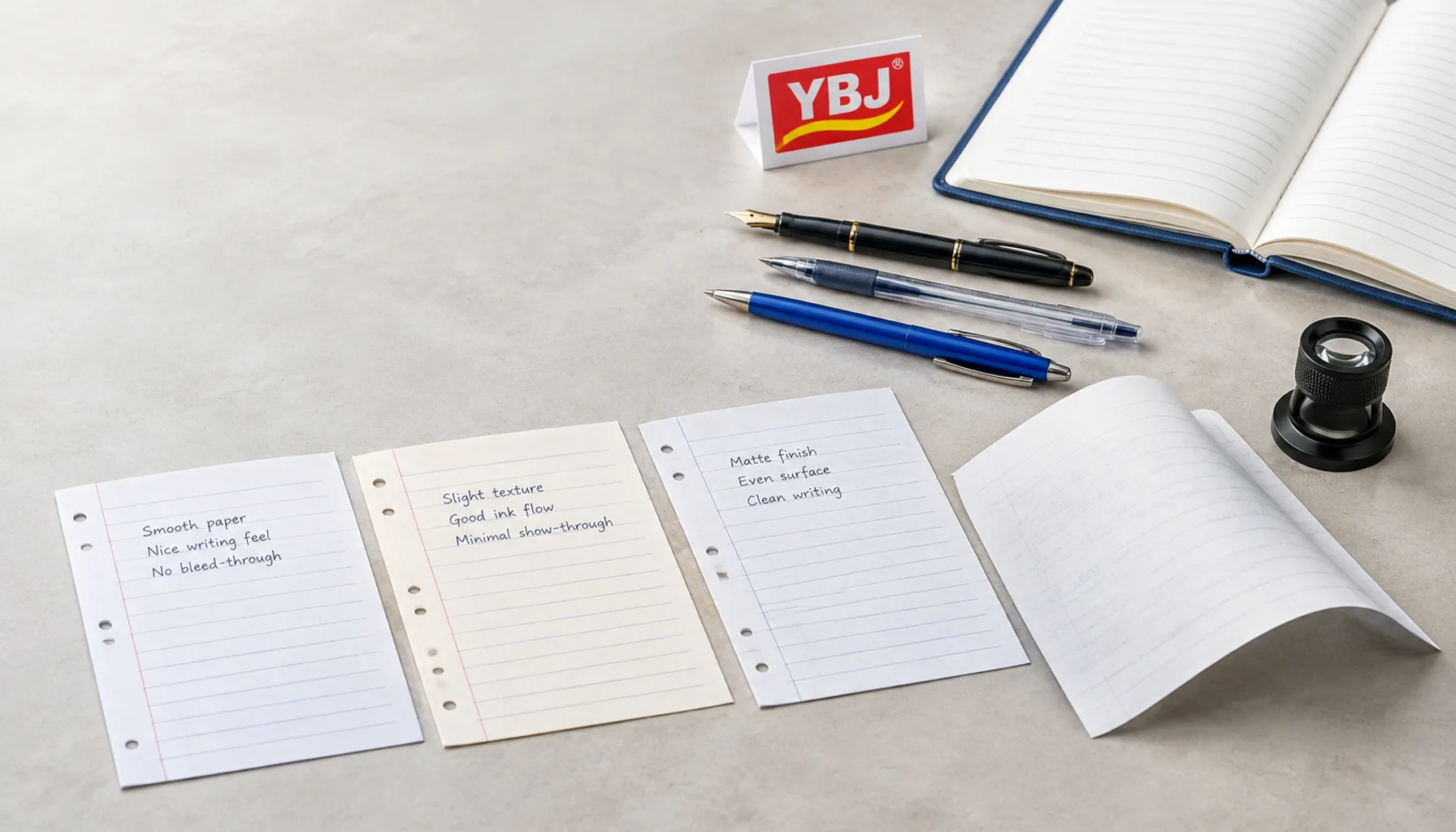
Uncoated paper has a more natural texture and is generally easier to write on with common pens and pencils. It can suit educational booklets, forms, programmes, manuals and publications where a less reflective page is preferred. Because ink interacts more directly with the fibres, colours may appear less contrasty than on coated stock; artwork and colour expectations should be reviewed accordingly.
Consider opacity and show-through
For pages with dark images, dense colour or printing on both sides, opacity matters. Thin paper can allow the reverse side to show through, reducing readability. Increasing paper weight or selecting a suitable opaque grade may help, but the final decision should be tested with the actual artwork and ink coverage.
For file preparation, review the print-ready book file checklist before production so trim, bleed, colour and page setup are aligned with the selected paper.
Select a Suitable Booklet Cover Stock
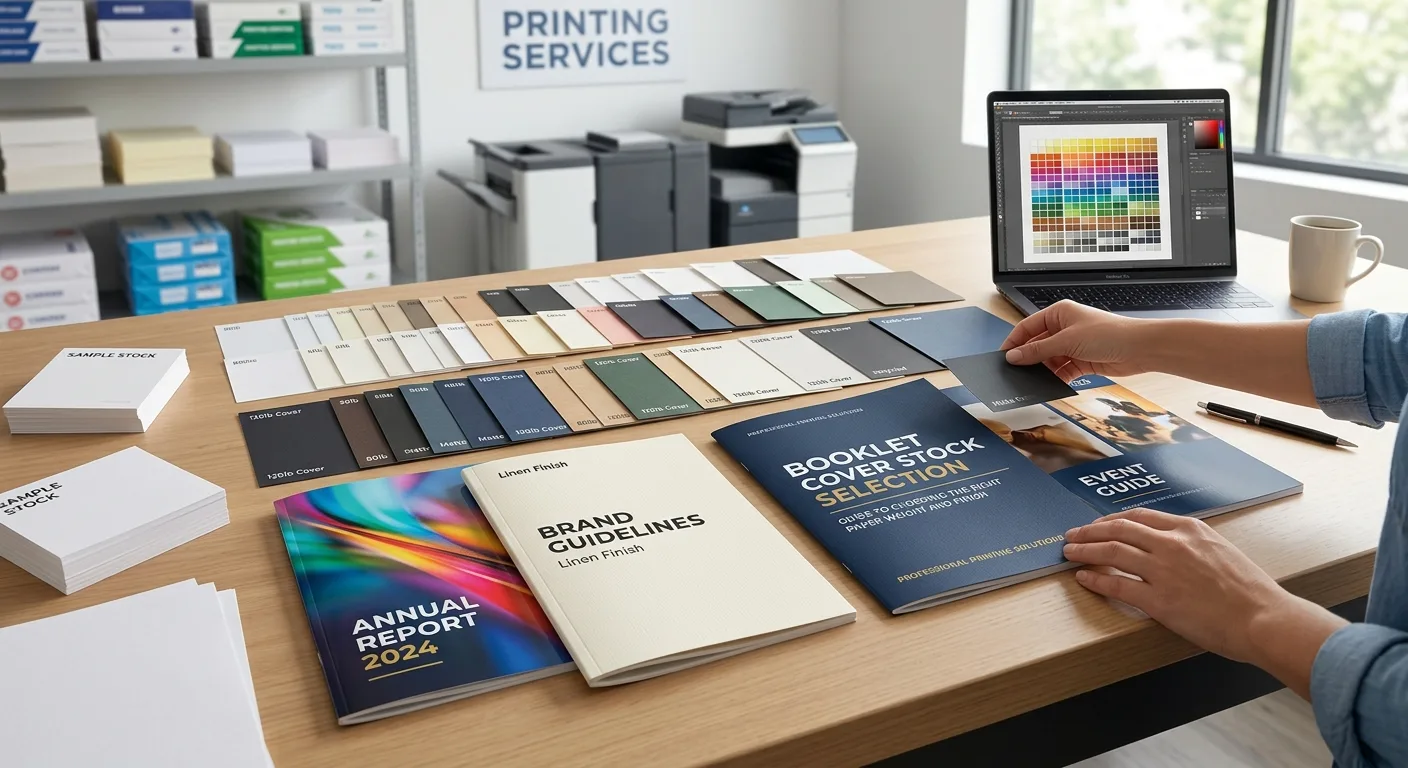
The cover protects the booklet and creates the first impression, so booklet cover stock is usually heavier or more durable than the inside paper. The correct specification depends on whether the booklet has a separate cover, a self-cover construction or a coating applied after printing.
A heavier cover can add stiffness and help the booklet feel more substantial. It is often appropriate for sales brochures, company profiles, product catalogues and event publications. However, increasing cover weight also affects folding, creasing, total thickness and shipping weight. For a saddle-stitched booklet, the cover must fold cleanly over the page section without excessive cracking or spring-back.
A self-cover booklet uses the same paper for the cover and inside pages. This approach can be suitable for short promotional handouts, newsletters and simple programmes. It reduces material changes and creates a consistent feel, but it offers less protection than a separate cover stock.
Cover lamination can add a smooth protective layer and change the tactile result. Gloss lamination gives a reflective appearance, while matte lamination creates a lower-glare surface. On heavier covers, ask the printer to confirm whether creasing or an appropriate folding method is needed to reduce the risk of cracking along the fold.
Also consider the cover artwork. Dark solid areas, full-bleed photographs and fine reversed text can make surface marks or fold stress more noticeable, so the finish and paper should be assessed together.
Glossy or Matte Booklet: Which Finish Is Better?
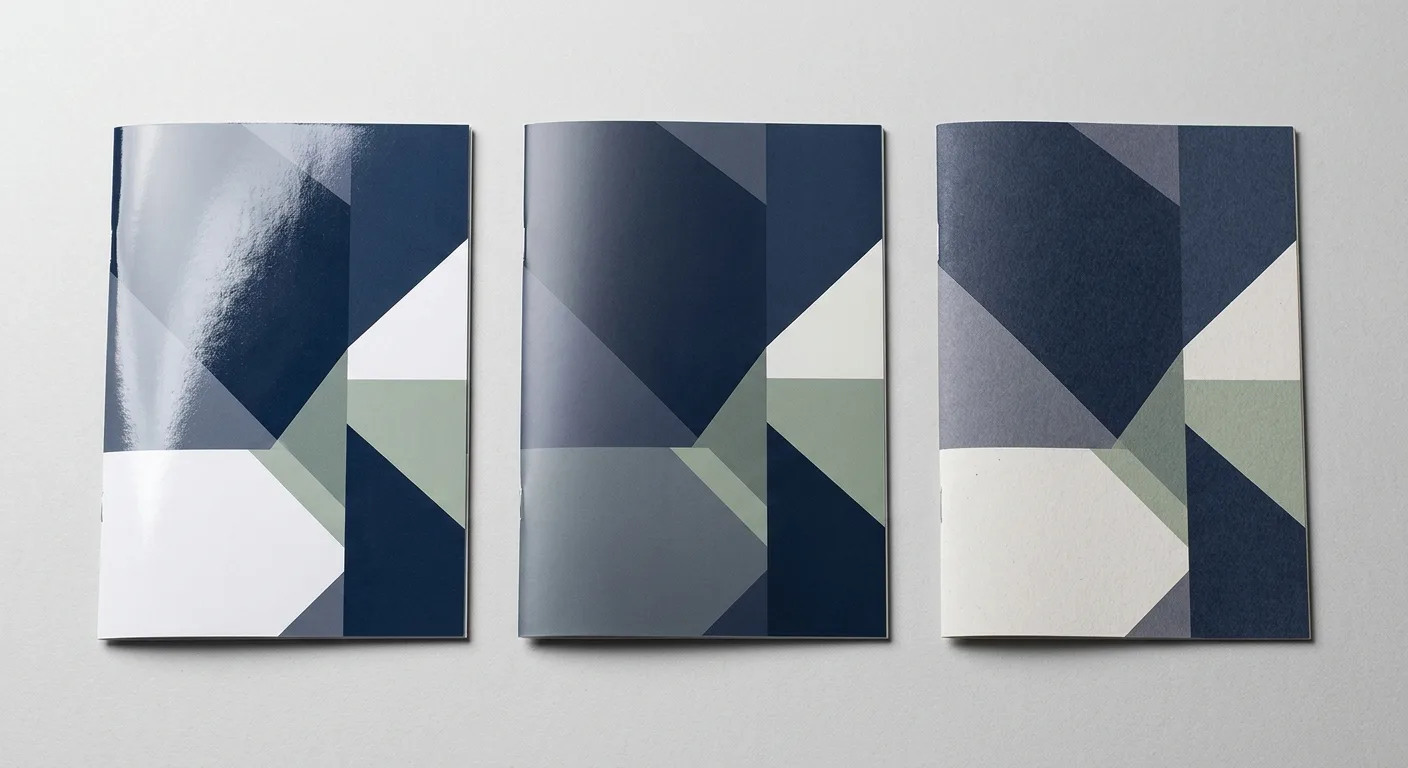
There is no universal answer to the glossy or matte booklet question. Choose the finish according to the content, lighting, handling and brand presentation.
Choose gloss when colour impact is the priority
Gloss-coated paper or gloss lamination reflects more light and can make photographs and saturated colours appear vivid. It may suit retail brochures, food photography, tourism publications and image-led product presentations. The reflective surface can make reading more difficult under strong lights, and fingerprints may be more visible on some dark covers.
Choose matte when readability and a restrained look matter
Matte-coated paper or matte lamination reduces surface reflection and gives the booklet a softer, more understated appearance. It can work well for corporate reports, premium brand literature, editorial content and documents read under varied lighting. Matte surfaces can still reproduce detailed images, but the result is usually less reflective than gloss.
Choose uncoated for a tactile or writable surface
Uncoated stock provides a natural paper feel and may be the practical choice when readers need to write notes. It can also support a warm, literary or craft-oriented brand identity. Its absorbency means the printed result should be checked carefully, particularly for large dark areas and small text.
Finish affects more than appearance. It can influence friction during handling, the visibility of marks, handwriting performance, fold behaviour and the way colours appear. If the booklet combines photographs with forms or notes, discuss whether different paper sections or a coated cover with uncoated pages would be more useful.
Match Paper Choices to Booklet Format
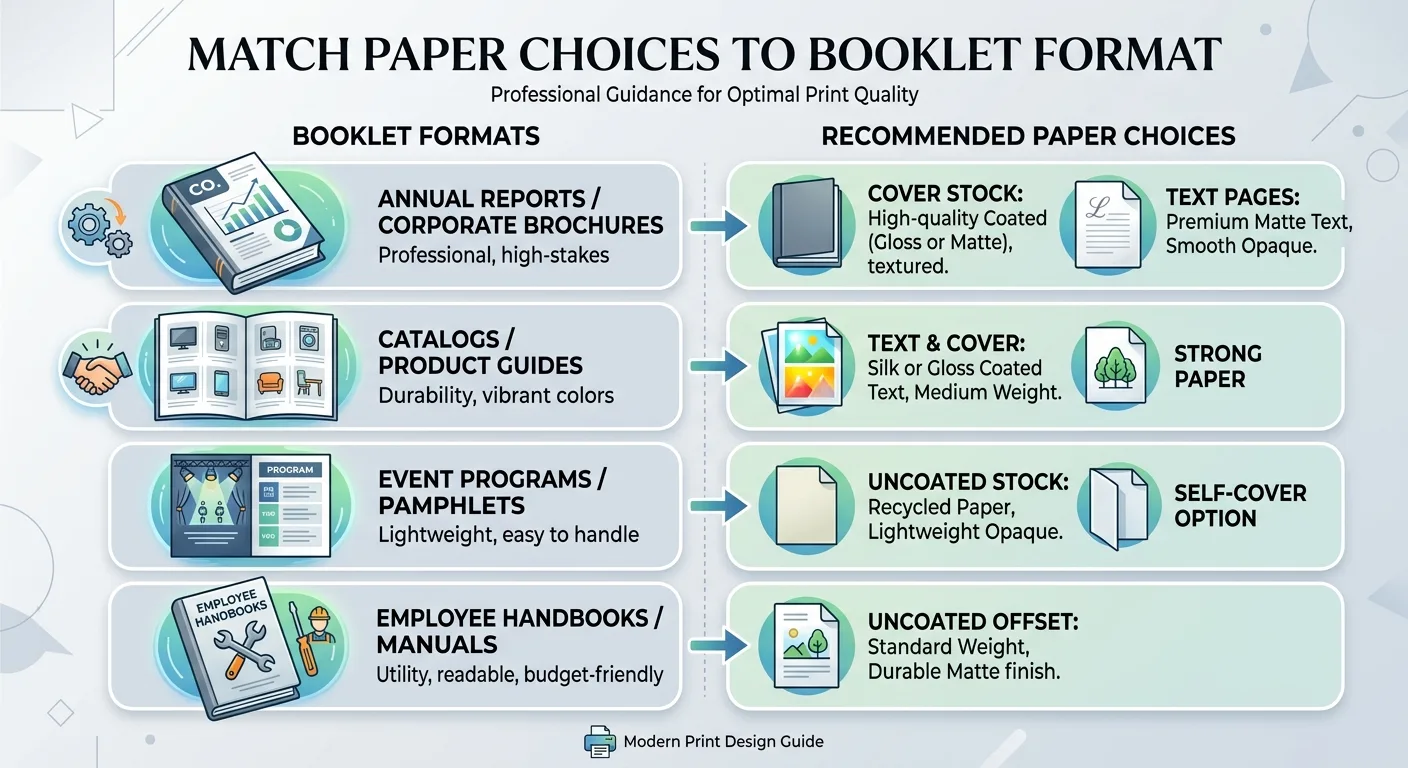
Paper selection should be made alongside the finished size, page count and binding method. A compact booklet with many pages may need lighter inside paper to remain easy to open and carry. A larger, short-page-count booklet may accommodate a heavier stock without becoming unwieldy.
For marketing brochures and product catalogues, a medium-weight coated inside stock with a heavier coated cover is a common starting point when photography is central. For reports and editorial booklets, matte-coated or uncoated pages may make longer reading more comfortable. For worksheets, activity materials and forms, writable uncoated paper is usually more practical than a glossy surface.
Calendars, programmes and event booklets may need a balance between colour reproduction, page-turning and distribution weight. A separate cover can improve protection, while a self-cover construction may be appropriate for a short run of pages or a lightweight handout.
Finished size also changes how a paper feels. A heavy stock may seem appropriate in a small format but feel cumbersome in a larger format. Before finalizing paper, confirm the trim size, page count and folded dimensions. Our guide to book printing trim sizes can help structure this decision before you request production pricing.
Check Binding, Cost and Production Effects
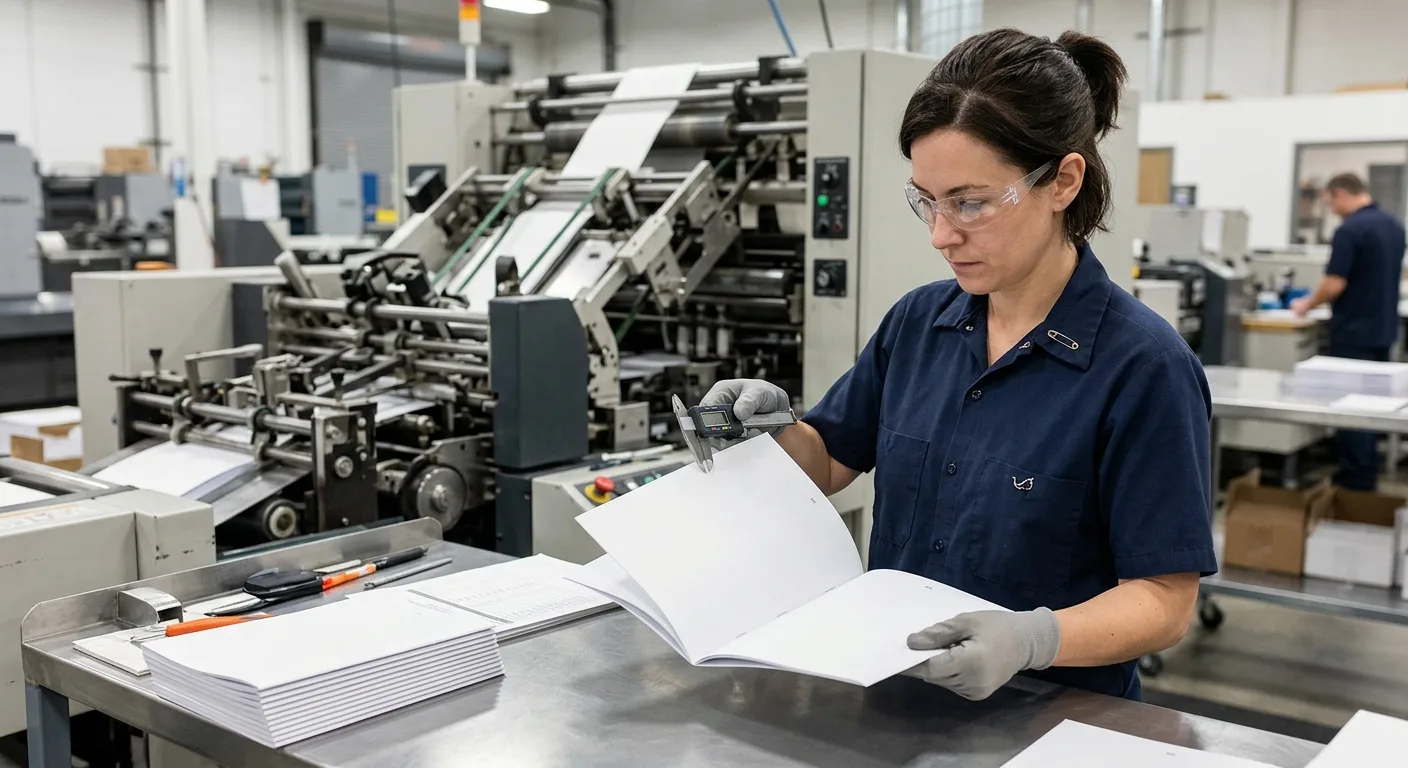
Paper weight and finish influence more than the appearance of a booklet. They can affect material usage, folding, trimming, binding, packing and freight. The effect is especially important when ordering a large quantity or shipping internationally.
For saddle-stitched work, the total number of pages and the thickness of each sheet affect the booklet’s spine fold and page creep. Page creep occurs when folded sheets extend slightly beyond the inner sheets near the front and back of the booklet. Trimming can manage the edge, but the printer should review the complete specification rather than assess paper weight in isolation.
Large ink coverage can require attention to drying, scuffing and surface protection. Dark covers may show handling marks more clearly, while uncoated pages may absorb ink differently from coated pages. If colour consistency is important, approve a suitable proof and assess it under the lighting in which the booklet will be viewed.
Price and lead time depend on the combination of paper grade, GSM, cover construction, finish, trim size, page count, quantity, binding, packaging and destination. Stock availability and the need for special paper procurement can also affect the quotation. These variables should be confirmed with the printer before artwork is finalized.
For broader budget planning, review this practical guide on reducing printing costs without sacrificing quality.
Booklet Paper Specification Checklist
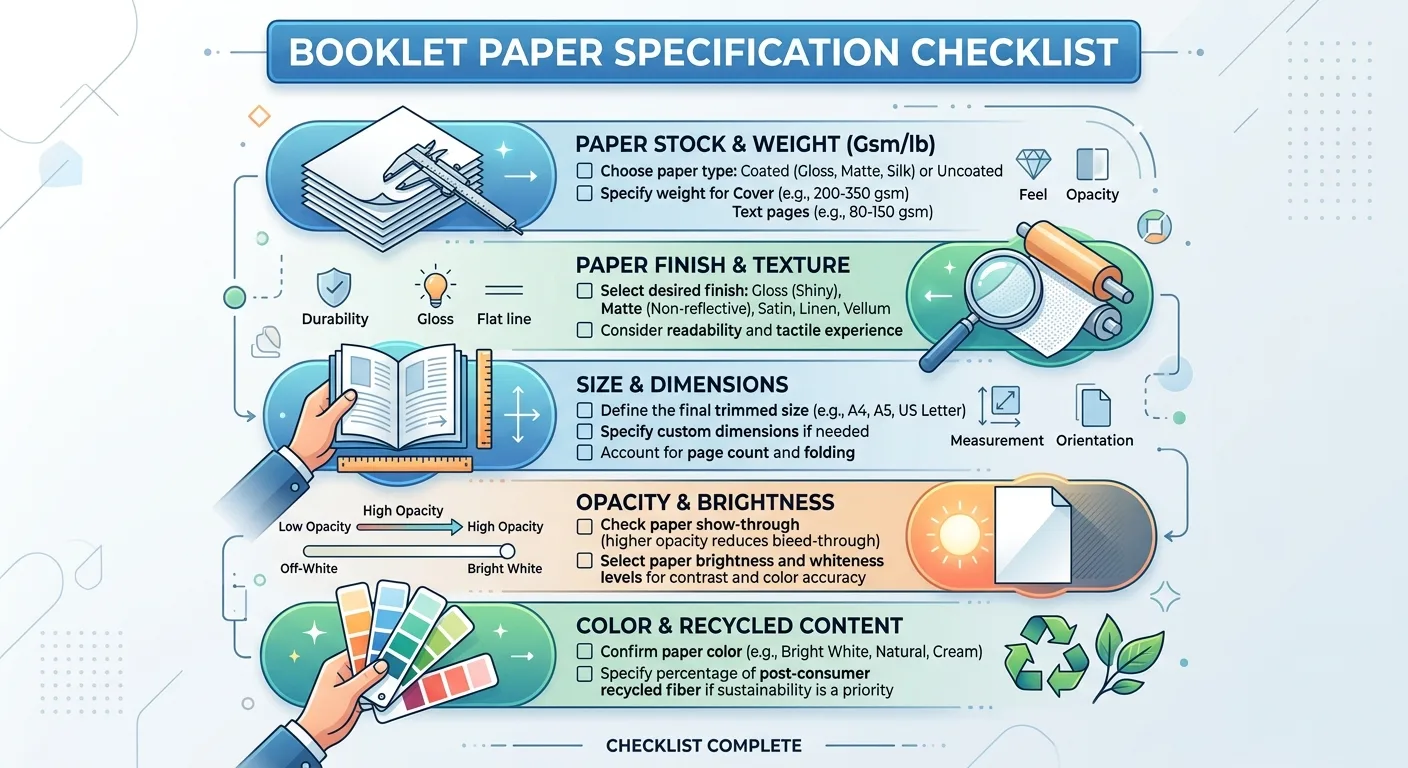
Use the following checklist when preparing a booklet specification for a printer:
- Purpose: explain whether the booklet is for promotion, reading, writing, instruction, events or retail distribution.
- Inside paper: specify coated or uncoated stock, preferred GSM, colour and opacity requirements.
- Cover construction: state whether the booklet needs a separate cover stock or a self-cover format.
- Finish: choose gloss, matte, uncoated, lamination or another approved surface treatment.
- Format: confirm finished trim size, orientation, page count and binding method.
- Artwork: identify image-heavy pages, dark solid areas, fine reversed text and any writing areas.
- Proofing: request paper or print samples when colour, texture, folding or stiffness is important.
- Logistics: provide quantity, packing expectations and destination country because total weight and shipping requirements may affect the recommendation.
Paper choices should be approved as a complete system: inside pages, cover, ink coverage, finish, folding and binding. Avoid selecting a GSM only because it sounds premium or economical. The practical choice is the stock that delivers the needed reading experience, durability and production performance within the project’s budget.
Once the specification is clear, a printer can recommend available grades and confirm whether the chosen combination is suitable for the finished booklet.
Discuss Your Booklet Paper Specification
YBJ Printing can help you compare practical booklet paper options for your format, content and distribution needs. To request an accurate quotation, send the product type, trim size, page count, quantity, paper or binding preference, finish, file status and destination country.