
Table des matières
- What a book printing proof is
- Why proof approval matters
- Book printing proof checklist
- Check colour and images
- Check layout and content
- Check the cover, spine and binding
- Check materials and finishing
- Approve production with clear instructions
- Common proofing mistakes to avoid
- Conclusion
A book printing proof is your final opportunity to confirm that the approved files, materials and production specifications match your expectations. Review this checklist before authorising full production.
What Is a Book Printing Proof?
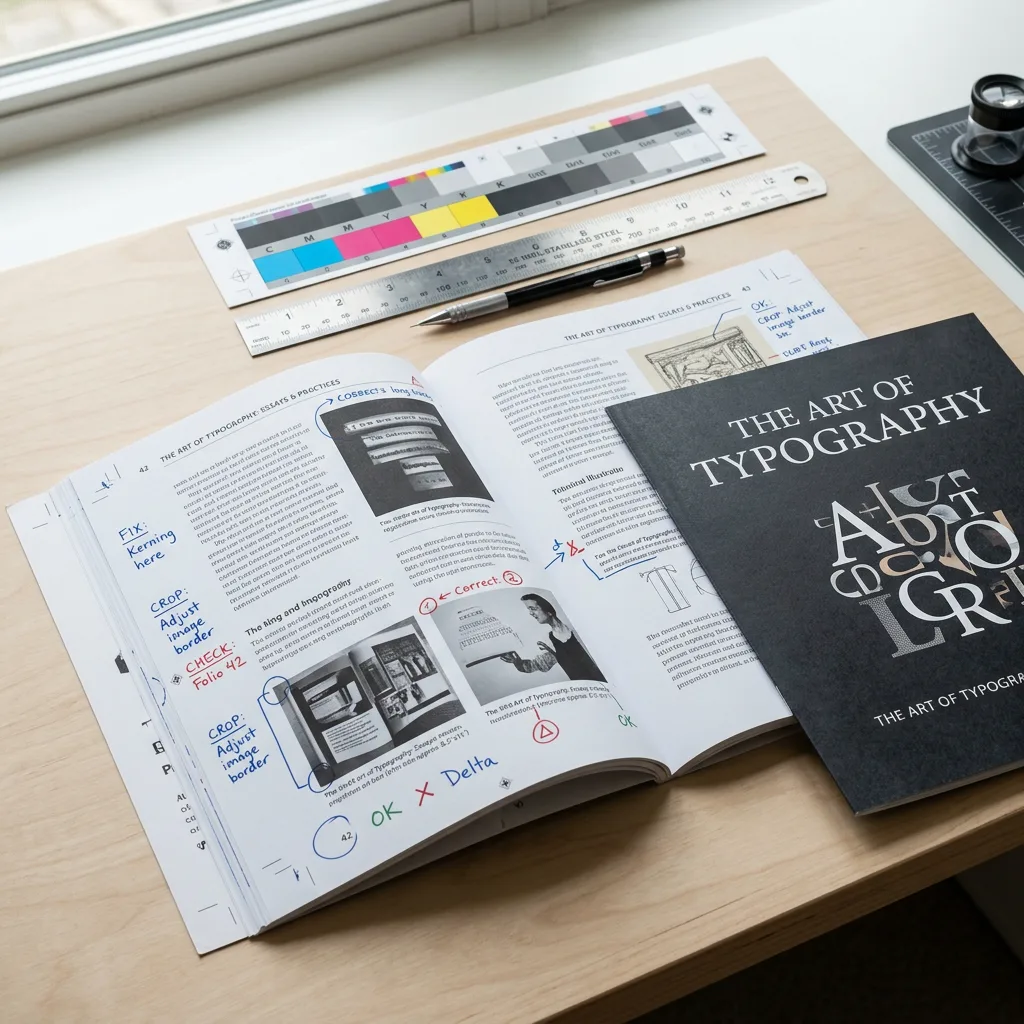
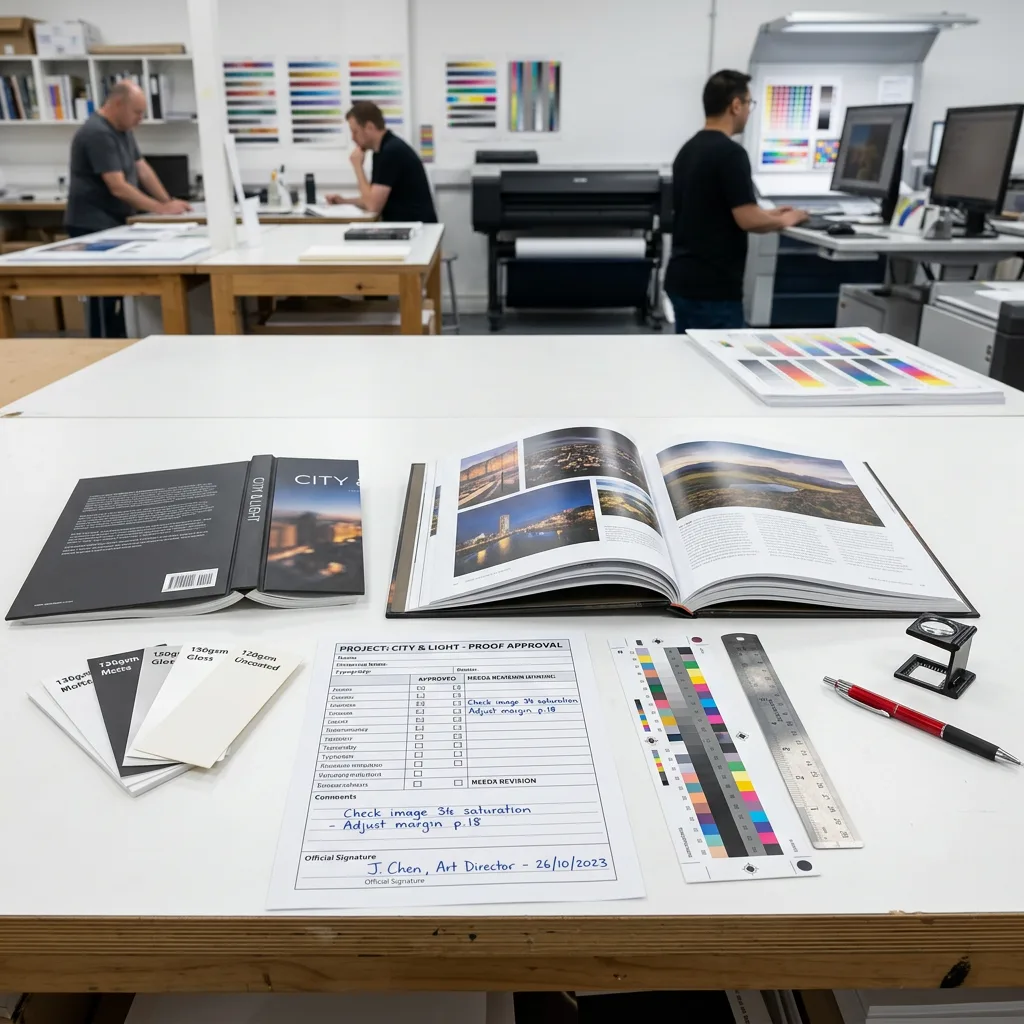
A book printing proof is a pre-production review item used to confirm that a book’s artwork, content, materials and construction are ready for full production. Depending on the project and agreed process, it may be a digital PDF proof, a printed colour proof, a physical dummy, or a finished sample made with the intended paper, cover and binding.
Before approval, check the proof against your approved artwork and written specifications. Focus on readable content, correct page order, image quality, colours, trim and bleed, cover dimensions, spine text, binding and finishing. Do not assume that a proof confirms items that are not visible or documented. Ask the printer to clarify the proof type and the specifications it represents.
Proofing is especially important for colour-sensitive books, illustrated titles, catalogues, cookbooks, children’s books and premium hardcovers. It is also important when a project has foil, embossing, die-cuts, unusual paper, inserts or other special construction details.
Why Proof Approval Matters Before Production
Production approval tells the printer that the submitted files and agreed specifications can move forward. After full production begins, changes to artwork, paper, binding or finishing may affect cost, production timing and usable inventory. A careful review protects both the buyer and the production process.
A proof is also where digital expectations meet physical print. A monitor uses RGB light, while most book interiors and covers are reproduced with CMYK inks. Paper shade, paper surface, ink coverage and finishing can all influence the final appearance. For a more detailed explanation of colour preparation, read CMYK, RGB, and Pantone for book printing.
For physical proofs, confirm whether the sample uses final production materials and processes. A simple folded dummy can verify dimensions and pagination, but it may not accurately represent final colour, paper opacity, foil appearance or binding strength. Record any changes in writing so the approval version is clear to every stakeholder.
Book Printing Proof Checklist
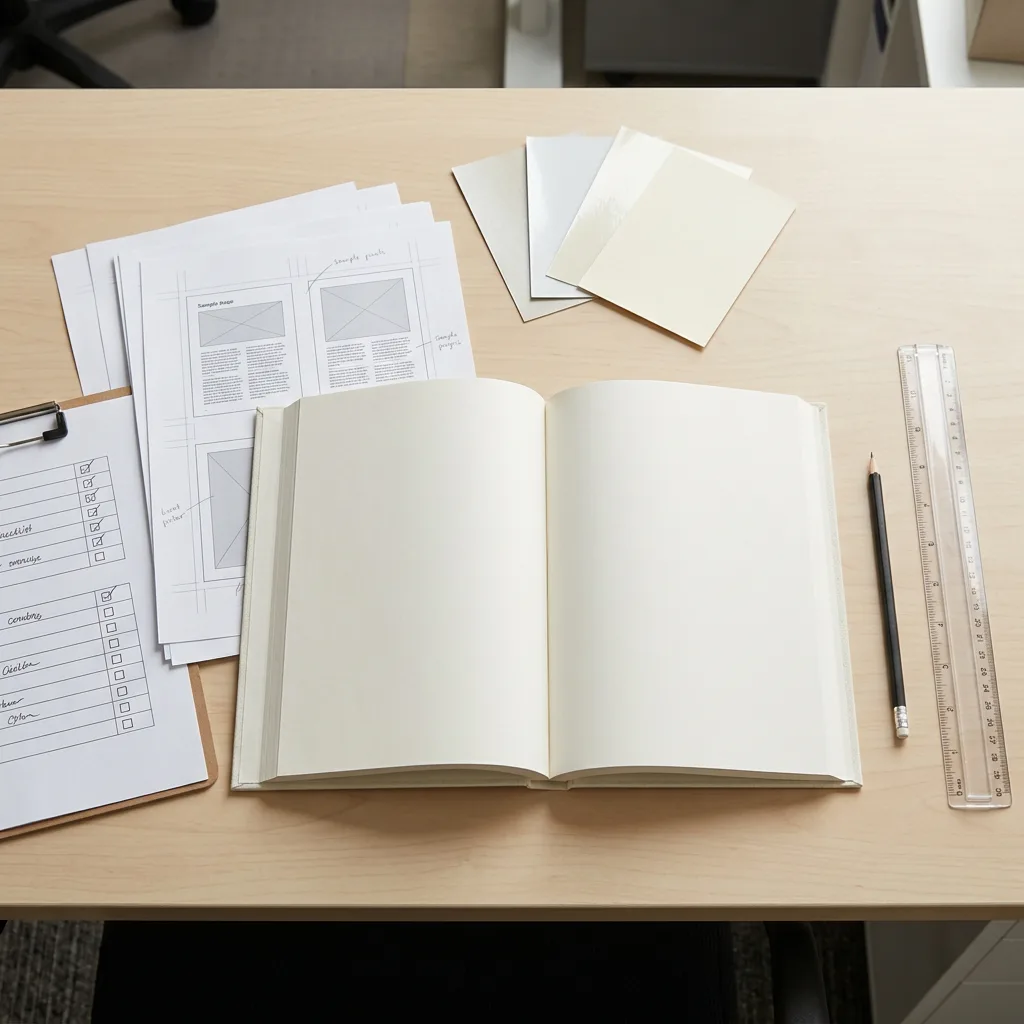
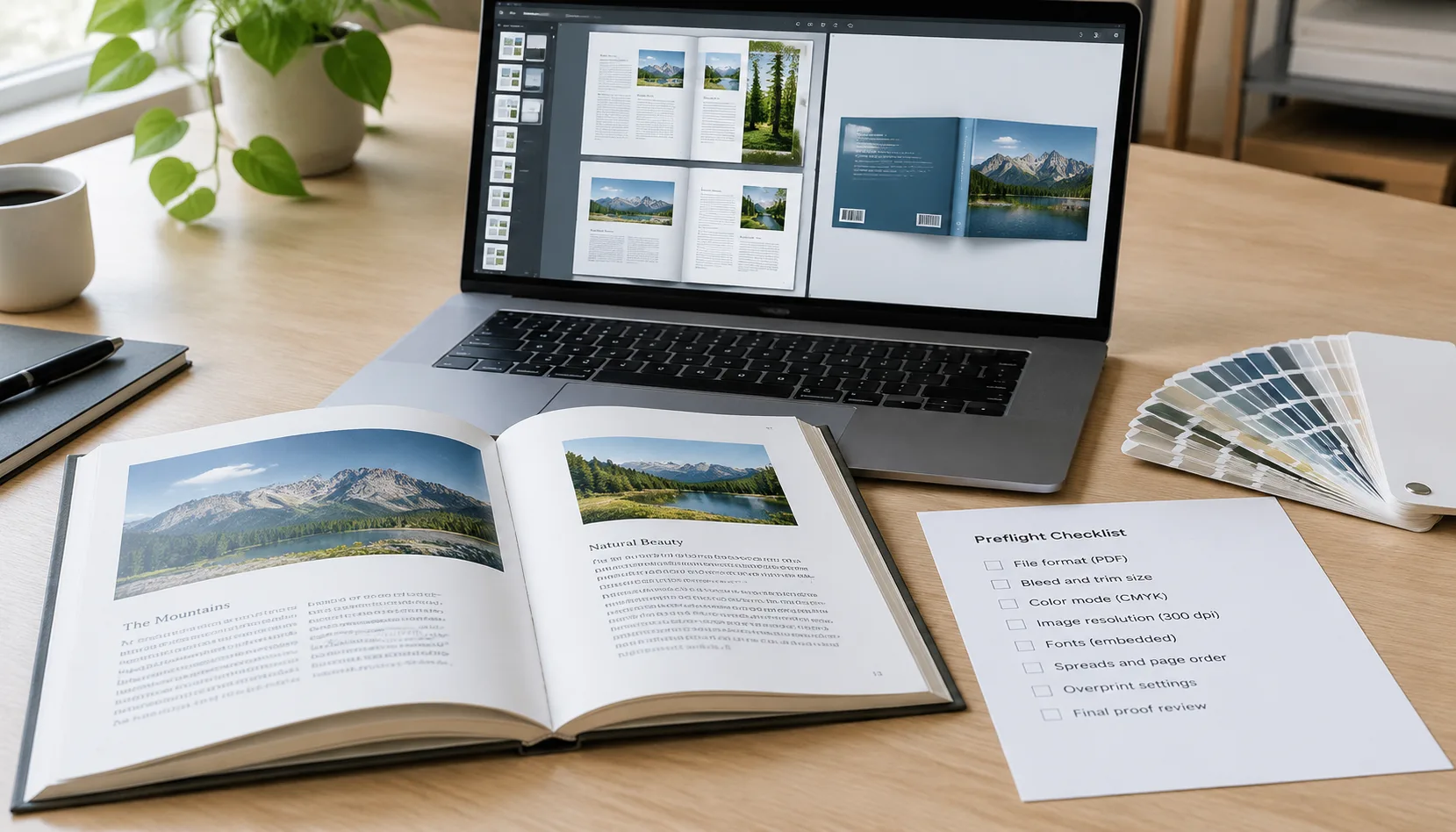
Use this buyer-focused checklist before approving a book printing proof:
- Confirm the title, subtitle, author name, ISBN, barcode and publisher details.
- Check the final trim size, page count and page numbering.
- Review page order, blank pages, section breaks, tables of contents and index references.
- Check bleed, safe margins, crop marks and the placement of critical text near the trim edge.
- Inspect images for sharpness, correct cropping, suitable brightness and expected colour.
- Confirm the cover layout, spine width, spine text direction and back-cover elements.
- Verify the interior and cover paper selections, including paper shade and surface where relevant.
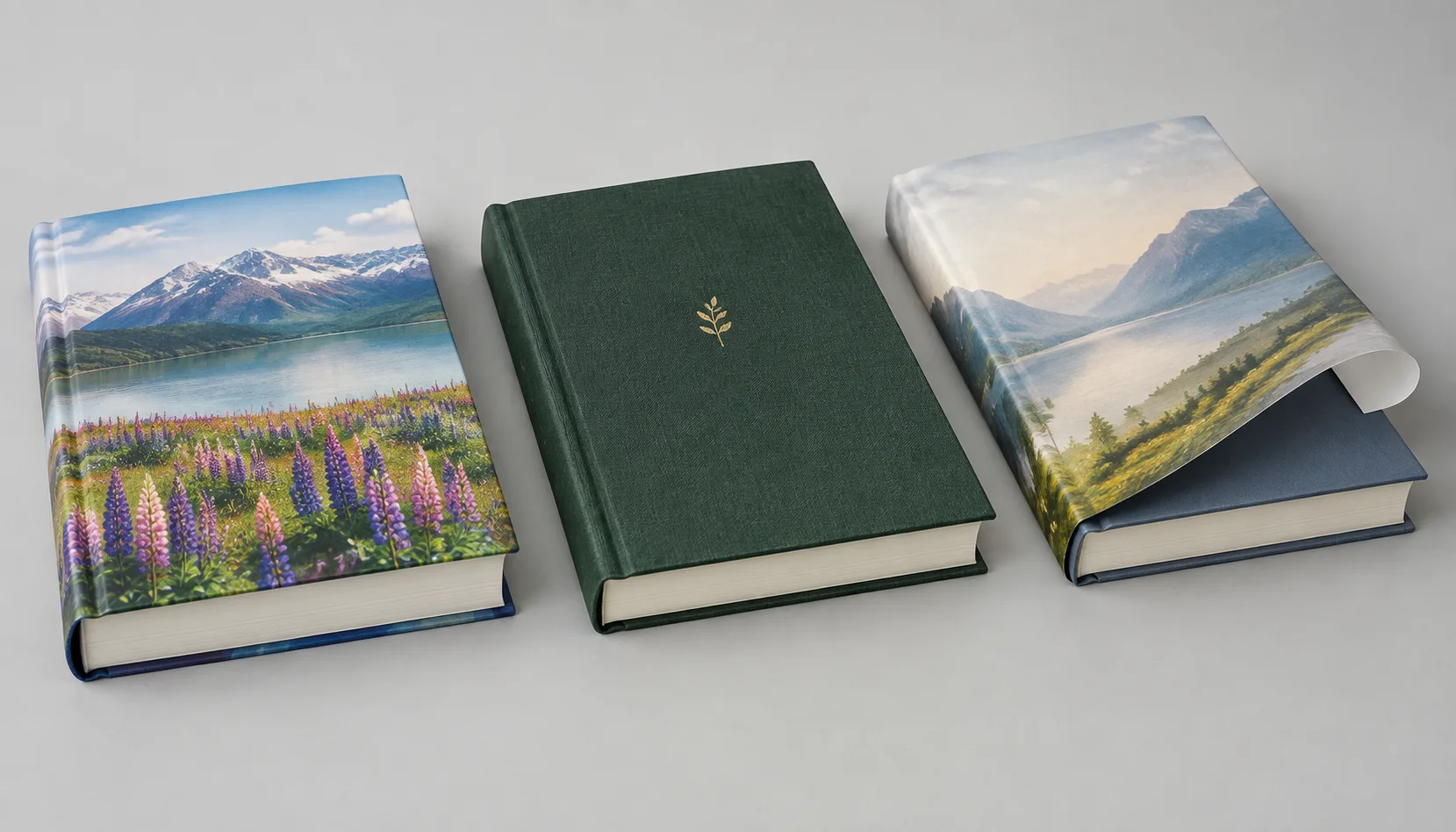
- Confirm binding type, cover construction, lamination and any special finishing.
- Check that inserts, foldouts, pockets, ribbons, die-cuts or other special features are included and correctly positioned.
- Read the approval note carefully and list every correction before giving final written approval.
The proof should be reviewed by people responsible for editorial content, design, brand, purchasing and distribution where applicable. Assign one person to consolidate feedback; this prevents conflicting revision requests and reduces avoidable delays.
Check Colour and Images Under Realistic Conditions
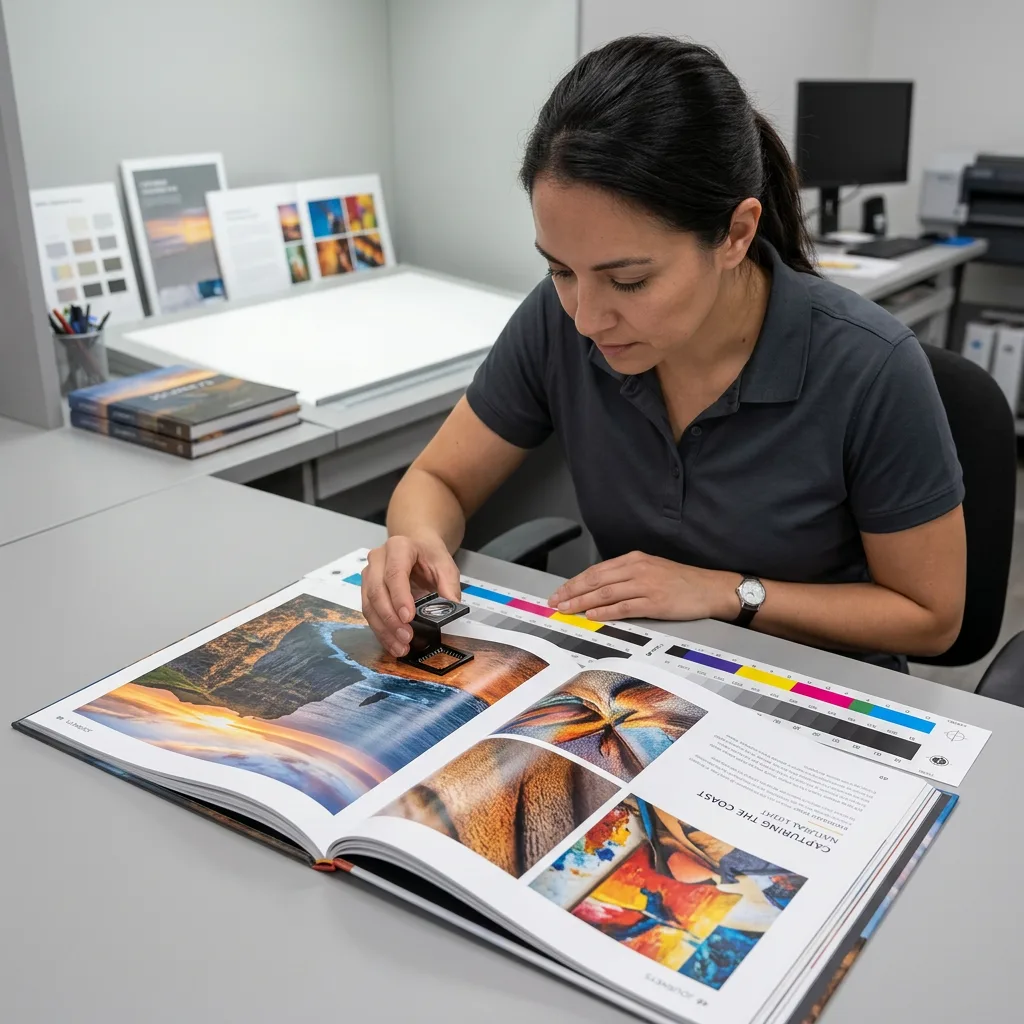
Review colour proofs in suitable neutral lighting when possible. Avoid judging critical colour under strongly coloured, dim or mixed lighting. Compare the proof with approved brand references, supplied colour standards or previously approved samples where available.
Check skin tones, black text, neutral greys, shadows, highlights and large solid colour areas. Look for unintended colour casts, weak contrast, overly dark images, blocked shadows, missing detail in highlights and inconsistent image treatment across spreads. Images that looked acceptable on screen can print differently if their source resolution, colour conversion or tonal range is unsuitable.
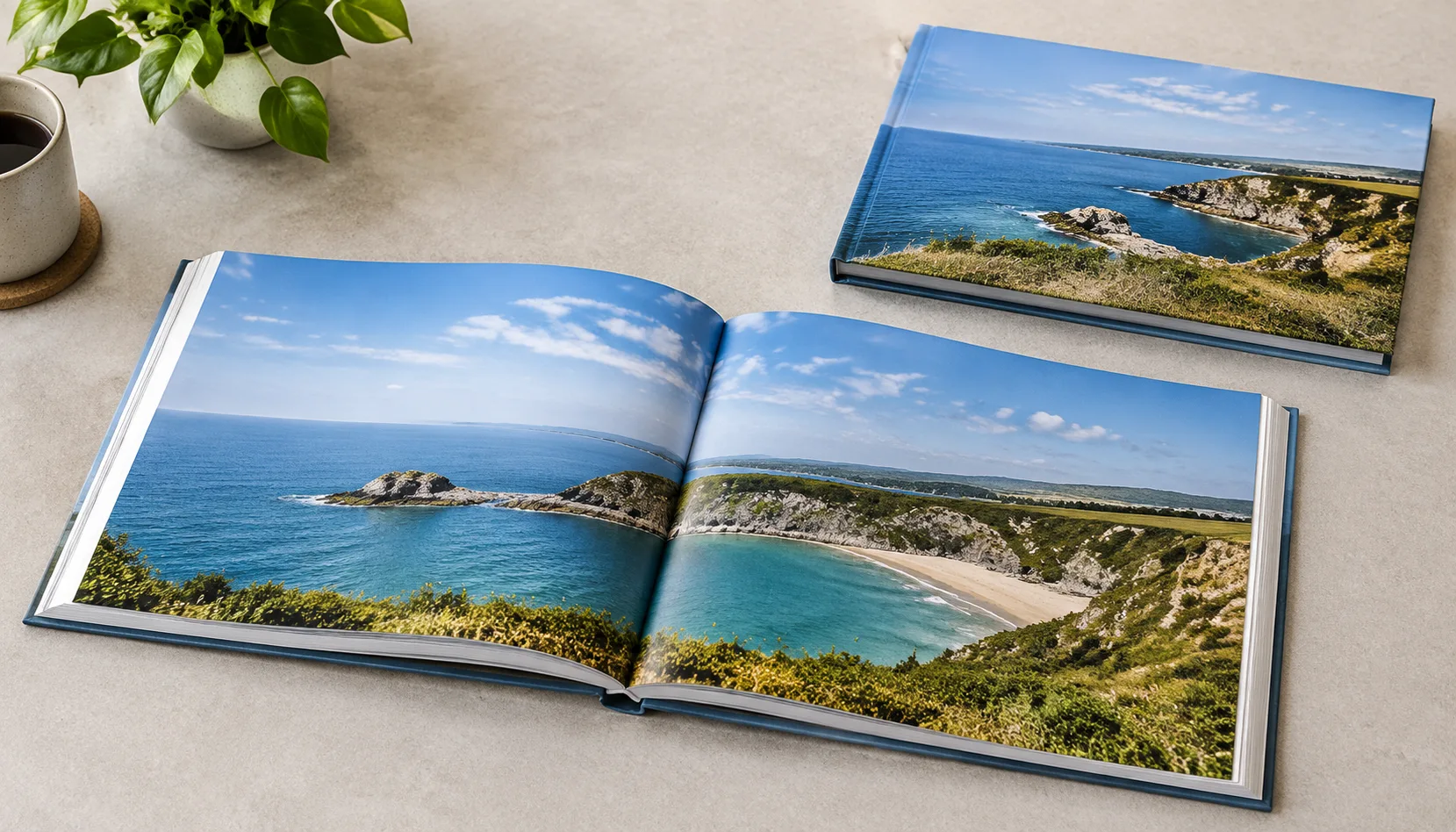
Also inspect image placement across facing pages. A key subject, face or product detail should not disappear into the gutter or be unintentionally cropped at trim. For a full-bleed image, confirm that it extends beyond the finished trim as required by the file setup. Avoid approving colour only from an uncalibrated office monitor when colour accuracy is important.
Assumptions affecting colour quality include the proof type, ink process, paper stock, coating, source files and viewing light. If a specific brand colour is essential, discuss the required colour approach before approval rather than relying on a visual description alone.
Check Layout, Pagination and Editorial Content
Read the entire proof, not only selected pages. Check spelling, punctuation, captions, headers, footers, running heads, page numbers, image credits, URLs and legal text. Verify that chapters begin where intended and that the table of contents, cross-references and index entries point to the correct pages after final pagination.
Look closely at pages near the front and back of the book, which are sometimes missed in review. Confirm front matter, copyright page, dedication, acknowledgements, title page, end matter and intentionally blank pages. Blank pages should be deliberate, particularly around section starts and binding transitions.
Review text close to the gutter and trim edge. The usable margin needed near the binding depends on the binding method, page count and paper thickness. Small type, page numbers and rules should remain clear of the trim and comfortably readable after binding. When reviewing a digital proof, view pages at 100% and use spreads as well as single pages to identify alignment and crossover issues.
If your cover has spine text, the cover file must use the correct calculated spine width. See how book spine width is calculated for printing before locking the full cover artwork.
Check the Cover, Spine and Binding Construction
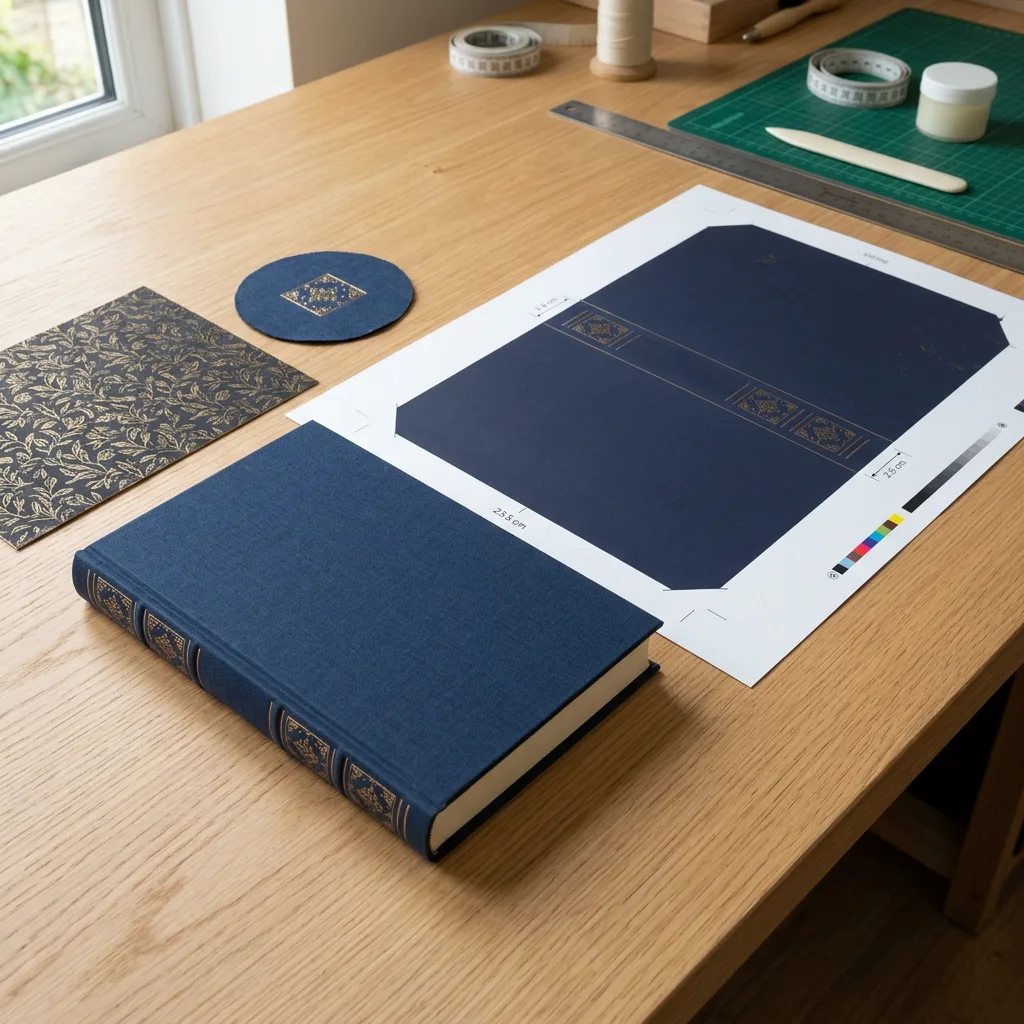
The cover is often the most visible part of a printed book, so review it separately from the interior. Confirm front-cover and back-cover copy, barcode position, logo placement, background colour, laminate choice and special finishing locations. Ensure that elements intended to align with foil, embossing, debossing, spot UV or die-cut areas are clearly identified in the approved artwork and specification.
For perfect-bound books, inspect the cover wrap, spine text and hinge areas. For casebound hardcovers, check the relationship between the printed cover artwork, board size, turn-ins, joint areas and endpapers. For sewn or special-bound books, ask how the construction affects spread opening and the gutter area.
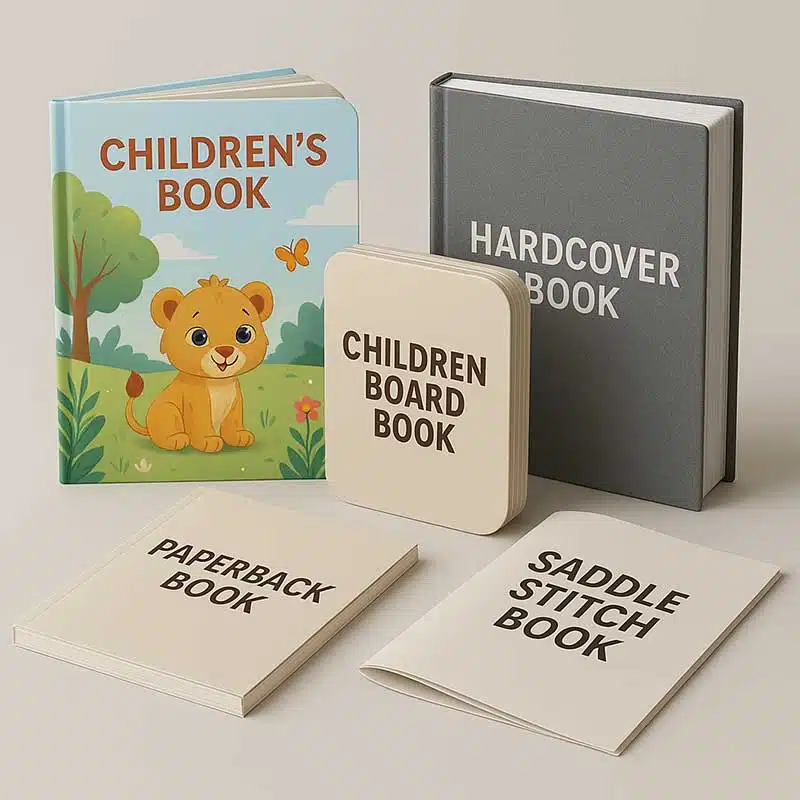
Binding choice affects the proof review. Perfect binding, saddle stitching, spiral binding, sewn binding and hardcover case binding each have different page-count, opening-behaviour and construction considerations. Buyers comparing production methods can use this guide to offset versus digital book printing to understand how quantity, paper and binding planning influence the production route.
For presentation books with cloth covers or premium materials, request confirmation of the cloth colour, debossing or foil artwork, and any protective packaging requirements. The specifications for luxury cloth-bound hardcover coffee table book printing illustrate the type of physical details that should be checked before production.
Check Paper, Materials and Finishing Specifications
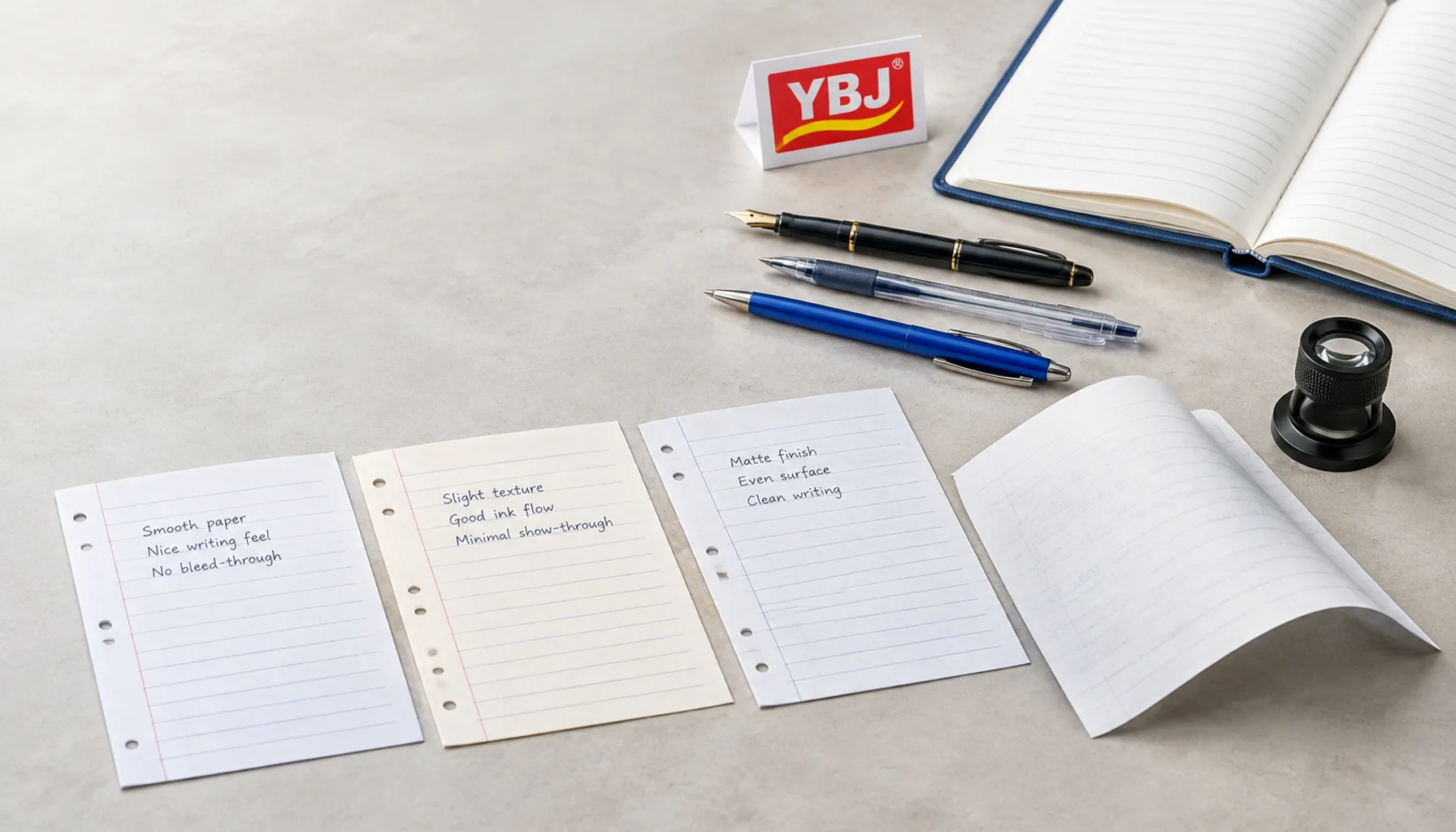
A digital PDF can confirm content and layout, but it cannot reliably confirm the feel, thickness, opacity or finish of paper. Where paper is important to the buying decision, review swatches, a material sample or a physical proof and confirm the exact stock in writing. Check whether the interior paper is coated or uncoated, its shade, its weight and its opacity as relevant to the design.
For the cover, confirm board or cover-stock selection, lamination type, and special treatments such as foil stamping, spot UV, embossing, debossing or texture. These details influence appearance, handling and perceived quality. Their final result can vary according to artwork detail, material surface and production process.
Children’s board books need additional checks for board construction, corner treatment, page durability and interactive elements. Review the practical considerations in Caractéristiques de sécurité et de résistance des livres cartonnés when those details are part of your project.
Material choices can affect unit cost, freight weight, lead time and final spine width. Confirm substitutions only in writing, and ensure that any revised paper or finishing choice is reflected in the final approval record.
Approve Production With Clear Written Instructions
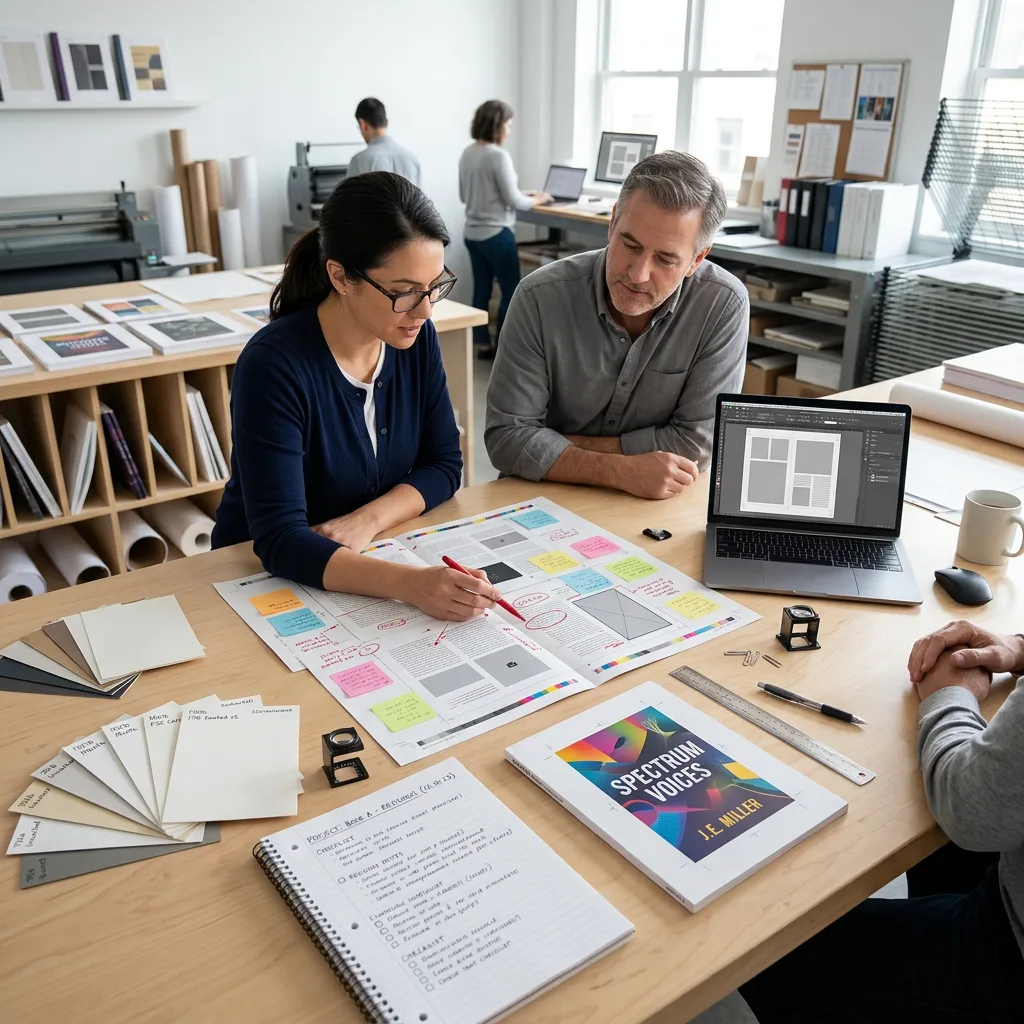
When the proof is correct, send a clear written approval that identifies the exact version being approved. Include the file name, revision date or version number, agreed specifications and any final production notes. State whether approval covers digital artwork only or also a physical sample, paper and finishing details.
If corrections are needed, provide consolidated comments that identify the page or component, the current issue and the required change. Marked PDFs, annotated screenshots and numbered correction lists are useful when they are unambiguous. Avoid general instructions such as “make it look better” or “match the screen,” because they do not define an actionable production change.
Before approval, reconfirm the product type, trim size, final page count, quantity, interior and cover paper, binding, finish, packaging requirements and destination country. These factors can affect pricing, production planning and shipping. A change after proofing, especially to page count, paper or binding, may require revised cover dimensions or a new proof.
Common Book Proofing Mistakes to Avoid
- Approving from a phone screen: Small screens can hide low-resolution images, fine text and alignment problems.
- Reviewing only the cover: Interior pagination, blank pages, cross-references and image placement need the same attention.
- Assuming a PDF confirms paper and finishing: Request physical references when material feel or decorative effects are important.
- Ignoring the gutter: Text and important image details can become difficult to read near the binding.
- Changing page count after cover approval: This can change the spine width and require a revised cover file.
- Using multiple uncoordinated reviewers: Consolidate feedback to avoid contradictory instructions.
- Approving without retaining the final version: Keep the approved PDF, written specification and approval email together for reference.
A structured proofing process is more efficient than a last-minute visual check. It gives the printer a reliable production instruction and gives the buyer a clear record of what was approved.
Conclusion: Approve Only What You Have Checked
A book printing proof should be checked for content, colour, image quality, layout, trim, cover, spine, materials, binding and finishing before full production is approved. The most reliable approach is to compare the proof with a complete written specification, understand what the proof type can verify, and record all final decisions in writing.
For an accurate custom book quotation, provide the product type, trim size, page count, quantity, paper or binding preference, finish, file status and destination country. Discuss your custom print project with YBJ Printing when you are ready to review specifications or request a quote.